Home / Hardware and Performance / WebAssembly Image Filters
WebAssembly Image Filters in JavaScript, Free with Live Demo
Free WebAssembly image filters in plain JavaScript. Grayscale, sepia, invert and brightness in a 491 byte hand written WASM module, with a speed race against JS.
Runs on: WebAssembly. Every modern browser.
What is the WebAssembly Image Filters?
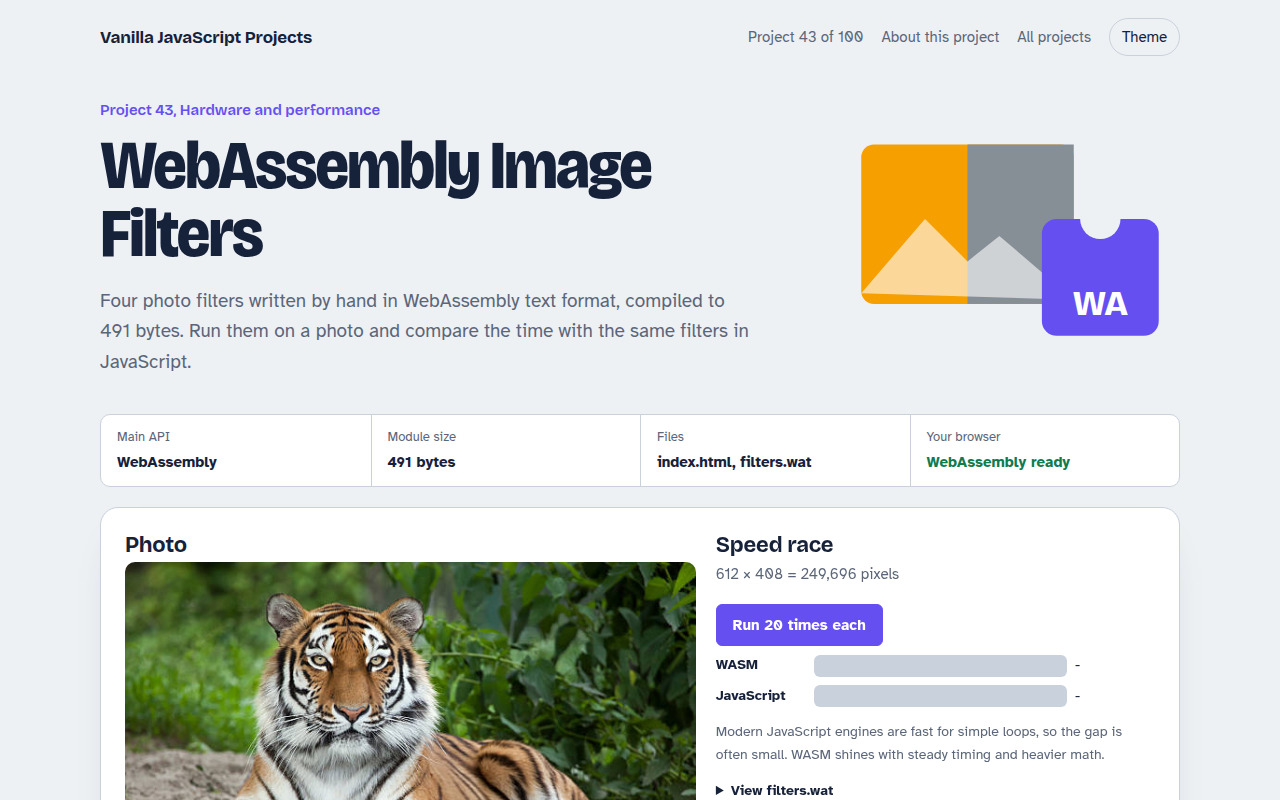
Four photo filters written by hand in WebAssembly text format and compiled to just 491 bytes. Apply them to a photo, then race the same filters written in plain JavaScript to see which is faster.
The photo's pixels are copied into WebAssembly memory, the exported function changes them in place with integer math, and the result is copied back to the canvas. The readable filters.wat source is in the folder.
Good for
- Learning WebAssembly from the ground up
- Image and audio processing
- Performance experiments
- Understanding linear memory
What this project does
- Grayscale, sepia, invert and brightness with contrast
- The same filters written in JavaScript for a fair race
- Timing for both, with a bar chart over repeated runs
- Works on your own photos of any size (memory grows as needed)
- The .wat source is included and readable
How it works
- Copy pixels inThe photo's RGBA bytes are copied into the WebAssembly memory. Memory grows in 64 KB pages to fit.
- Run the filterThe exported function loops over every pixel in place, using only integer math.
- Copy pixels outThe page reads the bytes back from the same memory and paints them on the canvas.
The key JavaScript
This is the heart of the project. The full file has the rest, including the screen layout and error handling.
const bytes = Uint8Array.from(atob(WASM_BASE64), (c) => c.charCodeAt(0));
const { instance } = await WebAssembly.instantiate(bytes);
const { memory, grayscale } = instance.exports;

const img = ctx.getImageData(0, 0, w, h);
const need = Math.ceil(img.data.length / 65536) - memory.buffer.byteLength / 65536;
if (need > 0) memory.grow(need);                           // 64 KB pages

new Uint8Array(memory.buffer).set(img.data);                // copy in
grayscale(img.data.length);                                 // run in place
img.data.set(new Uint8Array(memory.buffer, 0, img.data.length));  // copy out
ctx.putImageData(img, 0, 0);
How to use it
- Click Download HTML file above.
- Open the file in a code editor, like VS Code.
- Run it from a local server with
npx serve .so the camera, microphone and AI features are allowed. - Change the text and colors, then upload it to GitHub Pages, Netlify or your own site. It is one file with no build step.
Questions people ask
Is WebAssembly always faster than JavaScript?
No. For simple loops like these, modern JavaScript is close. WebAssembly wins on heavier math and gives steadier timing.
What is WAT?
WebAssembly Text format, the human readable version of WebAssembly. A tool like wat2wasm turns it into the binary file.
Can I use WebAssembly from other languages?
Yes. Rust, C, C++ and Go all compile to WebAssembly. Writing WAT by hand shows what they produce.
More Hardware and Performance projects
041. Bluetooth Device Dashboard
Read live heart rate and battery from a Bluetooth device
042. Arduino Serial Monitor
Read and plot data from an Arduino or ESP32 over USB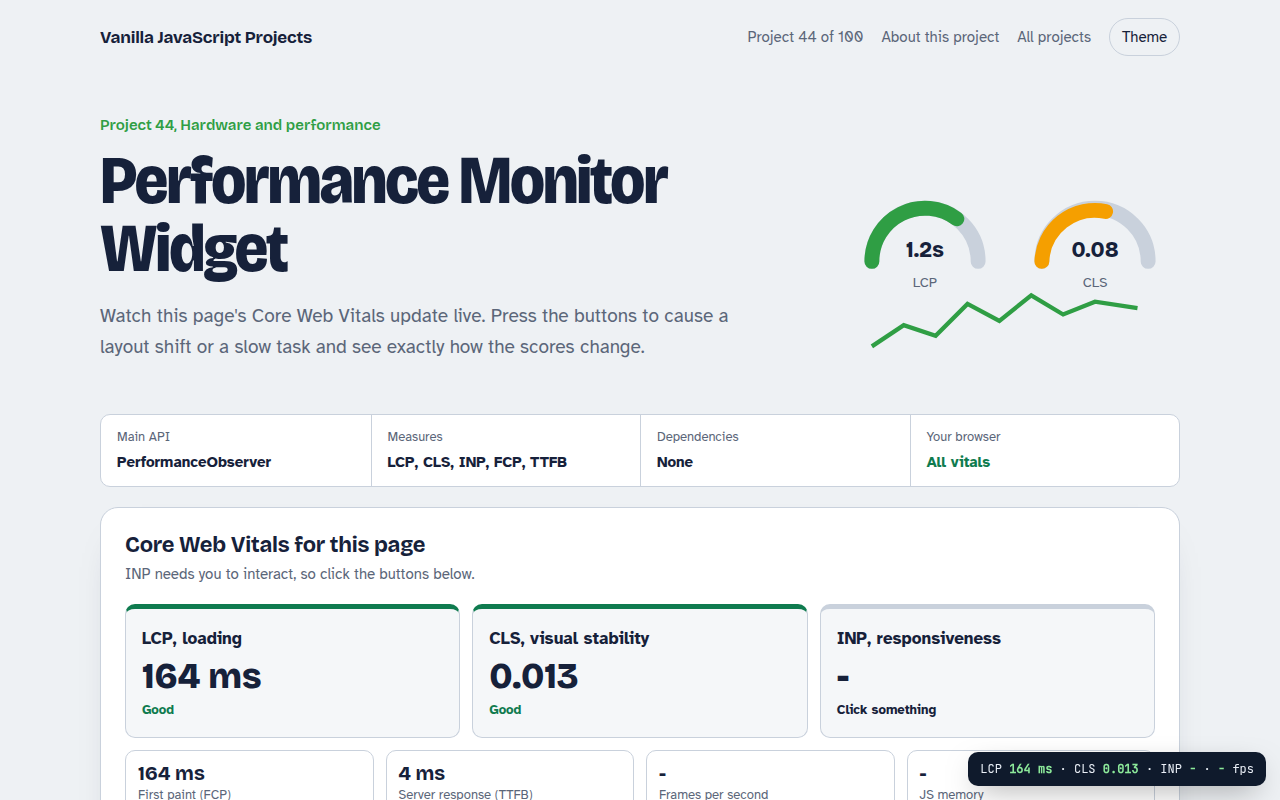
044. Performance Monitor Widget
A live panel for Core Web Vitals on any page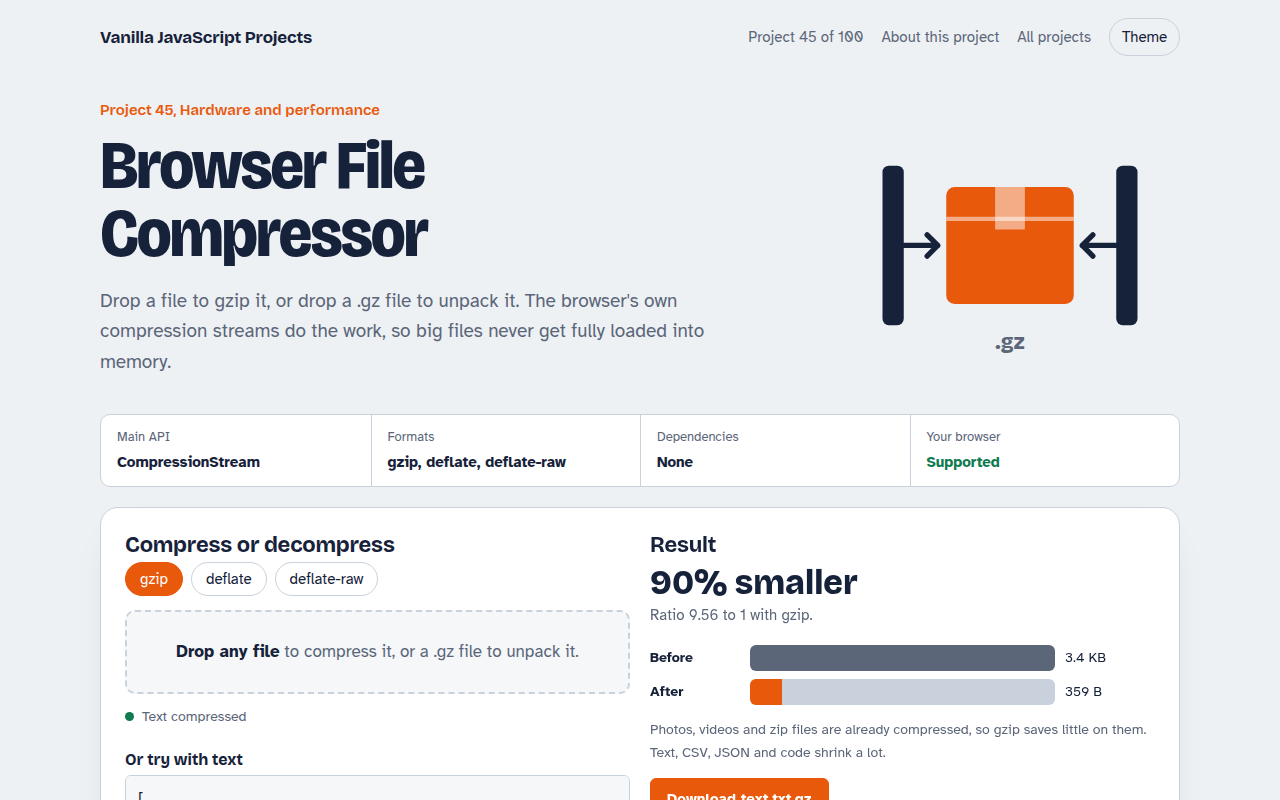
045. Browser File Compressor
Gzip any file or unpack a .gz right in the browser