Home / Hardware and Performance / Browser File Compressor
Browser File Compressor in JavaScript, Free with Live Demo
Free file compressor in plain JavaScript. Gzip or deflate any file and unpack .gz files with the native CompressionStream API, with streaming progress and size charts.
Runs on: CompressionStream. Chrome and Edge 80+, Safari 16.4+, Firefox 113+.
What is the Browser File Compressor?
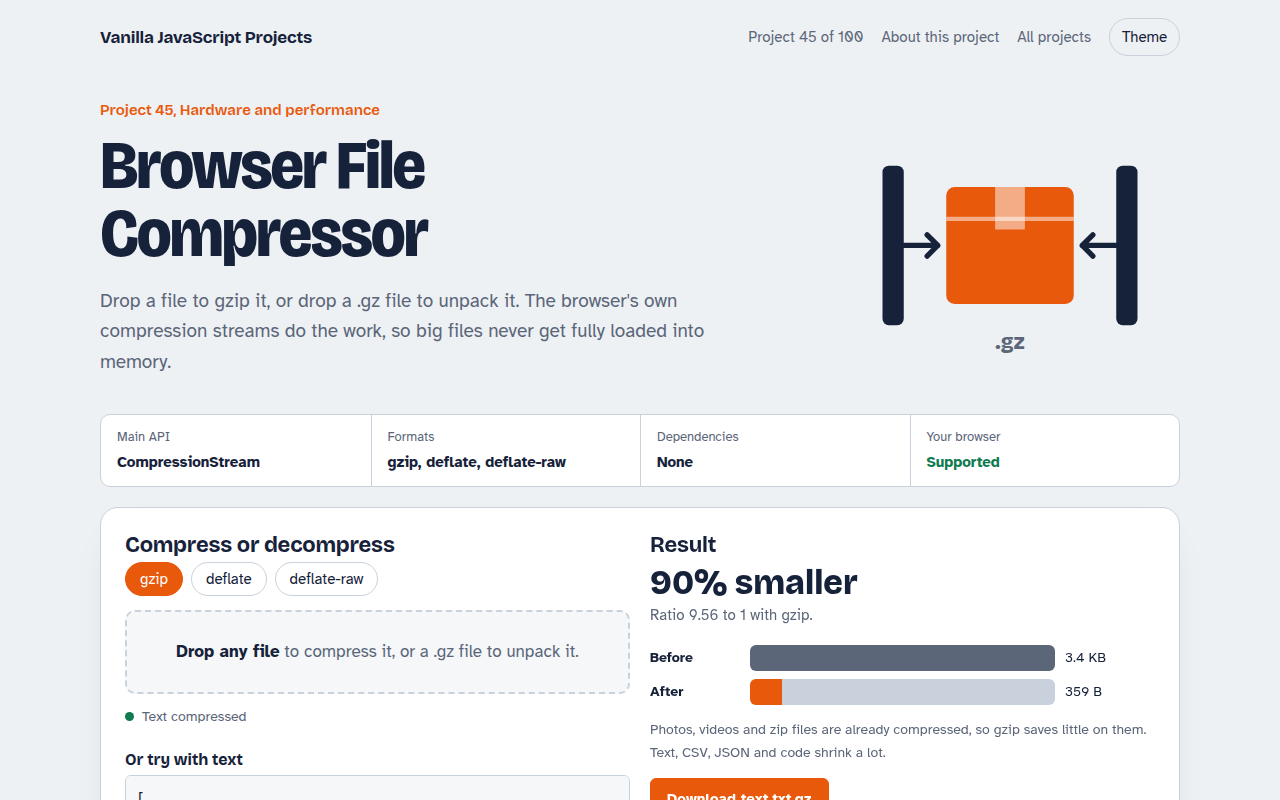
Drop a file to gzip it, or drop a .gz file to unpack it. You also get a text box that shows how well your text compresses, with before and after size bars.
The browser's own CompressionStream does the work, and the file is read as a stream, piece by piece, so big files never sit fully in memory. A small counting stream drives the progress bar.
Good for
- Shrinking logs, CSV and JSON exports
- Unpacking .gz downloads
- Learning the Streams API
- Tools that must work offline
What this project does
- Compress any file to .gz, or decompress .gz back
- Text mode to see how well your text compresses
- Streams the file in chunks with a progress bar
- Before and after size bars and the compression ratio
- Choose gzip, deflate or deflate-raw
How it works
- Stream the filefile.stream() gives a ReadableStream, so the file is read piece by piece instead of all at once.
- Pipe through gzippipeThrough(new CompressionStream("gzip")) compresses each piece as it passes. A small TransformStream counts bytes for the progress bar.
- Collectnew Response(stream).blob() gathers the output into a file you can download.
The key JavaScript
This is the heart of the project. The full file has the rest, including the screen layout and error handling.
async function gzip(file, onProgress) {
  let done = 0;
  const counter = new TransformStream({
    transform(chunk, ctl) { done += chunk.byteLength; onProgress(done / file.size); ctl.enqueue(chunk); },
  });
  const stream = file.stream()
    .pipeThrough(counter)
    .pipeThrough(new CompressionStream("gzip"));
  return new Response(stream).blob();                  // collect the output
}
// Unpack: file.stream().pipeThrough(new DecompressionStream("gzip"))
How to use it
- Click Download HTML file above.
- Open the file in a code editor, like VS Code.
- Run it from a local server with
npx serve .so the camera, microphone and AI features are allowed. - Change the text and colors, then upload it to GitHub Pages, Netlify or your own site. It is one file with no build step.
Questions people ask
What is CompressionStream?
A built in browser API that compresses or decompresses a stream with gzip, deflate or deflate raw. No library is needed.
Why do photos barely shrink?
JPEG, PNG, MP4 and zip files are already compressed. Text, CSV, JSON and code shrink the most.
Can it make .zip files?
No. Gzip works on one file at a time. Zip archives need a library such as fflate.
More Hardware and Performance projects
041. Bluetooth Device Dashboard
Read live heart rate and battery from a Bluetooth device
042. Arduino Serial Monitor
Read and plot data from an Arduino or ESP32 over USB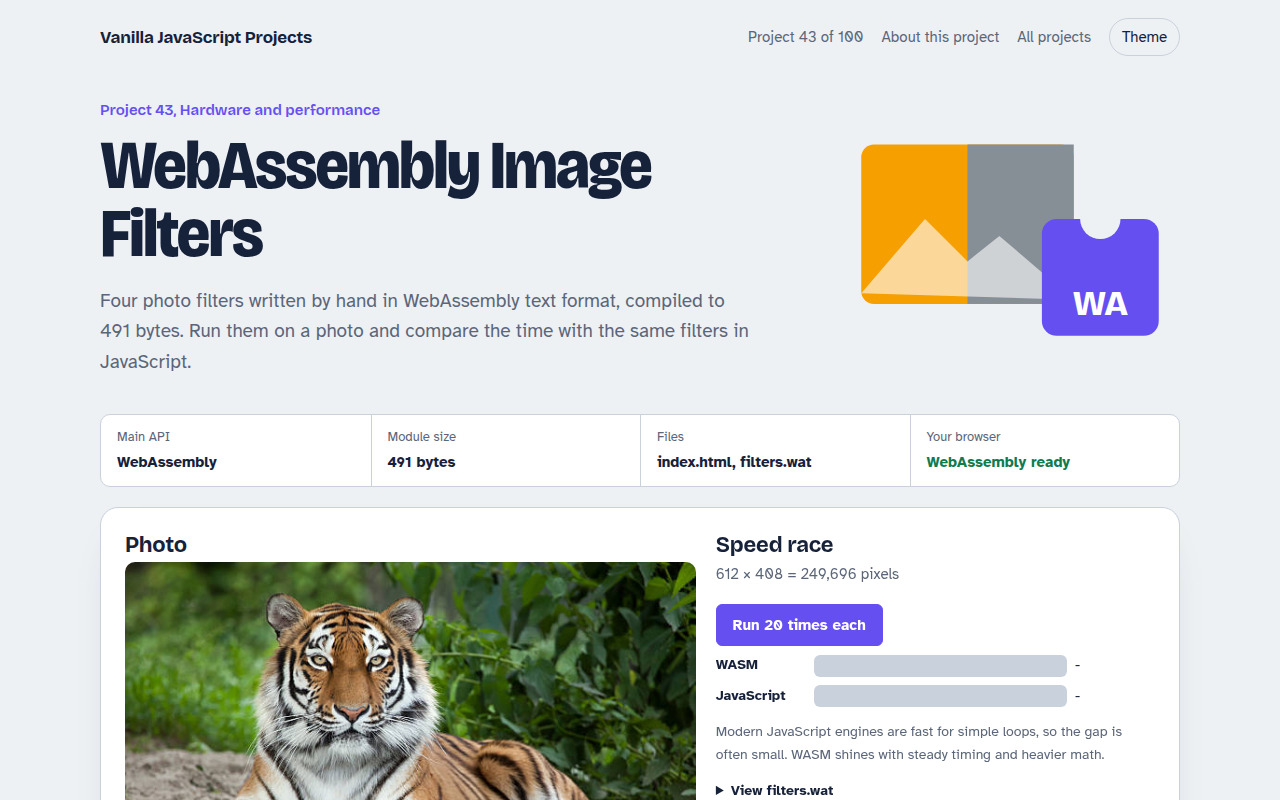
043. WebAssembly Image Filters
Photo filters in hand written WebAssembly, raced against JavaScript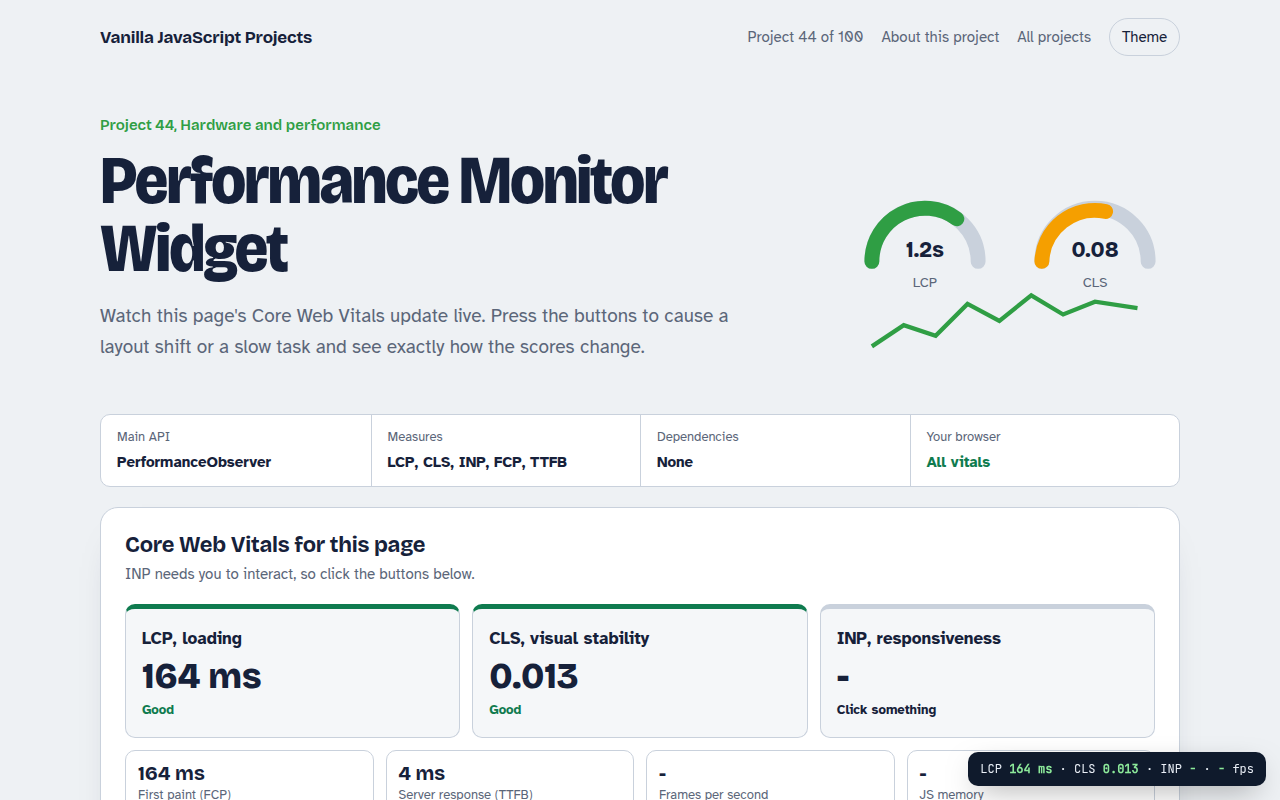
044. Performance Monitor Widget
A live panel for Core Web Vitals on any page