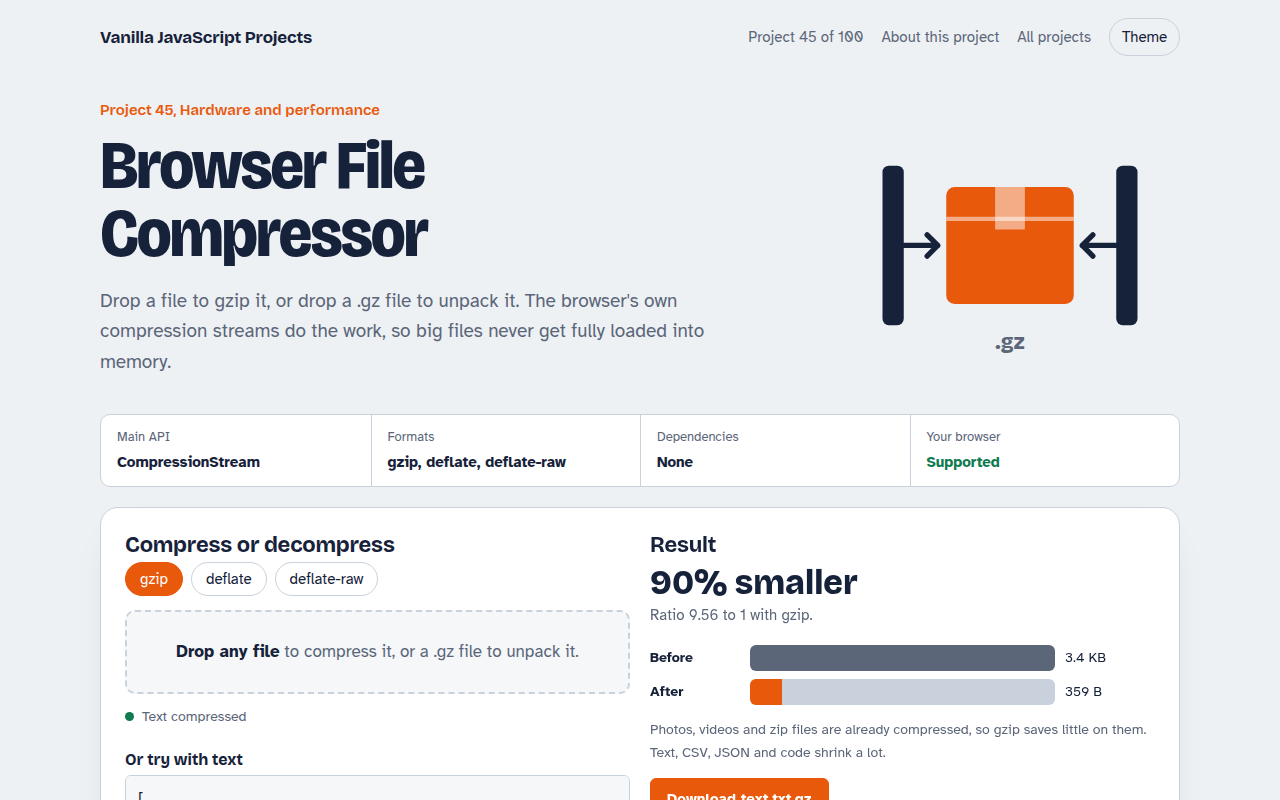
Home / Hardware and Performance / Scheduler API Demo
Scheduler API Demo in JavaScript, Free with Live Demo
Free Scheduler API demo in plain JavaScript. Run the same heavy job blocking, chunked with setTimeout and with scheduler.yield(), and watch the jank.
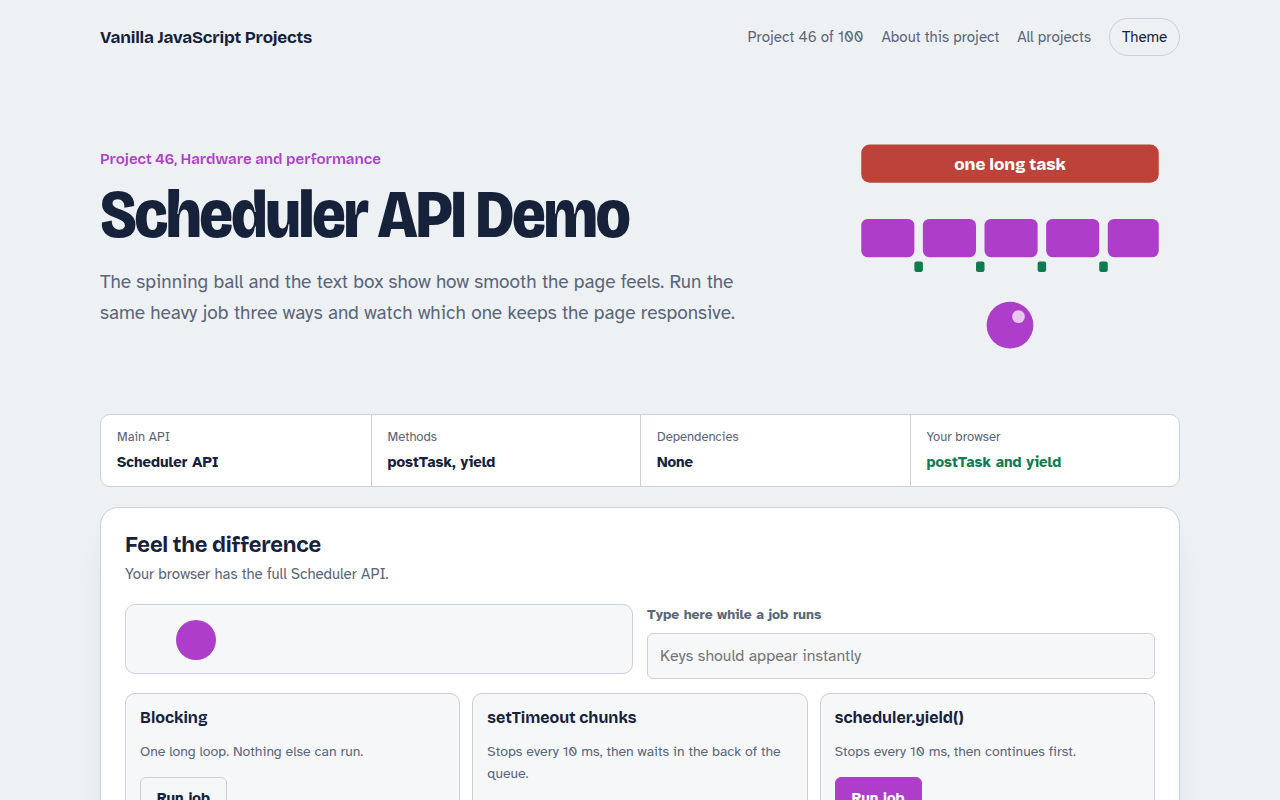
Runs on: Scheduler API. scheduler.postTask: Chrome, Edge and Firefox 142+. scheduler.yield: Chrome and Edge 129+. Others use a setTimeout fallback.
What is the Scheduler API Demo?
A moving ball and a text box show how smooth the page feels. Run the same heavy job three ways and watch which one freezes the page, which one keeps it moving, and how long each takes.
scheduler.yield() lets a long loop pause so the browser can handle clicks and paint, then continue ahead of other waiting work. scheduler.postTask() runs tasks by priority, and a second demo shows the order.
Good for
- Fixing poor INP scores
- Apps with heavy data work
- Learning how the main thread works
- Performance talks and workshops
What this project does
- Same 2 second job run three ways: blocking, setTimeout chunks and scheduler.yield()
- Live animation and typing box to feel the jank
- Frame drop counter and a timeline of long frames
- Task priority demo: user-blocking, user-visible and background
- Fallback to setTimeout when the API is missing
How it works
- Break the workThe heavy job is a loop. Every few milliseconds it stops to let the browser handle input and paint.
- Yield smartlyawait scheduler.yield() pauses and then continues ahead of other queued tasks, so the job still finishes quickly.
- PrioritizepostTask runs callbacks by priority, so user-blocking work jumps ahead of background work.
The key JavaScript
This is the heart of the project. The full file has the rest, including the screen layout and error handling.
async function processAll(items) {
  let last = performance.now();
  for (const item of items) {
    doWork(item);
    if (performance.now() - last > 10) {         // every 10 ms...
      await scheduler.yield();                   // ...let input and paint happen
      last = performance.now();
    }
  }
}
scheduler.postTask(() => saveDraft(), { priority: "background" });
scheduler.postTask(() => showMenu(), { priority: "user-blocking" });  // runs first
How to use it
- Click Download HTML file above.
- Open the file in a code editor, like VS Code.
- Run it from a local server with
npx serve .so the camera, microphone and AI features are allowed. - Change the text and colors, then upload it to GitHub Pages, Netlify or your own site. It is one file with no build step.
Questions people ask
What is scheduler.yield()?
A function that pauses your code and lets the browser do other work, then resumes your task first. It is the easiest way to break up long tasks.
How is it different from setTimeout?
After setTimeout your code waits at the back of the queue. After scheduler.yield() it continues sooner, so the job finishes faster.
Which browsers support it?
scheduler.postTask is in Chrome, Edge and recent Firefox. scheduler.yield is in Chrome and Edge 129 and newer. The demo falls back to setTimeout.
More Hardware and Performance projects
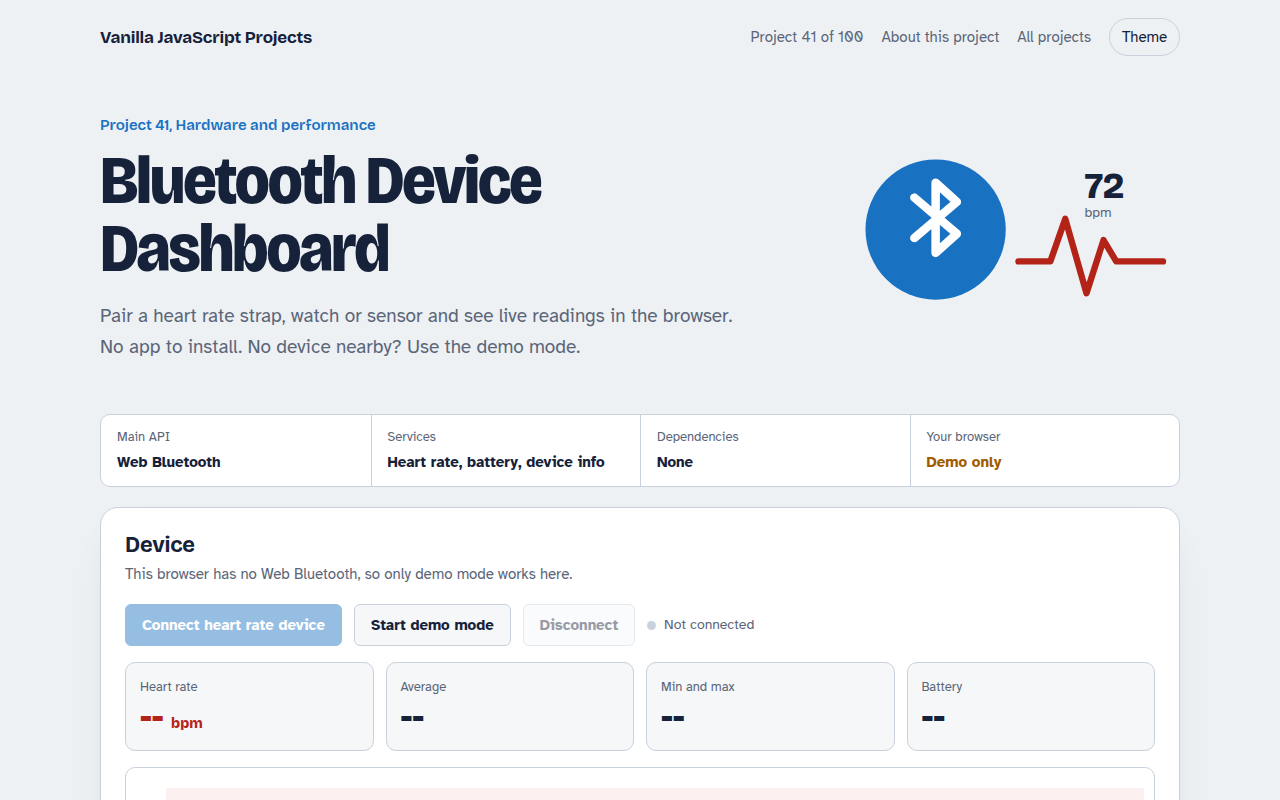
041. Bluetooth Device Dashboard
Read live heart rate and battery from a Bluetooth device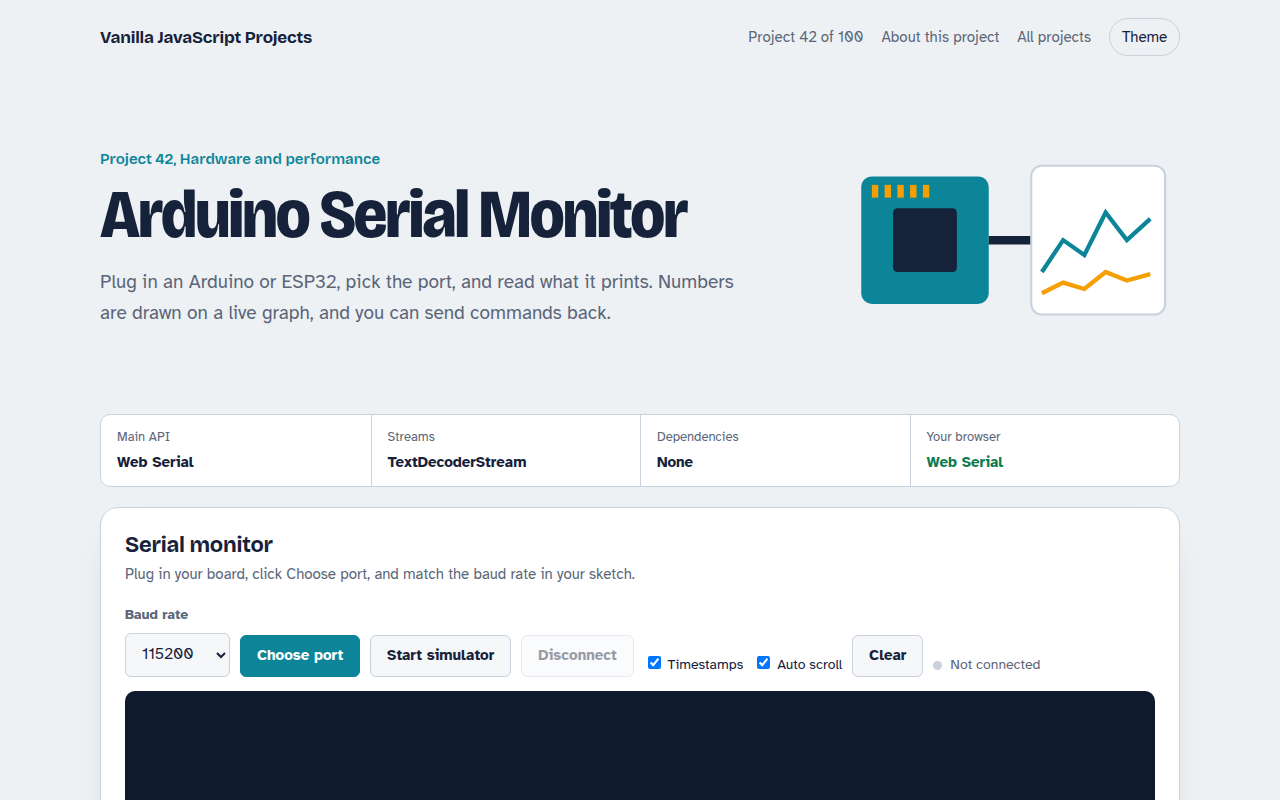
042. Arduino Serial Monitor
Read and plot data from an Arduino or ESP32 over USB
043. WebAssembly Image Filters
Photo filters in hand written WebAssembly, raced against JavaScript
044. Performance Monitor Widget
A live panel for Core Web Vitals on any page