Home / Hardware and Performance / Arduino Serial Monitor
Arduino Serial Monitor in JavaScript, Free with Live Demo
Free serial monitor and plotter in plain JavaScript. Talk to an Arduino, ESP32 or Pico over USB with the Web Serial API, send commands and plot numbers live.
Runs on: Web Serial. Chrome and Edge on desktop, and Opera. Not in Safari, Firefox or mobile browsers. Needs HTTPS or localhost.
What is the Arduino Serial Monitor?
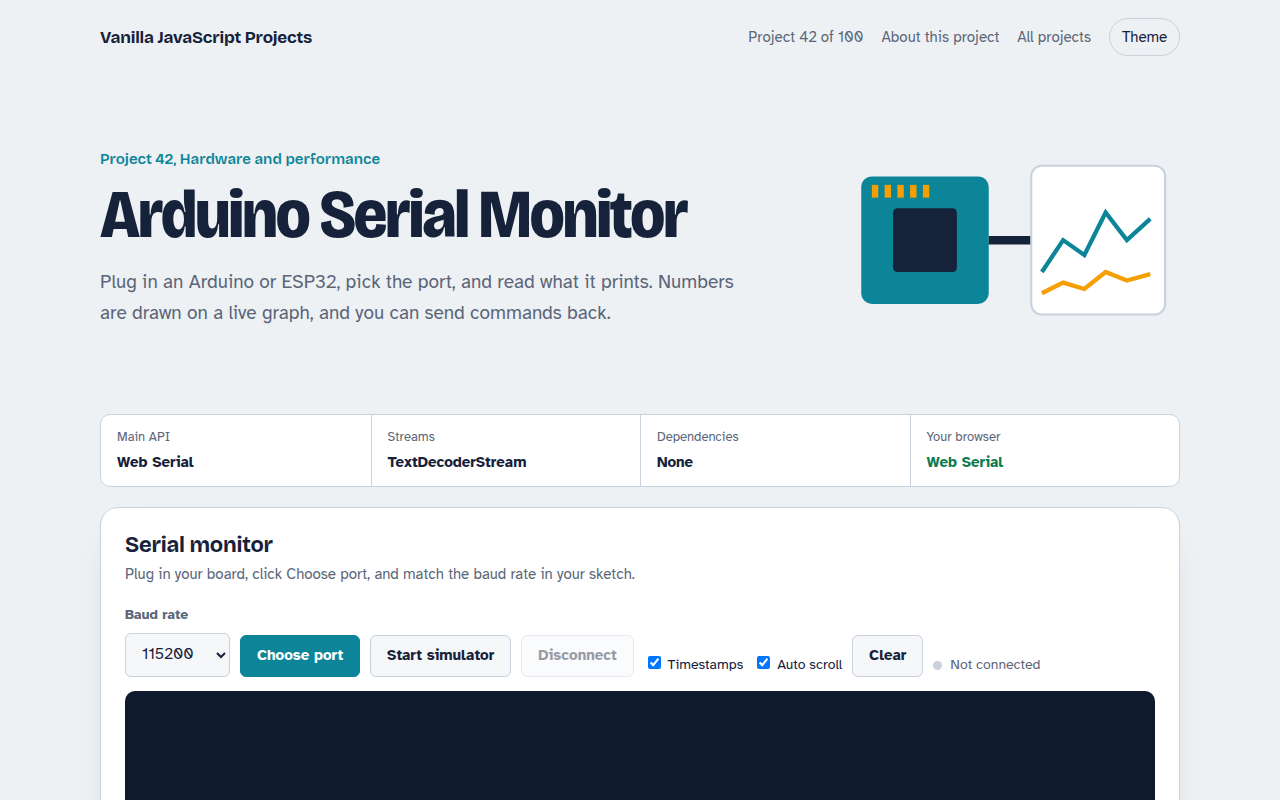
Plug in an Arduino or ESP32, pick the port and read everything it prints, with timestamps. Numbers in each line are drawn on a live chart like the Arduino IDE plotter, and you can send commands back.
The Web Serial API opens the USB port at the baud rate you choose. Bytes flow through a TextDecoderStream and a small line splitter, and a simulator lets you try it without a board.
Good for
- Arduino and ESP32 projects
- Classroom electronics
- Sensor logging
- Tools for makers without installing an app
What this project does
- Pick any USB serial port and baud rate
- Line by line output with timestamps and auto scroll
- Send text with a choice of line ending
- Live plotter for up to 4 numbers per line, like 23.5,61
- Simulator that acts like a board sending sensor data
How it works
- Open the portYou choose the port in the browser's picker. The page opens it at the baud rate your board uses.
- Read linesBytes flow through a TextDecoderStream and a small TransformStream that splits on new lines.
- PlotEach line is checked for numbers. If it has any, they are added to the chart as separate colored lines.
The key JavaScript
This is the heart of the project. The full file has the rest, including the screen layout and error handling.
const port = await navigator.serial.requestPort();
await port.open({ baudRate: 115200 });

const lines = port.readable
  .pipeThrough(new TextDecoderStream())
  .pipeThrough(new TransformStream({
    transform(chunk, ctl) { (this.buf = (this.buf ?? "") + chunk).split("\n").slice(0, -1).forEach((l) => ctl.enqueue(l)); this.buf = this.buf.slice(this.buf.lastIndexOf("\n") + 1); },
  }));
for await (const line of lines) show(line);

const writer = port.writable.getWriter();
await writer.write(new TextEncoder().encode("LED ON\n"));
How to use it
- Click Download HTML file above.
- Open the file in a code editor, like VS Code.
- Run it from a local server with
npx serve .so the camera, microphone and AI features are allowed. - Change the text and colors, then upload it to GitHub Pages, Netlify or your own site. It is one file with no build step.
Questions people ask
Which browsers support Web Serial?
Chrome, Edge and Opera on desktop. It is not in Safari, Firefox or mobile browsers.
What baud rate should I use?
The same one as Serial.begin() in your sketch. 115200 is the most common.
How do I plot values?
Print numbers on one line, like temp:24.5 humidity:61. The plotter draws up to four values per line.
More Hardware and Performance projects
041. Bluetooth Device Dashboard
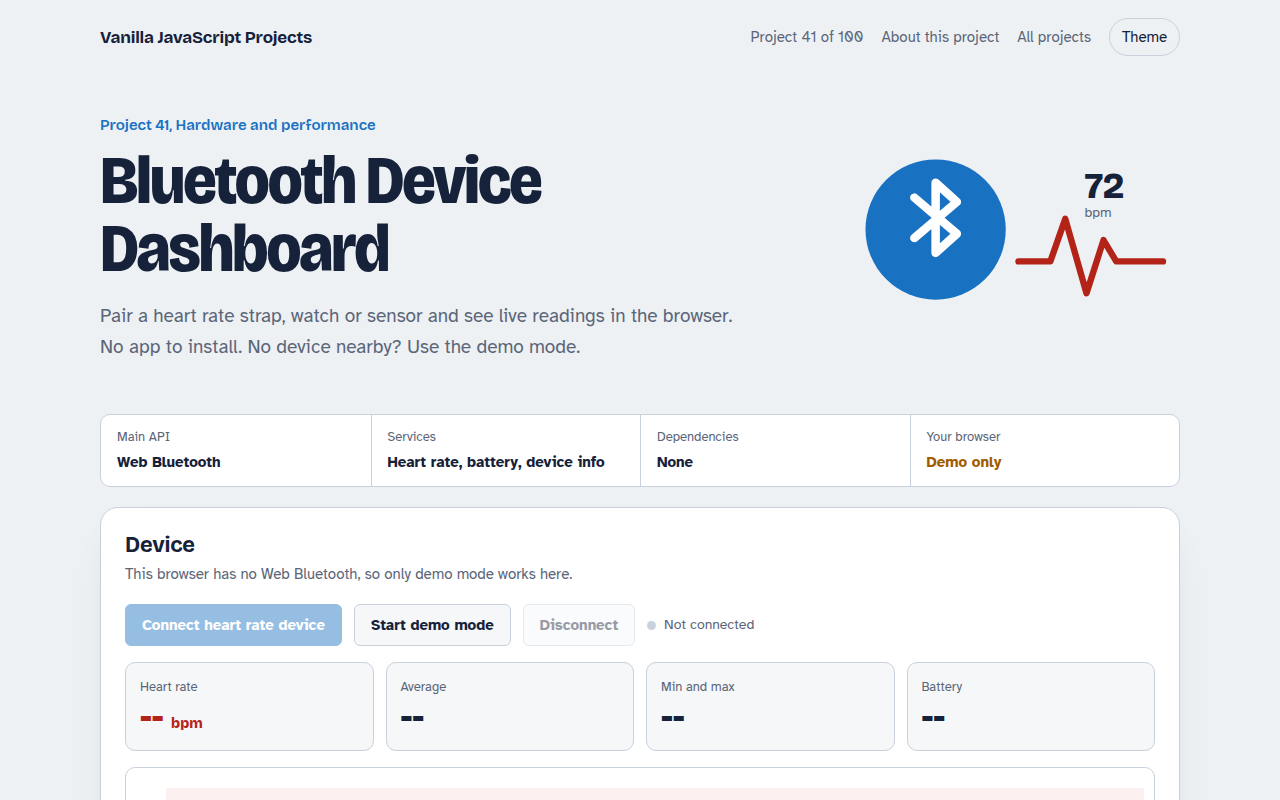
Read live heart rate and battery from a Bluetooth device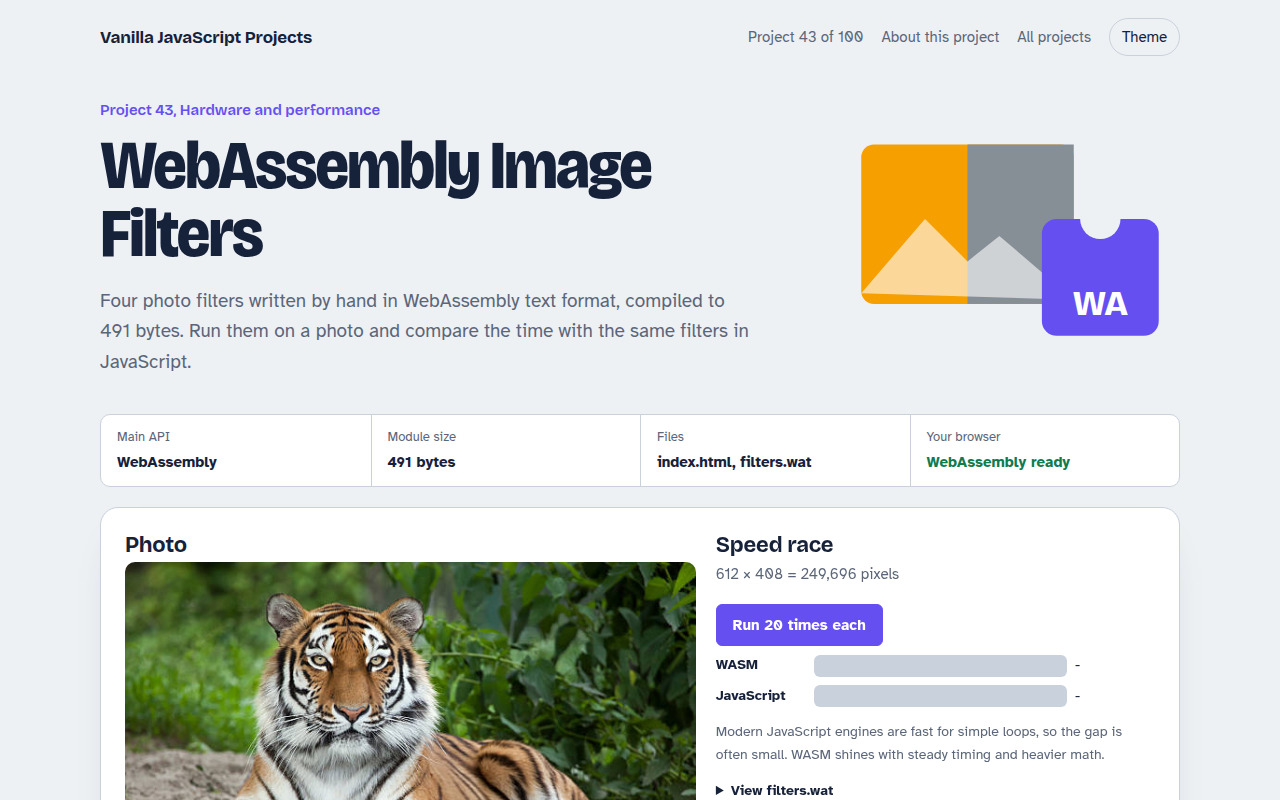
043. WebAssembly Image Filters
Photo filters in hand written WebAssembly, raced against JavaScript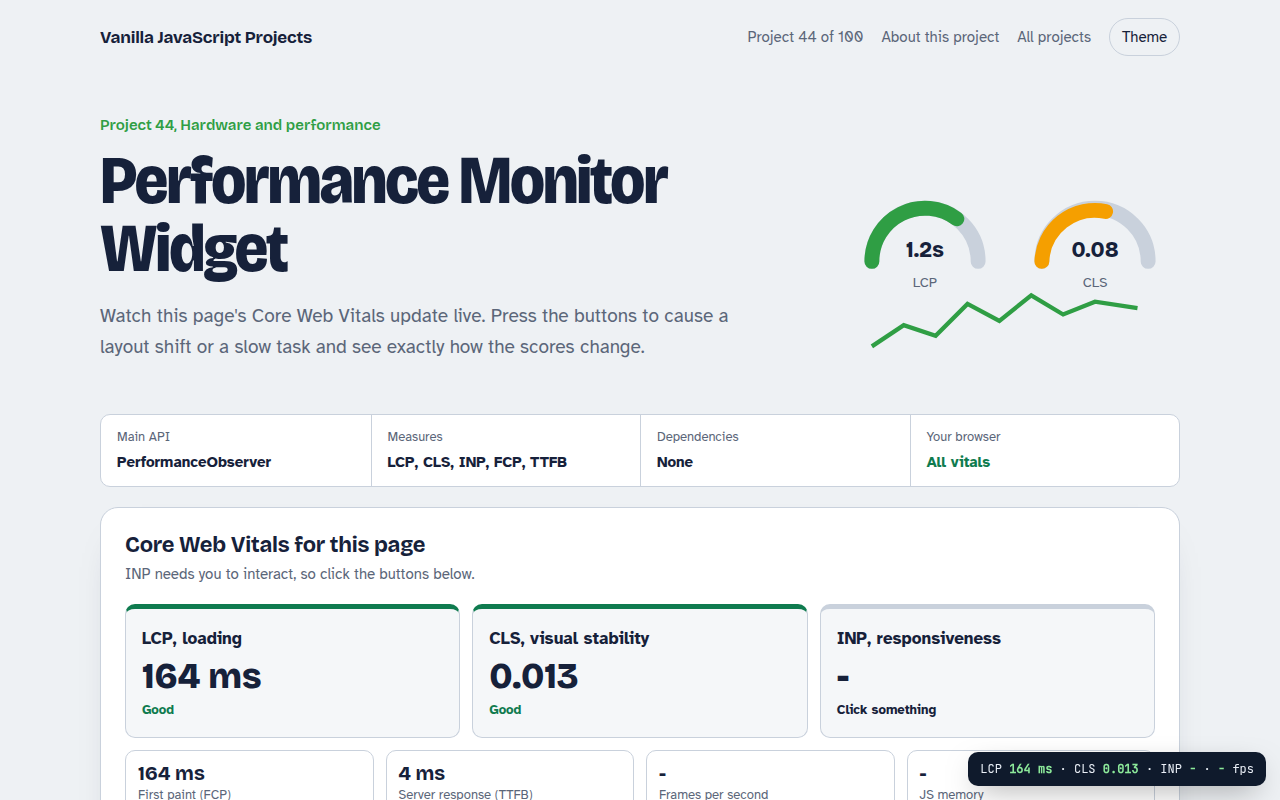
044. Performance Monitor Widget
A live panel for Core Web Vitals on any page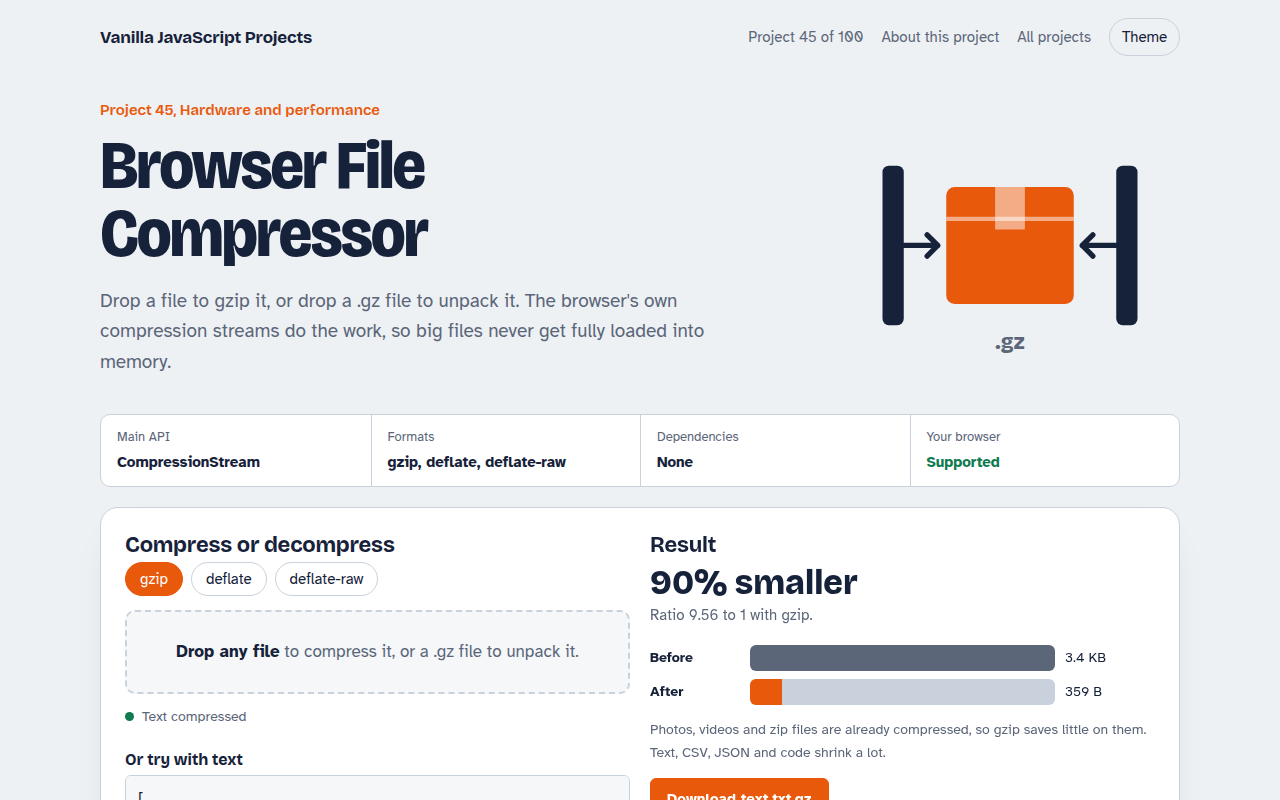
045. Browser File Compressor
Gzip any file or unpack a .gz right in the browser