Home / Forms and Input / File Upload Dropzone
File Upload Dropzone in JavaScript, Free with Live Demo
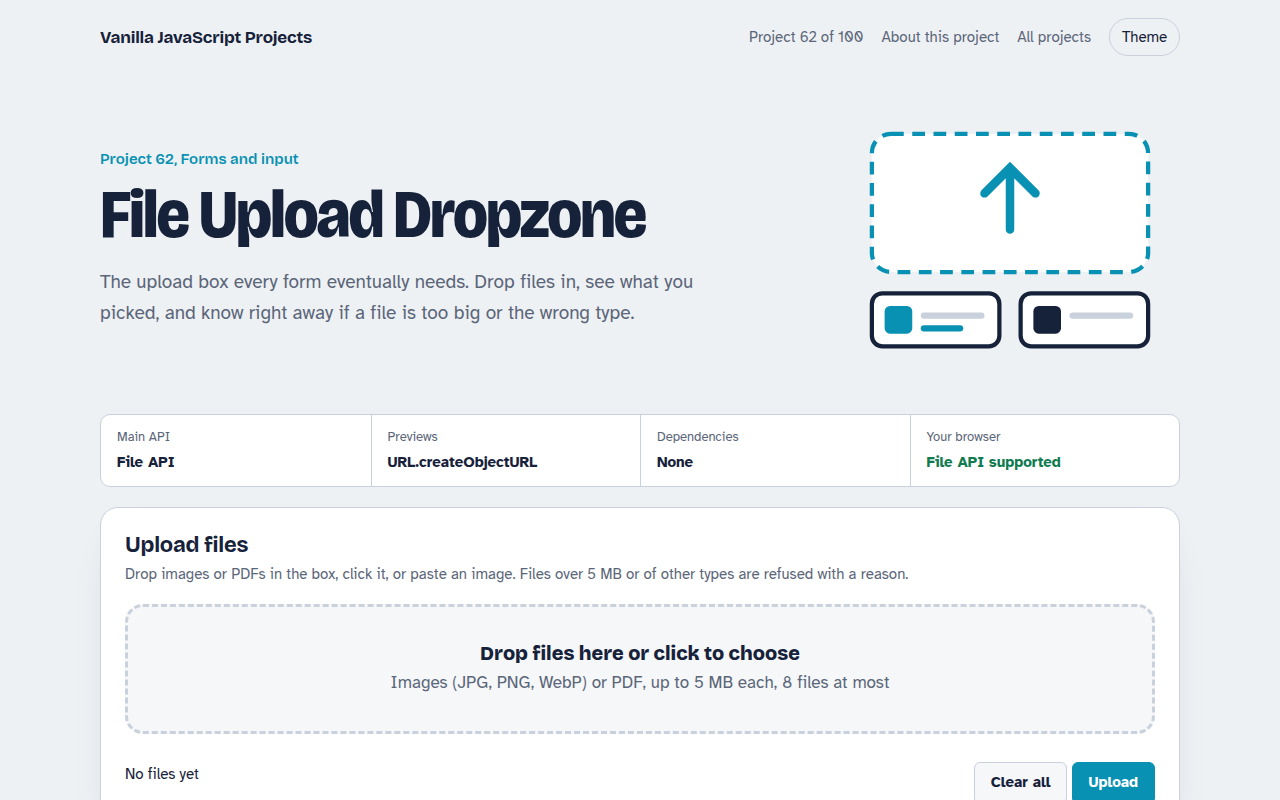
Free file upload dropzone in plain JavaScript. Drag files in or pick them, see image previews, reject wrong types and big files, watch progress bars and remove files.
Runs on: File API and drag and drop events. Works in all modern browsers.
What is the File Upload Dropzone?
A drag and drop upload box. Drop images or PDFs in, click to choose, or paste an image from the clipboard, and see each file listed with a preview.
Files that are too big or the wrong type are refused with a clear reason. Press Upload to see progress bars for each file.
Good for
- Contact forms with attachments
- Job applications with a CV
- Profile and product photo uploads
- Support tickets with screenshots
What this project does
- Drag and drop, click and paste
- Instant image previews
- Type and size checks with clear messages
- Per file progress bars
- Remove single files or clear all
How it works
- Accept files three waysClick opens the file picker, dropping uses the drop event, and pasting reads clipboard files. All three go to one add function.
- Check before uploadEach file is checked for type and size right away, so people see the problem before they wait for anything.
- Preview without uploadingURL.createObjectURL shows a local image preview instantly. The URL is revoked when the file is removed.
The key JavaScript
This is the heart of the project. The full file has the rest, including the screen layout and error handling.
zone.addEventListener("drop", (e) => {
  e.preventDefault();
  for (const file of e.dataTransfer.files) {
    if (!["image/png", "image/jpeg", "application/pdf"].includes(file.type)) continue;
    if (file.size > 5 * 1024 * 1024) continue;           // 5 MB limit
    const img = new Image();
    img.src = URL.createObjectURL(file);                  // instant preview
    list.append(img);
  }
});
// real upload: fetch("/upload", { method: "POST", body: formData })
How to use it
- Click Download HTML file above.
- Open the file in a code editor, like VS Code.
- Run it from a local server with
npx serve .so the camera, microphone and AI features are allowed. - Change the text and colors, then upload it to GitHub Pages, Netlify or your own site. It is one file with no build step.
Questions people ask
Does this upload to a server?
The demo simulates the upload. To send files for real, add them to a FormData object and post it with fetch.
Can I show real upload progress?
Yes. fetch does not report upload progress yet, so use XMLHttpRequest and its upload.onprogress event.
Is the accept attribute enough?
No. It only filters the picker. Always check type and size in JavaScript and again on the server.
More Forms and Input projects
061. Multi-step Form Wizard
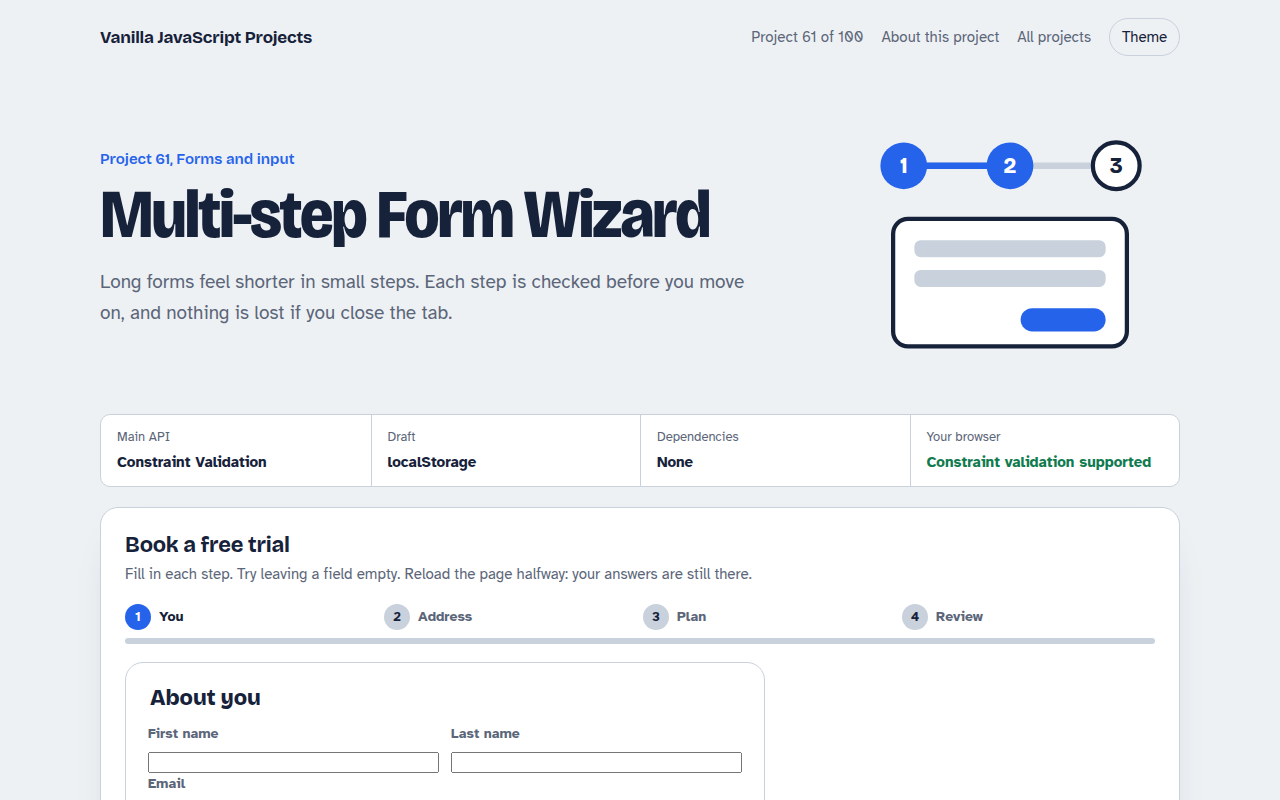
A sign up form split into steps with checks, a progress bar and a saved draft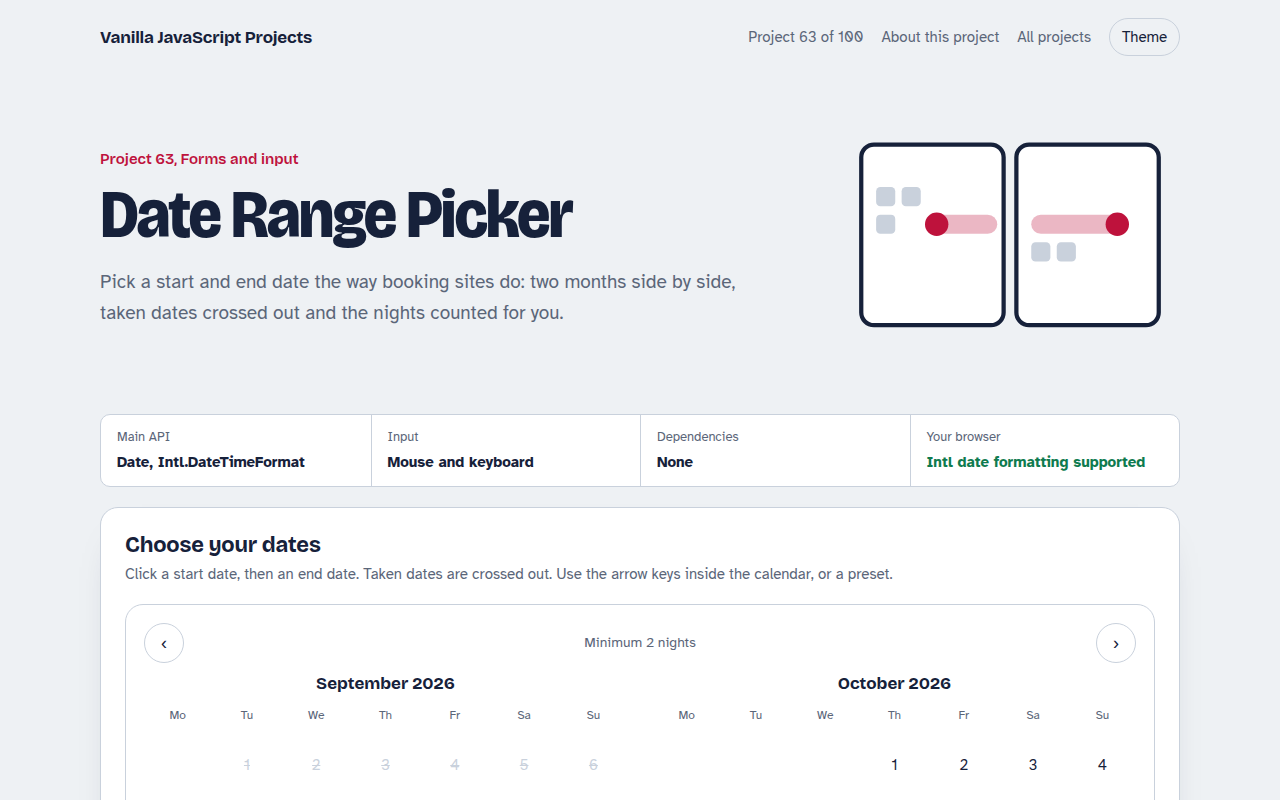
063. Date Range Picker
A two month calendar for picking check in and check out dates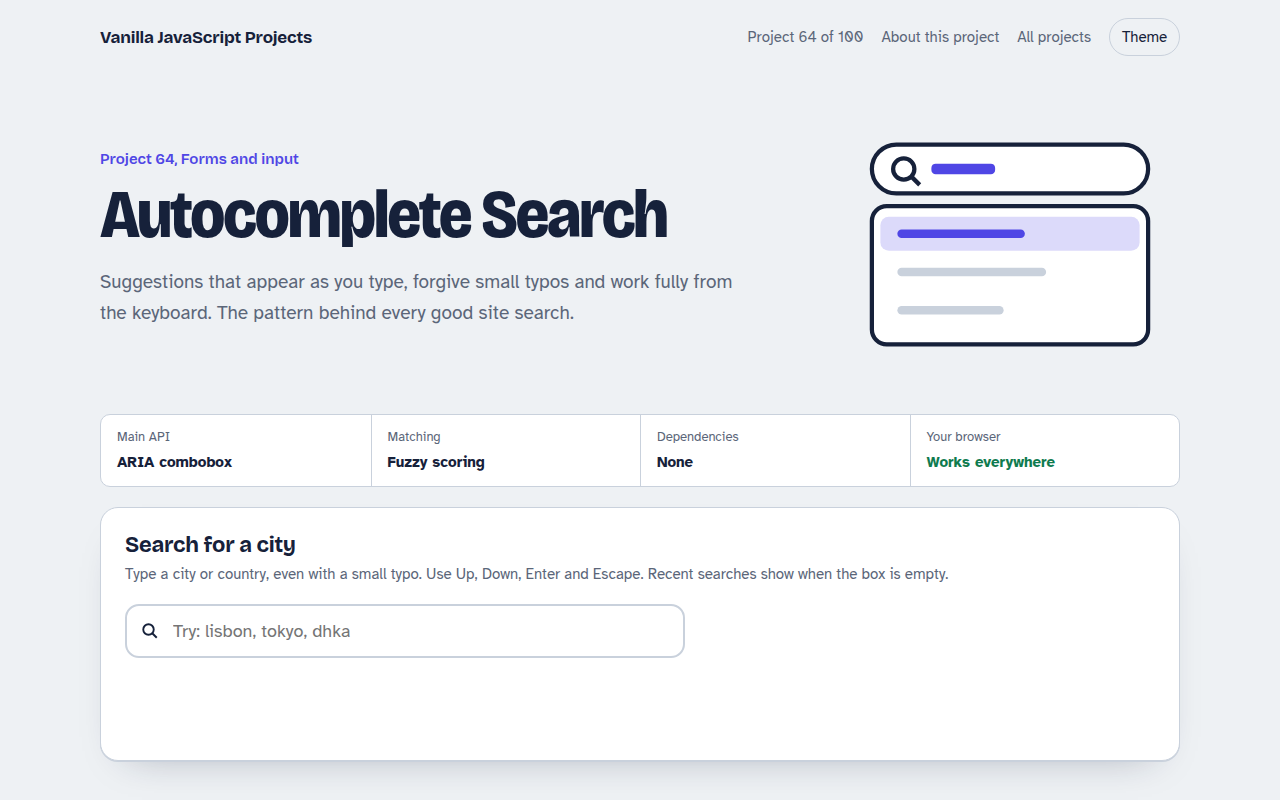
064. Autocomplete Search
A search box that suggests results as you type, with keyboard control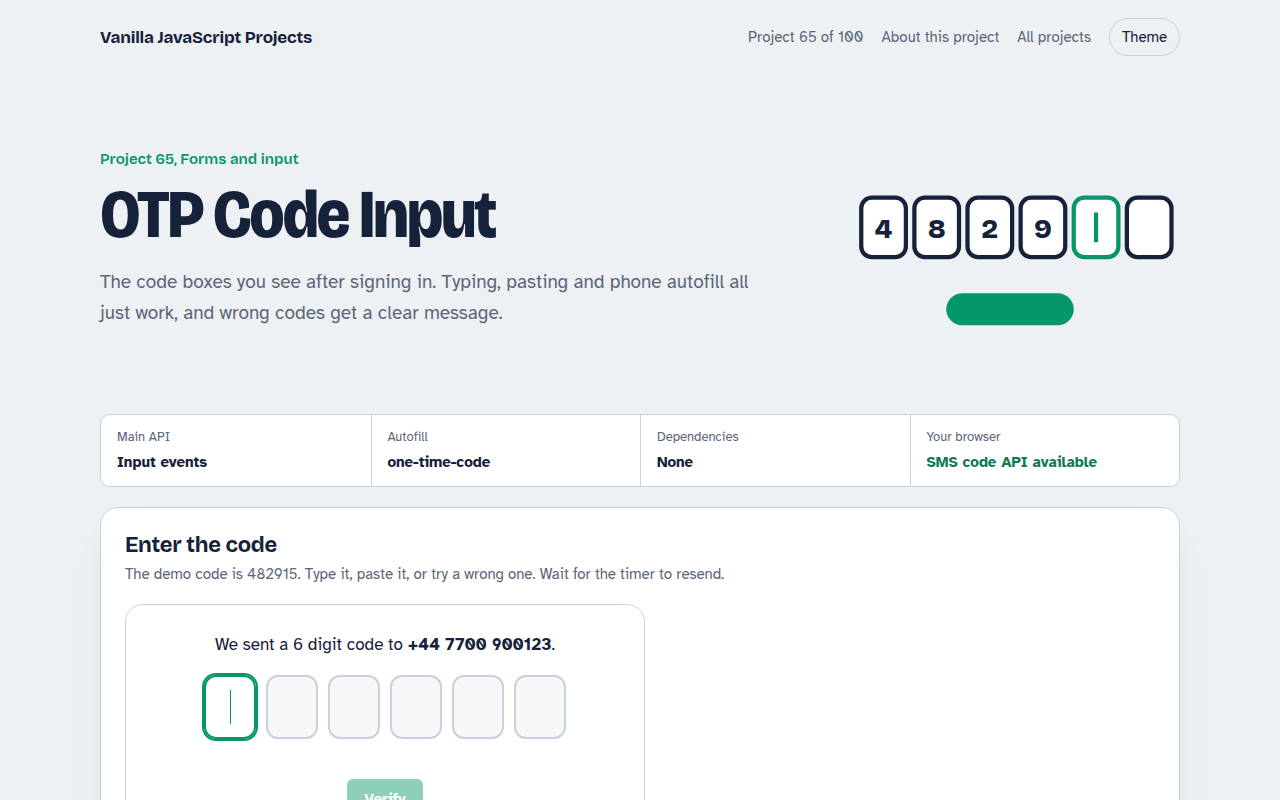
065. OTP Code Input
A six box verification code input with paste, auto advance and a resend timer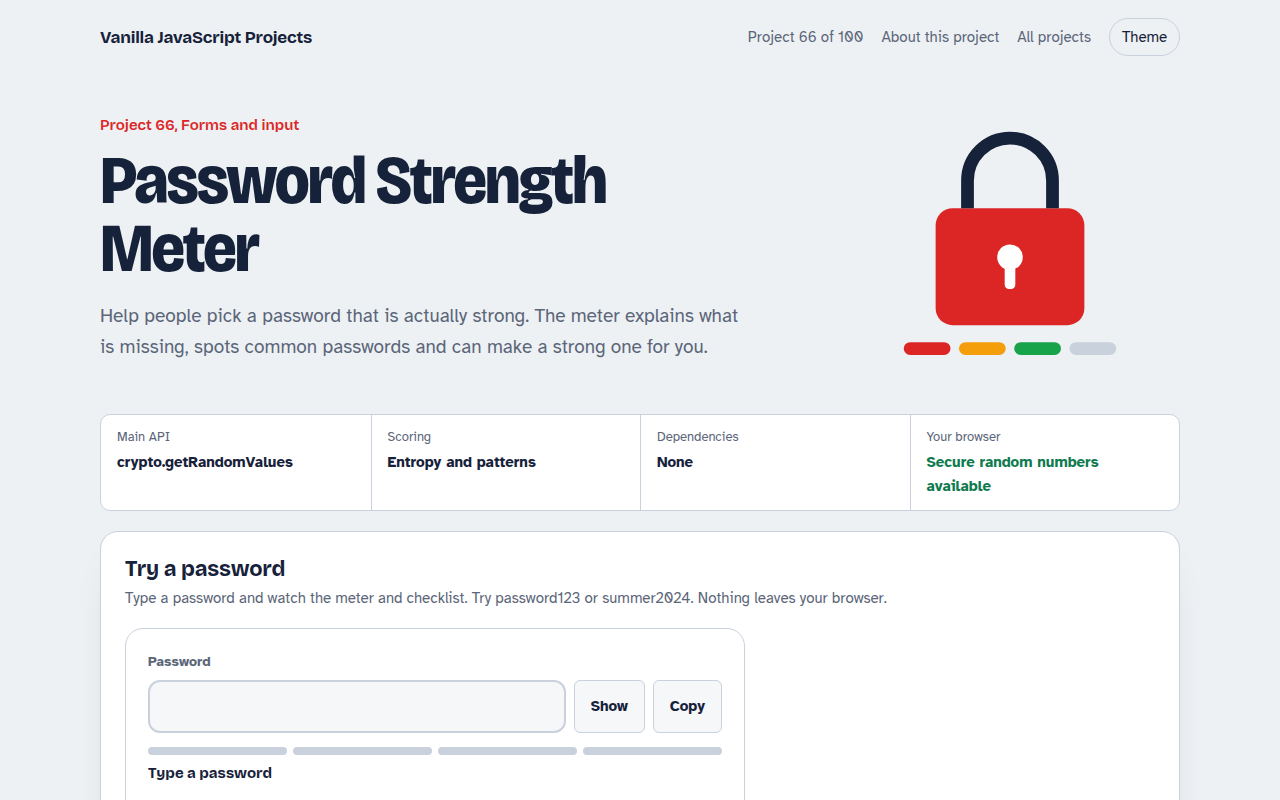
066. Password Strength Meter
A password box that rates strength, estimates crack time and suggests a strong password