Home / Forms and Input / Password Strength Meter
Password Strength Meter in JavaScript, Free with Live Demo
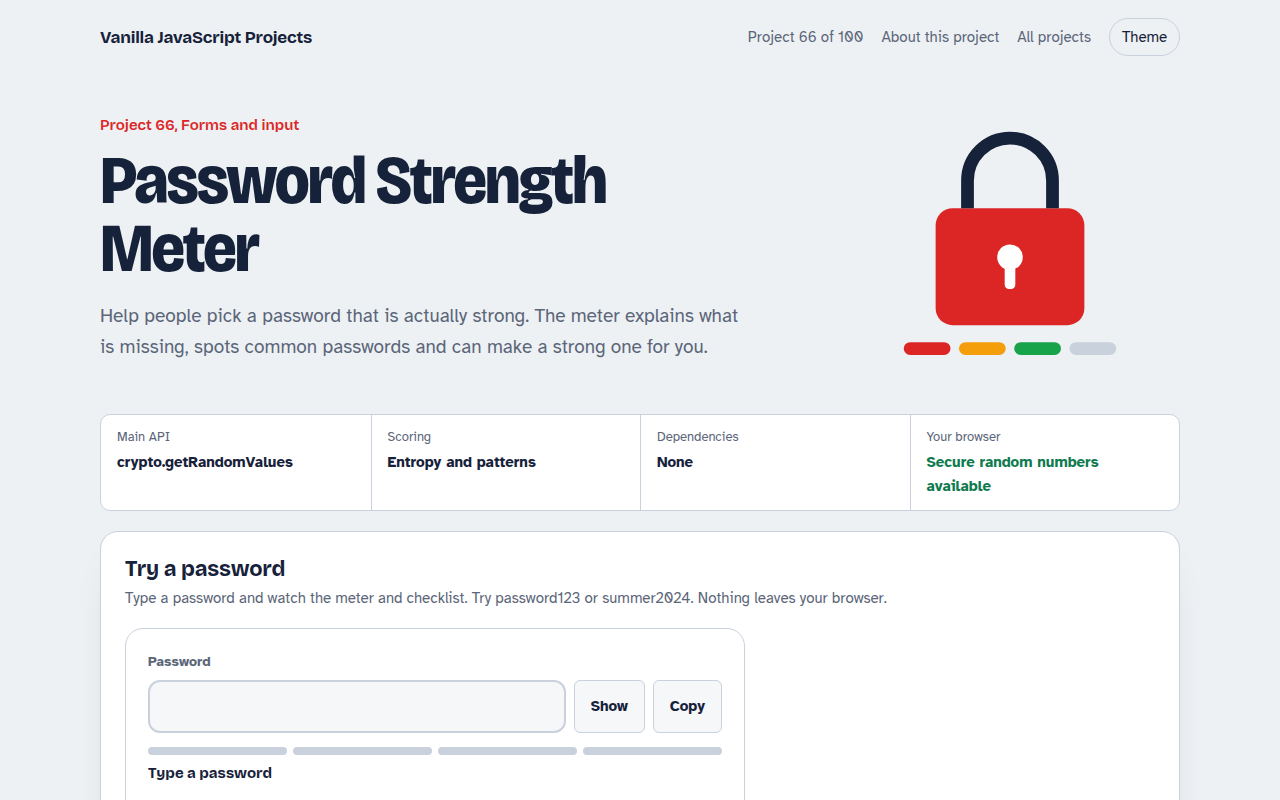
Free password strength meter in plain JavaScript. Live score, checklist, common password check, estimated crack time, show and hide button and a secure password generator.
Runs on: crypto.getRandomValues. Works in all modern browsers.
What is the Password Strength Meter?
A password field with a four part strength meter, a live checklist and a short tip about what would make it stronger.
It spots common passwords even with swapped letters like p@ssw0rd, estimates how long an offline attack would take and can suggest a random password or a four word passphrase.
Good for
- Sign up and change password forms
- Admin and staff account setup
- Password managers and vaults
- Security awareness training
What this project does
- Four level strength meter
- Live checklist of rules
- Common password and pattern detection
- Estimated crack time
- Secure generator with a word option
How it works
- Check the basicsSimple tests look for length, lower and upper case letters, numbers and symbols, and tick the checklist live.
- Estimate real strengthLength times the size of the character pool gives bits of entropy. Repeats, sequences, years and common words lower the score.
- Generate safelyThe generator uses crypto.getRandomValues, not Math.random, so suggested passwords are truly unpredictable.
The key JavaScript
This is the heart of the project. The full file has the rest, including the screen layout and error handling.
function entropy(p) {
  const pool = (/[a-z]/.test(p) ? 26 : 0) + (/[A-Z]/.test(p) ? 26 : 0)
             + (/\d/.test(p) ? 10 : 0) + (/[^A-Za-z0-9]/.test(p) ? 32 : 0);
  return p.length * Math.log2(pool || 1);      // bits
}
function randomIndex(n) {
  const a = new Uint32Array(1);
  crypto.getRandomValues(a);                    // secure, unlike Math.random
  return a[0] % n;
}
How to use it
- Click Download HTML file above.
- Open the file in a code editor, like VS Code.
- Run it from a local server with
npx serve .so the camera, microphone and AI features are allowed. - Change the text and colors, then upload it to GitHub Pages, Netlify or your own site. It is one file with no build step.
Questions people ask
Is the password sent anywhere?
No. All checks run in your browser and nothing is stored.
Why do long passwords score so well?
Each extra character multiplies the number of guesses needed. Length matters more than symbols.
Should I block weak passwords?
It is a good idea to block the very weak level and common passwords, and allow the rest with a warning.
More Forms and Input projects
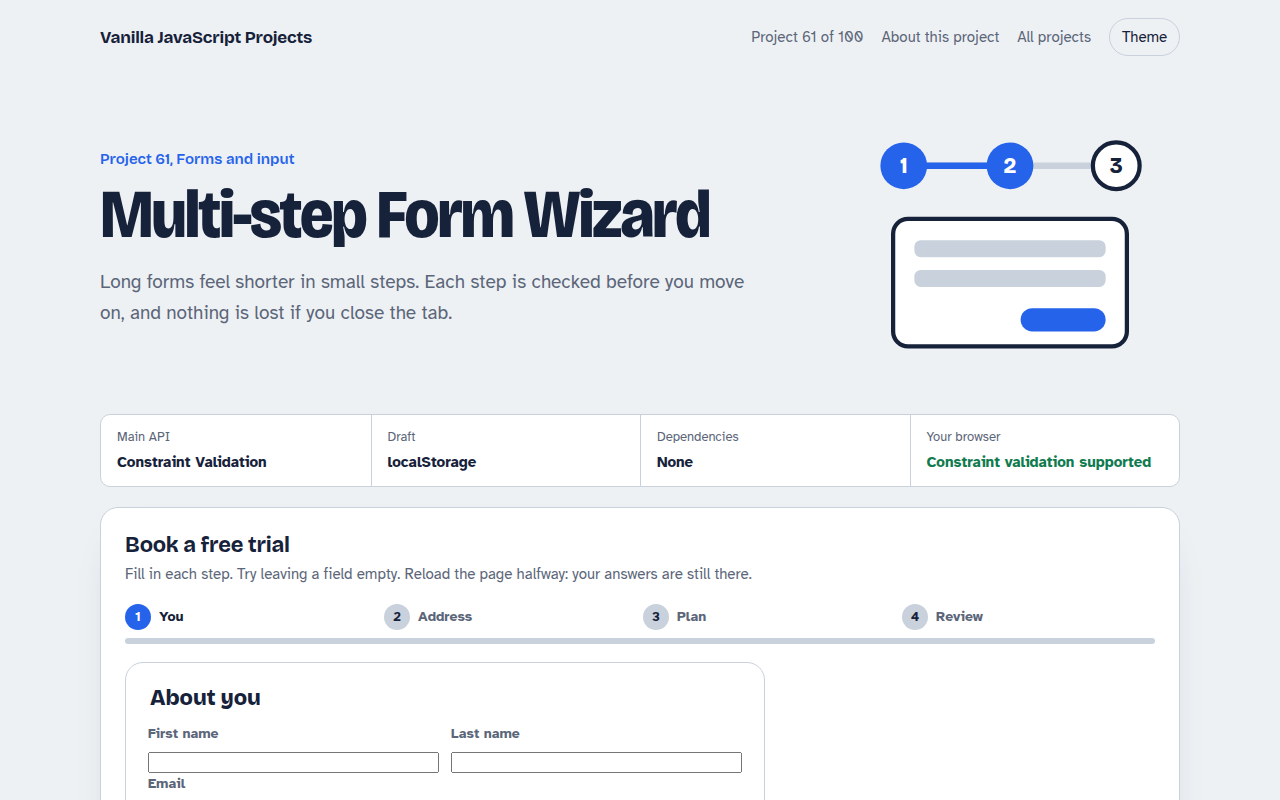
061. Multi-step Form Wizard
A sign up form split into steps with checks, a progress bar and a saved draft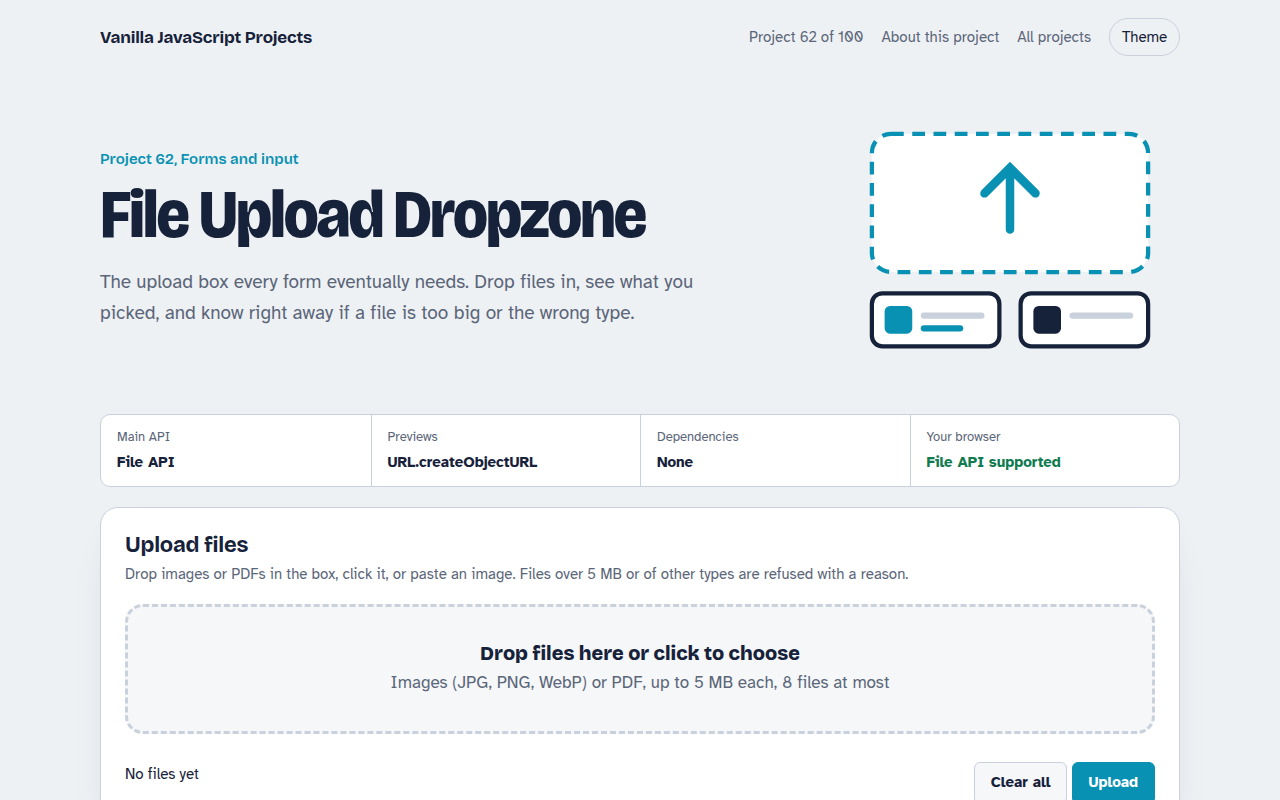
062. File Upload Dropzone
A drag and drop uploader with previews, size limits and progress bars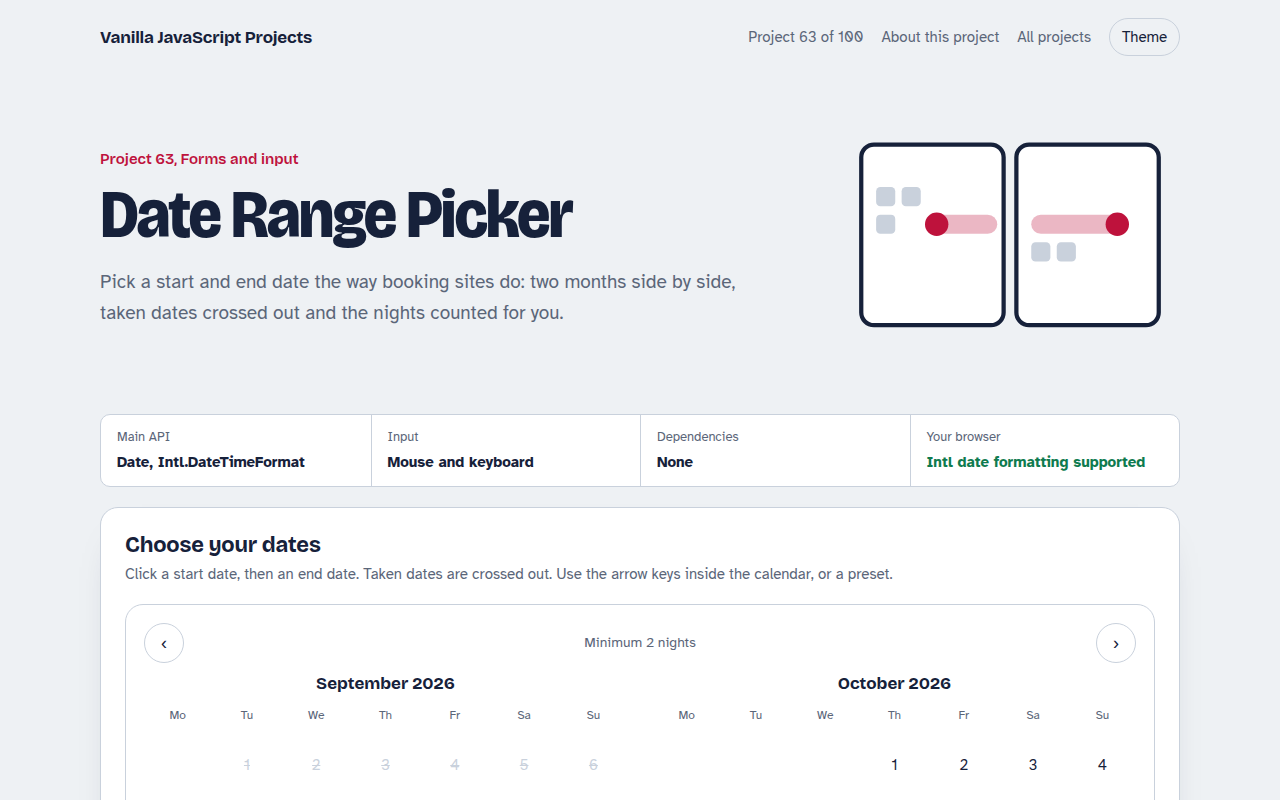
063. Date Range Picker
A two month calendar for picking check in and check out dates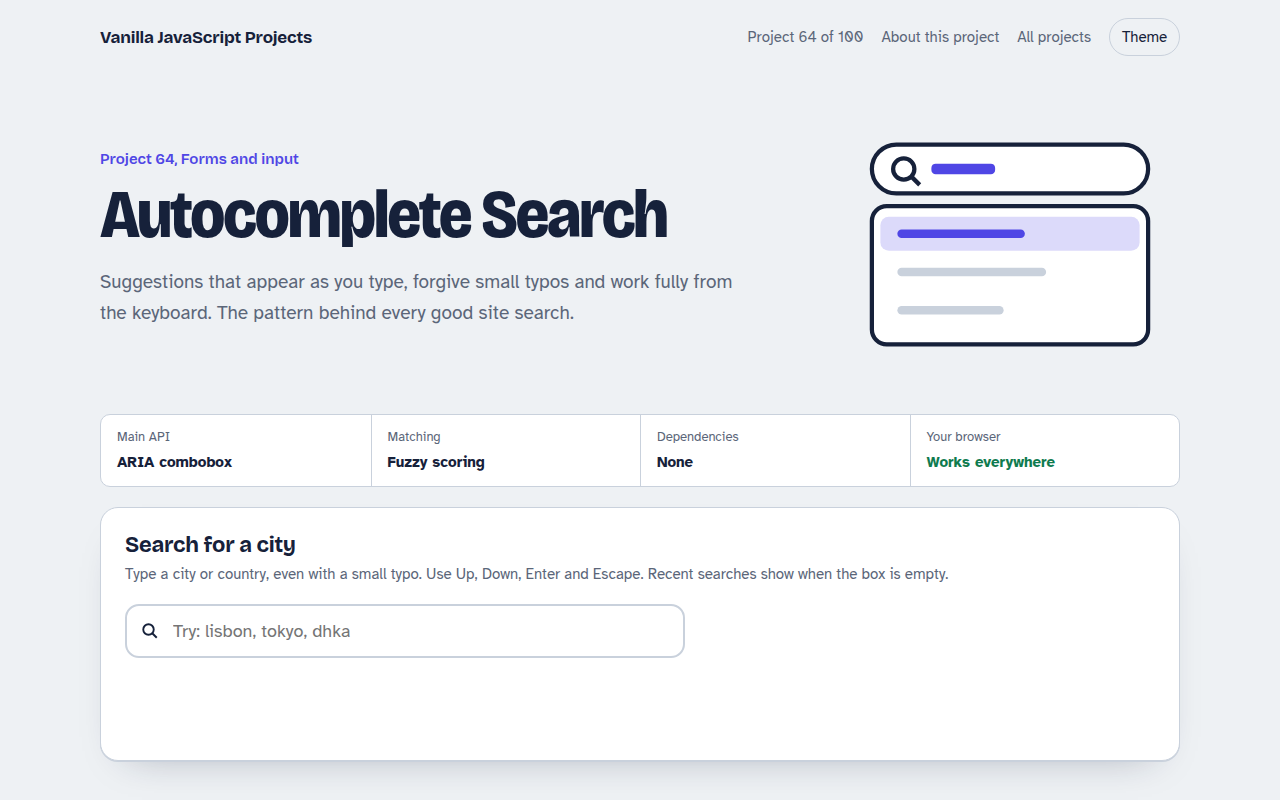
064. Autocomplete Search
A search box that suggests results as you type, with keyboard control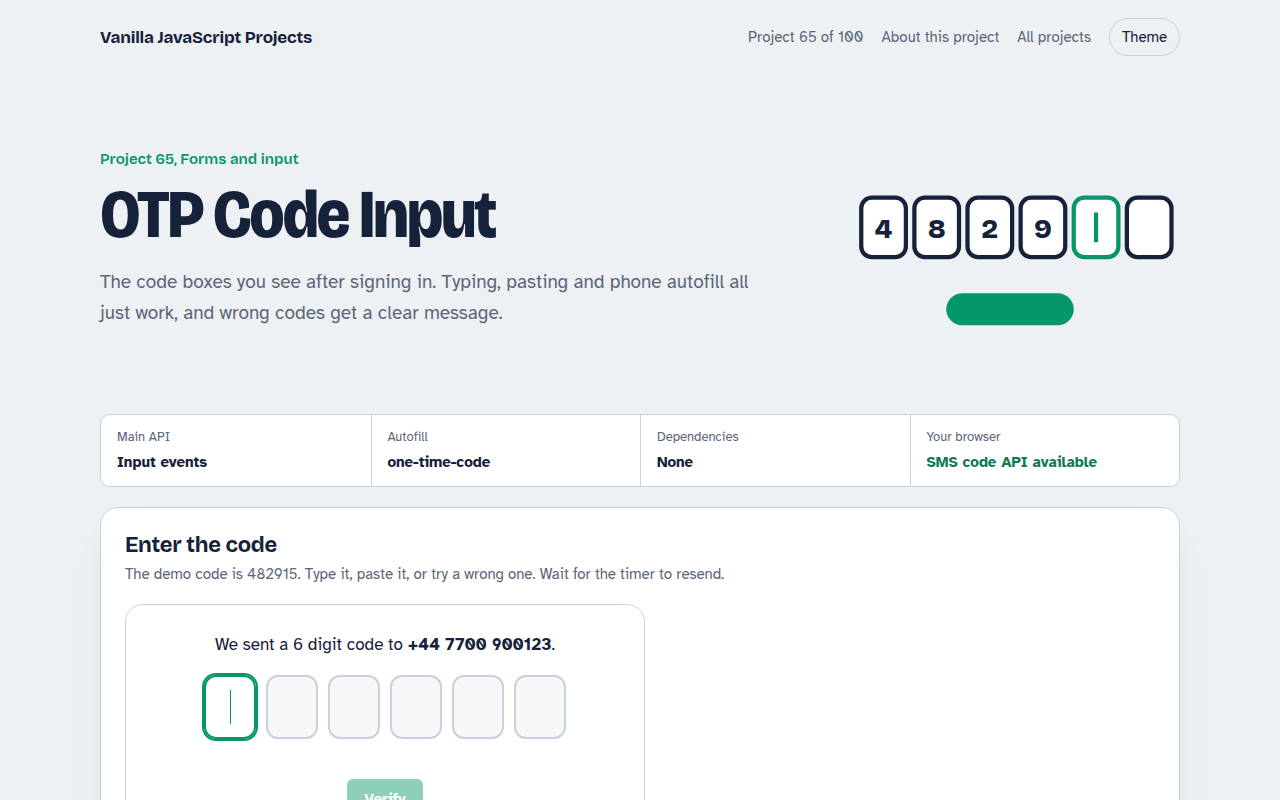
065. OTP Code Input
A six box verification code input with paste, auto advance and a resend timer