Home / Forms and Input / Phone Input with Country Codes
Phone Input with Country Codes in JavaScript, Free with Live Demo
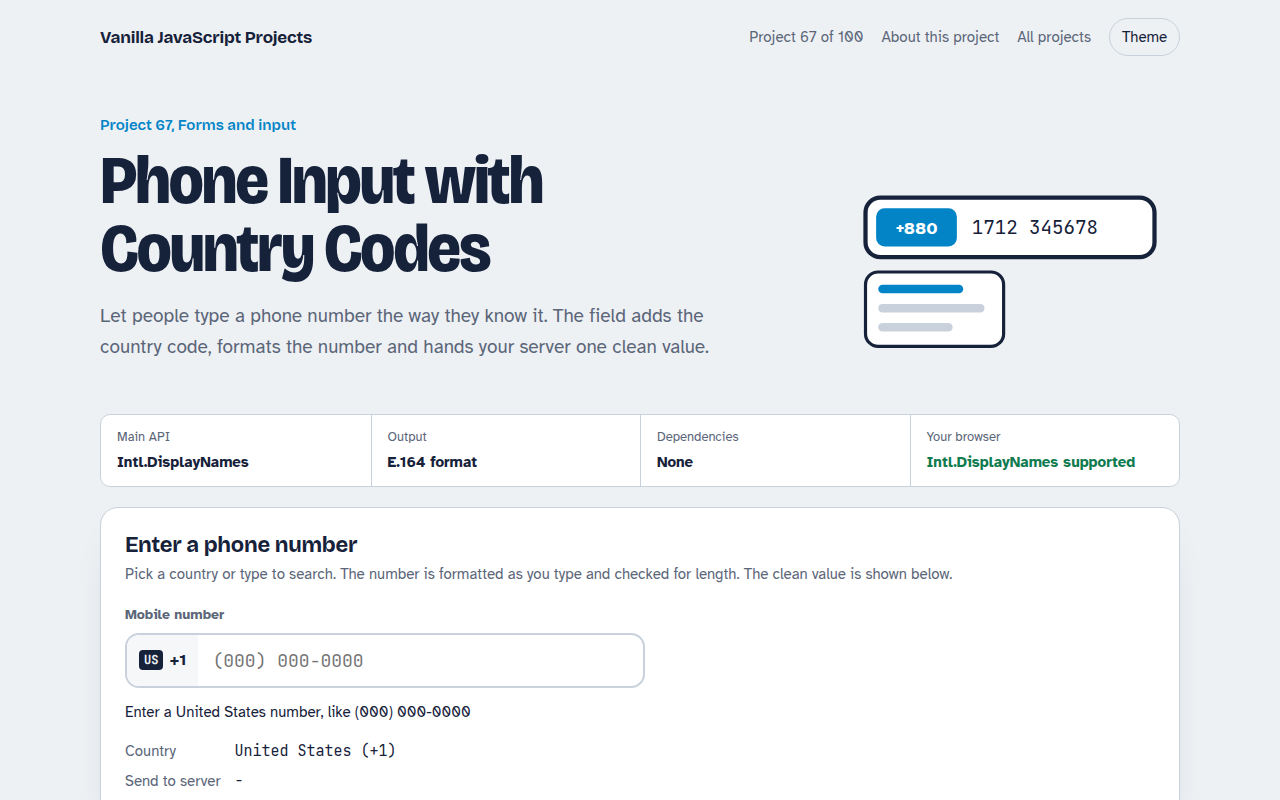
Free international phone number input in plain JavaScript. Searchable country list with dial codes, formatting as you type, length checks and E.164 output for your server.
Runs on: Intl.DisplayNames. Works in all modern browsers.
What is the Phone Input with Country Codes?
A phone field with a country picker. Choose a country from a searchable list or type a dial code, and the number is formatted the local way as you type.
The field tells you how many digits are missing, and shows the clean international version that you would send to your server or SMS service.
Good for
- Sign up and checkout forms
- Delivery and booking contact details
- SMS verification flows
- International lead forms
What this project does
- Searchable list of 28 countries with dial codes
- Country names in the visitor's language
- Formatting as you type with the cursor kept in place
- Length check with helpful messages
- E.164 output for servers
How it works
- Country data in one listEach country has an ISO code, dial code, a display mask and the expected number of digits. Names come from Intl.DisplayNames in the visitor's language.
- Format as you typeOnly digits are kept, a leading 0 is dropped, and the mask adds spaces and brackets in the right places.
- Send one clean valueThe server gets the number in E.164 format: a plus sign, the dial code and the digits, with no spaces.
The key JavaScript
This is the heart of the project. The full file has the rest, including the screen layout and error handling.
const names = new Intl.DisplayNames(["en"], { type: "region" });
names.of("BD");                           // "Bangladesh"

function format(digits, mask) {           // mask like "####-######"
  let out = "", i = 0;
  for (const ch of mask) {
    if (i >= digits.length) break;
    out += ch === "#" ? digits[i++] : ch;
  }
  return out;
}
const e164 = "+" + country.dial + digits; // "+8801712345678"
How to use it
- Click Download HTML file above.
- Open the file in a code editor, like VS Code.
- Run it from a local server with
npx serve .so the camera, microphone and AI features are allowed. - Change the text and colors, then upload it to GitHub Pages, Netlify or your own site. It is one file with no build step.
Questions people ask
What is E.164?
The international phone format: a plus sign, country code and number with no spaces, like +447700900123. SMS services expect it.
Why no flag emoji?
Flag emoji do not show on Windows, so the demo uses short country codes that look the same everywhere.
Is a length check enough?
It catches most typos. For full checks, use a phone library on your server or verify the number with a code.
More Forms and Input projects
061. Multi-step Form Wizard
A sign up form split into steps with checks, a progress bar and a saved draft
062. File Upload Dropzone
A drag and drop uploader with previews, size limits and progress bars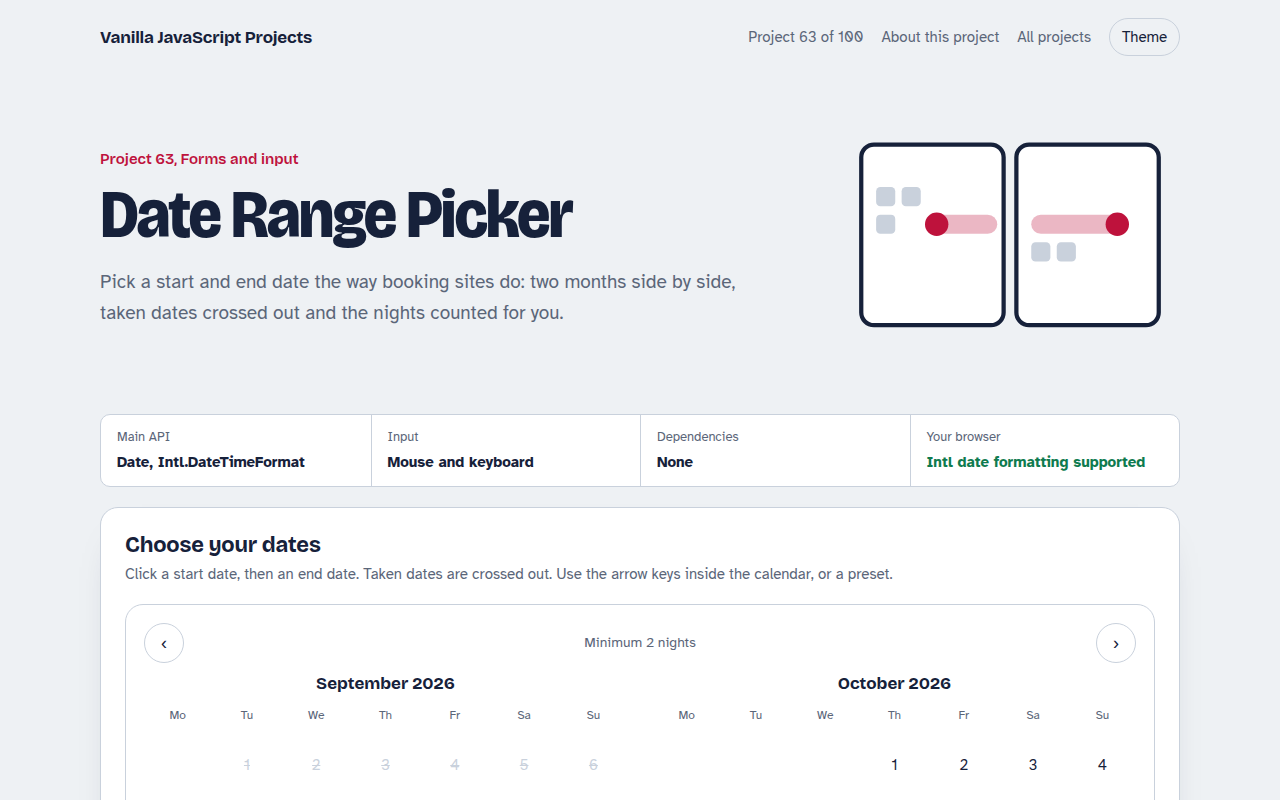
063. Date Range Picker
A two month calendar for picking check in and check out dates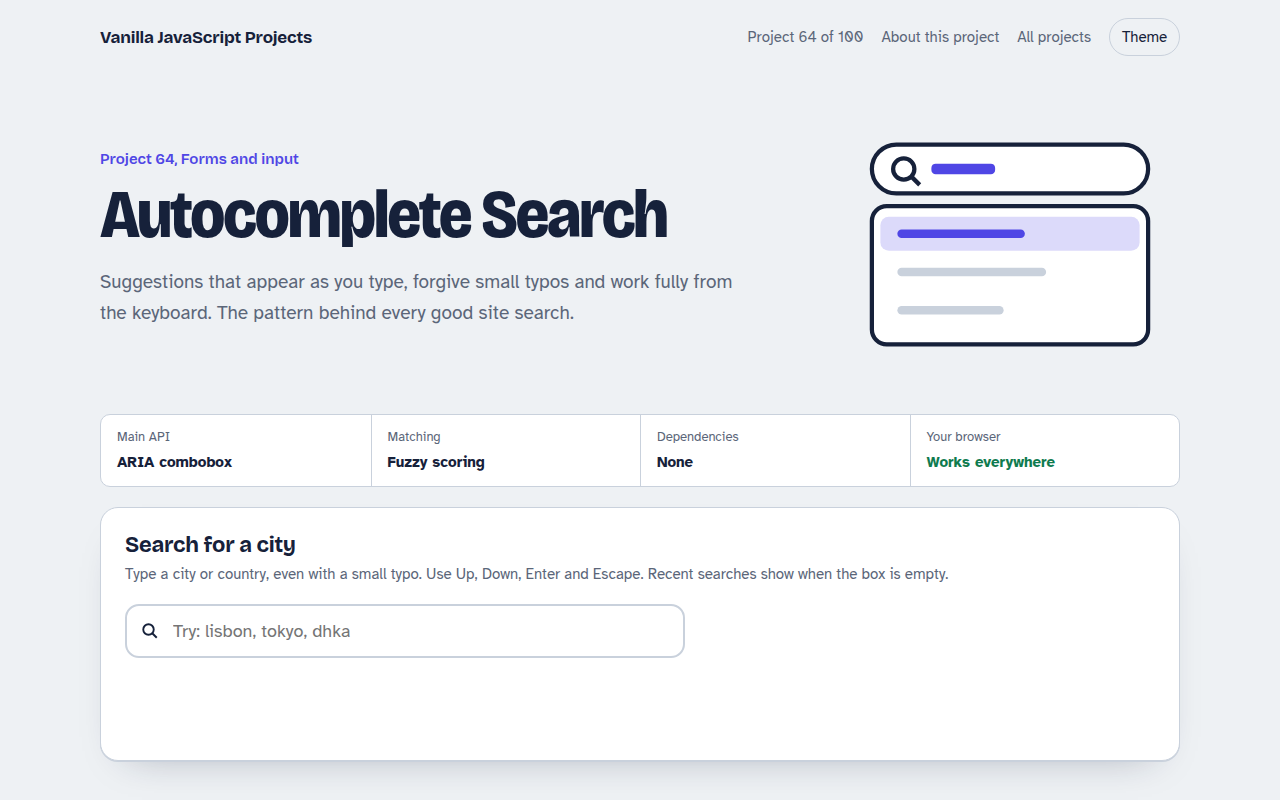
064. Autocomplete Search
A search box that suggests results as you type, with keyboard control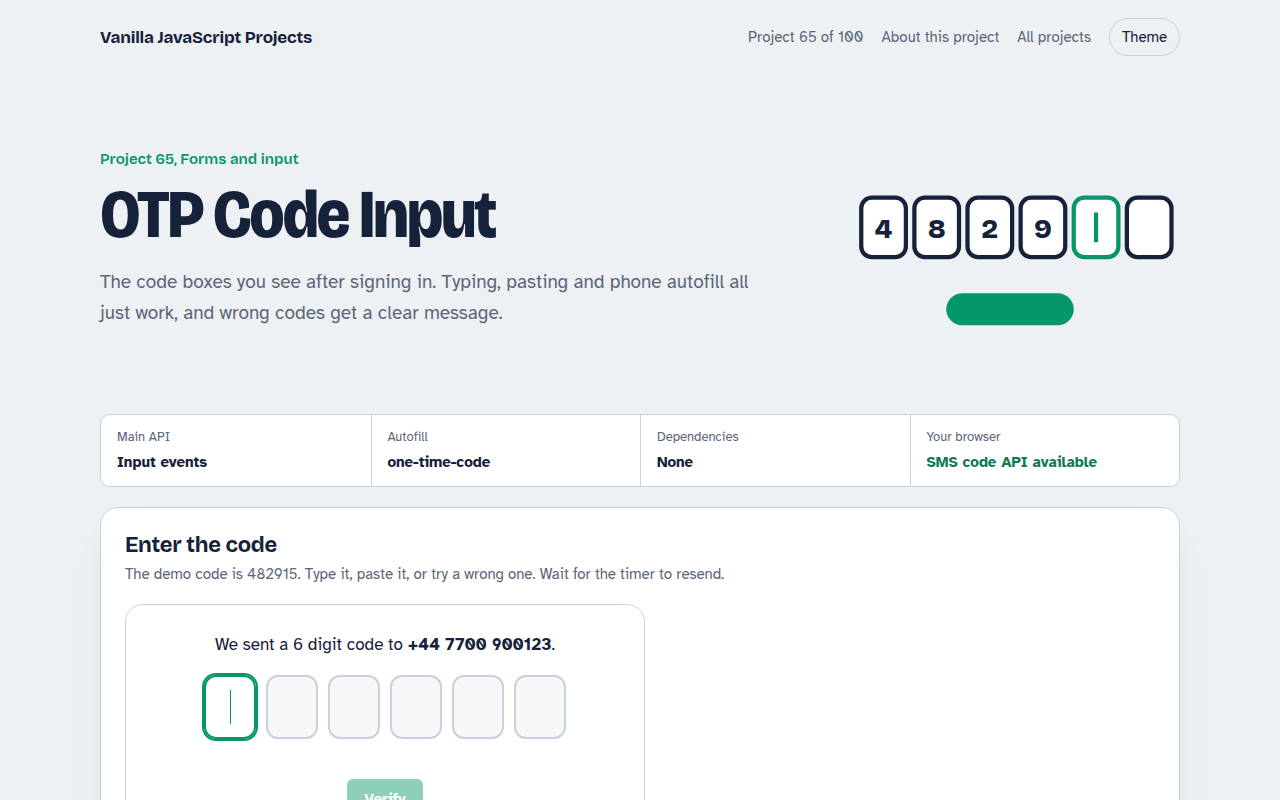
065. OTP Code Input
A six box verification code input with paste, auto advance and a resend timer