Home / Forms and Input / Date Range Picker
Date Range Picker in JavaScript, Free with Live Demo
Free date range picker in plain JavaScript. Two month calendar, blocked dates, minimum nights, hover preview, quick presets and keyboard navigation. No library.
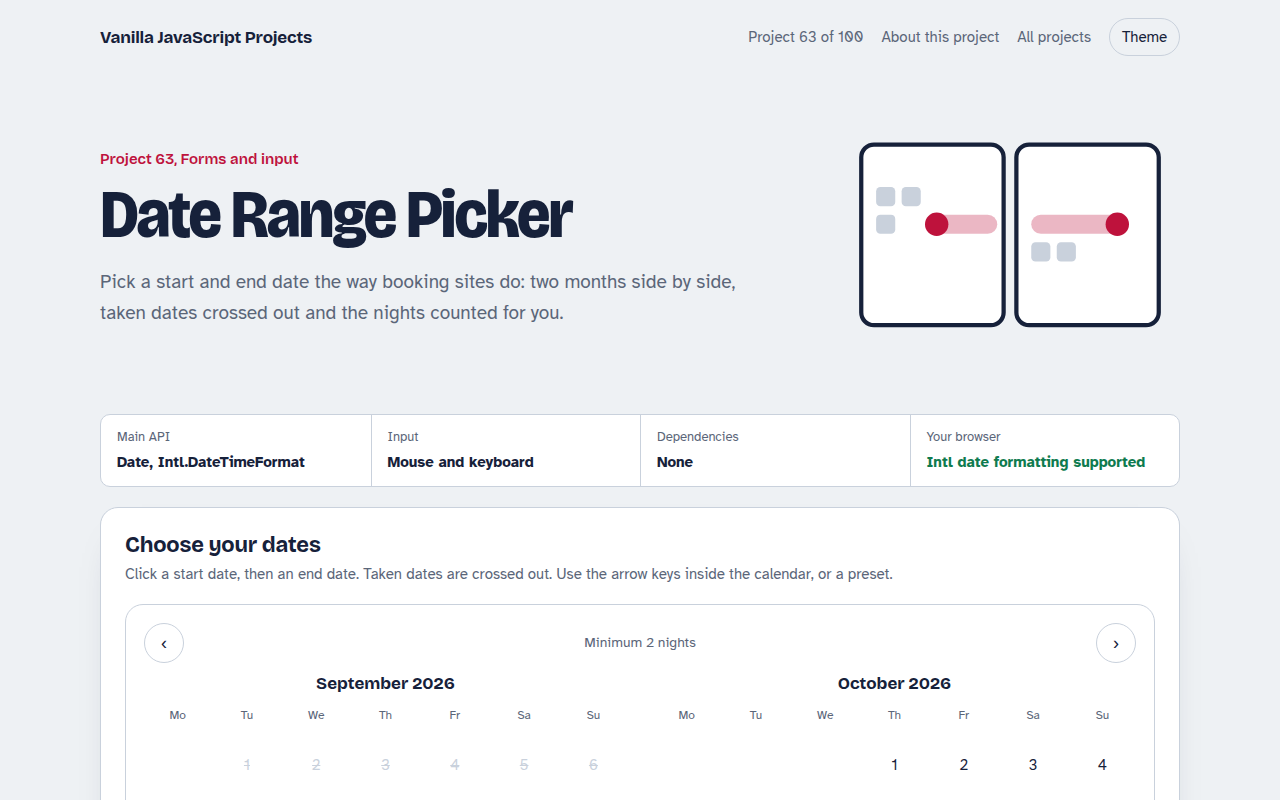
Runs on: Date and Intl.DateTimeFormat. Works in all modern browsers.
What is the Date Range Picker?
A booking style calendar showing two months side by side. Click a check in date and a check out date, and the range and number of nights appear.
Taken and past dates are crossed out, a range cannot include a taken night, and there is a two night minimum. Presets pick a weekend or a week in one click.
Good for
- Hotel and holiday rental booking
- Car and equipment hire
- Leave and holiday requests
- Report and analytics date filters
What this project does
- Two month view with previous and next
- Blocked and past dates
- Hover preview of the range
- Minimum stay check
- Keyboard navigation with arrow keys
How it works
- Build the grid from datesFor each month the script works out which weekday the 1st falls on, adds empty cells, then one button per day.
- Two clicks make a rangeThe first click sets check in. The second sets check out if it is later, long enough and has no taken nights in between.
- Keyboard as a gridOnly one day is in the Tab order. Arrow keys move a day or a week, and the calendar moves to the next month when needed.
The key JavaScript
This is the heart of the project. The full file has the rest, including the screen layout and error handling.
function monthGrid(year, month) {
  const firstWeekday = (new Date(year, month, 1).getDay() + 6) % 7; // Monday first
  const days = new Date(year, month + 1, 0).getDate();              // days in month
  const cells = Array(firstWeekday).fill(null);
  for (let d = 1; d <= days; d++) cells.push(new Date(year, month, d));
  return cells;
}
const nights = Math.round((checkOut - checkIn) / 86400000);
How to use it
- Click Download HTML file above.
- Open the file in a code editor, like VS Code.
- Run it from a local server with
npx serve .so the camera, microphone and AI features are allowed. - Change the text and colors, then upload it to GitHub Pages, Netlify or your own site. It is one file with no build step.
Questions people ask
Why not use input type date?
The native picker selects one date and cannot show taken dates or a range, which booking sites need.
How do I load real taken dates?
Fetch them from your booking system and add each date to the blocked set before drawing.
Does it handle time zones?
Dates are treated as local calendar days, which is what guests expect for check in and check out.
More Forms and Input projects
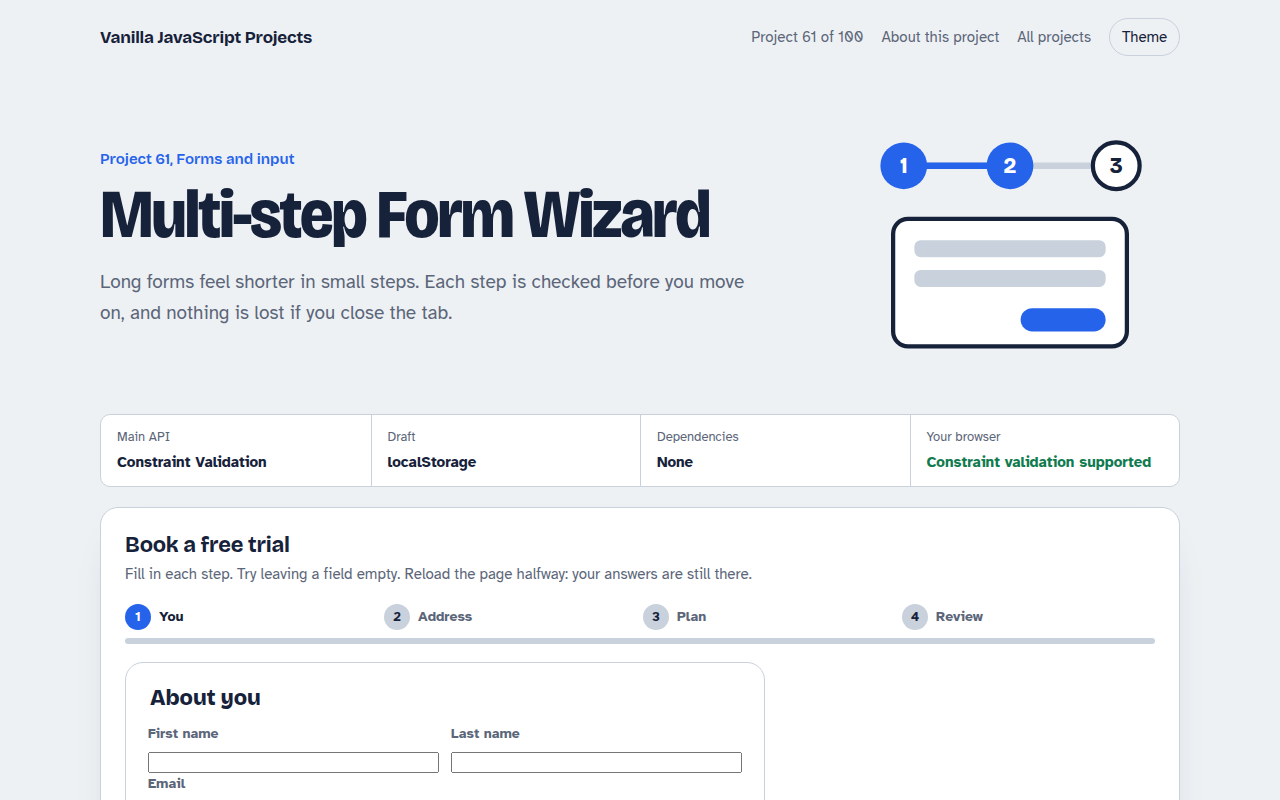
061. Multi-step Form Wizard
A sign up form split into steps with checks, a progress bar and a saved draft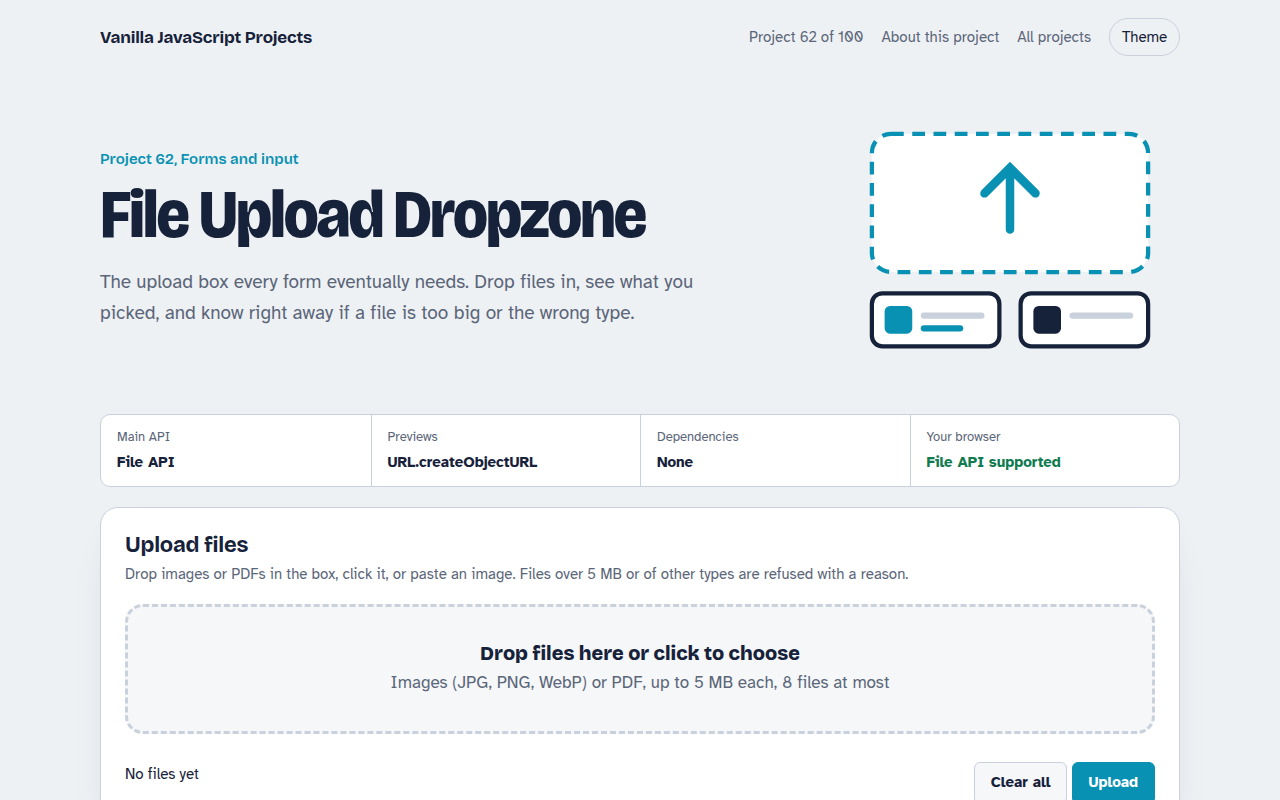
062. File Upload Dropzone
A drag and drop uploader with previews, size limits and progress bars
064. Autocomplete Search
A search box that suggests results as you type, with keyboard control
065. OTP Code Input
A six box verification code input with paste, auto advance and a resend timer
066. Password Strength Meter
A password box that rates strength, estimates crack time and suggests a strong password