Home / Forms and Input / OTP Code Input
OTP Code Input in JavaScript, Free with Live Demo
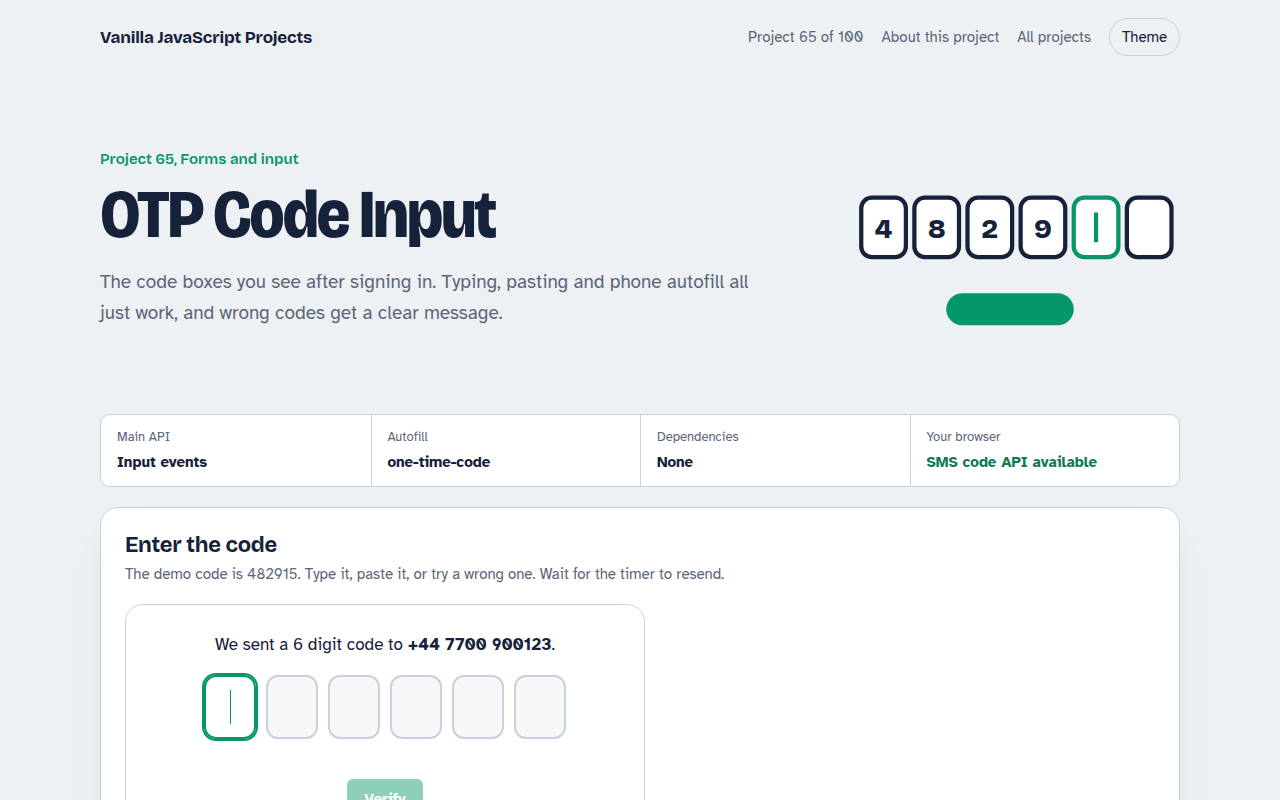
Free OTP code input in plain JavaScript. Six boxes that move forward as you type, back on Backspace, accept a pasted code, fill from SMS autofill and show a resend timer.
Runs on: input events and autocomplete one-time-code. Works in all modern browsers. SMS code reading via WebOTP works in Chrome on Android.
What is the OTP Code Input?
Six boxes for a verification code. Focus jumps forward as you type and back when you press Backspace, and a pasted code fills every box at once.
On phones the first box accepts SMS autofill. Wrong codes shake with a message and a count of tries left, and the resend link becomes active after 30 seconds.
Good for
- Two step sign in
- Phone number and email checks
- Payment confirmations
- Password reset flows
What this project does
- Auto advance and smart Backspace
- Paste a whole code into any box
- SMS autofill with one-time-code
- Three tries then lock
- Resend timer
How it works
- One digit per boxEach box takes one digit and moves focus to the next. Backspace on an empty box goes back and clears the previous digit.
- Paste and autofillPasting or autofill can drop the whole code into one box. The script spreads the digits across all six.
- Limit tries and waitThree wrong tries lock the boxes, and the resend link waits 30 seconds, like real sign in flows.
The key JavaScript
This is the heart of the project. The full file has the rest, including the screen layout and error handling.
inputs.forEach((box, i) => {
  box.addEventListener("input", () => {
    const digits = box.value.replace(/\D/g, "");
    if (digits.length > 1) return spread(digits, i);   // pasted or autofilled
    box.value = digits;
    if (digits && i < inputs.length - 1) inputs[i + 1].focus();
  });
  box.addEventListener("keydown", (e) => {
    if (e.key === "Backspace" && !box.value && i > 0) inputs[i - 1].focus();
  });
});
// first box: <input autocomplete="one-time-code" inputmode="numeric">
How to use it
- Click Download HTML file above.
- Open the file in a code editor, like VS Code.
- Run it from a local server with
npx serve .so the camera, microphone and AI features are allowed. - Change the text and colors, then upload it to GitHub Pages, Netlify or your own site. It is one file with no build step.
Questions people ask
Why six separate inputs?
They make the length clear and each digit easy to check. The script makes them behave like one field.
How does SMS autofill work?
autocomplete="one-time-code" lets phones offer the code from a new message above the keyboard.
Should I check the code in JavaScript?
Only for the demo. Real codes must be checked on your server.
More Forms and Input projects
061. Multi-step Form Wizard
A sign up form split into steps with checks, a progress bar and a saved draft
062. File Upload Dropzone
A drag and drop uploader with previews, size limits and progress bars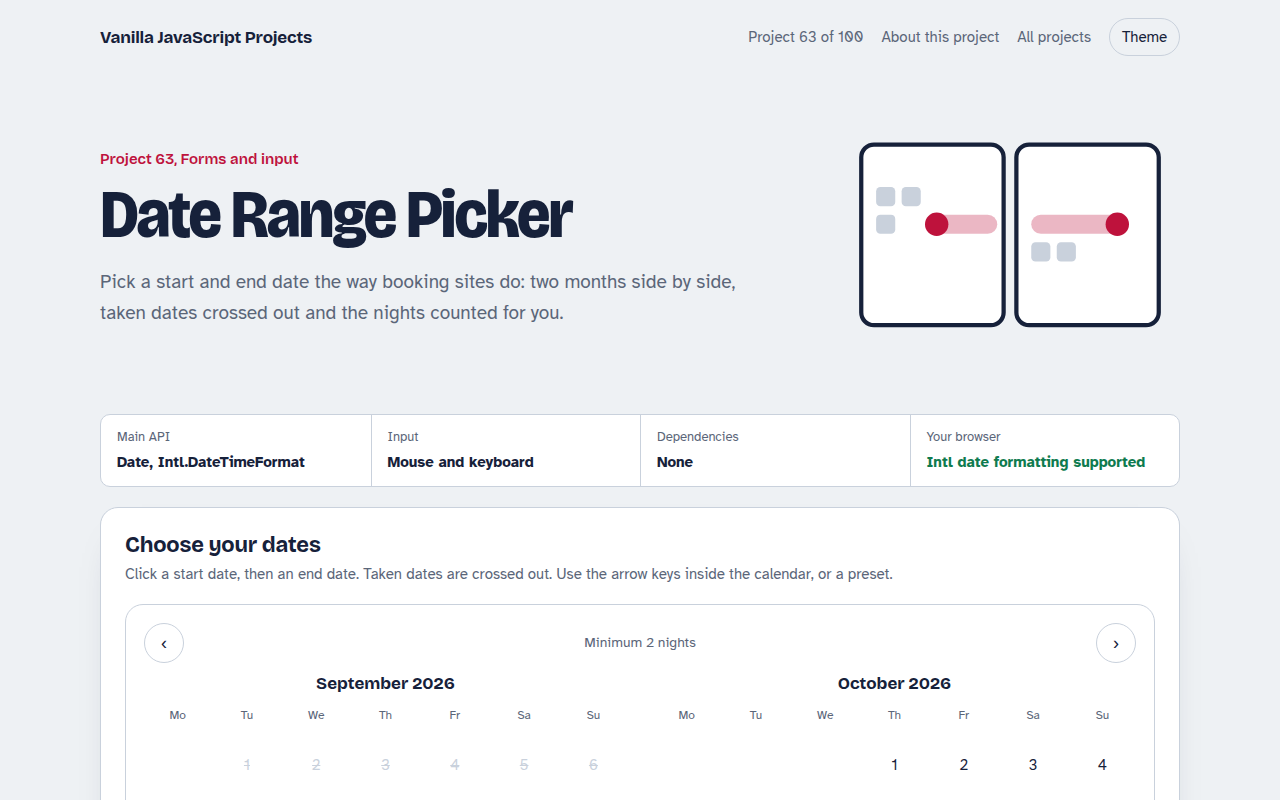
063. Date Range Picker
A two month calendar for picking check in and check out dates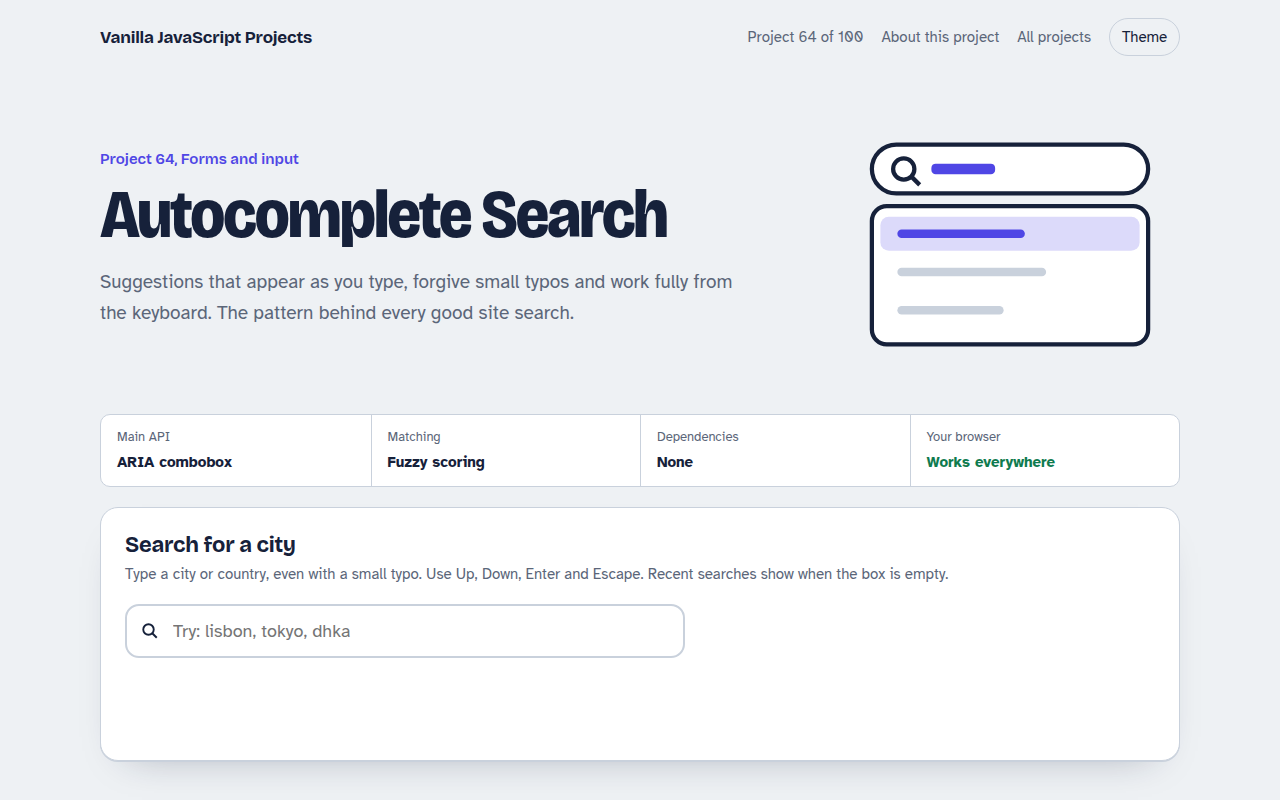
064. Autocomplete Search
A search box that suggests results as you type, with keyboard control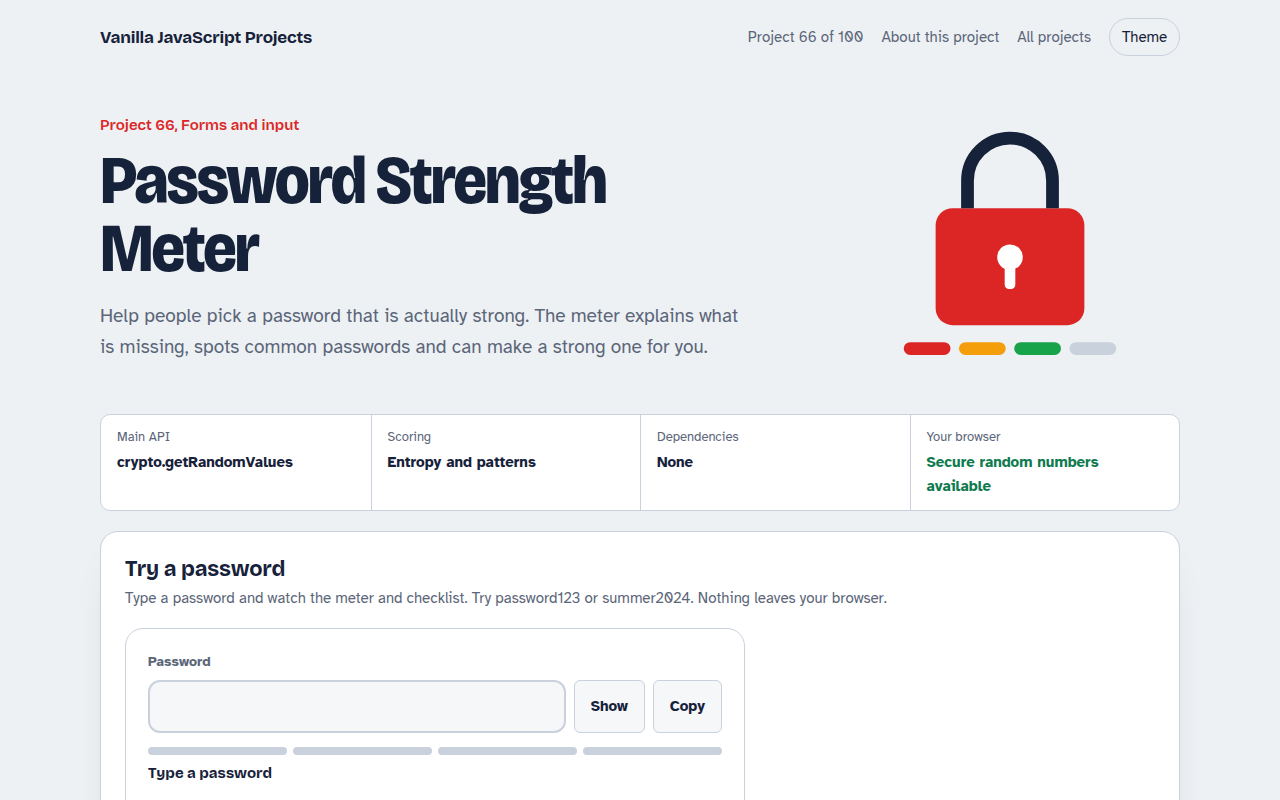
066. Password Strength Meter
A password box that rates strength, estimates crack time and suggests a strong password