Home / Forms and Input / Autocomplete Search
Autocomplete Search in JavaScript, Free with Live Demo
Free autocomplete search in plain JavaScript. Suggestions as you type with fuzzy matching, highlighted matches, arrow keys, Enter and Escape, recent searches and ARIA combobox.
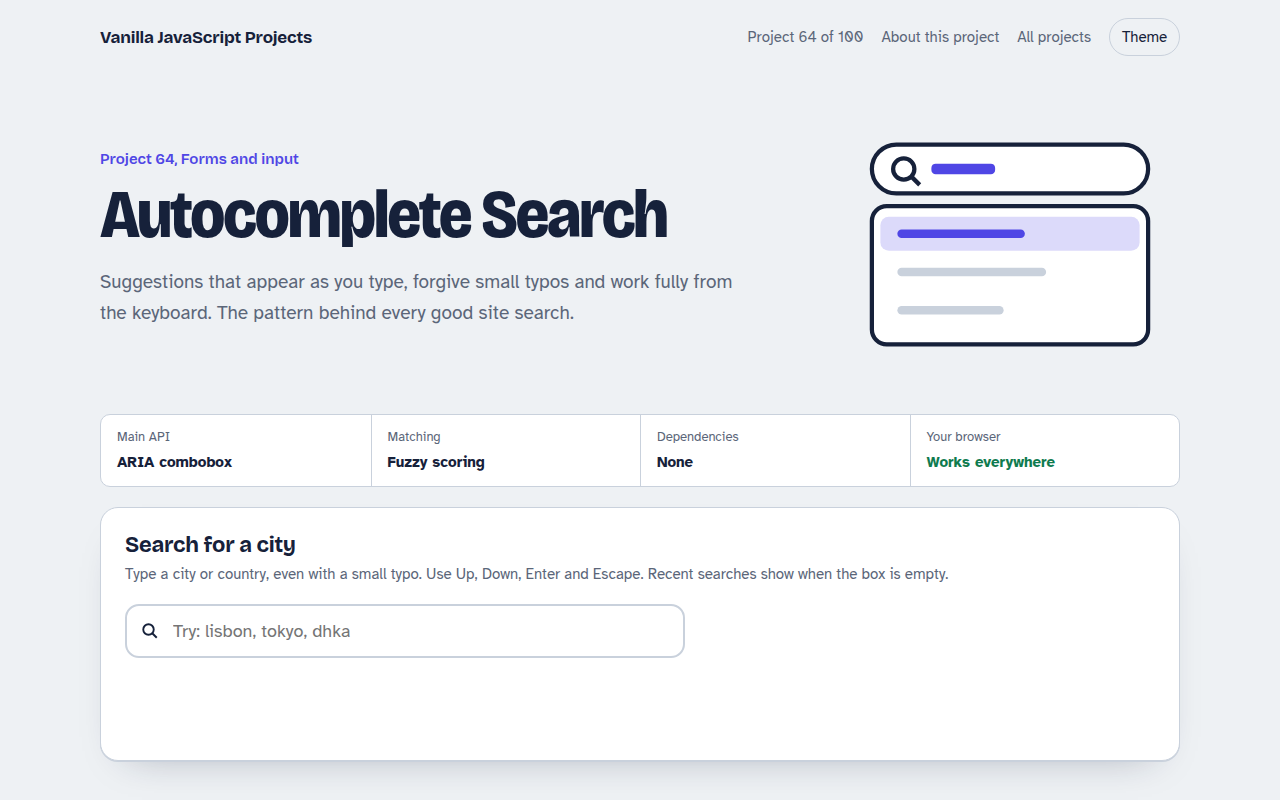
Runs on: ARIA combobox and debounced input. Works in all modern browsers.
What is the Autocomplete Search?
A search box that suggests cities as you type. It matches the start of words first, then anywhere in the name, and forgives a missing letter.
Everything works with the keyboard, matching letters are highlighted, and your last five picks show as recent searches when the box is empty.
Good for
- Site search boxes
- Picking a city, country or product
- Tagging and mentions
- Admin panels with long lists
What this project does
- Suggestions as you type with a short debounce
- Fuzzy matching that forgives small typos
- Highlighted matching text
- Arrow keys, Enter and Escape
- Recent searches saved in the browser
How it works
- Score every itemA starts-with match scores highest, then contains, then a loose letter-by-letter match that allows a small gap, so dhka still finds Dhaka.
- Combobox rolesThe input has role combobox and points to the listbox. aria-activedescendant tells screen readers which option is highlighted while focus stays in the box.
- Wait a momentA short debounce means the list only updates after a pause in typing, which matters when results come from a server.
The key JavaScript
This is the heart of the project. The full file has the rest, including the screen layout and error handling.
input.addEventListener("input", () => {
  clearTimeout(timer);
  timer = setTimeout(() => {
    const q = input.value.trim().toLowerCase();
    const results = data
      .map((item) => [item, score(q, item.name)])
      .filter(([, s]) => s > 0)
      .sort((a, b) => b[1] - a[1])
      .slice(0, 8);
    render(results);
  }, 120);
});
input.setAttribute("aria-activedescendant", "option-" + active);
How to use it
- Click Download HTML file above.
- Open the file in a code editor, like VS Code.
- Run it from a local server with
npx serve .so the camera, microphone and AI features are allowed. - Change the text and colors, then upload it to GitHub Pages, Netlify or your own site. It is one file with no build step.
Questions people ask
How do I search a server instead?
Replace the local filter with a fetch to your search endpoint inside the debounced function, and cancel older requests with AbortController.
What is aria-activedescendant?
It lets focus stay in the input while telling screen readers which suggestion is currently highlighted.
How many suggestions should I show?
Between five and ten. More than that is hard to scan.
More Forms and Input projects
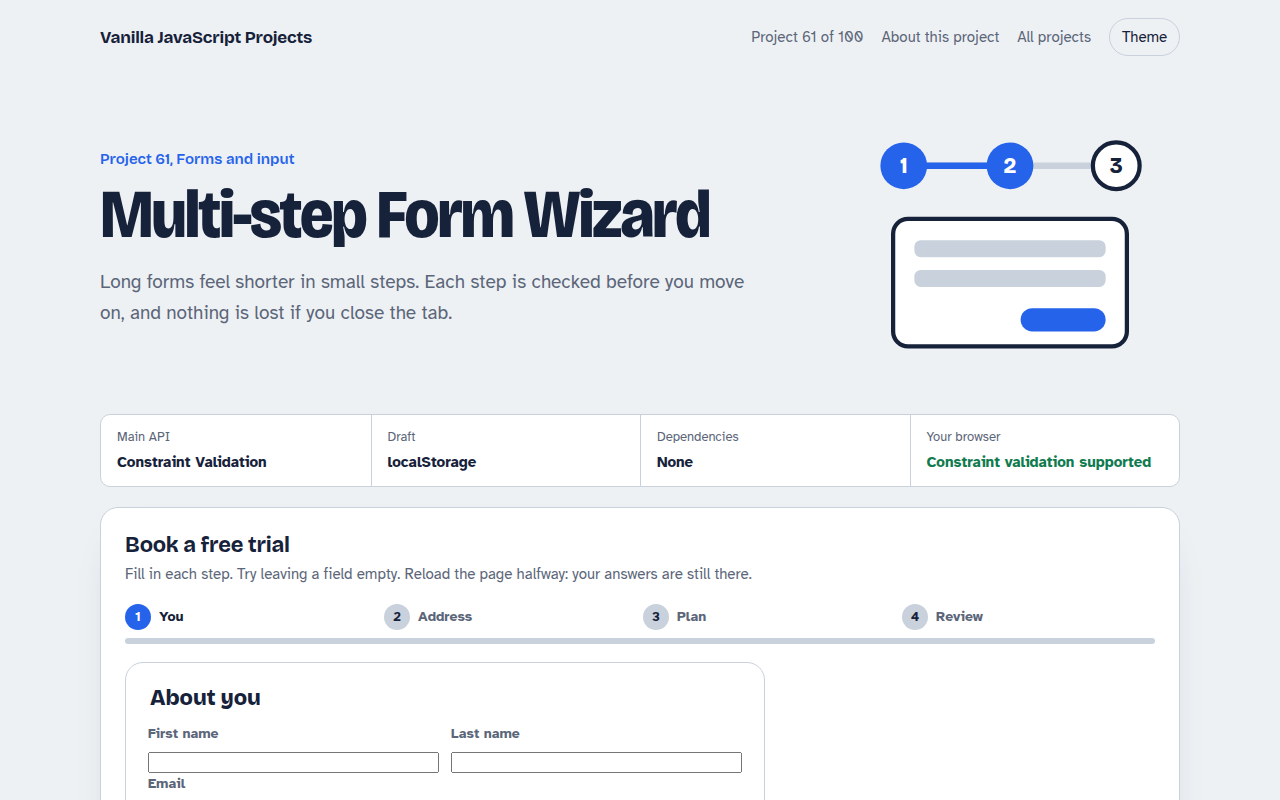
061. Multi-step Form Wizard
A sign up form split into steps with checks, a progress bar and a saved draft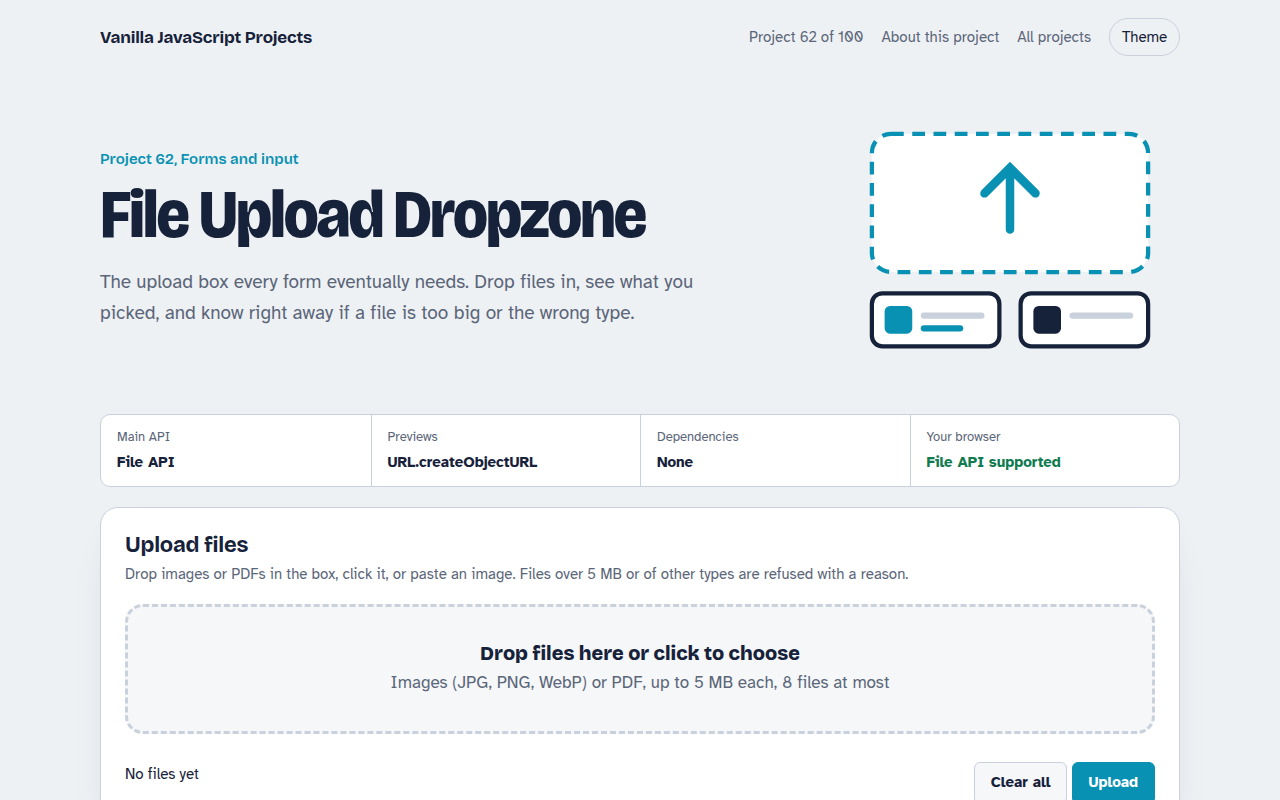
062. File Upload Dropzone
A drag and drop uploader with previews, size limits and progress bars
063. Date Range Picker
A two month calendar for picking check in and check out dates
065. OTP Code Input
A six box verification code input with paste, auto advance and a resend timer
066. Password Strength Meter
A password box that rates strength, estimates crack time and suggests a strong password