Home / Content and Data / Data Table
Data Table in JavaScript, Free with Live Demo
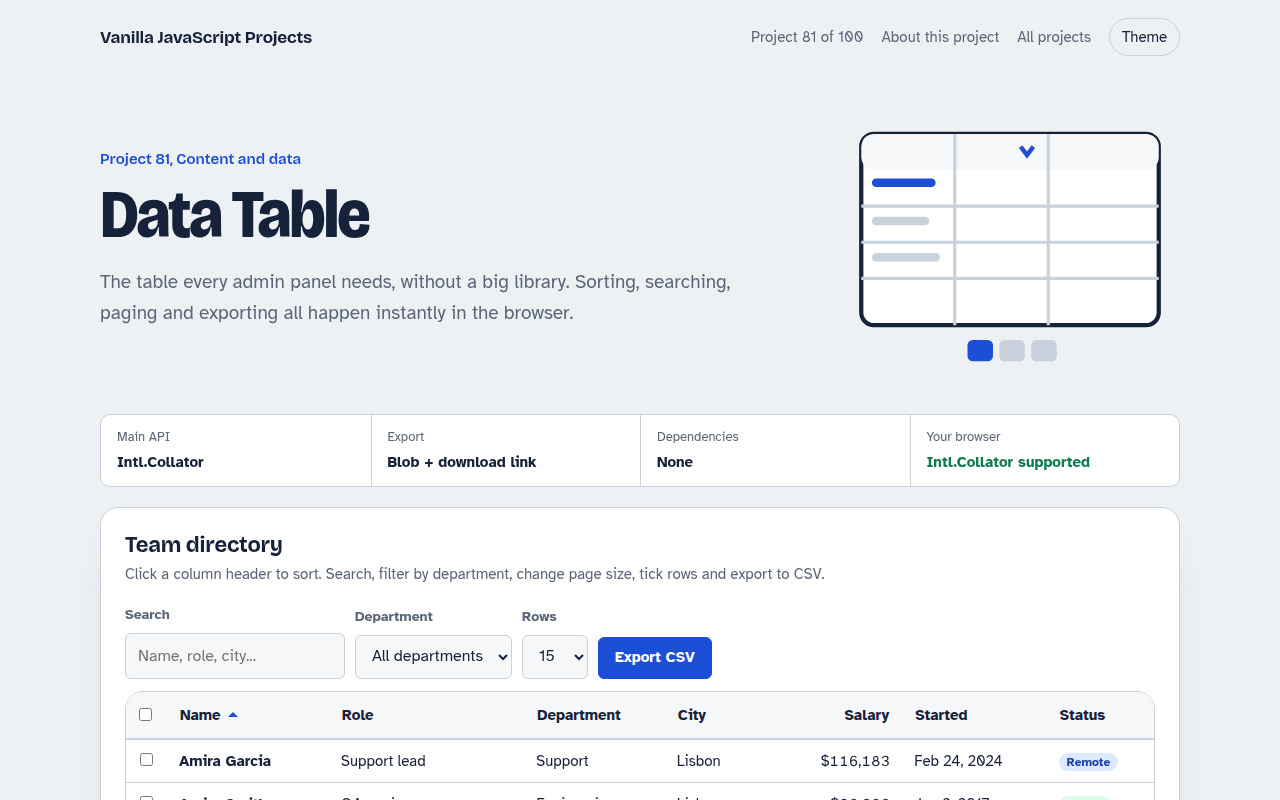
Free data table in plain JavaScript. Click headers to sort, search every column, filter by department, choose page size, select rows and export the results to a CSV file.
Runs on: Intl.Collator and Blob downloads. Works in all modern browsers.
What is the Data Table?
A table of 64 team members. Click any header to sort up or down, search across every column with matches highlighted, and filter by department.
Choose how many rows per page, move between pages, tick rows or a whole page and export either the selection or all filtered rows as a CSV file.
Good for
- Admin panels and dashboards
- Order and customer lists
- Reports and exports
- Internal directories
What this project does
- Sortable headers with aria-sort
- Search across all columns with highlights
- Department filter and page size
- Pagination with smart page numbers
- Row selection and CSV export
How it works
- Filter, sort, sliceEvery change runs the same pipeline: filter by search and department, sort by the chosen column, then take one page.
- Sort like a humanIntl.Collator with numeric set compares names in the right language order and sorts Item 2 before Item 10.
- Export what you seeCSV is built from the filtered rows, or only the ticked ones, then downloaded through a Blob link. A BOM makes Excel read accents correctly.
The key JavaScript
This is the heart of the project. The full file has the rest, including the screen layout and error handling.
const collator = new Intl.Collator(undefined, { numeric: true, sensitivity: "base" });
const view = data
  .filter((r) => Object.values(r).join(" ").toLowerCase().includes(query))
  .sort((a, b) => collator.compare(a[key], b[key]) * dir)
  .slice((page - 1) * size, page * size);

const csv = [headers, ...rows.map((r) => keys.map((k) => r[k]))].map((r) => r.join(",")).join("\n");
link.href = URL.createObjectURL(new Blob(["\ufeff" + csv], { type: "text/csv" }));
How to use it
- Click Download HTML file above.
- Open the file in a code editor, like VS Code.
- Run it from a local server with
npx serve .so the camera, microphone and AI features are allowed. - Change the text and colors, then upload it to GitHub Pages, Netlify or your own site. It is one file with no build step.
Questions people ask
How many rows can it handle?
A few thousand rows sort and search instantly. For more, load pages from your server with the same sort and search values.
Why add a BOM to the CSV?
Excel needs it to read accented letters like ü correctly. Other apps ignore it.
Is the sticky header accessible?
Yes. The headers are real buttons inside th elements, and aria-sort tells screen readers the sort direction.
More Content and Data projects
082. SVG Charts Kit
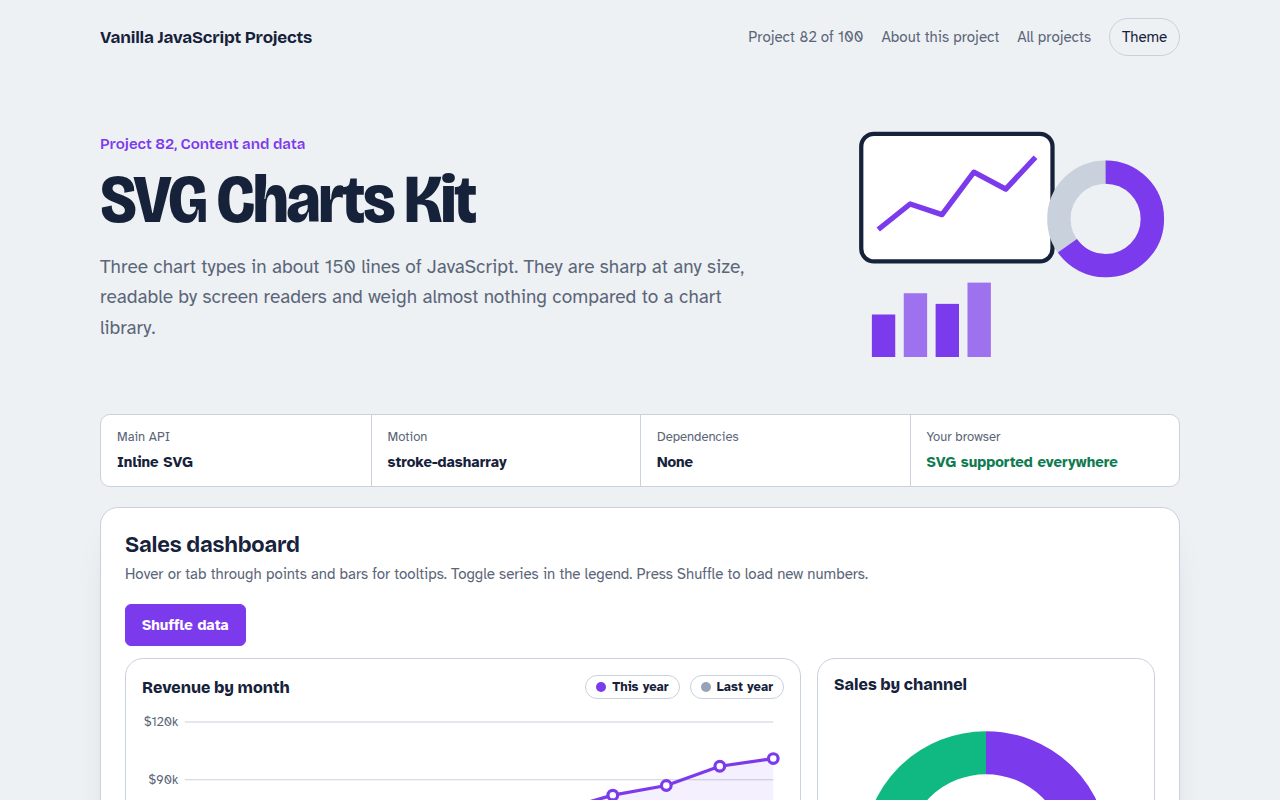
Line, bar and donut charts drawn with plain SVG, with tooltips and a data table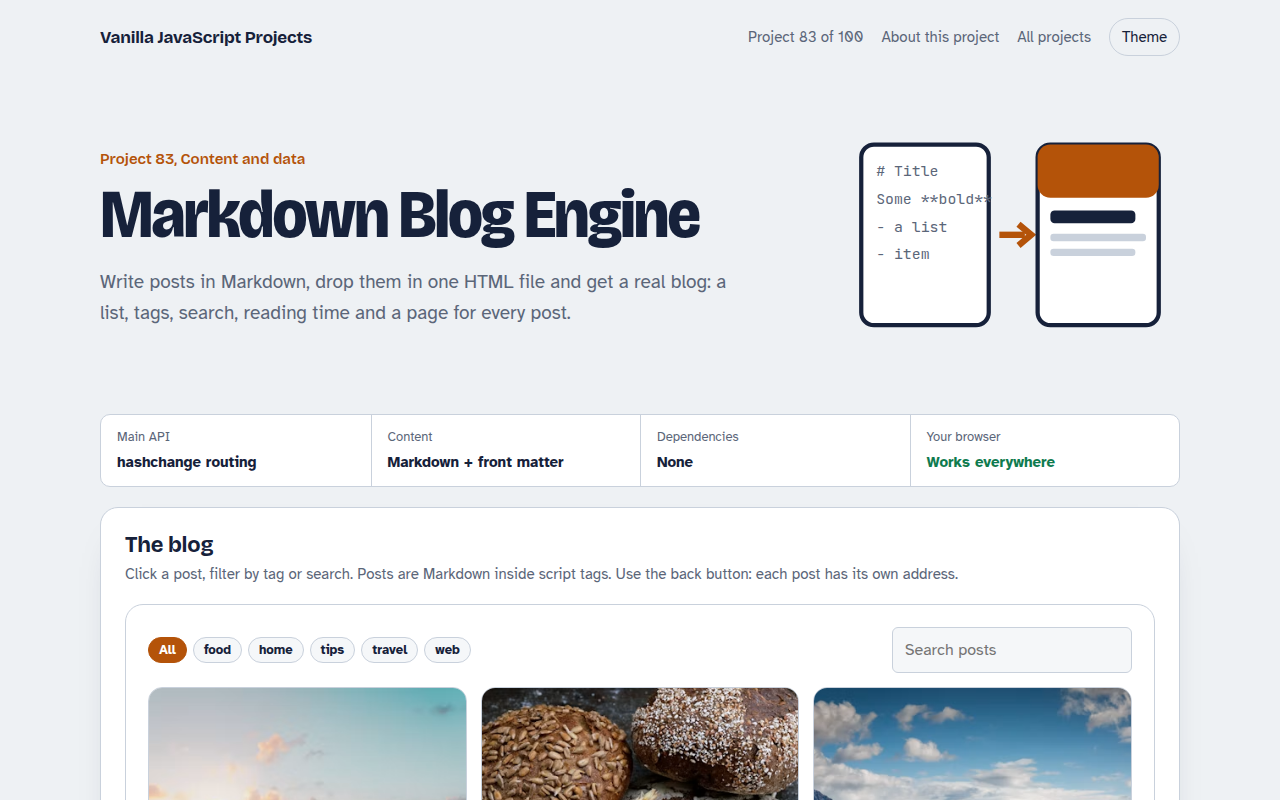
083. Markdown Blog Engine
A tiny blog that reads Markdown posts, with tags, search and reading time
084. Blur-up Lazy Images
A photo grid that shows tiny blurred placeholders and loads full images when they scroll into view
085. Countdown Timer Kit
An event countdown, a sale timer, a kitchen timer with sound and a stopwatch with laps
086. Toast Notification Center
Toast messages with types, positions, undo actions and a notification history