Home / Content and Data / Blur-up Lazy Images
Blur-up Lazy Images in JavaScript, Free with Live Demo
Free blur-up lazy image loading in plain JavaScript. Tiny blurred placeholders, full images loaded only when they scroll into view, fixed aspect ratios so nothing jumps, and live load stats.
Runs on: IntersectionObserver. Works in all modern browsers.
What is the Blur-up Lazy Images?
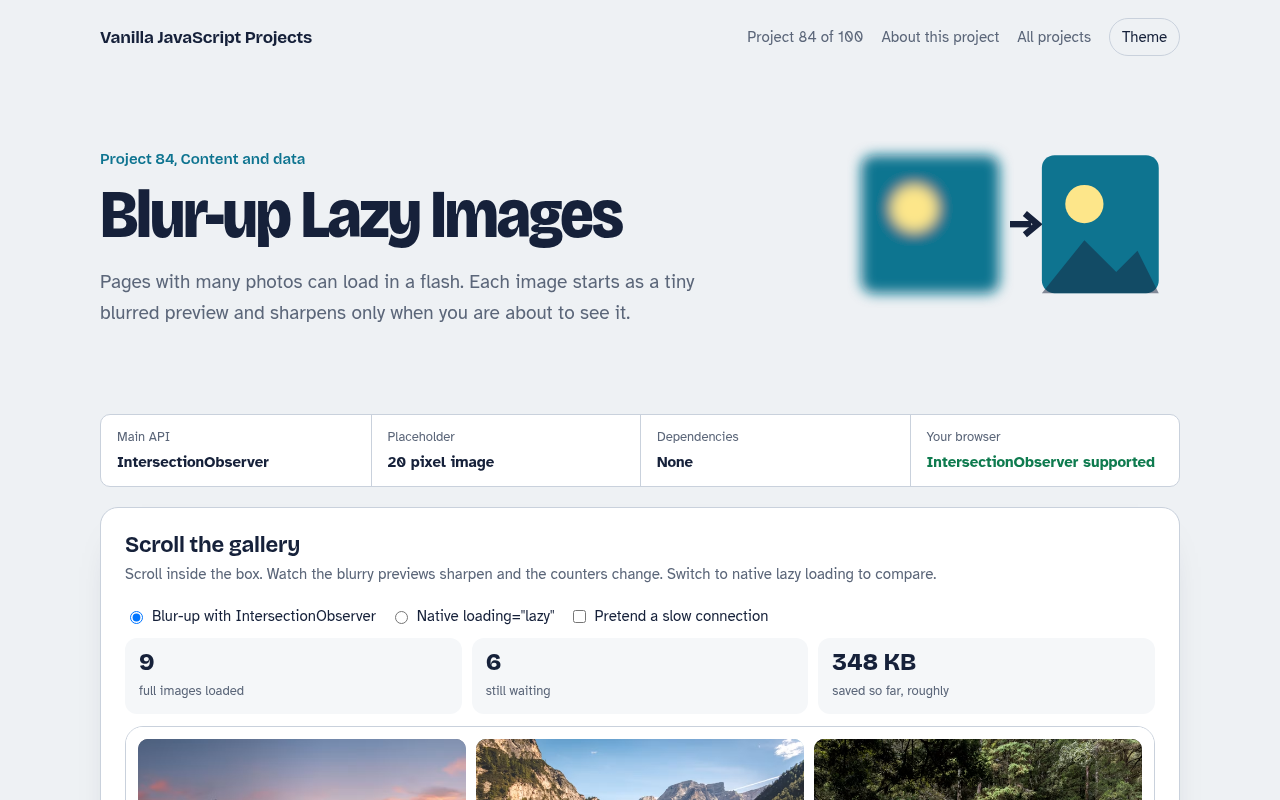
A gallery of 15 photos where each tile first shows a tiny blurred version and loads the real photo only when it is about to scroll into view.
Counters show how many full images have loaded and how much data was saved. You can compare with the browser's native lazy loading and pretend to be on a slow connection.
Good for
- Photo galleries and portfolios
- Shops with long product grids
- Blogs with many images
- Any page where speed matters
What this project does
- Blur-up placeholders from a 20 pixel image
- IntersectionObserver with a 200 pixel head start
- Fixed aspect ratios to prevent layout shift
- Live stats for loaded and saved data
- Native lazy loading comparison and slow mode
How it works
- Start with a tiny imageEach tile gets a 20 pixel wide version of the photo as a background, blurred. It is about 1 KB and shows the colours straight away.
- Load when nearly visibleIntersectionObserver fires when a tile comes within 200 pixels of the view. Only then is the full image requested.
- Reserve the spaceEvery tile has a fixed 3 by 2 aspect ratio, so the page never jumps as images arrive. That keeps layout shift scores low.
The key JavaScript
This is the heart of the project. The full file has the rest, including the screen layout and error handling.
const io = new IntersectionObserver((entries) => {
  for (const e of entries) {
    if (!e.isIntersecting) continue;
    io.unobserve(e.target);
    const img = e.target.querySelector("img");
    img.src = img.dataset.src;                      // full image
    img.onload = () => e.target.classList.add("done"); // fade in over blur
  }
}, { rootMargin: "200px" });
tiles.forEach((t) => io.observe(t));
How to use it
- Click Download HTML file above.
- Open the file in a code editor, like VS Code.
- Run it from a local server with
npx serve .so the camera, microphone and AI features are allowed. - Change the text and colors, then upload it to GitHub Pages, Netlify or your own site. It is one file with no build step.
Questions people ask
Why not only use loading="lazy"?
Native lazy loading is great and simpler. Blur-up adds a nicer visual while waiting and gives you control over when loading starts.
How do I make the tiny placeholders?
Most image services can resize on the fly, like ?w=20. You can also inline a tiny base64 image in the HTML.
Does lazy loading hurt SEO?
No, as long as the images are real img elements with alt text. Search engines load them when they render the page.
More Content and Data projects
081. Data Table
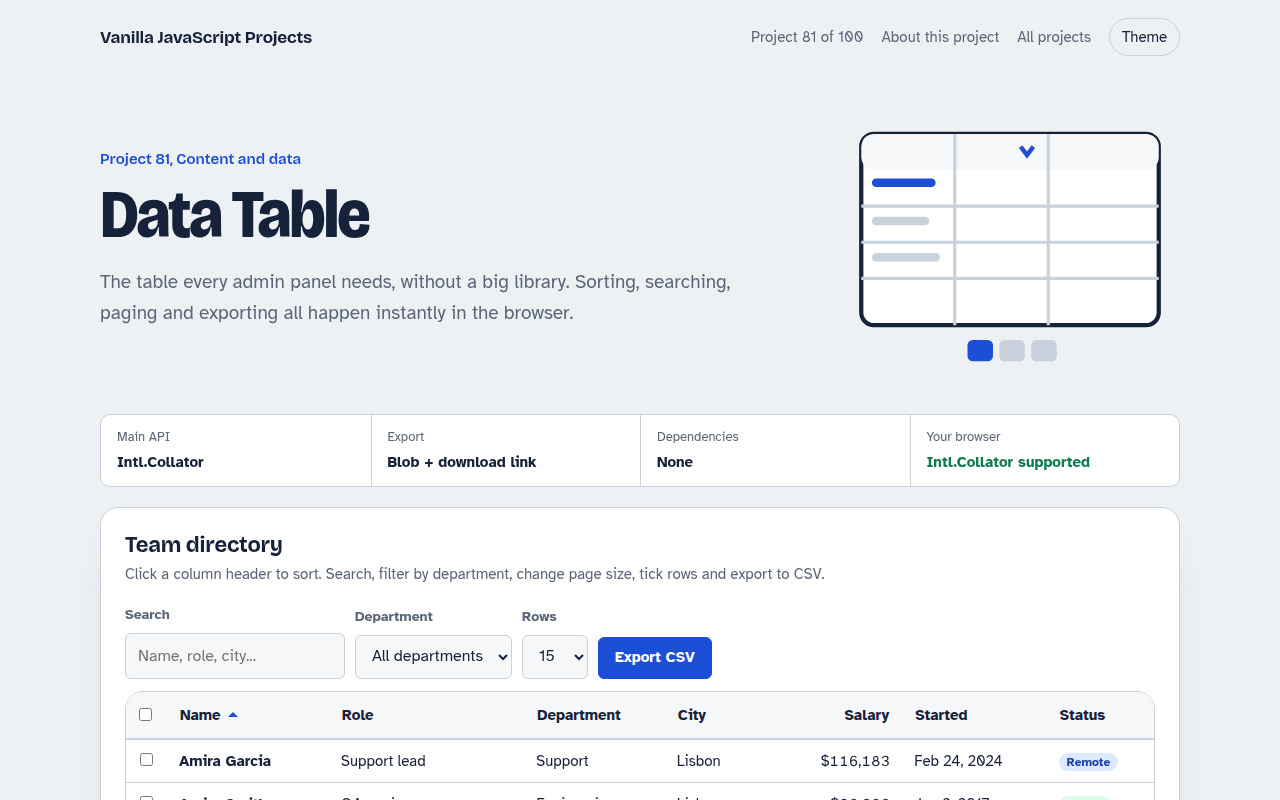
A sortable, searchable table with filters, pages, row selection and CSV export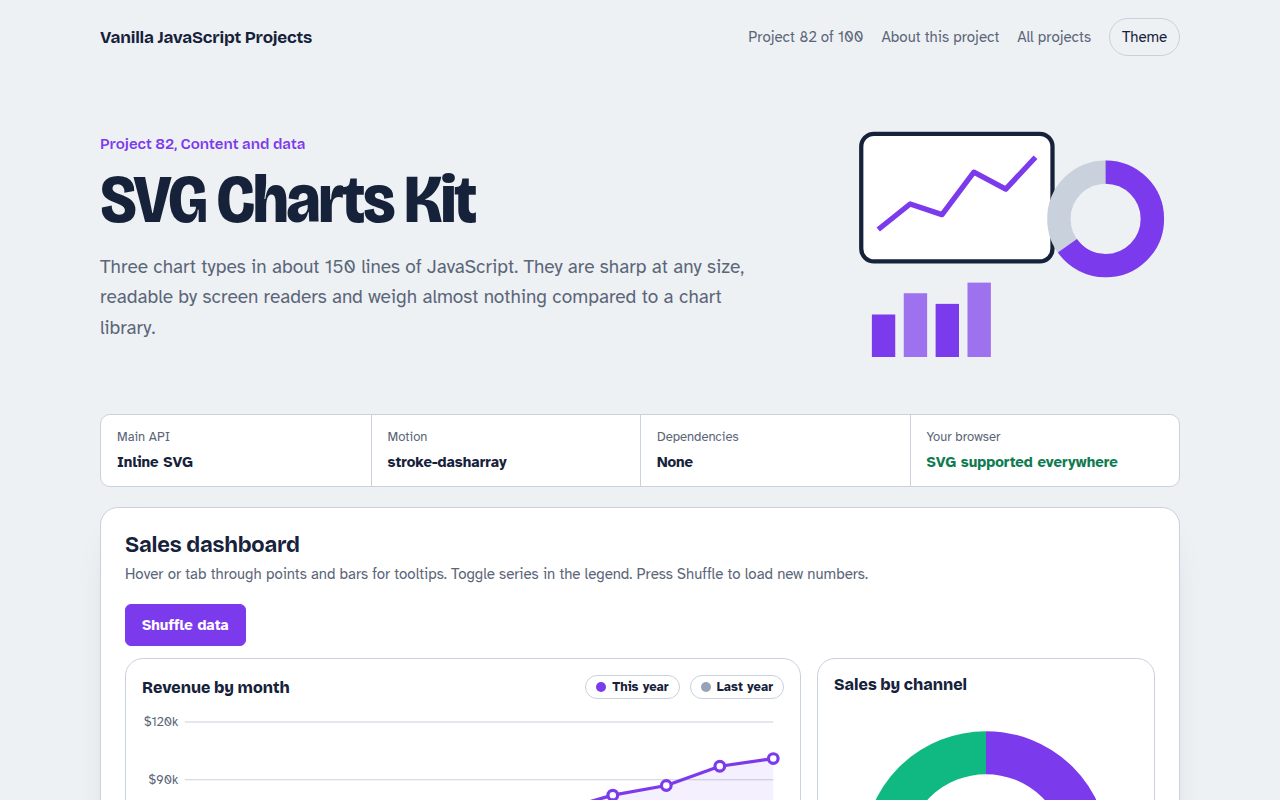
082. SVG Charts Kit
Line, bar and donut charts drawn with plain SVG, with tooltips and a data table
083. Markdown Blog Engine
A tiny blog that reads Markdown posts, with tags, search and reading time
085. Countdown Timer Kit
An event countdown, a sale timer, a kitchen timer with sound and a stopwatch with laps
086. Toast Notification Center
Toast messages with types, positions, undo actions and a notification history