Home / Content and Data / Threaded Comments
Threaded Comments in JavaScript, Free with Live Demo
Free threaded comment section in plain JavaScript. Nested replies, likes, edit and delete your own comments, sort by newest or top, collapse threads and friendly times like 2 hours ago.
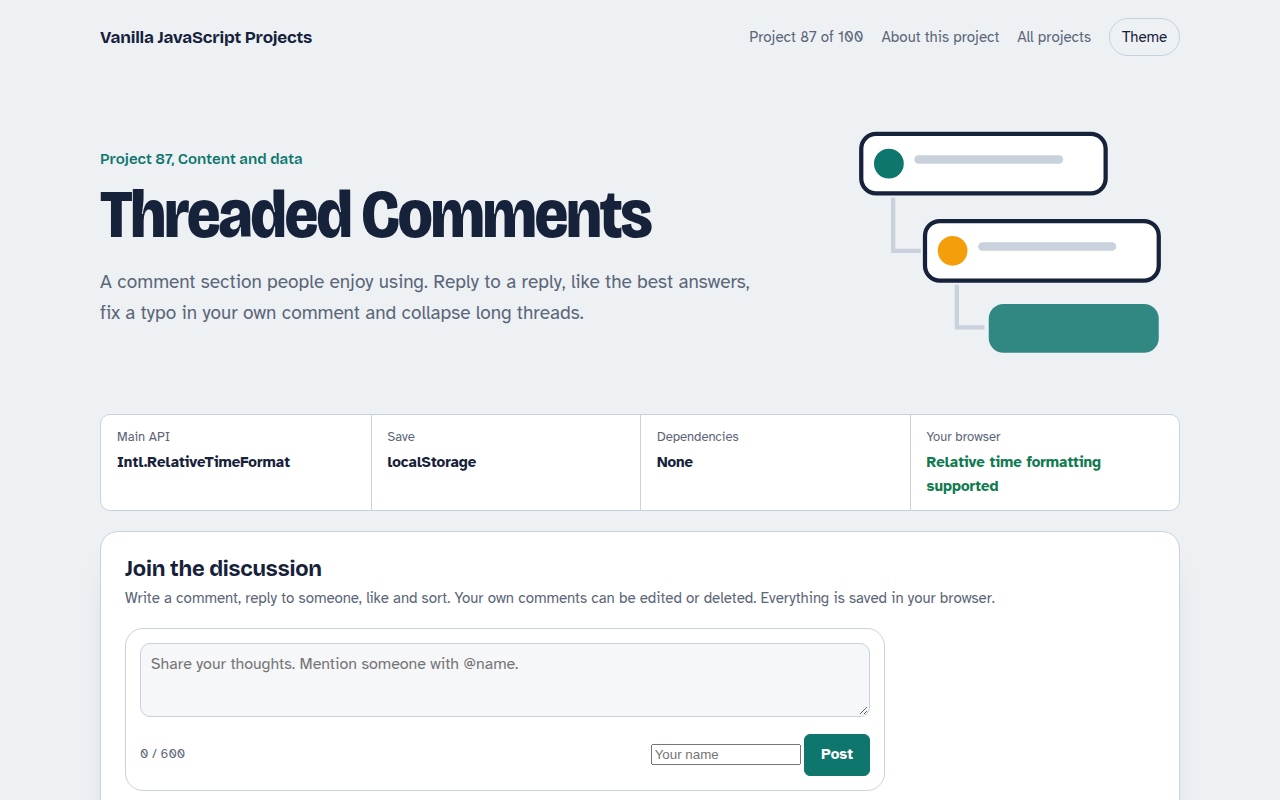
Runs on: Intl.RelativeTimeFormat and localStorage. Works in all modern browsers.
What is the Threaded Comments?
A comment section with nested replies, avatars, likes and friendly times. Write a comment, reply to anyone, and mentions like @Amira are highlighted.
Your own comments can be edited or deleted, threads can be collapsed, and you can sort by top, newest or oldest. Everything is saved in your browser.
Good for
- Blog posts and articles
- Product Q and A
- Course lessons and community pages
- Internal feedback tools
What this project does
- Nested replies up to three levels
- Likes with a remembered state
- Edit and delete your own comments
- Sort and collapse threads
- Relative times and mention highlighting
How it works
- Comments are a treeEach comment has a list of replies, which have their own replies. One recursive function draws the whole tree, up to three levels deep.
- Friendly timesIntl.RelativeTimeFormat turns timestamps into 5 hours ago or yesterday, in the visitor's language.
- Keep threads readableDeleting a comment with replies leaves a placeholder so the conversation still makes sense. Long threads can be collapsed.
The key JavaScript
This is the heart of the project. The full file has the rest, including the screen layout and error handling.
function render(comments, depth = 1) {
  return "<ul>" + comments.map((c) => `
    <li><b>${c.who}</b> <time>${ago(c.time)}</time>
      <p>${escape(c.text)}</p>
      ${depth < 3 ? `<button data-reply="${c.id}">Reply</button>` : ""}
      ${c.replies.length ? render(c.replies, depth + 1) : ""}
    </li>`).join("") + "</ul>";
}
const rtf = new Intl.RelativeTimeFormat("en", { numeric: "auto" });
rtf.format(-1, "day"); // "yesterday"
How to use it
- Click Download HTML file above.
- Open the file in a code editor, like VS Code.
- Run it from a local server with
npx serve .so the camera, microphone and AI features are allowed. - Change the text and colors, then upload it to GitHub Pages, Netlify or your own site. It is one file with no build step.
Questions people ask
How do I save comments for everyone?
Send new comments to your server with fetch and load the tree from there. The demo keeps them in localStorage only.
Is user text safe to show?
Yes. Text is escaped before display, so nobody can inject HTML or scripts.
Why limit nesting to three levels?
Deep threads get too narrow to read on phones. Three levels keeps conversations clear.
More Content and Data projects
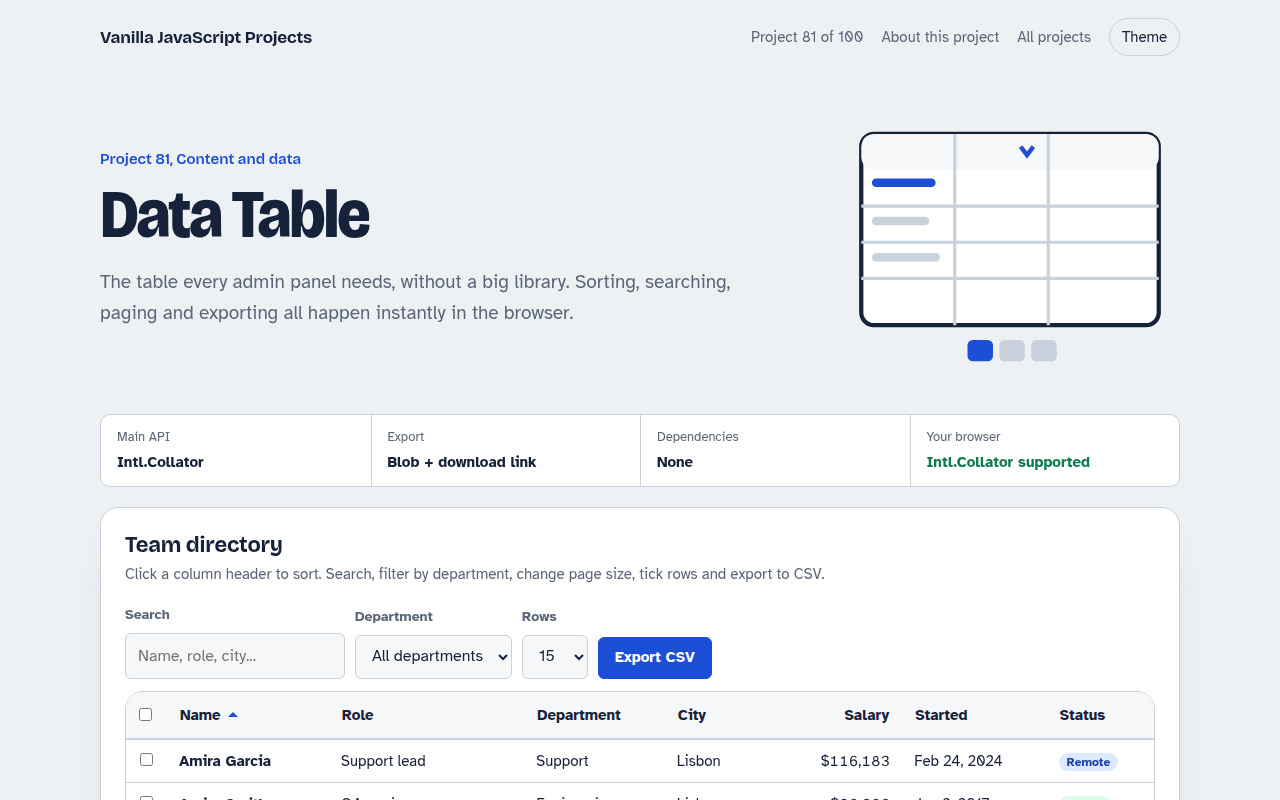
081. Data Table
A sortable, searchable table with filters, pages, row selection and CSV export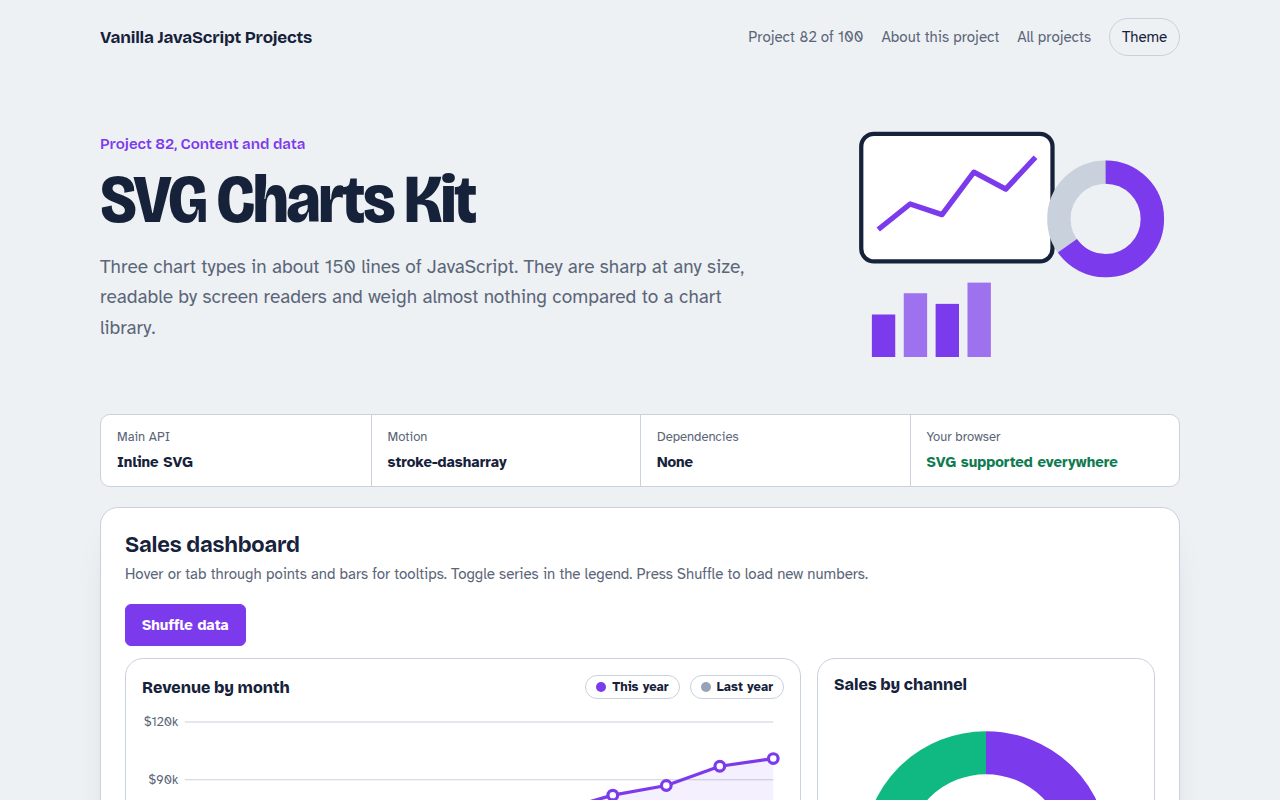
082. SVG Charts Kit
Line, bar and donut charts drawn with plain SVG, with tooltips and a data table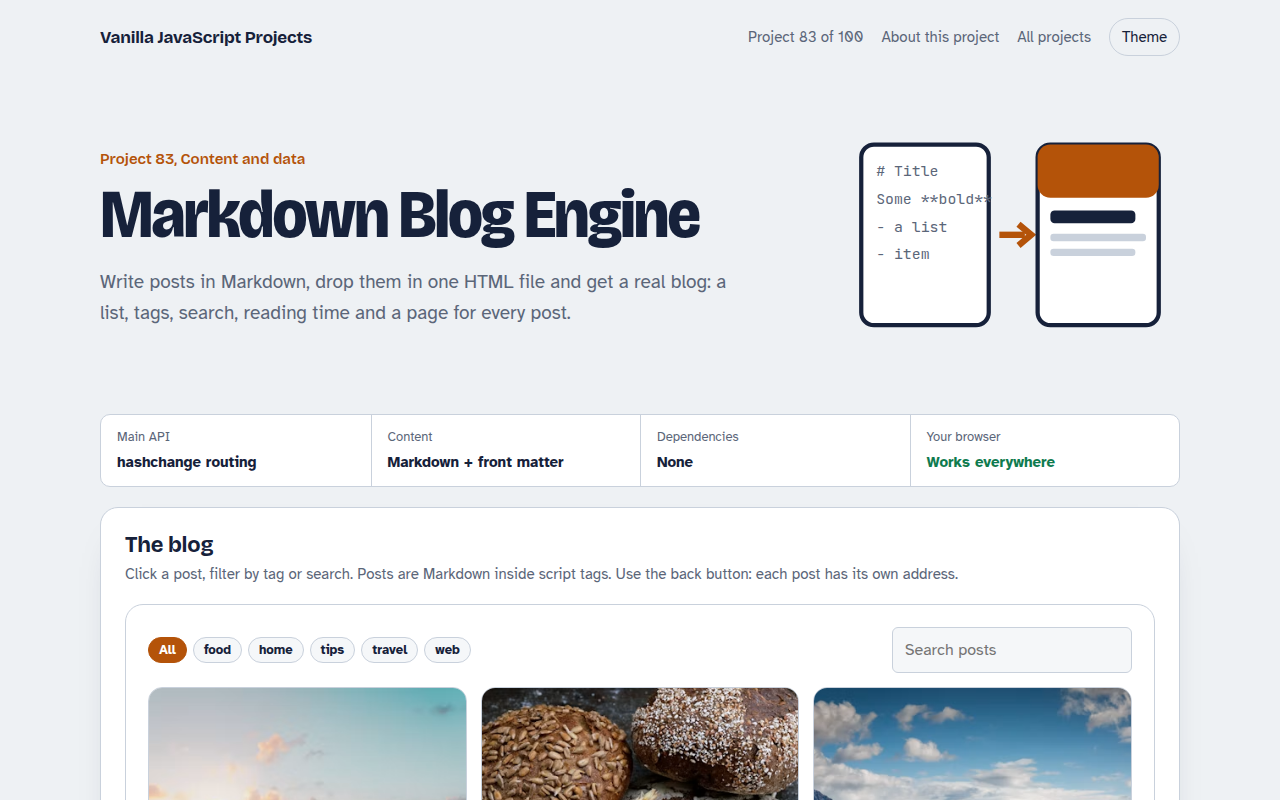
083. Markdown Blog Engine
A tiny blog that reads Markdown posts, with tags, search and reading time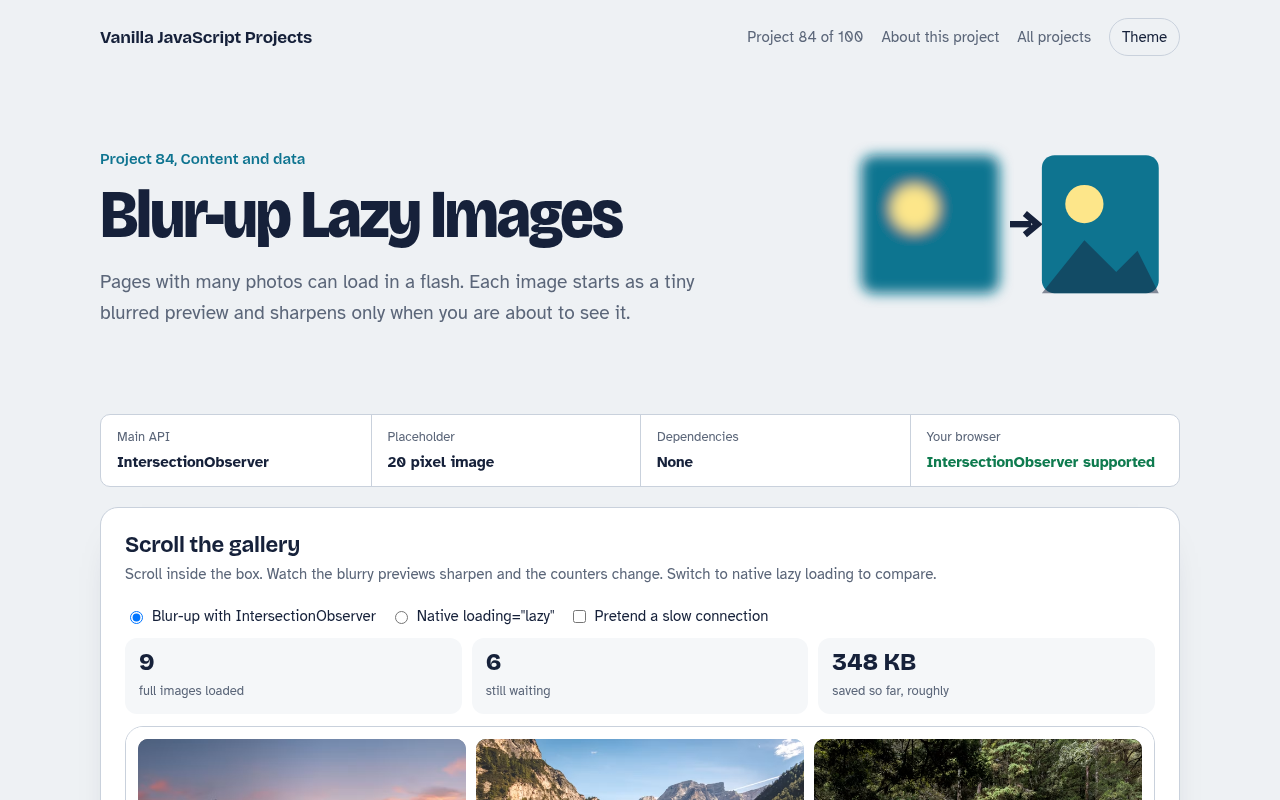
084. Blur-up Lazy Images
A photo grid that shows tiny blurred placeholders and loads full images when they scroll into view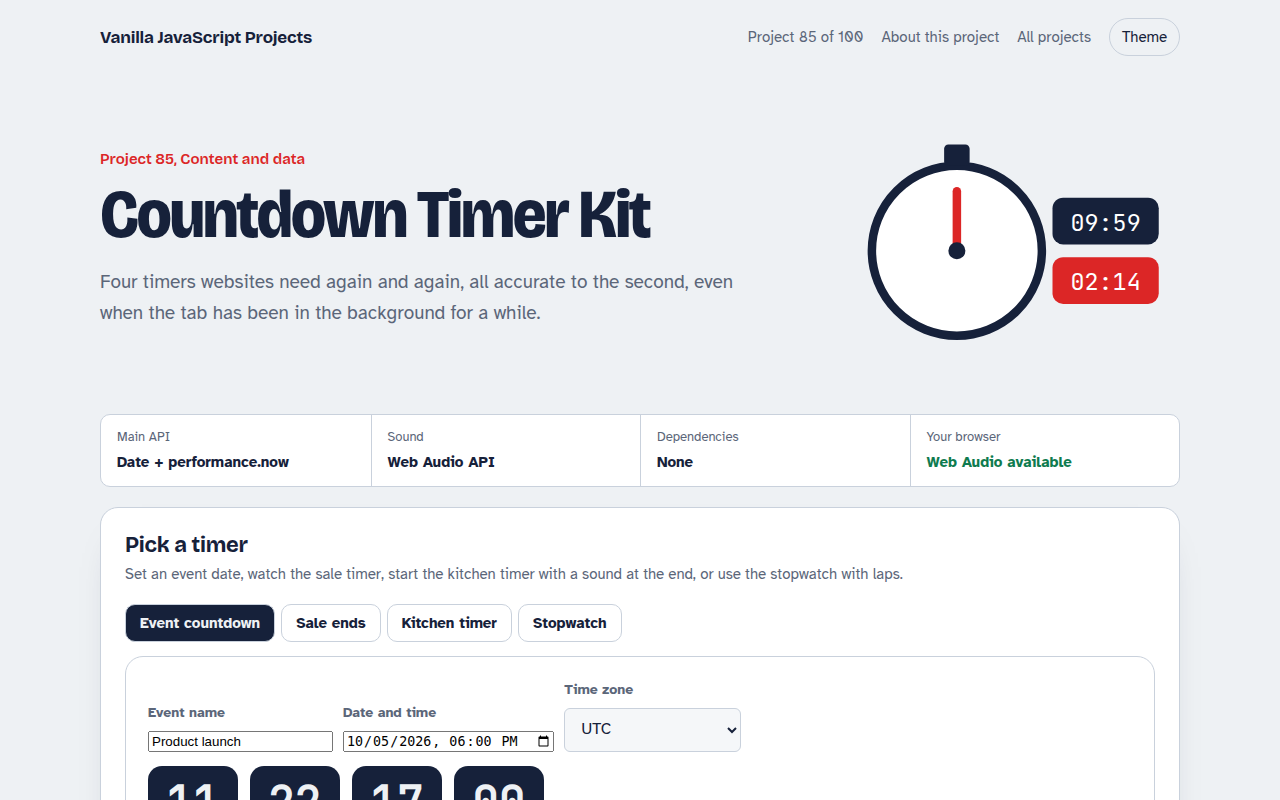
085. Countdown Timer Kit
An event countdown, a sale timer, a kitchen timer with sound and a stopwatch with laps