Home / Content and Data / Toast Notification Center
Toast Notification Center in JavaScript, Free with Live Demo
Free toast notification system in plain JavaScript. Success, error, warning and info toasts, six positions, progress bars that pause on hover, undo buttons, a stack limit and a history panel.
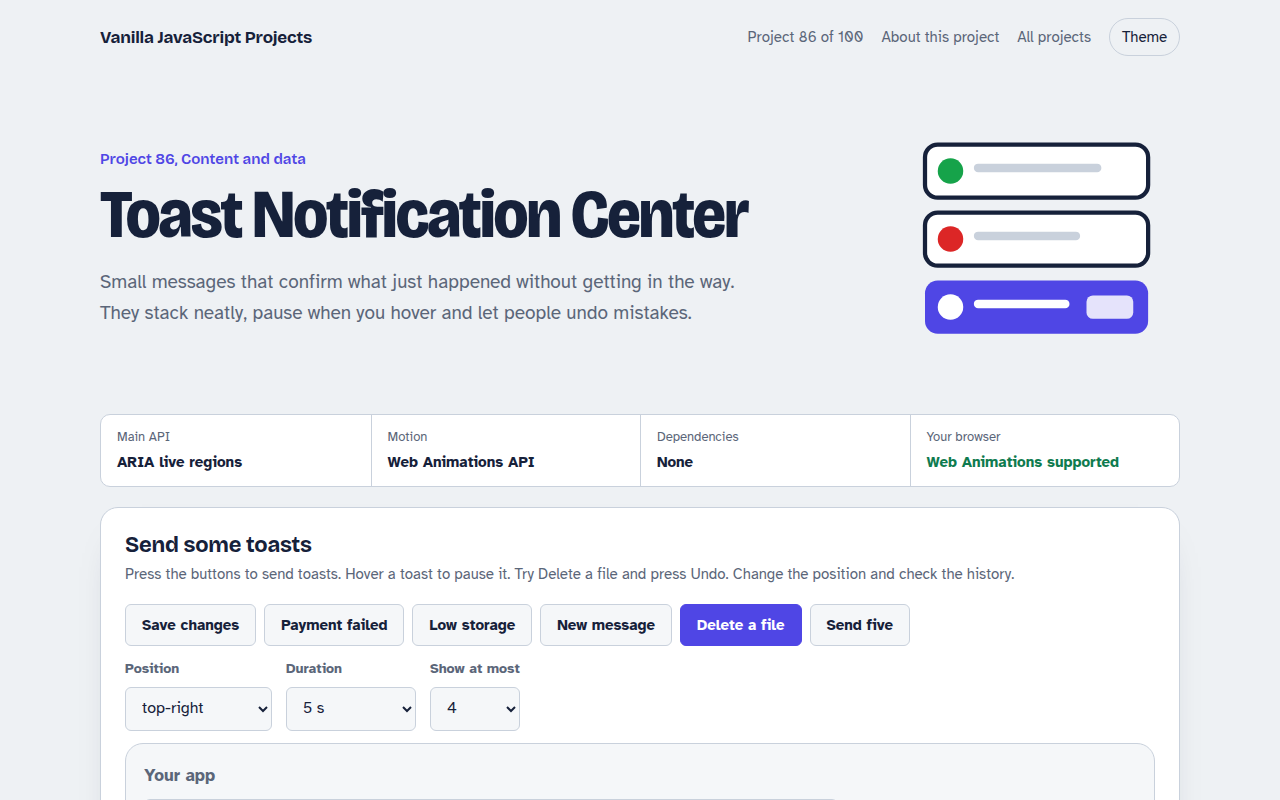
Runs on: ARIA live regions and the Web Animations API. Works in all modern browsers.
What is the Toast Notification Center?
A notification system for web apps. Send success, error, warning and info toasts, and a delete toast with an Undo button that really restores the action.
Choose from six screen positions, set how long toasts stay and how many can stack. Hovering pauses the countdown, Escape closes the newest, and every message is kept in a history panel.
Good for
- Web apps and dashboards
- Forms that save in the background
- Shops confirming add to cart
- Admin tools with undo
What this project does
- Four types with colour and icon
- Six positions
- Progress bar that pauses on hover and focus
- Undo action and close button
- Stack limit and notification history
How it works
- One region per positionToasts go into a container with aria-live, so screen readers announce them. Errors use role alert so they are read straight away.
- Timers you can pauseThe progress bar is a Web Animation. Its onfinish closes the toast, and hovering or focusing pauses it, so people have time to read.
- Keep the stack shortWhen the limit is reached, the oldest toast leaves first. Every toast is also saved to the history panel with a time.
The key JavaScript
This is the heart of the project. The full file has the rest, including the screen layout and error handling.
function toast(title, { type = "info", duration = 5000, undo } = {}) {
  const el = document.createElement("div");
  el.setAttribute("role", type === "error" ? "alert" : "status");
  el.innerHTML = `<b>${title}</b>${undo ? "<button>Undo</button>" : ""}<span class="bar"></span>`;
  region.append(el);
  const bar = el.querySelector(".bar").animate(
    [{ transform: "scaleX(1)" }, { transform: "scaleX(0)" }], { duration });
  bar.onfinish = () => el.remove();
  el.onpointerenter = () => bar.pause();
  el.onpointerleave = () => bar.play();
}
How to use it
- Click Download HTML file above.
- Open the file in a code editor, like VS Code.
- Run it from a local server with
npx serve .so the camera, microphone and AI features are allowed. - Change the text and colors, then upload it to GitHub Pages, Netlify or your own site. It is one file with no build step.
Questions people ask
Are toasts accessible?
They can be. Use a live region so screen readers announce them, give people time to read and never put the only copy of important information in a toast.
Should errors disappear by themselves?
Usually no. Set errors to stay until closed, or show them next to the problem instead.
How does Undo work in a real app?
Wait until the toast closes before deleting on the server, or keep a copy so Undo can put it back.
More Content and Data projects
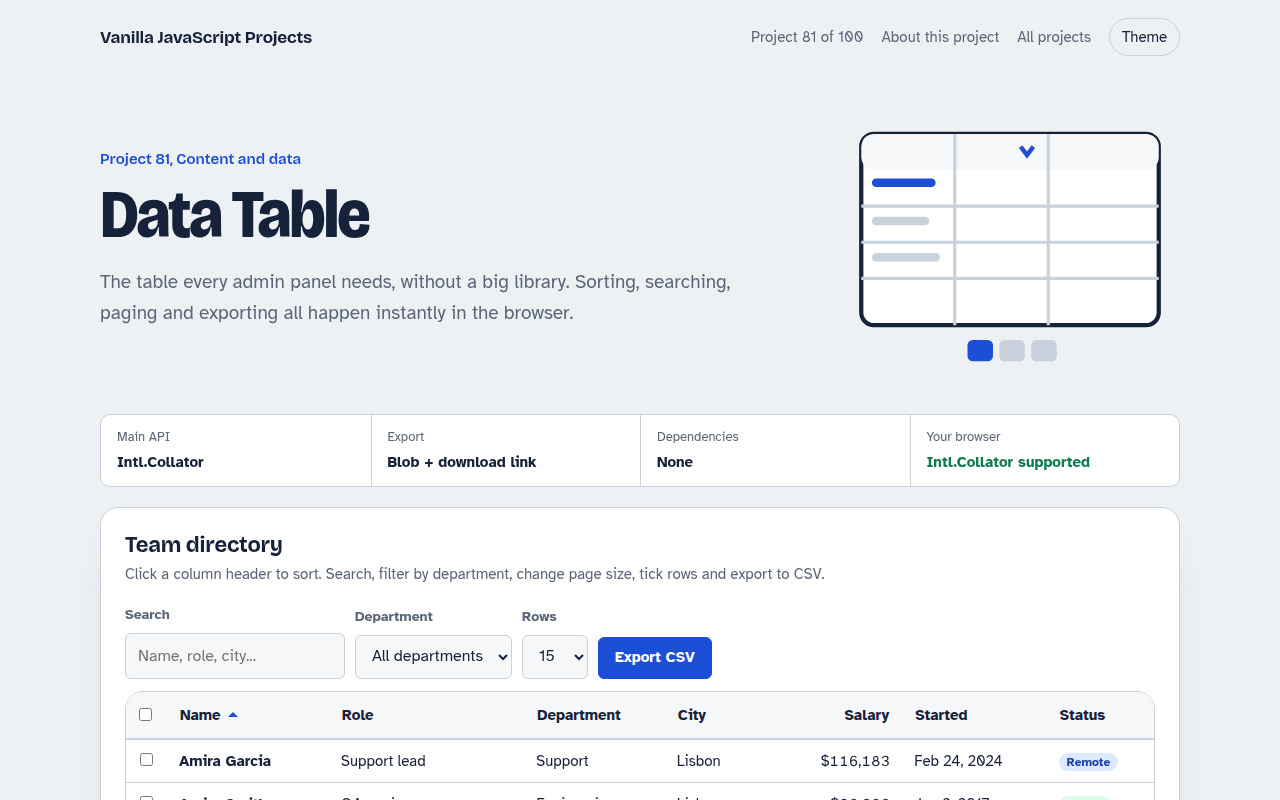
081. Data Table
A sortable, searchable table with filters, pages, row selection and CSV export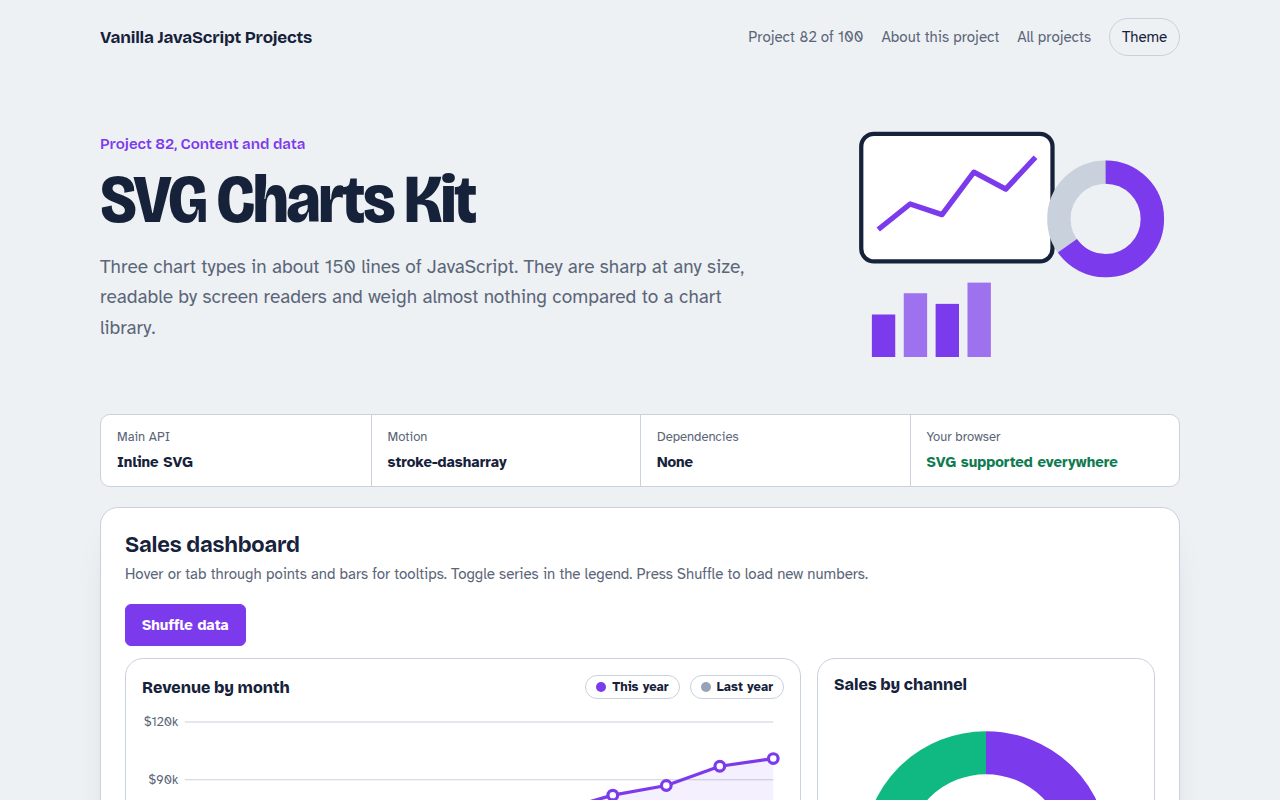
082. SVG Charts Kit
Line, bar and donut charts drawn with plain SVG, with tooltips and a data table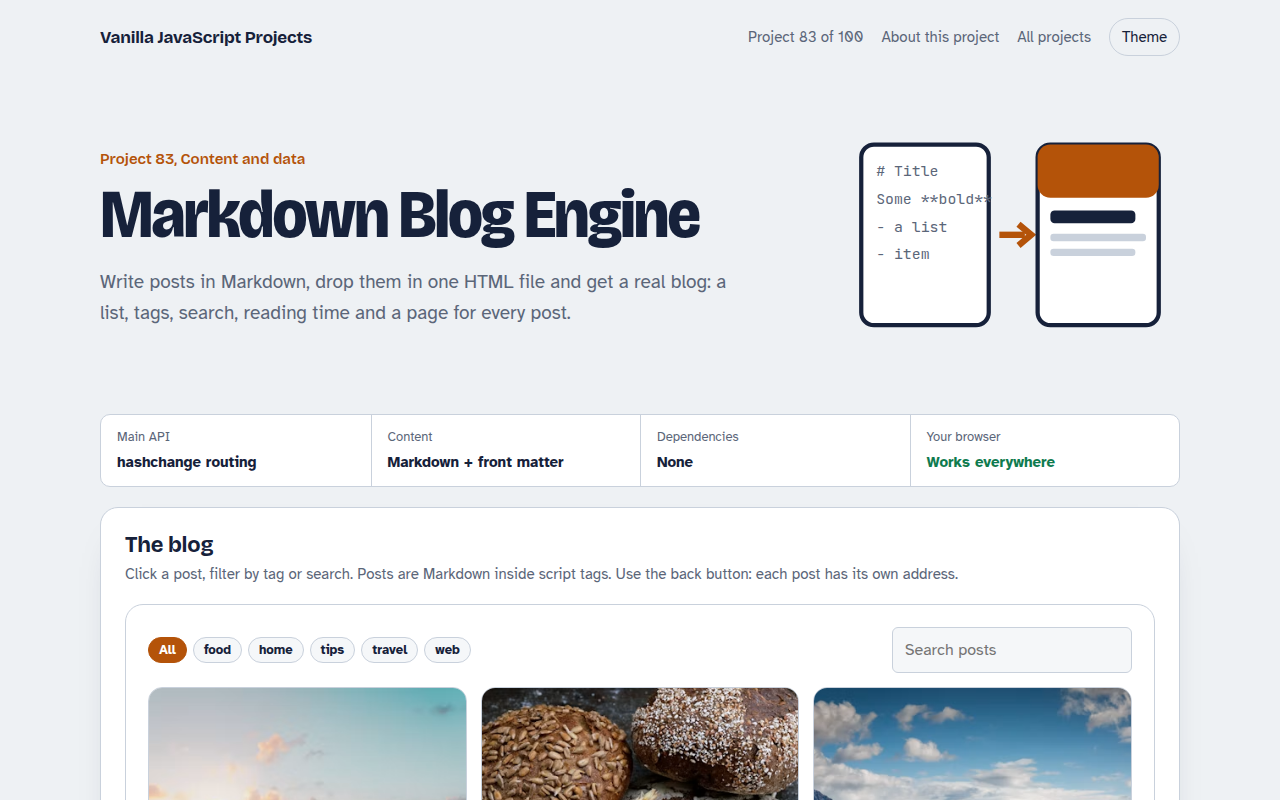
083. Markdown Blog Engine
A tiny blog that reads Markdown posts, with tags, search and reading time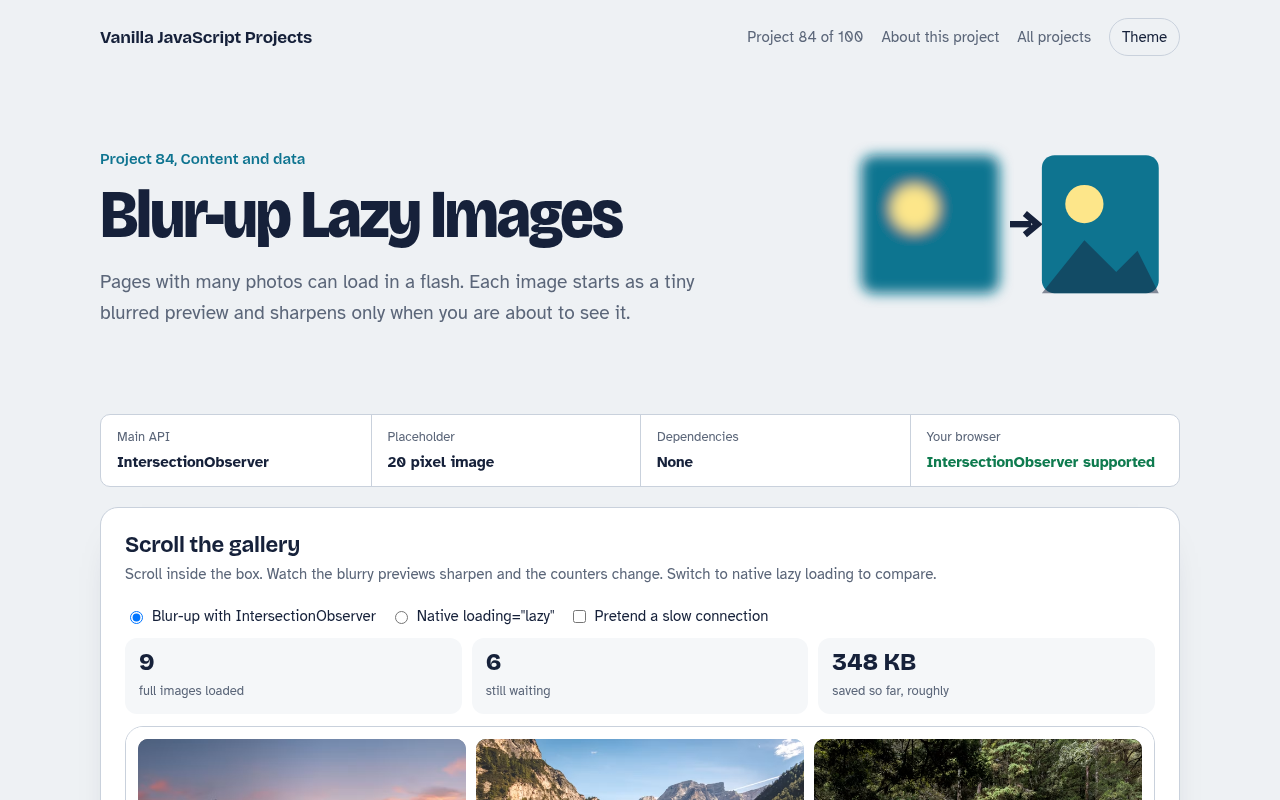
084. Blur-up Lazy Images
A photo grid that shows tiny blurred placeholders and loads full images when they scroll into view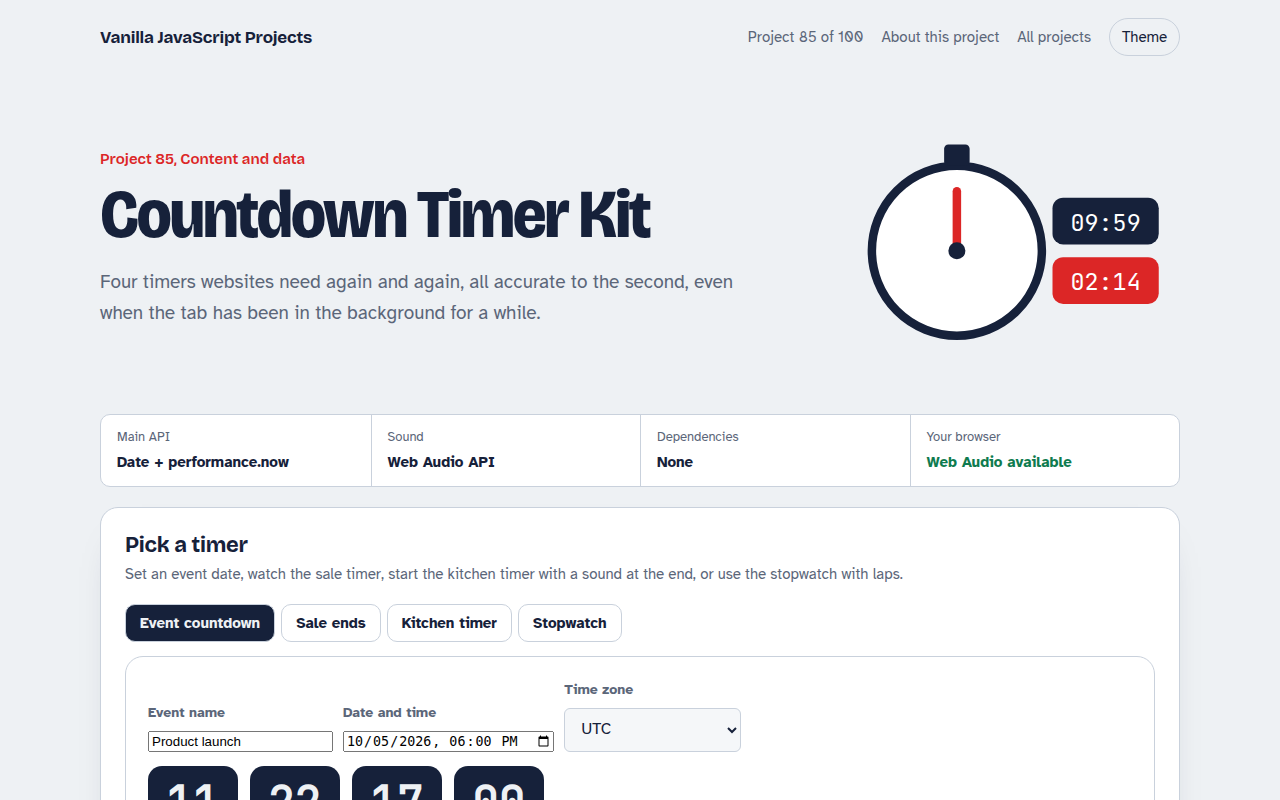
085. Countdown Timer Kit
An event countdown, a sale timer, a kitchen timer with sound and a stopwatch with laps