Home / Content and Data / Markdown Blog Engine
Markdown Blog Engine in JavaScript, Free with Live Demo
Free Markdown blog engine in plain JavaScript. Write posts in Markdown with front matter, get a post list with tags, search, reading time and pretty post pages with hash routing.
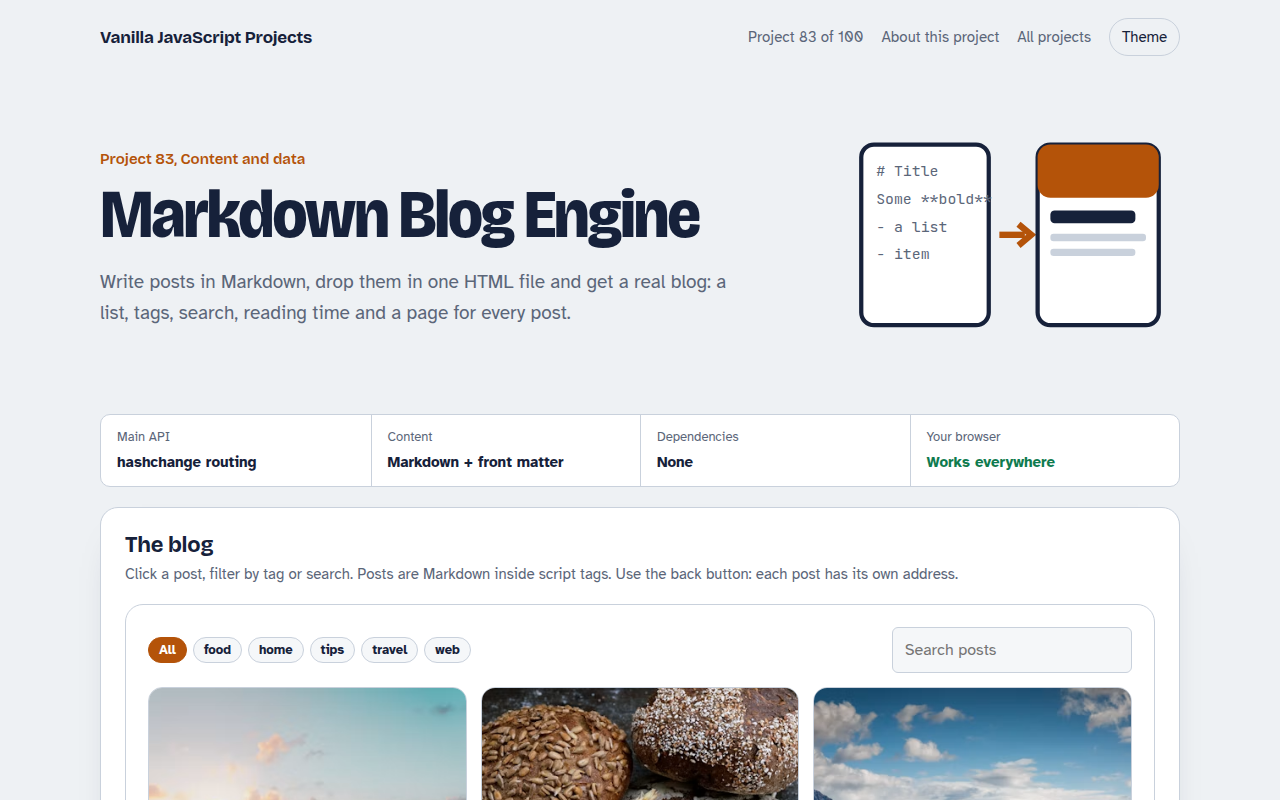
Runs on: A tiny Markdown parser and hash routing. Works in all modern browsers.
What is the Markdown Blog Engine?
A small blog built from three Markdown posts stored in the page. The home view shows cards with cover photos, dates and reading time, with tag filters and search.
Clicking a post opens a clean article page with its own address, so the back button and shared links work. The Markdown parser handles headings, lists, quotes, code blocks, bold, italic and links.
Good for
- Personal blogs and journals
- Changelogs and news pages
- Documentation with a few pages
- Learning how static blogs work
What this project does
- Markdown posts with front matter
- Post list with covers, dates and reading time
- Tag filter and full text search
- Hash routing with back button support
- Small, safe Markdown parser
How it works
- Posts live in script tagsEach post is Markdown inside a script tag with type text/markdown, so the browser ignores it and the script reads it.
- Front matter and a small parserThe block between the --- lines gives the title, date, tags and cover. A 30 line parser turns headings, lists, quotes, code and links into HTML.
- Hash routingLinks like #/post/sourdough-start switch to the post view. The hashchange event makes the back button work.
The key JavaScript
This is the heart of the project. The full file has the rest, including the screen layout and error handling.
const [, frontMatter, body] = text.match(/^---\n([\s\S]*?)\n---\n([\s\S]*)$/);
const meta = Object.fromEntries(frontMatter.split("\n").map((l) => {
  const i = l.indexOf(":");
  return [l.slice(0, i).trim(), l.slice(i + 1).trim()];
}));
addEventListener("hashchange", () => {
  const m = location.hash.match(/^#\/post\/(.+)/);
  m ? showPost(m[1]) : showList();
});
How to use it
- Click Download HTML file above.
- Open the file in a code editor, like VS Code.
- Run it from a local server with
npx serve .so the camera, microphone and AI features are allowed. - Change the text and colors, then upload it to GitHub Pages, Netlify or your own site. It is one file with no build step.
Questions people ask
Can I load posts from separate files?
Yes. Fetch each .md file and pass its text to the same parser. You need to serve the page from a web server for fetch to work.
Is the Markdown parser safe?
Text is escaped before formatting and links must start with http or https, so posts cannot inject scripts.
Is hash routing good for search engines?
Search engines can read it, but for the best results publish a real HTML page per post.
More Content and Data projects
081. Data Table
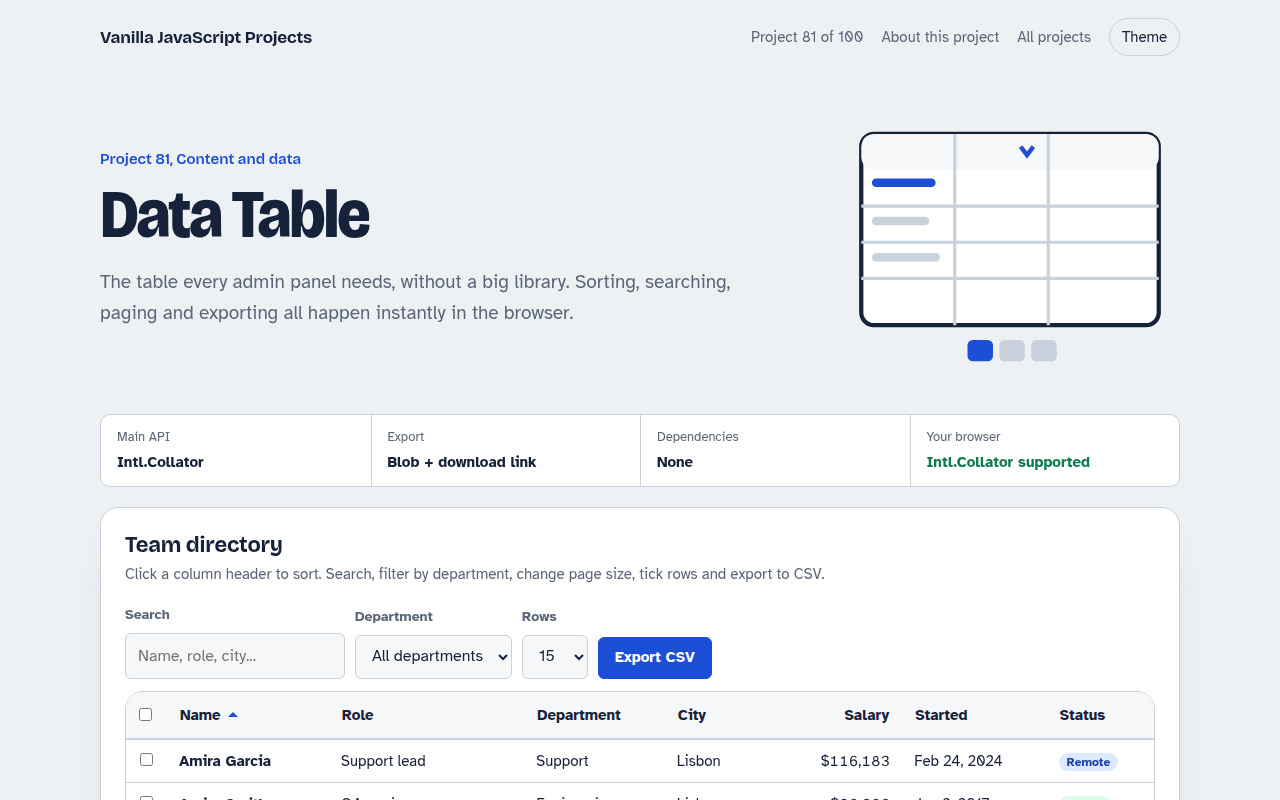
A sortable, searchable table with filters, pages, row selection and CSV export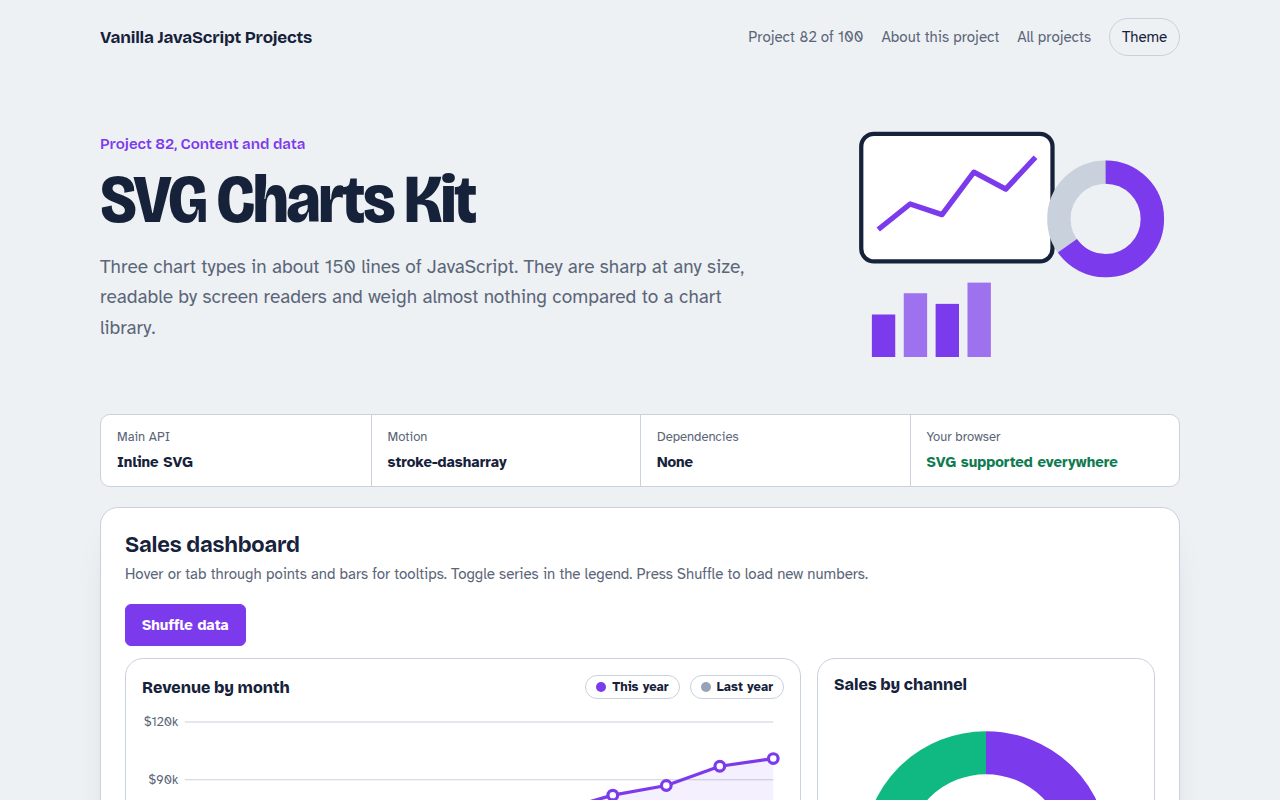
082. SVG Charts Kit
Line, bar and donut charts drawn with plain SVG, with tooltips and a data table
084. Blur-up Lazy Images
A photo grid that shows tiny blurred placeholders and loads full images when they scroll into view
085. Countdown Timer Kit
An event countdown, a sale timer, a kitchen timer with sound and a stopwatch with laps
086. Toast Notification Center
Toast messages with types, positions, undo actions and a notification history