Home / SEO and Site Tools / Meta Tag Generator
Meta Tag Generator in JavaScript, Free with Live Demo
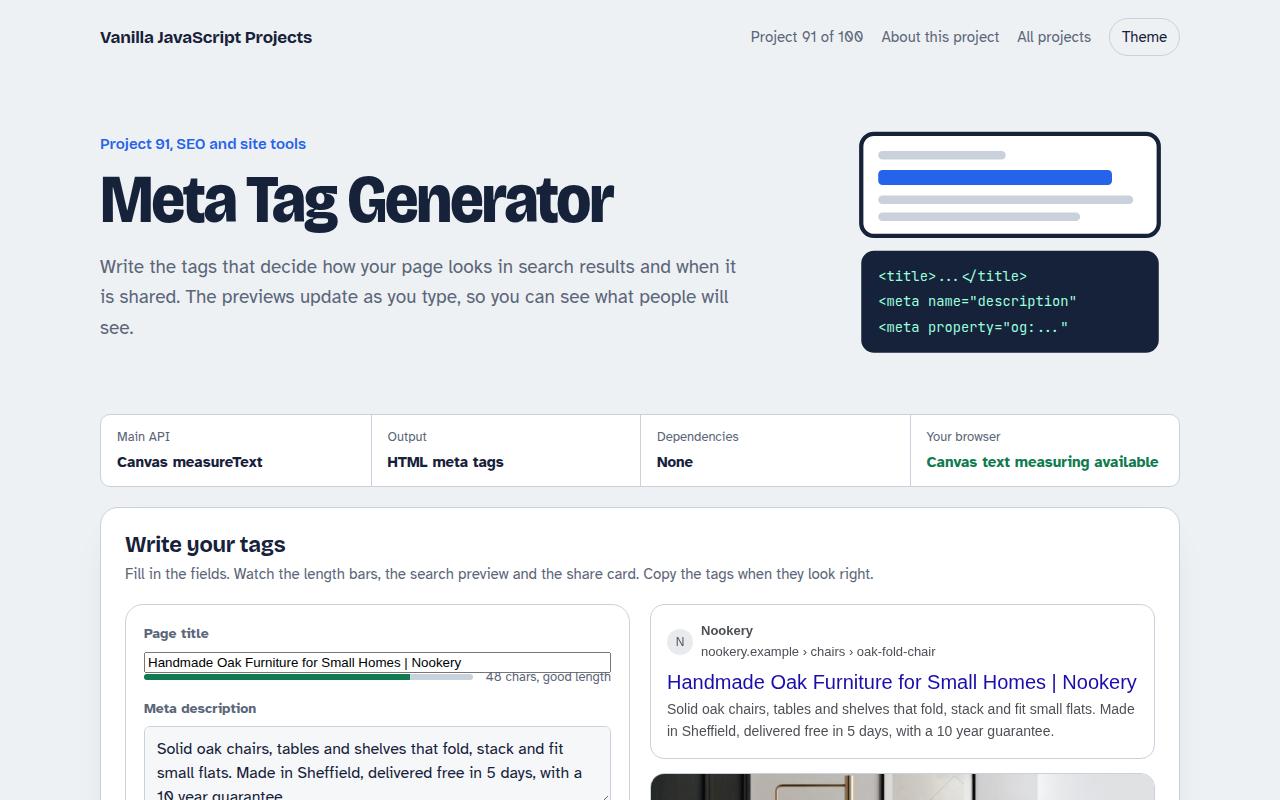
Free meta tag generator in plain JavaScript. Write your title and description with live length checks, see a search result and social card preview, and copy the finished meta tags.
Runs on: Canvas text measuring. Works in all modern browsers.
What is the Meta Tag Generator?
A meta tag writer. Type a title, description, URL and share image, and see a search result preview and a social share card update live.
Length bars measure the text in pixels, like search engines do, and warn you before a title or description gets cut off. The finished tags are ready to copy.
Good for
- Launching new pages
- Fixing pages with poor click rates
- Checking client sites
- Teaching the basics of SEO
What this project does
- Title and description length checks in pixels
- Search result preview
- Social share card preview
- Open Graph and Twitter tags
- Noindex option and one click copy
How it works
- Measure in pixelsSearch engines cut titles by width, not letters. Canvas measureText measures the text in the same font size to warn you before it gets cut.
- Preview both placesThe search result and the share card update as you type, using the same truncation rules.
- Write clean tagsValues are escaped for HTML, the image tag only appears when there is an image, and the robots tag follows your noindex choice.
The key JavaScript
This is the heart of the project. The full file has the rest, including the screen layout and error handling.
const ctx = document.createElement("canvas").getContext("2d");
ctx.font = "20px Arial";
const tooLong = ctx.measureText(title).width > 580;   // about where results cut off

const tags = `
<title>${title}</title>
<meta name="description" content="${description}">
<meta property="og:title" content="${title}">
<meta property="og:image" content="${image}">
<meta name="twitter:card" content="summary_large_image">`;
How to use it
- Click Download HTML file above.
- Open the file in a code editor, like VS Code.
- Run it from a local server with
npx serve .so the camera, microphone and AI features are allowed. - Change the text and colors, then upload it to GitHub Pages, Netlify or your own site. It is one file with no build step.
Questions people ask
How long should a title be?
Aim for about 50 to 60 characters. Wide letters take more room, which is why the tool measures pixels.
Does the meta description affect ranking?
Not directly, but a clear description gets more clicks, and that matters.
What size should the share image be?
1200 by 630 pixels works well on every major platform.
More SEO and Site Tools projects
092. OG Image Maker
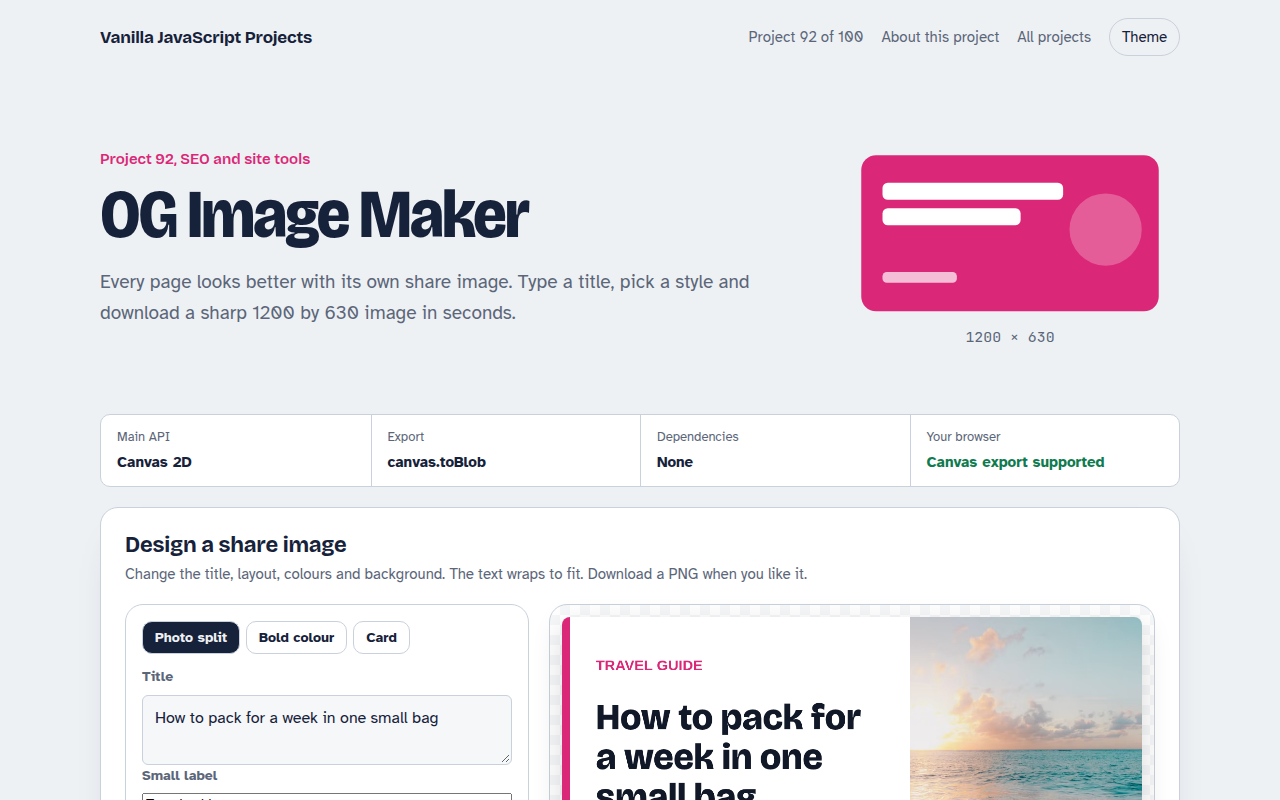
A canvas tool that makes 1200 by 630 share images with your title and brand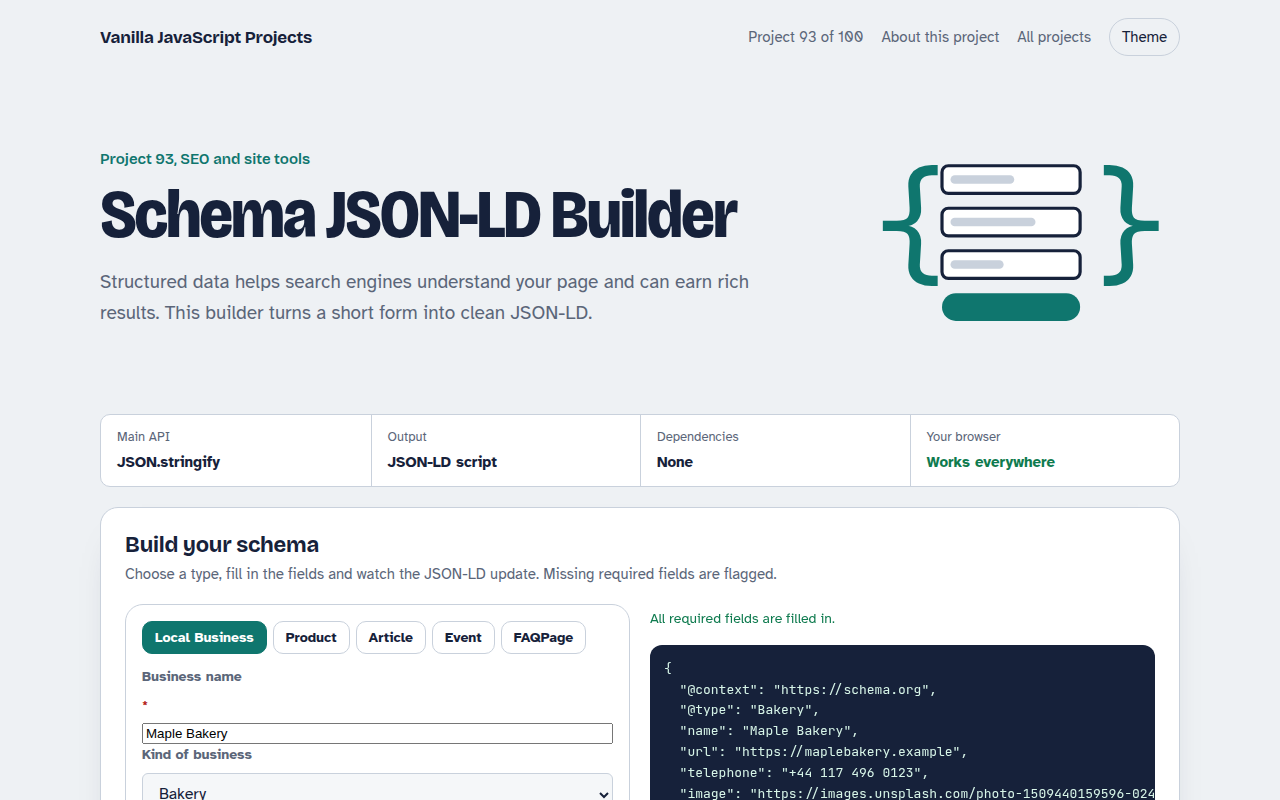
093. Schema JSON-LD Builder
A form that writes structured data for businesses, products, articles, events and FAQs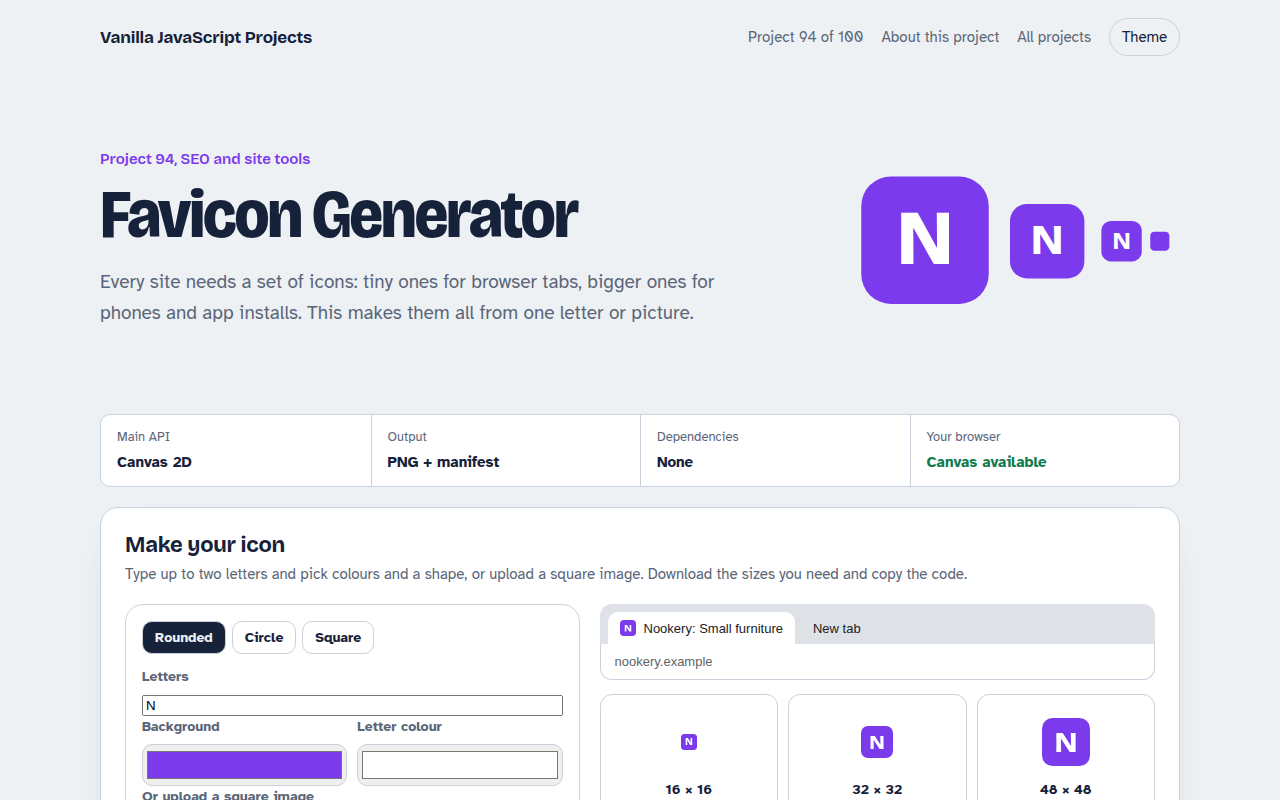
094. Favicon Generator
A tool that makes every favicon size and a web manifest from a letter or an image
095. Responsive Image Maker
A tool that resizes one photo into several sizes and writes the srcset code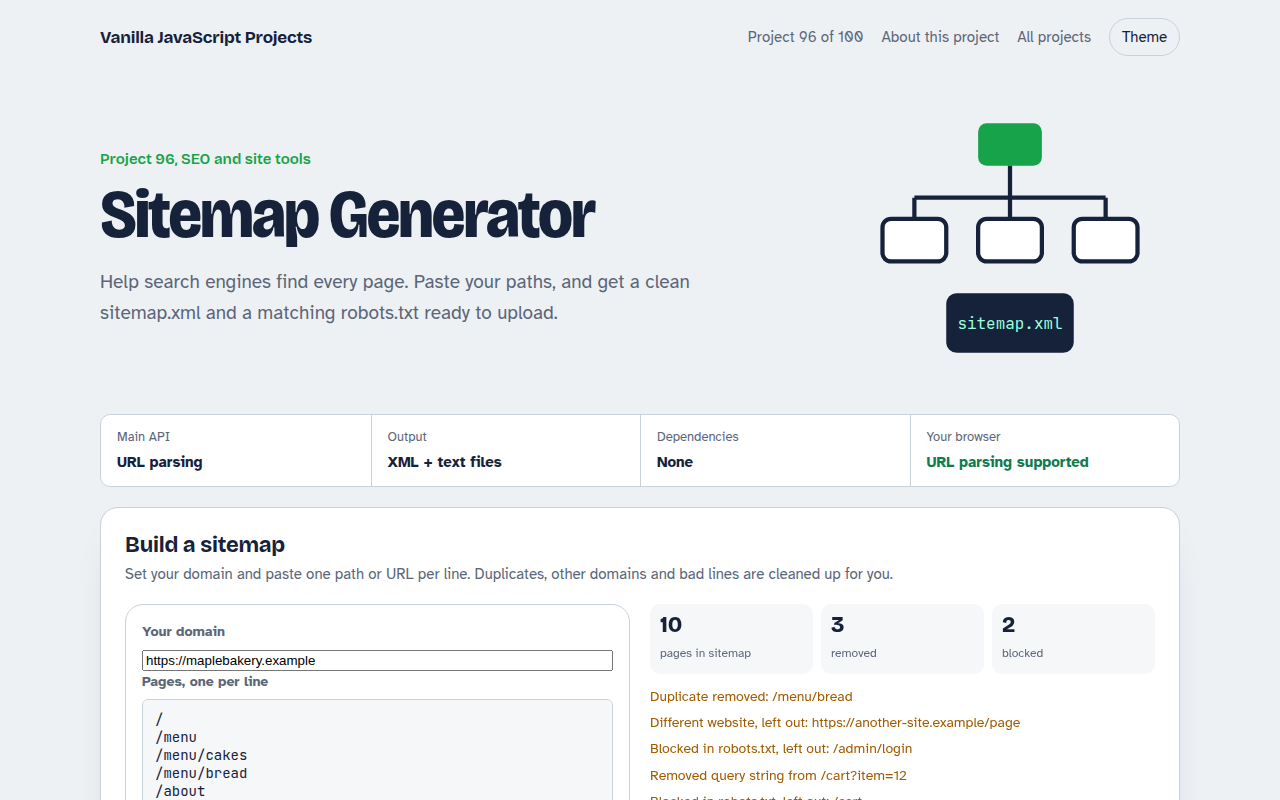
096. Sitemap Generator
A tool that turns a list of pages into sitemap.xml and robots.txt