Home / SEO and Site Tools / Accessibility Checker
Accessibility Checker in JavaScript, Free with Live Demo
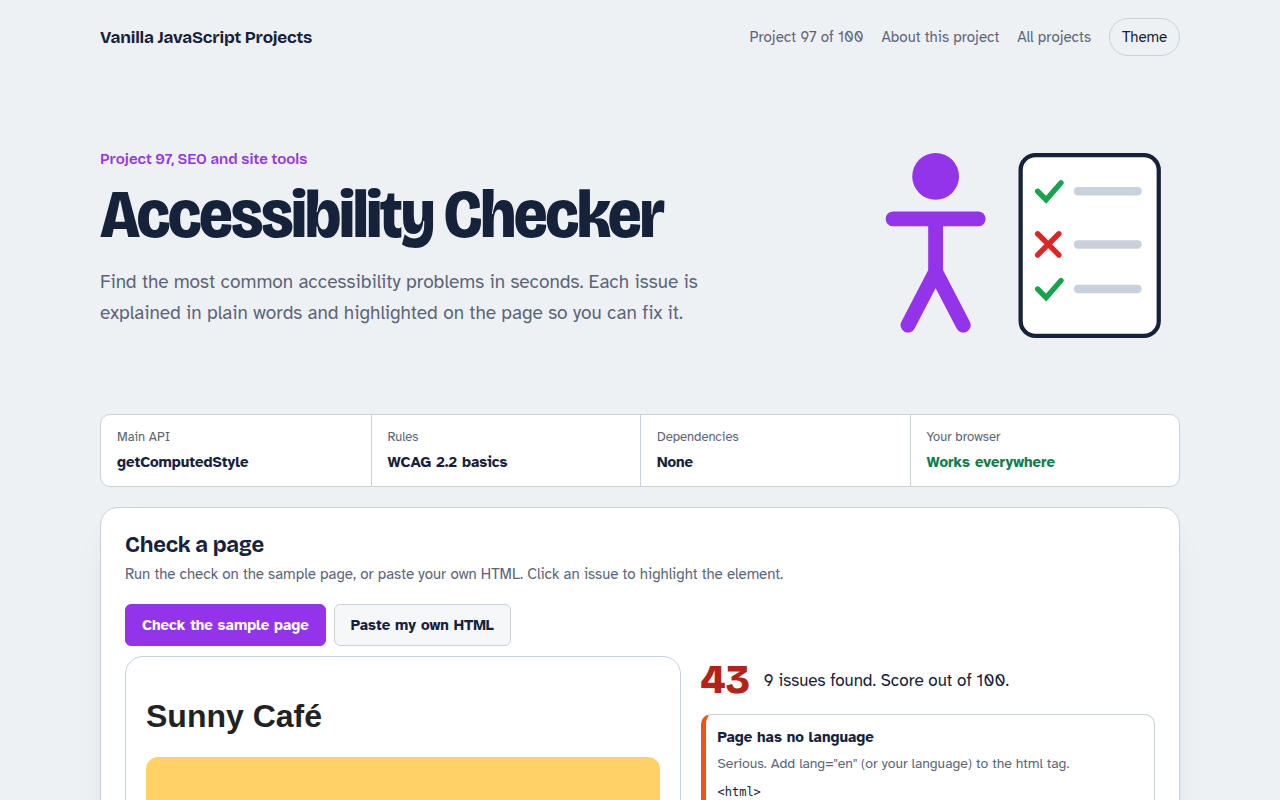
Free accessibility checker in plain JavaScript. Scan a sample page or paste your HTML to find missing alt text, low colour contrast, skipped headings, unlabeled fields and vague links.
Runs on: getComputedStyle and WCAG contrast maths. Works in all modern browsers.
What is the Accessibility Checker?
An accessibility checker that scans a sample café page, or HTML you paste in, for common problems: missing alt text and language, skipped headings, fields without labels, empty buttons, vague links and low contrast.
Each issue gets a severity, a short fix and a button that highlights the element in the page. A simple score shows how much work is left.
Good for
- Checking a page before launch
- Reviewing client or student work
- Learning the most common accessibility mistakes
- Quick checks between full audits
What this project does
- Missing alt text and page language
- Heading order and single h1
- Labels for form fields
- Button and link names, vague link text
- WCAG contrast ratio for every text element
How it works
- Load the page in a frameThe sample or your pasted HTML goes into an iframe with srcdoc, so its styles are real and can be measured.
- Run simple rulesThe script looks for missing lang and alt, skipped headings, unlabeled fields, empty buttons and vague link text.
- Measure real contrastFor every piece of text it reads the computed colours, walks up to find the background and works out the WCAG contrast ratio.
The key JavaScript
This is the heart of the project. The full file has the rest, including the screen layout and error handling.
function luminance([r, g, b]) {
  return [r, g, b].map((v) => { v /= 255; return v <= 0.03928 ? v / 12.92 : ((v + 0.055) / 1.055) ** 2.4; })
    .reduce((s, v, i) => s + v * [0.2126, 0.7152, 0.0722][i], 0);
}
const ratio = (Math.max(L1, L2) + 0.05) / (Math.min(L1, L2) + 0.05);
if (ratio < 4.5) report("Low contrast", el);          // 3 for large text

doc.querySelectorAll("img:not([alt])").forEach((img) => report("Missing alt", img));
How to use it
- Click Download HTML file above.
- Open the file in a code editor, like VS Code.
- Run it from a local server with
npx serve .so the camera, microphone and AI features are allowed. - Change the text and colors, then upload it to GitHub Pages, Netlify or your own site. It is one file with no build step.
Questions people ask
Does this replace a full accessibility audit?
No. Automated checks find around a third of issues. Always test with a keyboard and a screen reader too.
What contrast ratio do I need?
4.5 to 1 for normal text and 3 to 1 for large text, which is 24 pixels, or about 19 pixels if bold.
Is a placeholder a label?
No. Placeholders disappear when you type and many screen readers skip them. Use a real label.
More SEO and Site Tools projects
091. Meta Tag Generator
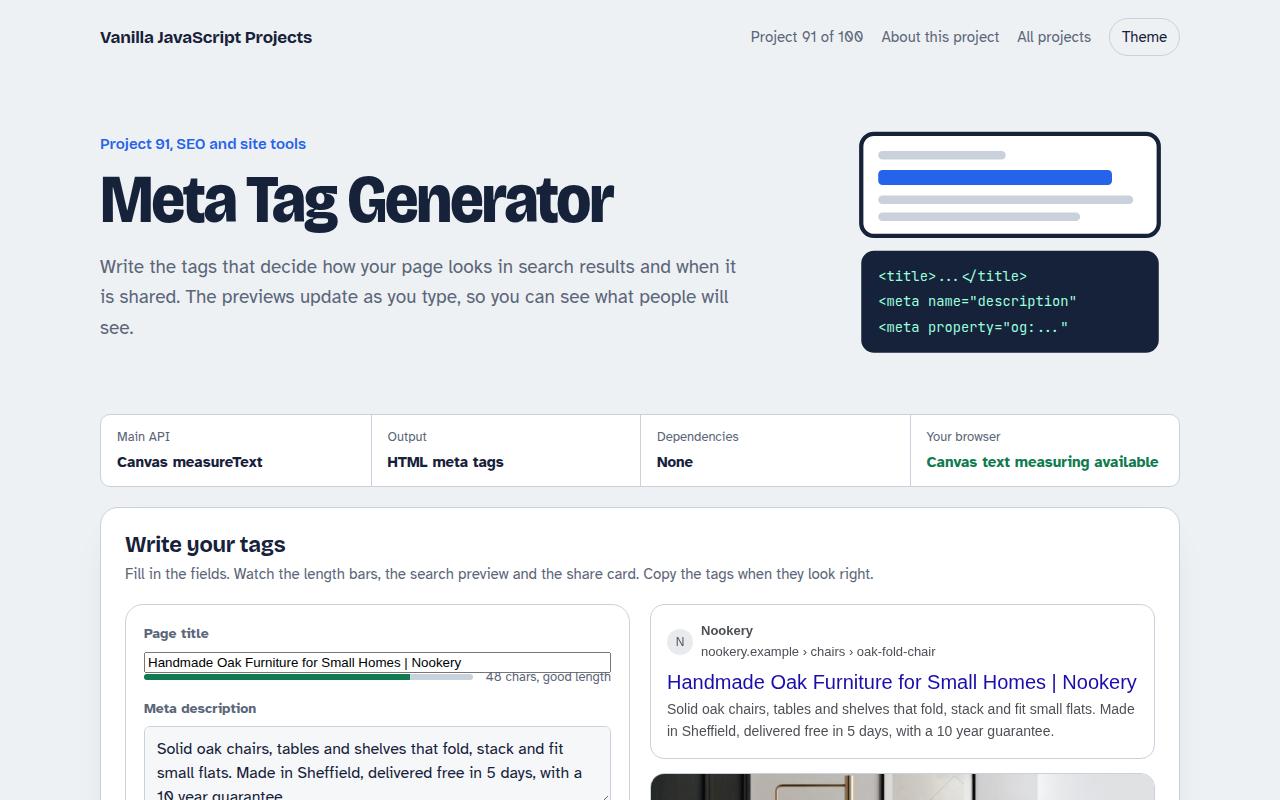
A form that writes your title, description and social tags with live search and share previews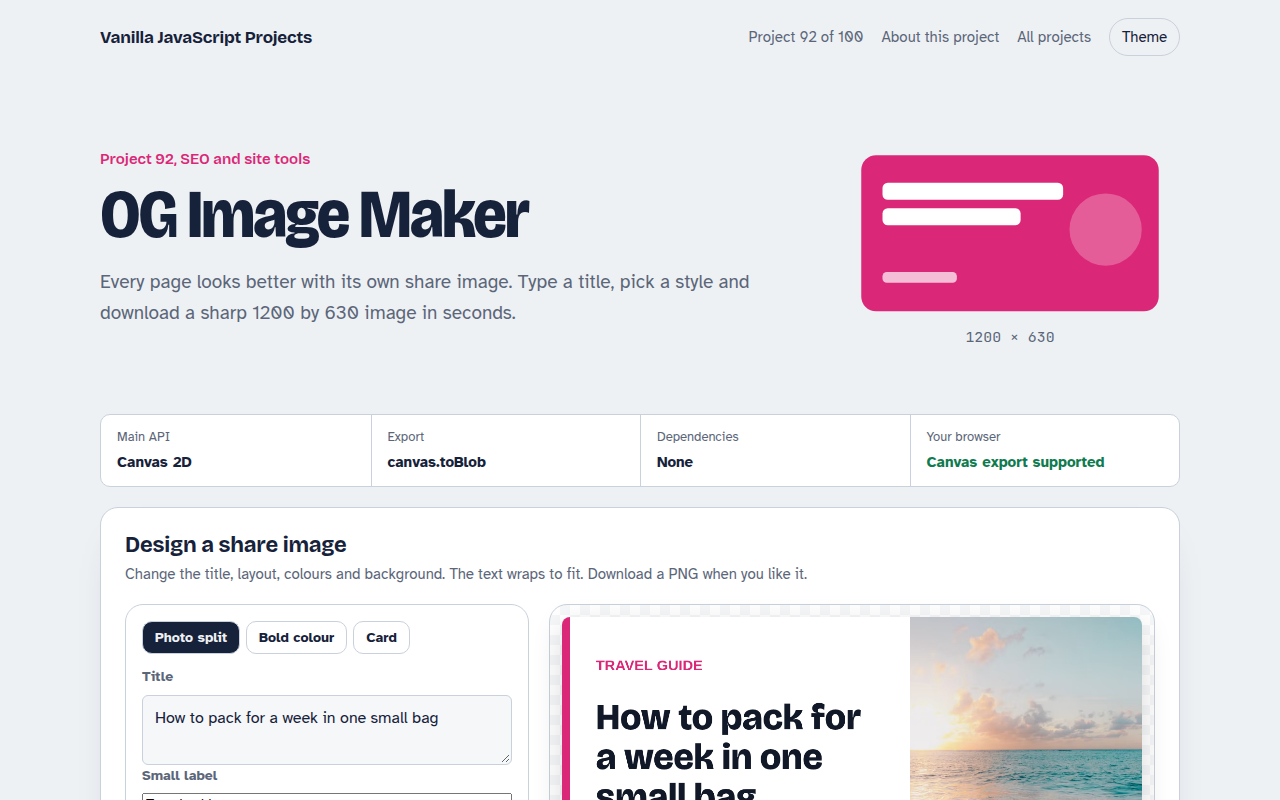
092. OG Image Maker
A canvas tool that makes 1200 by 630 share images with your title and brand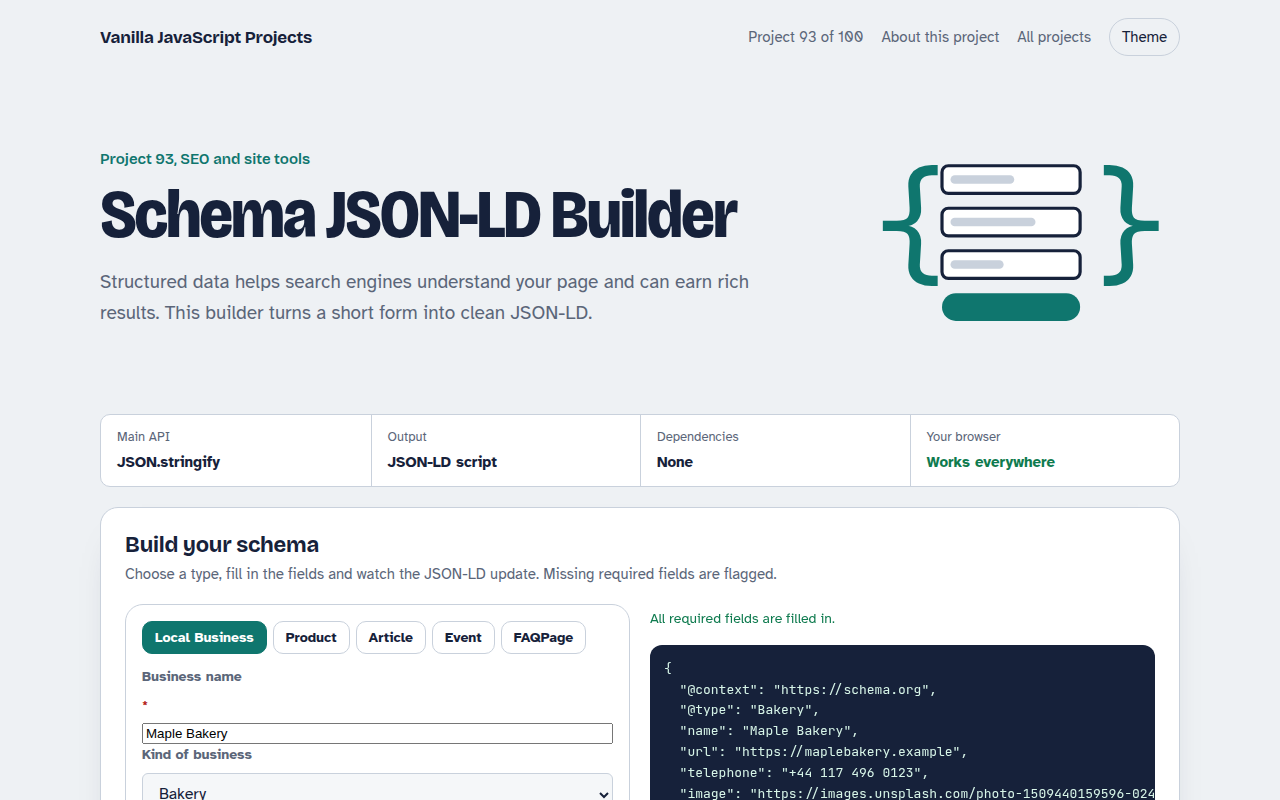
093. Schema JSON-LD Builder
A form that writes structured data for businesses, products, articles, events and FAQs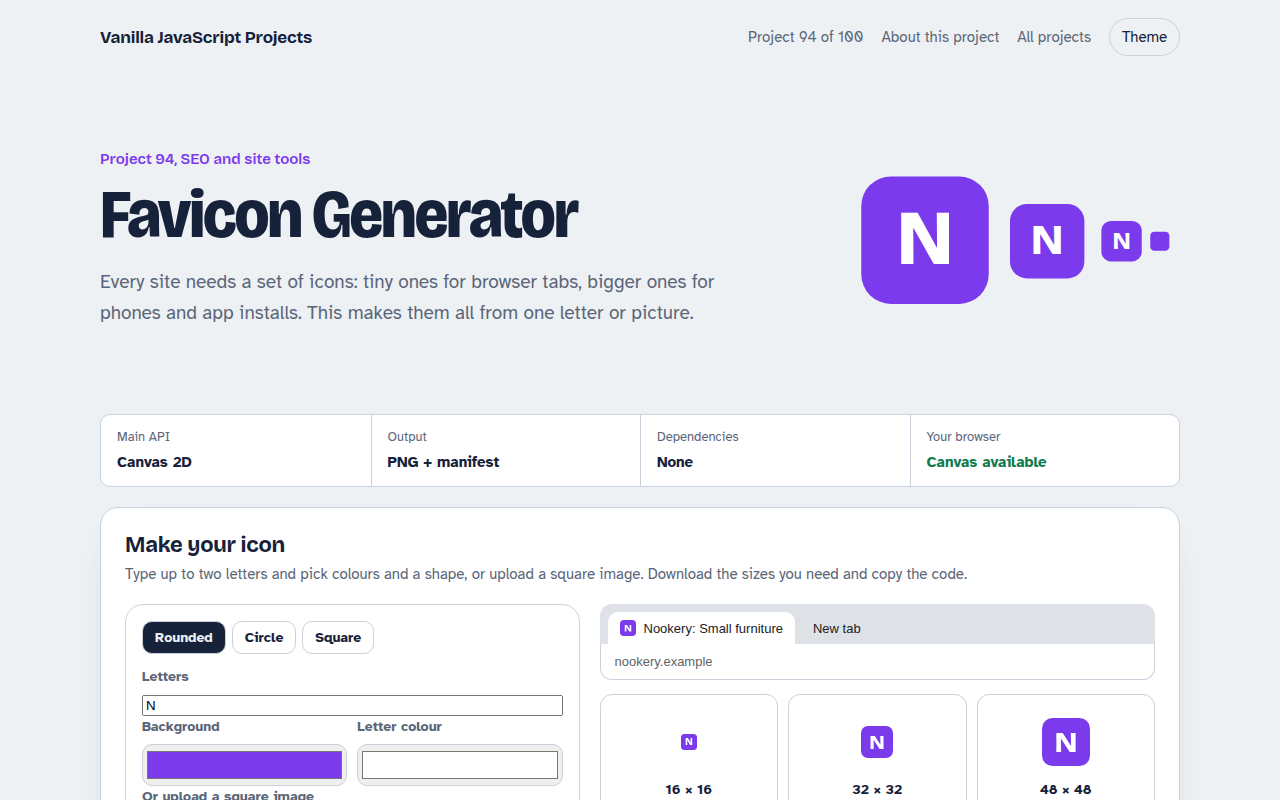
094. Favicon Generator
A tool that makes every favicon size and a web manifest from a letter or an image
095. Responsive Image Maker
A tool that resizes one photo into several sizes and writes the srcset code