Home / SEO and Site Tools / Schema JSON-LD Builder
Schema JSON-LD Builder in JavaScript, Free with Live Demo
Free JSON-LD schema builder in plain JavaScript. Pick a type, fill in a simple form and get valid structured data with required field checks, ready to paste into your page.
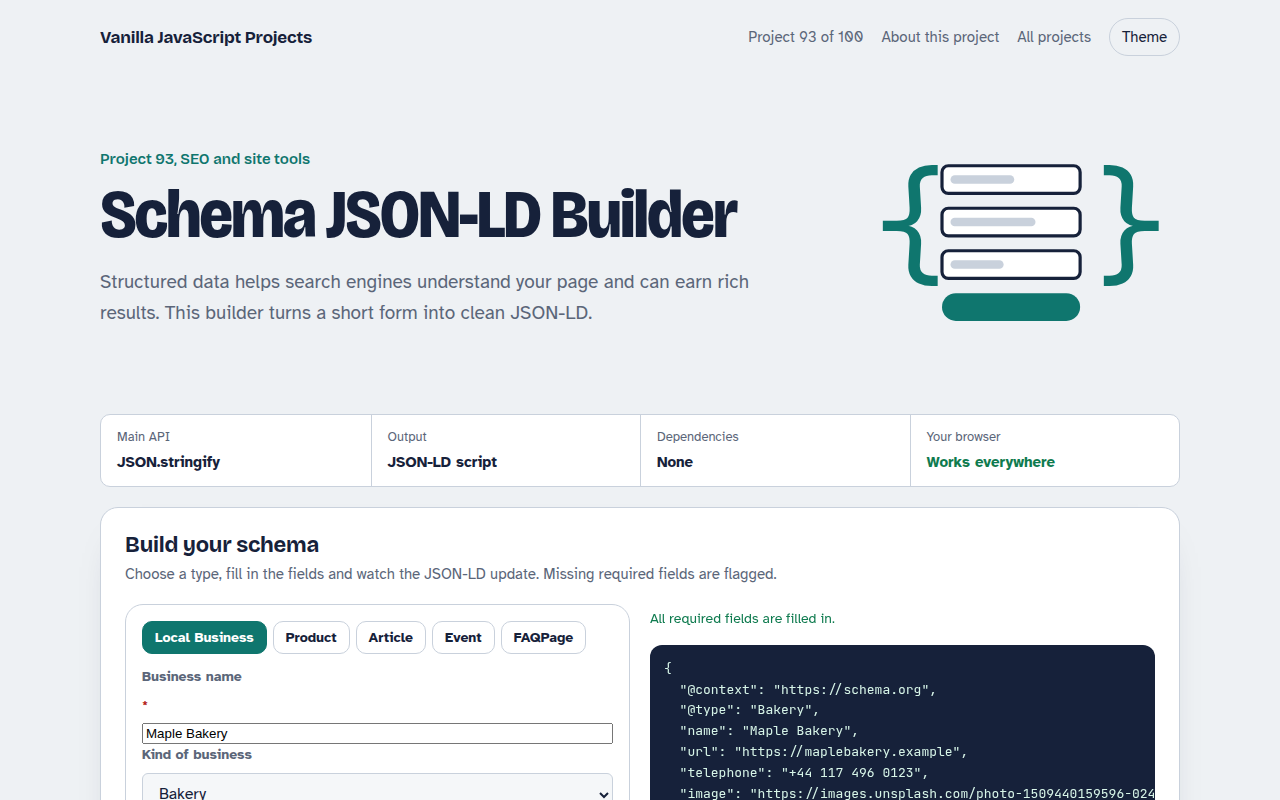
Runs on: JSON.stringify and form state. Works in all modern browsers.
What is the Schema JSON-LD Builder?
A structured data builder for five common schema types: local business, product, article, event and FAQ page. Pick a type and fill in a short form.
The JSON-LD updates as you type, empty fields are left out, required fields are checked, and the finished script tag can be copied into your page.
Good for
- Local business websites
- Online shop product pages
- Blog posts and news articles
- Event and FAQ pages
What this project does
- Five schema types
- Required field checks and simple validation
- Clean output with empty values removed
- Add and remove FAQ questions
- Copy as a ready script tag
How it works
- A form per typeEach schema type has its own short list of fields, with the required ones marked. Changing type redraws the form.
- Build and cleanForm values are placed into the right schema shape. A JSON.parse reviver then drops empty values and empty objects, so the output stays tidy.
- Check before you pasteMissing required fields and obvious mistakes, like a price that is not a number, are listed above the output.
The key JavaScript
This is the heart of the project. The full file has the rest, including the screen layout and error handling.
const product = {
  "@context": "https://schema.org",
  "@type": "Product",
  name: form.name, image: form.image,
  offers: { "@type": "Offer", price: form.price, priceCurrency: "GBP",
            availability: "https://schema.org/InStock" }
};
// drop empty values
const clean = JSON.parse(JSON.stringify(product), (k, v) => v === "" ? undefined : v);
script.textContent = JSON.stringify(clean, null, 2);
How to use it
- Click Download HTML file above.
- Open the file in a code editor, like VS Code.
- Run it from a local server with
npx serve .so the camera, microphone and AI features are allowed. - Change the text and colors, then upload it to GitHub Pages, Netlify or your own site. It is one file with no build step.
Questions people ask
Where do I put the JSON-LD?
Anywhere in the page, usually in the head. It is invisible to visitors.
Will this guarantee rich results?
No. It makes your page eligible. Search engines decide when to show rich results.
How do I test my markup?
Paste your page address into your search engine's structured data testing tool, or into the Schema.org validator.
More SEO and Site Tools projects
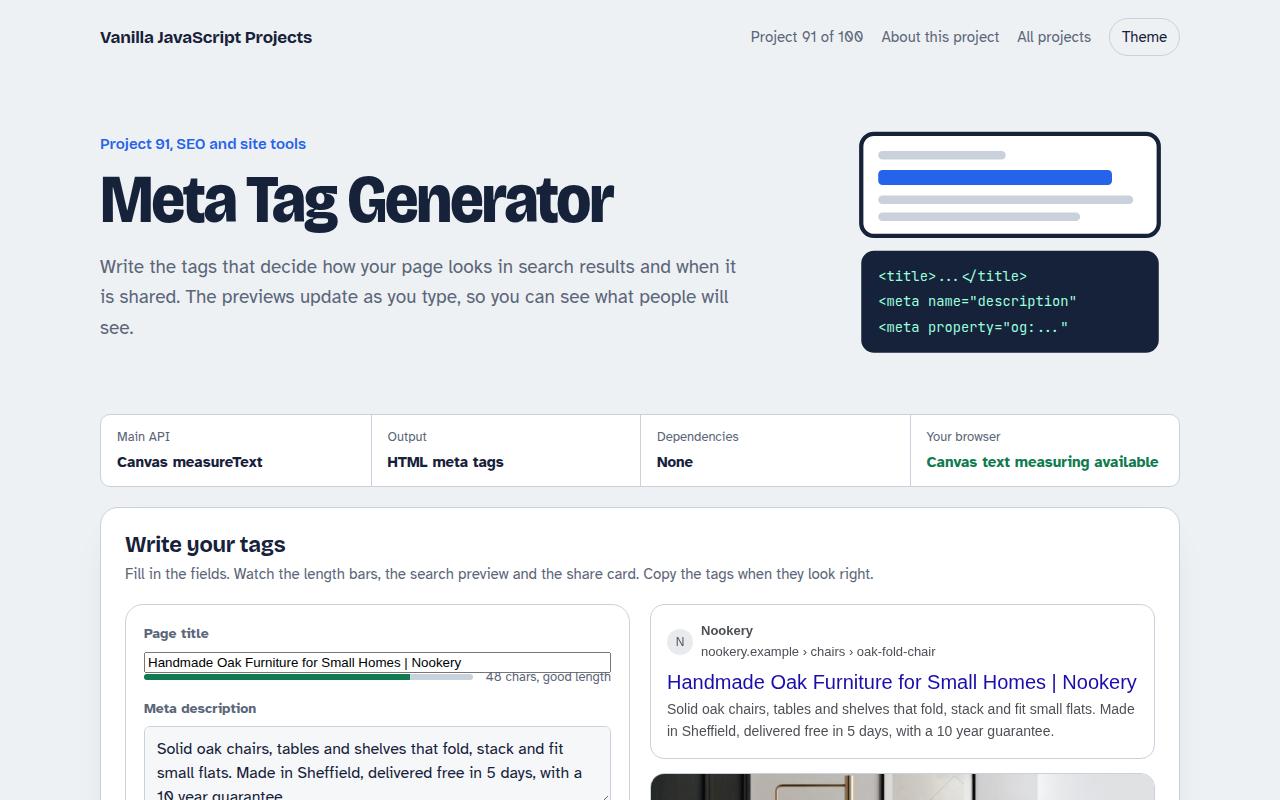
091. Meta Tag Generator
A form that writes your title, description and social tags with live search and share previews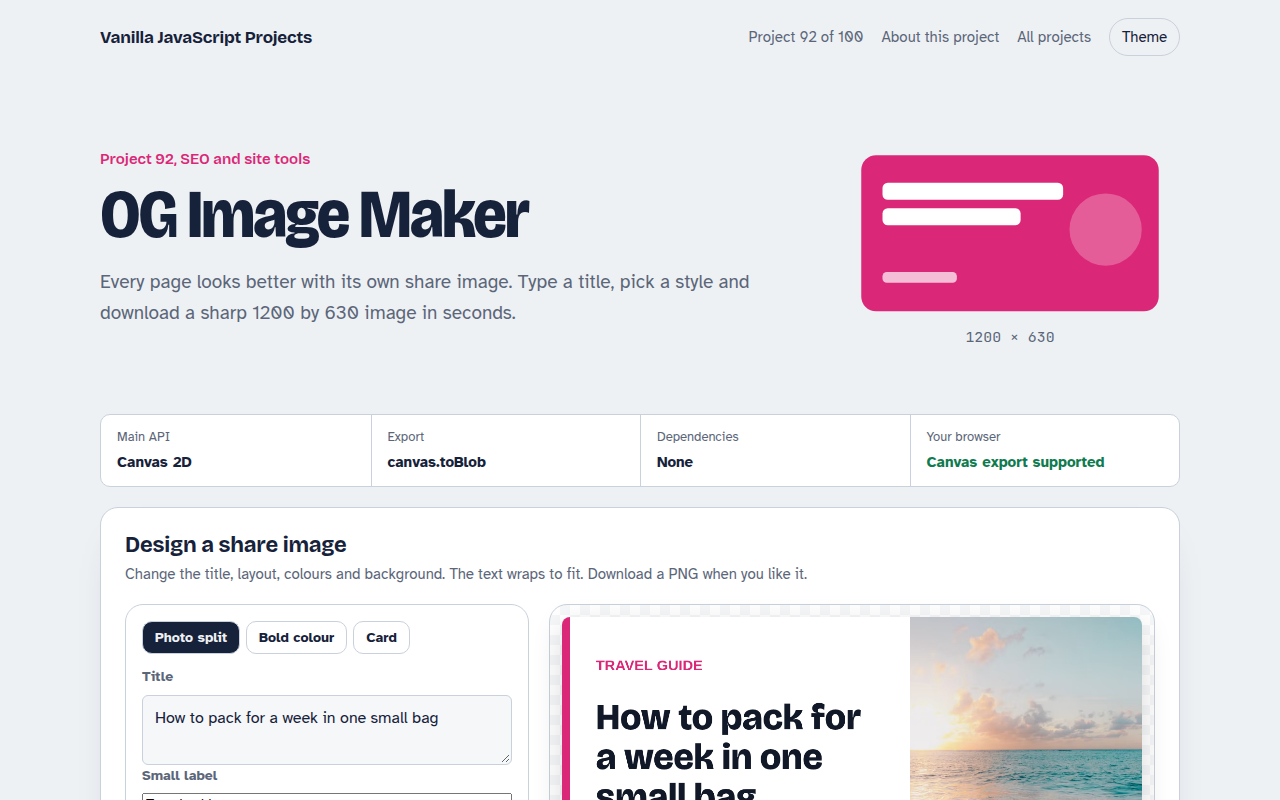
092. OG Image Maker
A canvas tool that makes 1200 by 630 share images with your title and brand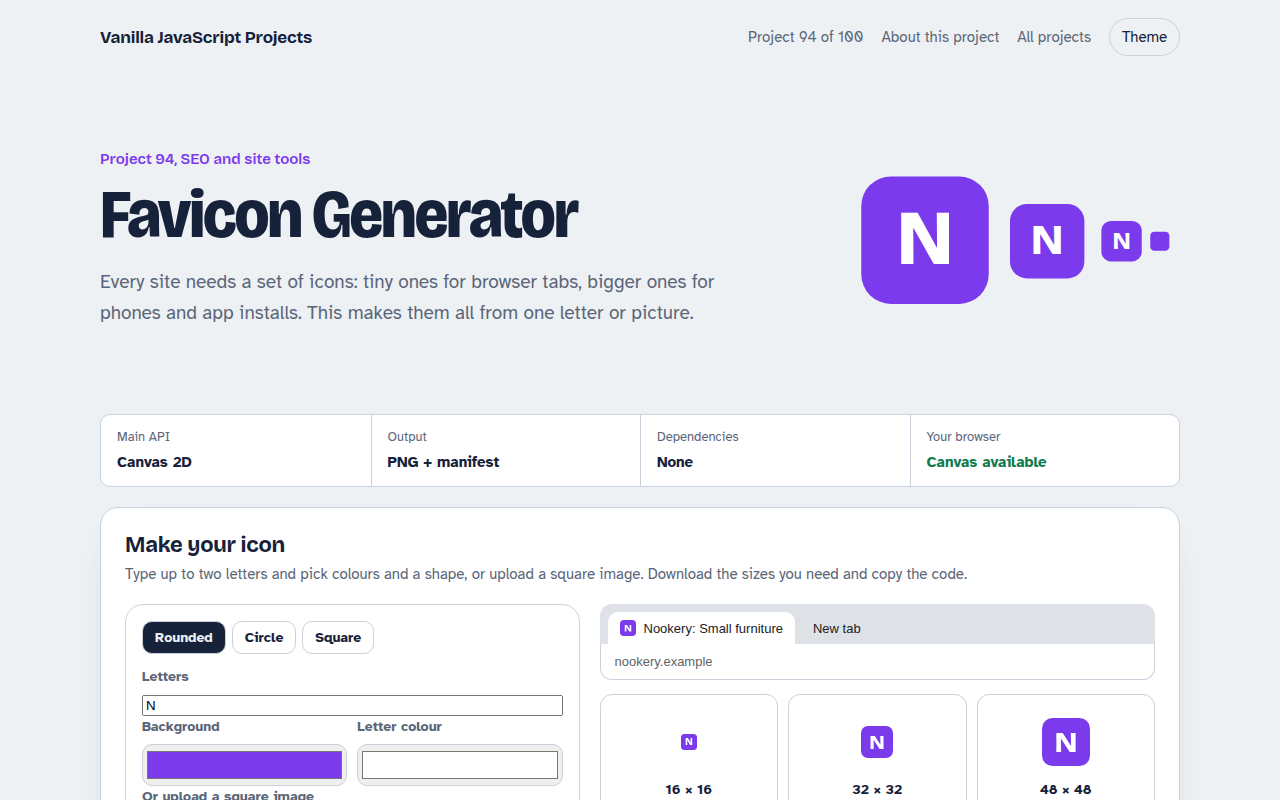
094. Favicon Generator
A tool that makes every favicon size and a web manifest from a letter or an image
095. Responsive Image Maker
A tool that resizes one photo into several sizes and writes the srcset code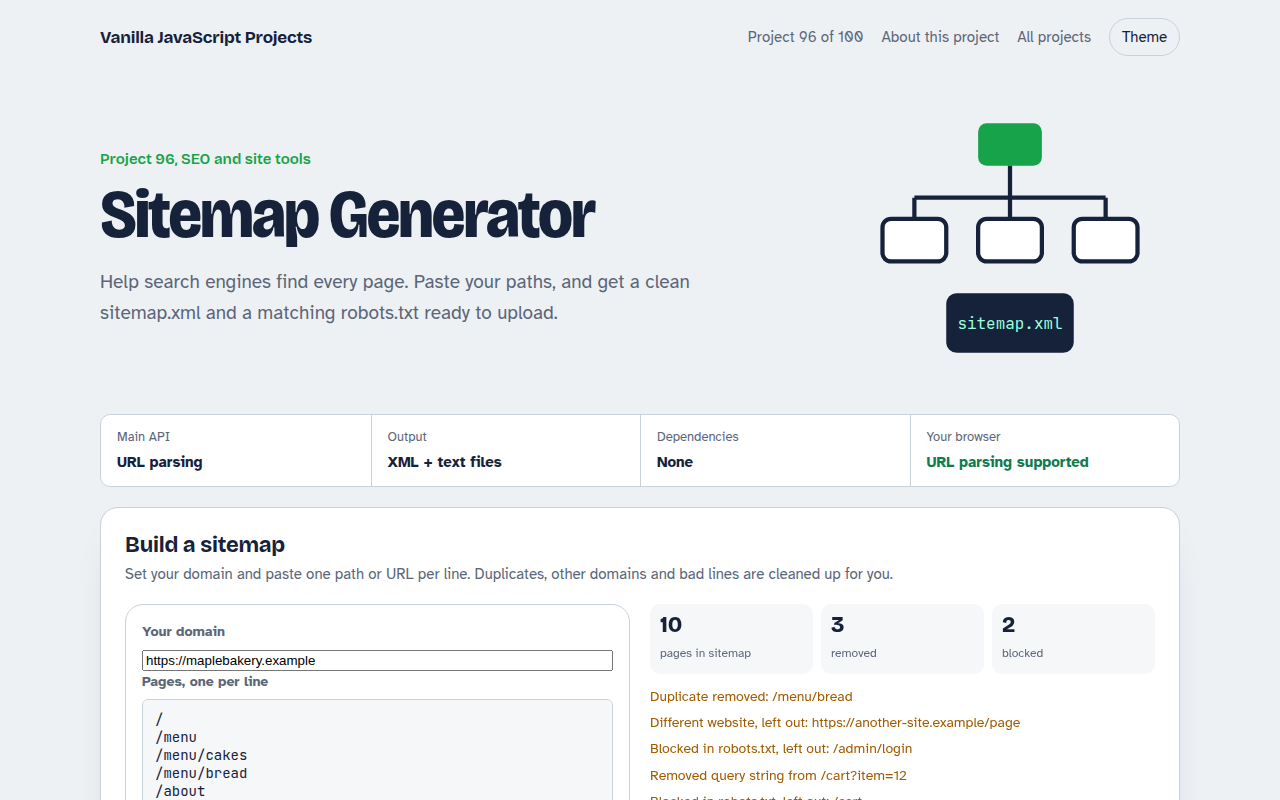
096. Sitemap Generator
A tool that turns a list of pages into sitemap.xml and robots.txt