Home / SEO and Site Tools / OG Image Maker
OG Image Maker in JavaScript, Free with Live Demo
Free Open Graph image maker in plain JavaScript. Pick a layout, type a title, choose colours or a photo background, and download a 1200 by 630 PNG ready for social sharing.
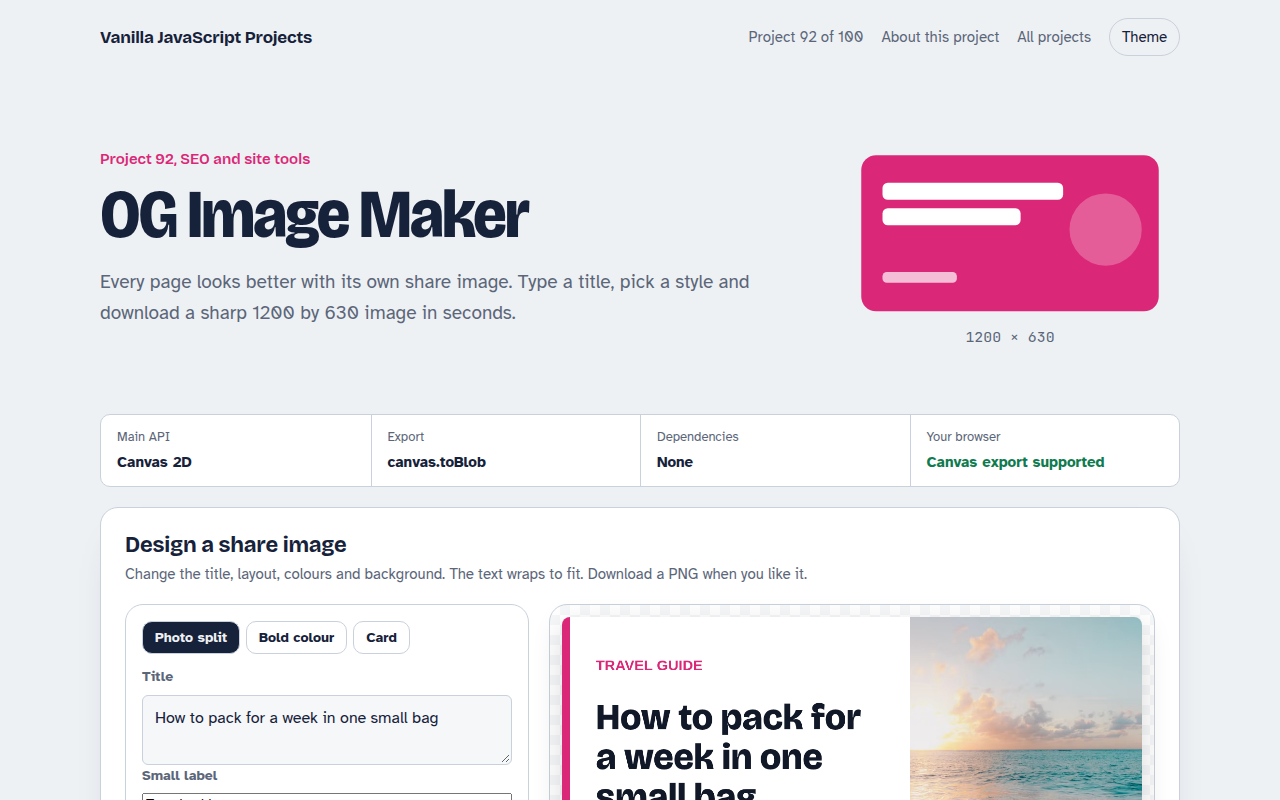
Runs on: Canvas 2D and toBlob. Works in all modern browsers.
What is the OG Image Maker?
A small design tool for social share images. Choose one of three layouts, type a title, a small label and your site name, pick a colour and a background photo.
The title wraps and shrinks to fit, the preview updates instantly, and one click downloads a 1200 by 630 PNG you can use as your og:image.
Good for
- Blog posts and articles
- Product and landing pages
- Event announcements
- Any page that gets shared
What this project does
- Three layouts: photo split, bold colour and card
- Automatic title wrapping and sizing
- Five colours and four photos
- Full size 1200 by 630 export
- Works offline once loaded
How it works
- Draw at full sizeThe canvas is 1200 by 630 pixels, the standard share size, and CSS only shrinks the preview. The download is always sharp.
- Wrap and shrink the titleWords are measured one by one to break lines. If the title needs more than four lines, the font gets smaller until it fits.
- Photos without taintingThe background photo loads with crossOrigin set to anonymous, so the canvas can still be exported as a PNG.
The key JavaScript
This is the heart of the project. The full file has the rest, including the screen layout and error handling.
function wrap(text, maxWidth, size) {
  ctx.font = `800 ${size}px sans-serif`;
  const lines = []; let line = "";
  for (const word of text.split(" ")) {
    const test = line ? line + " " + word : word;
    if (ctx.measureText(test).width > maxWidth && line) { lines.push(line); line = word; }
    else line = test;
  }
  lines.push(line);
  return lines.length > 4 ? wrap(text, maxWidth, size - 6) : lines;
}
canvas.toBlob((blob) => download(blob, "share-image.png"));
How to use it
- Click Download HTML file above.
- Open the file in a code editor, like VS Code.
- Run it from a local server with
npx serve .so the camera, microphone and AI features are allowed. - Change the text and colors, then upload it to GitHub Pages, Netlify or your own site. It is one file with no build step.
Questions people ask
Why 1200 by 630?
It is the size most social networks and chat apps use for large link previews.
Can I make these automatically for every post?
Yes. The same drawing code runs in a build script with a canvas library, or in a serverless function.
Why do some photos stop the download?
If a photo server does not allow cross origin use, the browser blocks export. Unsplash allows it.
More SEO and Site Tools projects
091. Meta Tag Generator
A form that writes your title, description and social tags with live search and share previews
093. Schema JSON-LD Builder
A form that writes structured data for businesses, products, articles, events and FAQs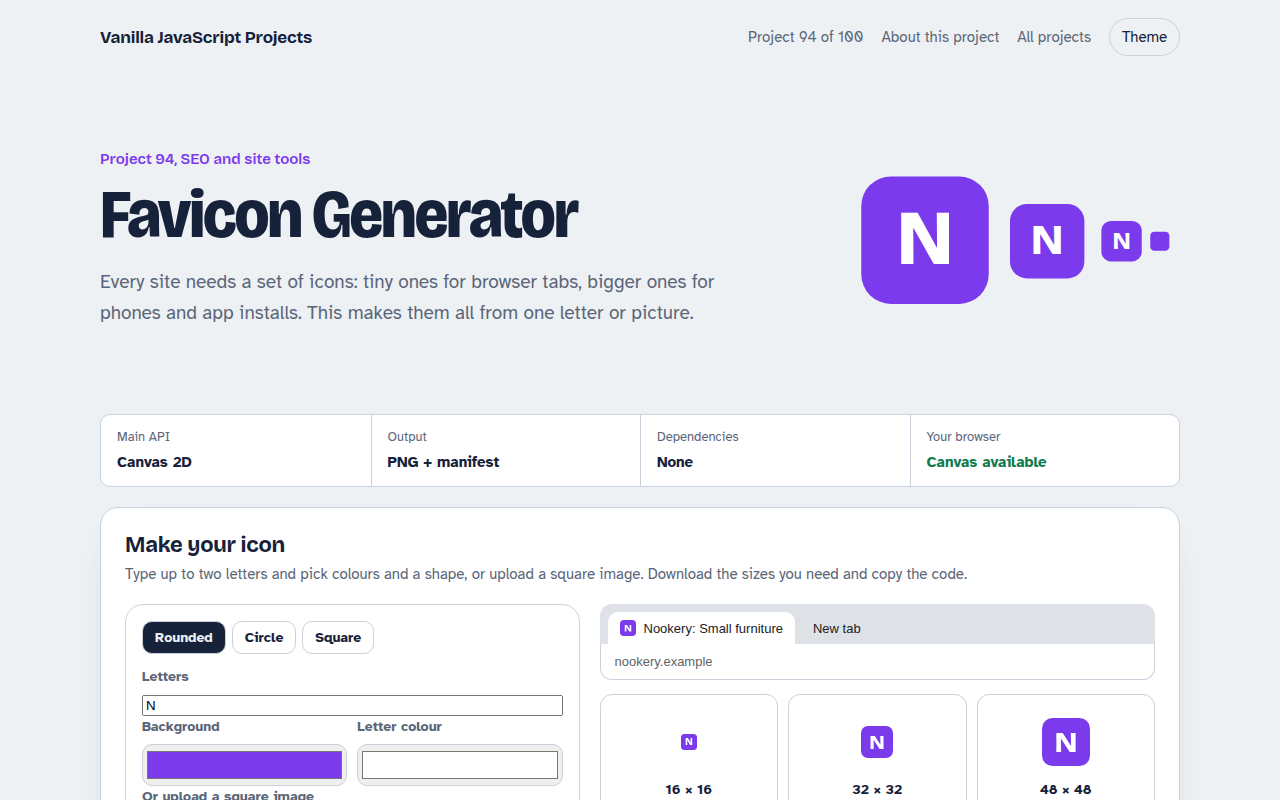
094. Favicon Generator
A tool that makes every favicon size and a web manifest from a letter or an image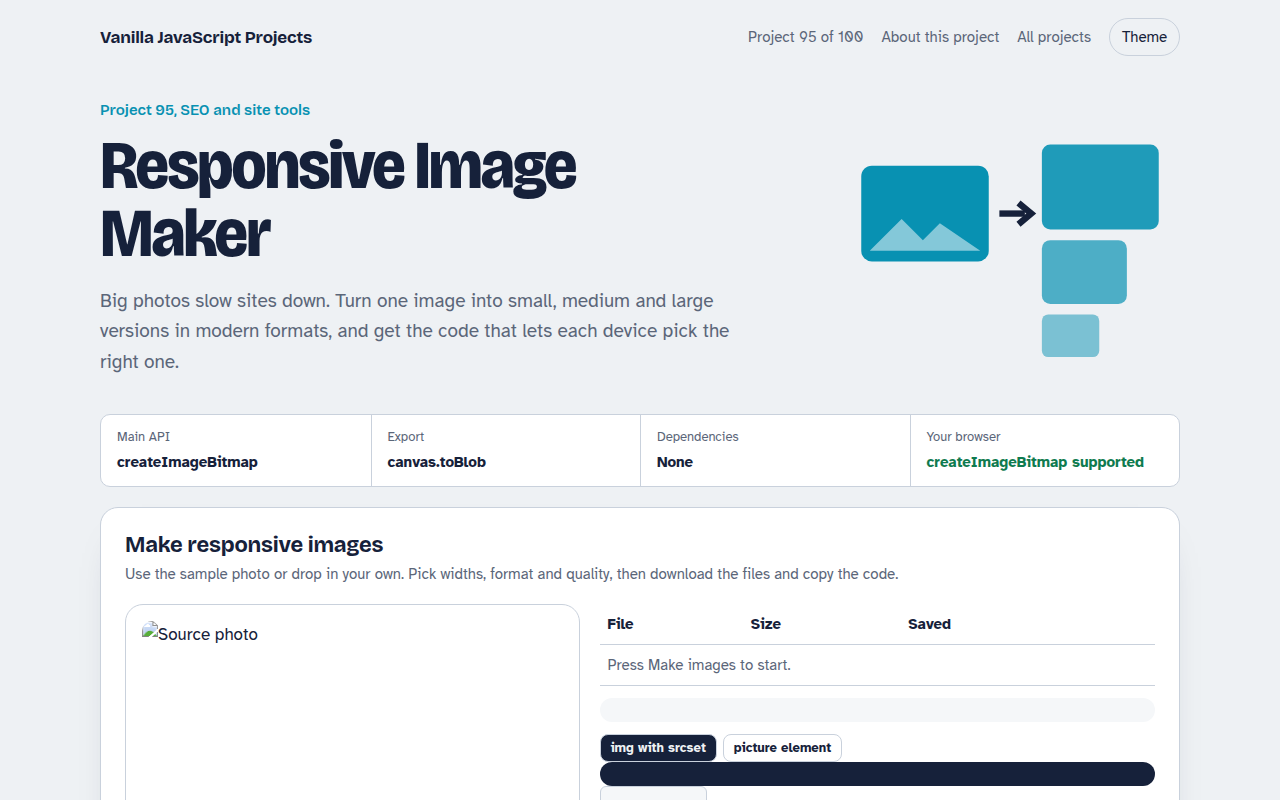
095. Responsive Image Maker
A tool that resizes one photo into several sizes and writes the srcset code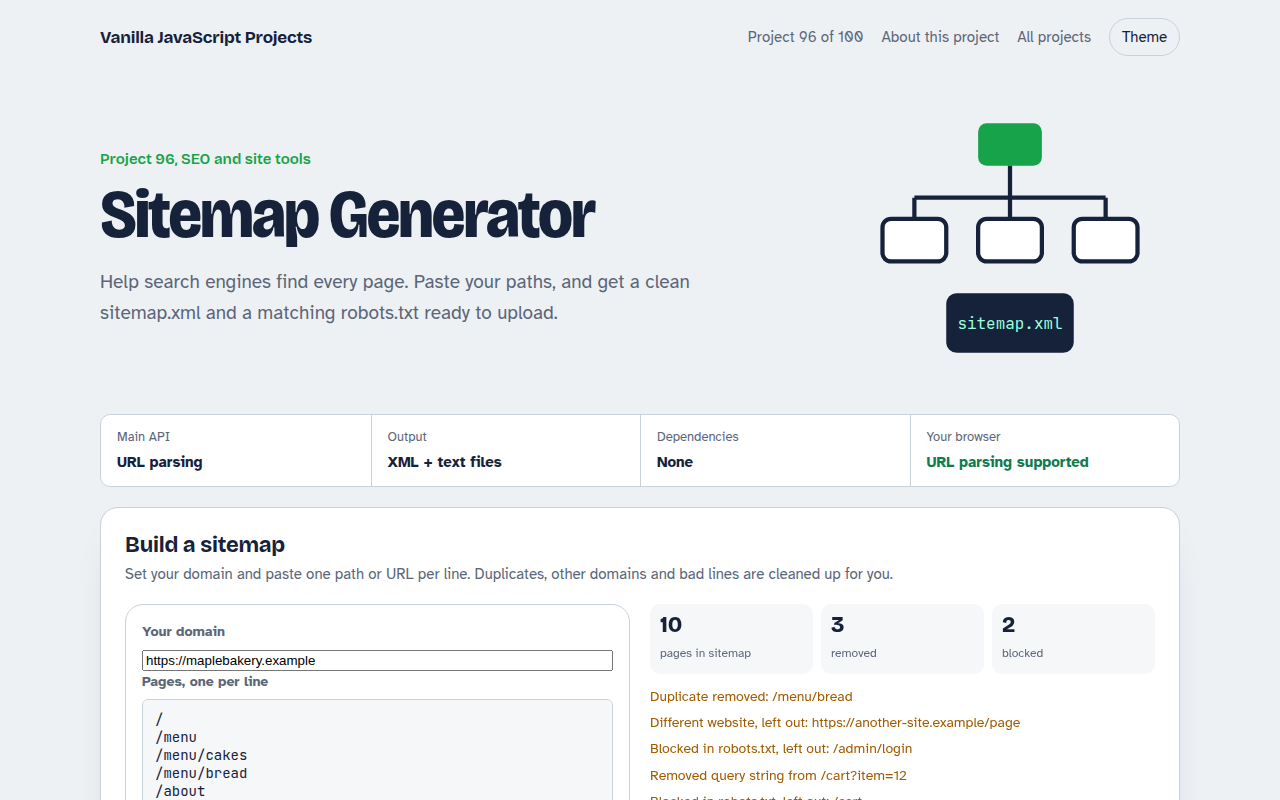
096. Sitemap Generator
A tool that turns a list of pages into sitemap.xml and robots.txt