Home / SEO and Site Tools / Sitemap Generator
Sitemap Generator in JavaScript, Free with Live Demo
Free sitemap generator in plain JavaScript. Paste your page paths or full URLs, clean and sort them, set last modified dates and priorities, and download sitemap.xml and robots.txt.
Runs on: XML building and Blob downloads. Works in all modern browsers.
What is the Sitemap Generator?
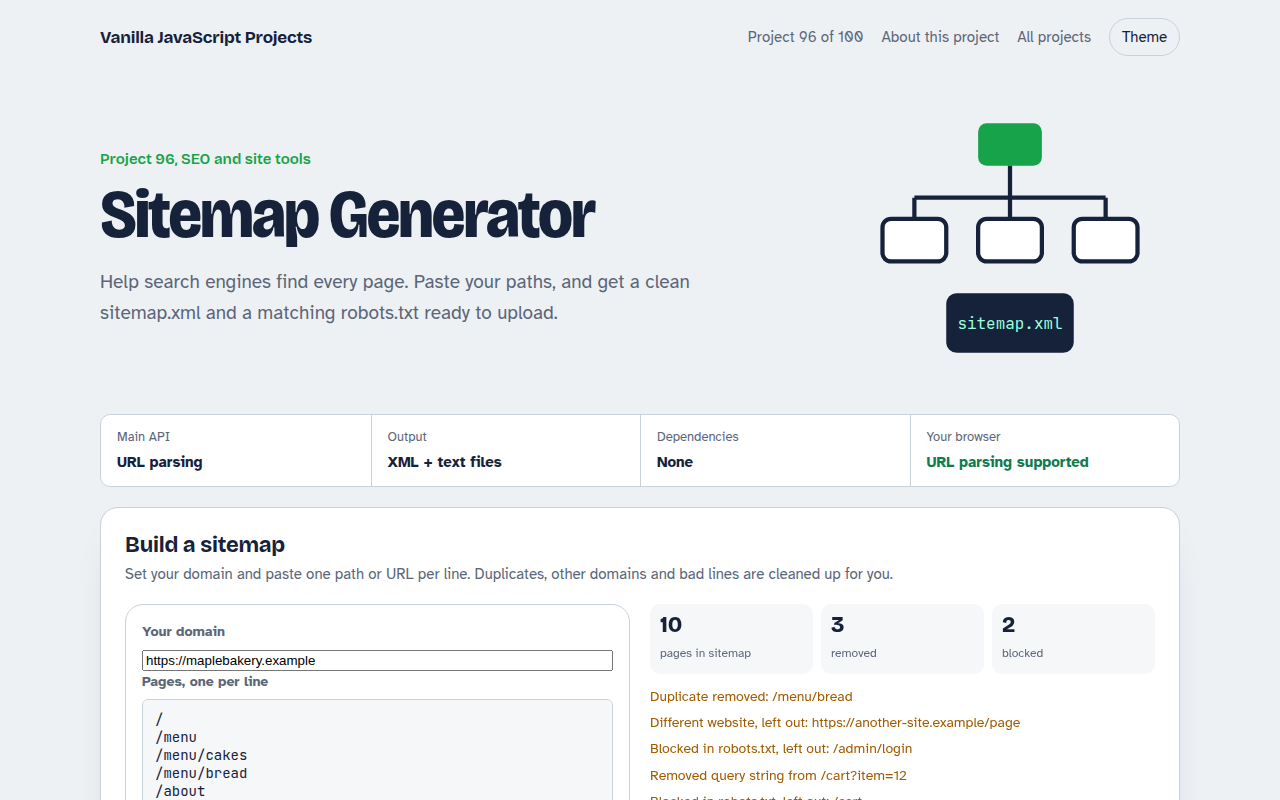
A sitemap builder. Enter your domain and paste your pages as paths or full URLs, one per line. The tool cleans the list and shows what it removed and why.
It writes a valid sitemap.xml with optional last changed dates, frequency and priority, plus a robots.txt that blocks private paths and points search engines to the sitemap.
Good for
- New sites before launch
- Static sites without a CMS
- Fixing sitemaps with errors
- Learning how sitemaps work
What this project does
- Paths or full URLs
- Removes duplicates, other domains and query strings
- Blocked paths moved to robots.txt
- Optional lastmod, changefreq and priority
- Download or copy both files
How it works
- Resolve every linenew URL(line, domain) turns paths like /menu into full addresses. Lines that cannot be parsed are reported.
- Clean the listOther domains, duplicates, query strings and blocked paths are removed, and each removal is explained.
- Write both filesThe sitemap lists every page with optional date, frequency and priority. robots.txt blocks the paths you chose and points to the sitemap.
The key JavaScript
This is the heart of the project. The full file has the rest, including the screen layout and error handling.
const base = new URL("https://example.com");
const pages = lines.map((l) => new URL(l, base))
  .filter((u) => u.host === base.host);

const xml = `<?xml version="1.0" encoding="UTF-8"?>
<urlset xmlns="http://www.sitemaps.org/schemas/sitemap/0.9">
${pages.map((u) => `  <url><loc>${u.href}</loc><lastmod>${today}</lastmod></url>`).join("\n")}
</urlset>`;
const robots = `User-agent: *\nDisallow: /admin\n\nSitemap: ${base.origin}/sitemap.xml`;
How to use it
- Click Download HTML file above.
- Open the file in a code editor, like VS Code.
- Run it from a local server with
npx serve .so the camera, microphone and AI features are allowed. - Change the text and colors, then upload it to GitHub Pages, Netlify or your own site. It is one file with no build step.
Questions people ask
Where do I put sitemap.xml?
In the root of your site, so it opens at yoursite.com/sitemap.xml. Then submit that address in your search engine's webmaster tools.
Do priority and changefreq matter?
Most search engines ignore them today. lastmod is useful if it is accurate.
Should blocked pages be in the sitemap?
No. A sitemap should only list pages you want found, so blocked paths are left out.
More SEO and Site Tools projects
091. Meta Tag Generator
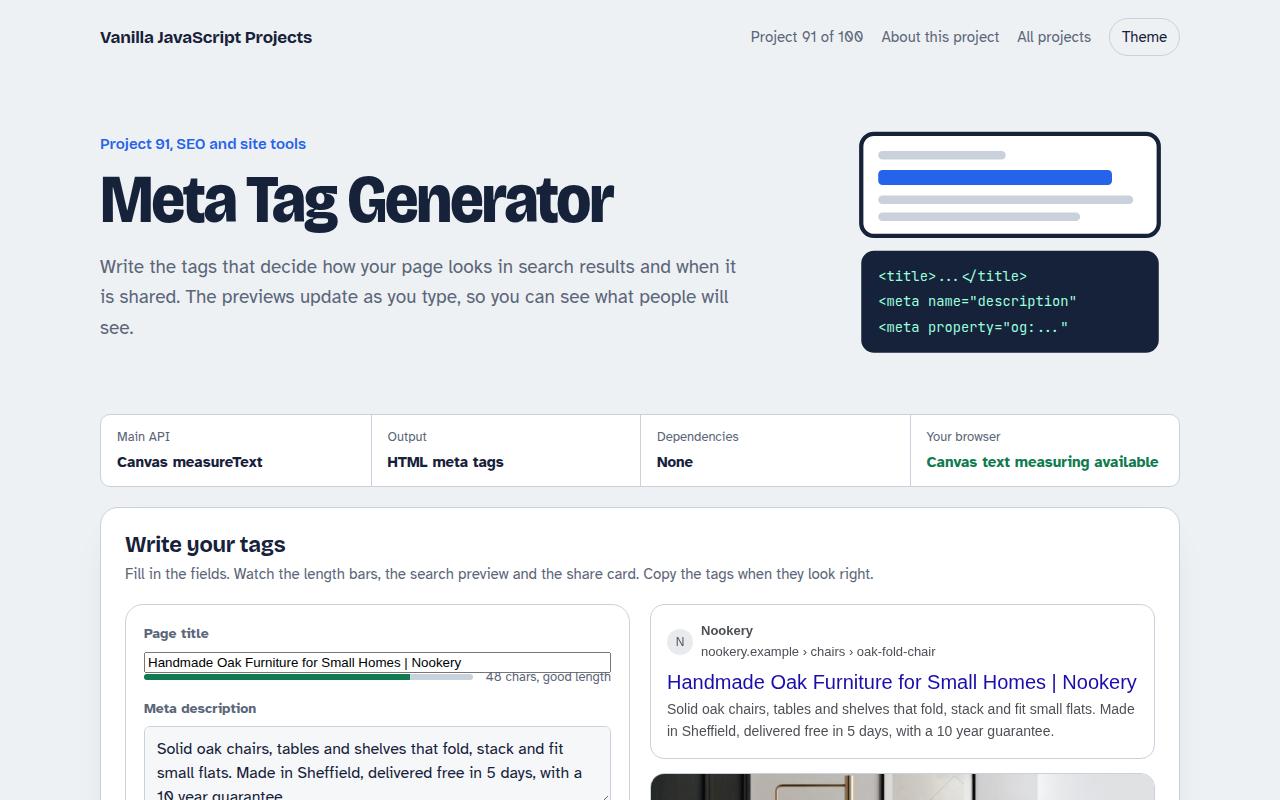
A form that writes your title, description and social tags with live search and share previews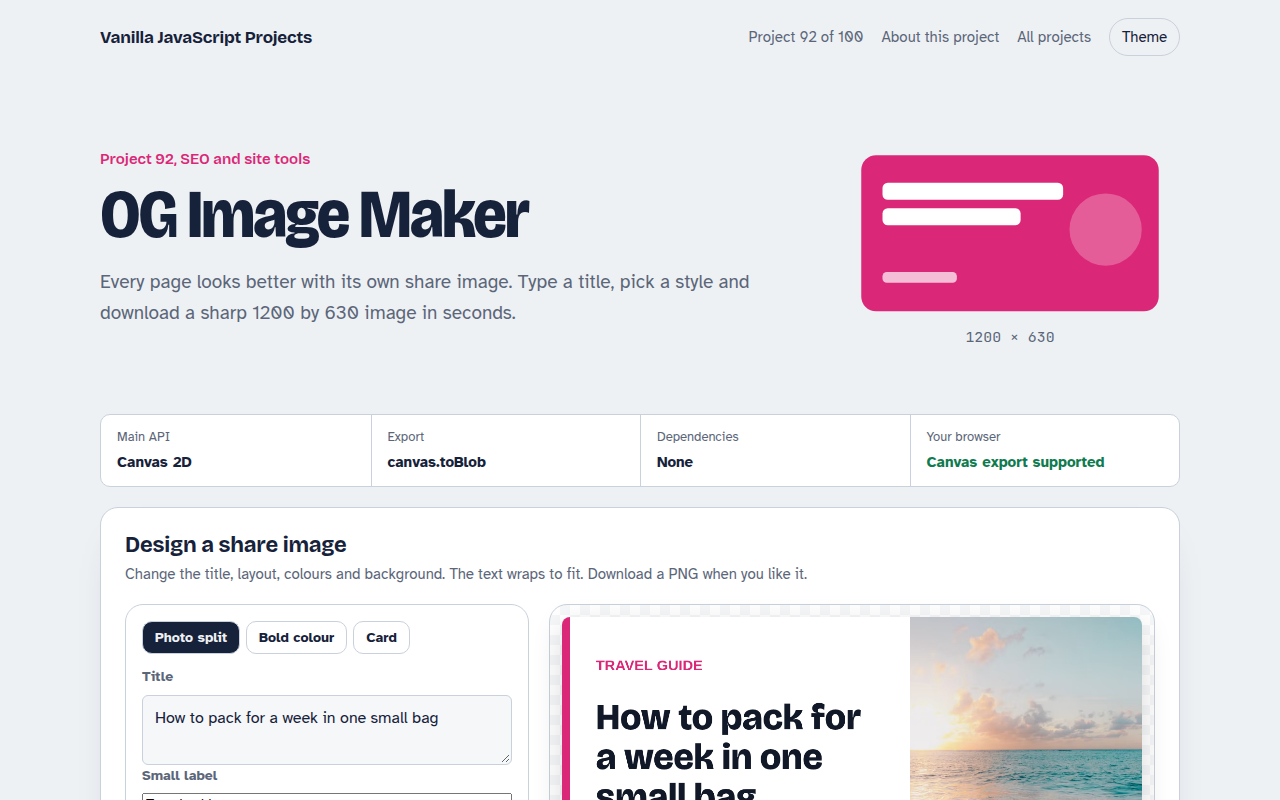
092. OG Image Maker
A canvas tool that makes 1200 by 630 share images with your title and brand
093. Schema JSON-LD Builder
A form that writes structured data for businesses, products, articles, events and FAQs
094. Favicon Generator
A tool that makes every favicon size and a web manifest from a letter or an image
095. Responsive Image Maker
A tool that resizes one photo into several sizes and writes the srcset code