Home / AI Era Interfaces / AI Glow Gradient
AI Glow Gradient CSS Template, Free with Live Demo
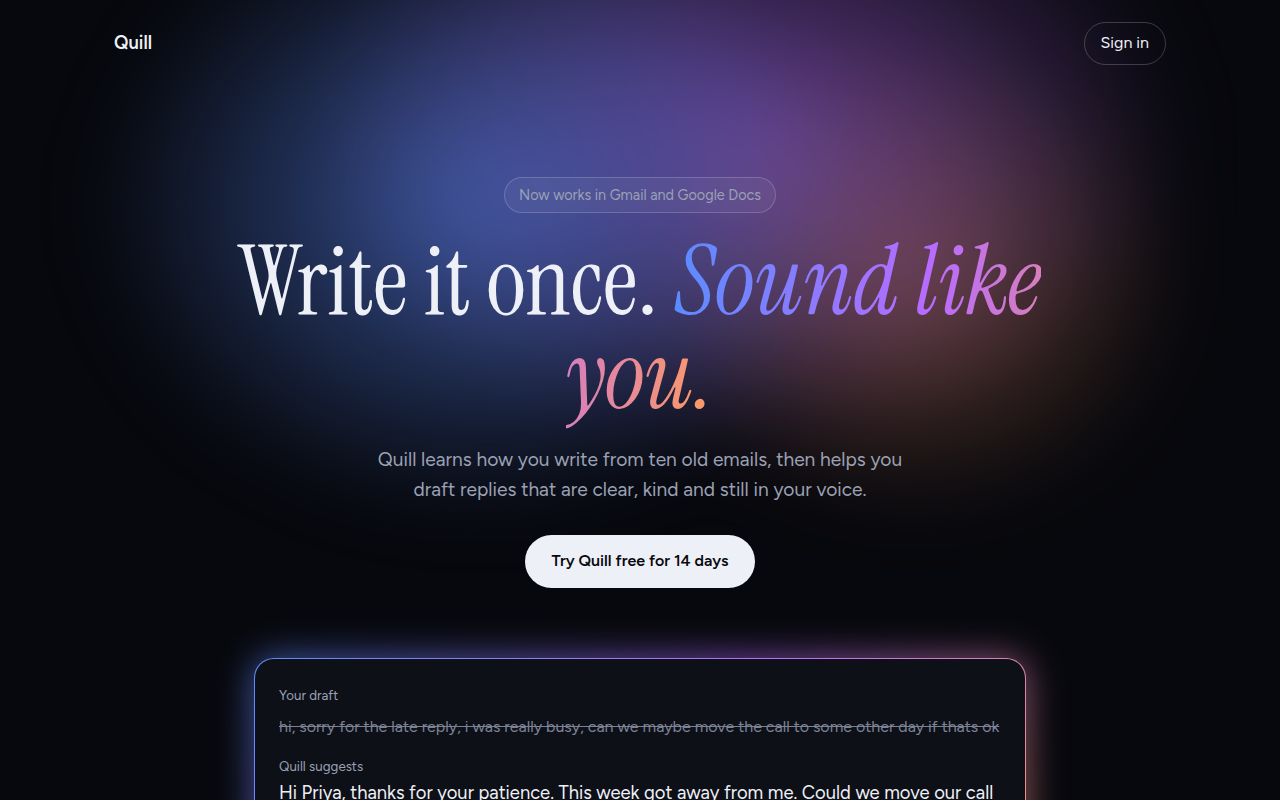
Free AI style landing page template with a soft glowing mesh gradient, gradient text and a glowing border card on a dark theme. Live demo and HTML download. The example is Quill, an AI writing assistant.
What is ai glow gradient?
The AI glow look is everywhere on new AI products: a dark page with a soft cloud of blue, violet and orange light behind the headline, and cards with a glowing gradient edge.
The glow is three radial gradients blurred together. The glowing border is a gradient behind the card with 1px of padding, plus a blurred copy of it underneath. No images are used.
Good for
- AI tools and startups
- Developer products
- App launch and waitlist pages
- Tech event pages
What you get in this template
- Blurred mesh glow made from three radial gradients
- Gradient text on the key phrase
- Card with a glowing gradient border
- Before and after writing example
- Dark theme with soft gray body text
The key CSS
This is the part that makes the ai glow gradient look work. Copy it into your own project.
.glow {
  position: absolute; left: 50%; top: -180px;
  width: 1100px; height: 700px; transform: translateX(-50%);
  background:
    radial-gradient(closest-side at 35% 55%, rgba(91,140,255,.55), transparent),
    radial-gradient(closest-side at 60% 45%, rgba(184,107,255,.5), transparent),
    radial-gradient(closest-side at 75% 65%, rgba(255,154,98,.35), transparent);
  filter: blur(40px);
}
.gb { padding: 1px; border-radius: 20px; background: linear-gradient(135deg, #5b8cff, #b86bff, #ff9a62); }
How to use it
- Click Download HTML file above.
- Open the file in any code editor, like VS Code.
- Change the text, colors and links to match your project. Colors are at the top of the style tag.
- Upload it to any host, such as GitHub Pages, Netlify or your own server. It is one file with no build step.
Questions people ask
How do you make a glowing gradient background in CSS?
Stack a few radial gradients in different colors on one element, then blur it with filter: blur(40px). Place it behind your content with position: absolute.
How do I make a gradient border with rounded corners?
Wrap the card in an element with a gradient background and 1px padding, and give the inner card a solid background. The gradient shows through as the border.
Why do AI products use this style?
The soft glow feels futuristic and calm at the same time. It is now so common that people link it with AI right away.
More AI Era Interfaces designs
031. Chat UI
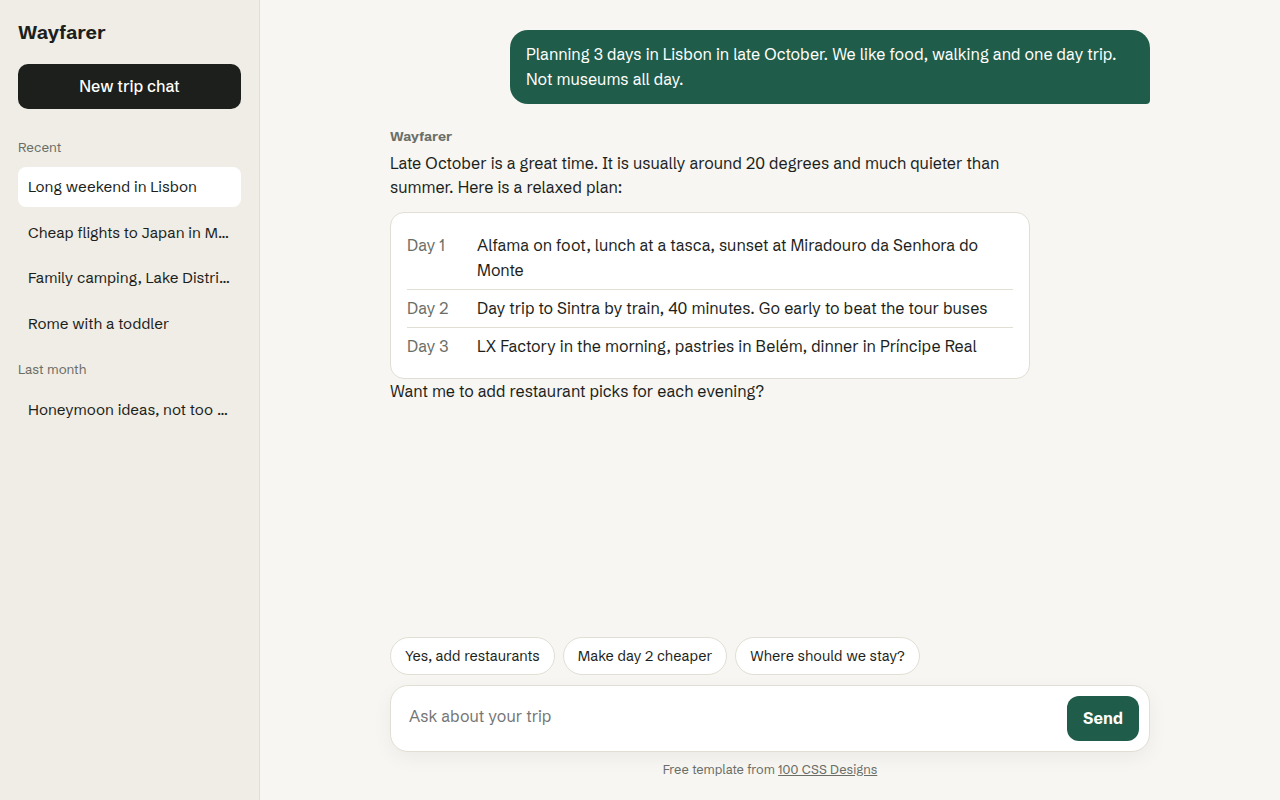
Wayfarer, an AI travel assistant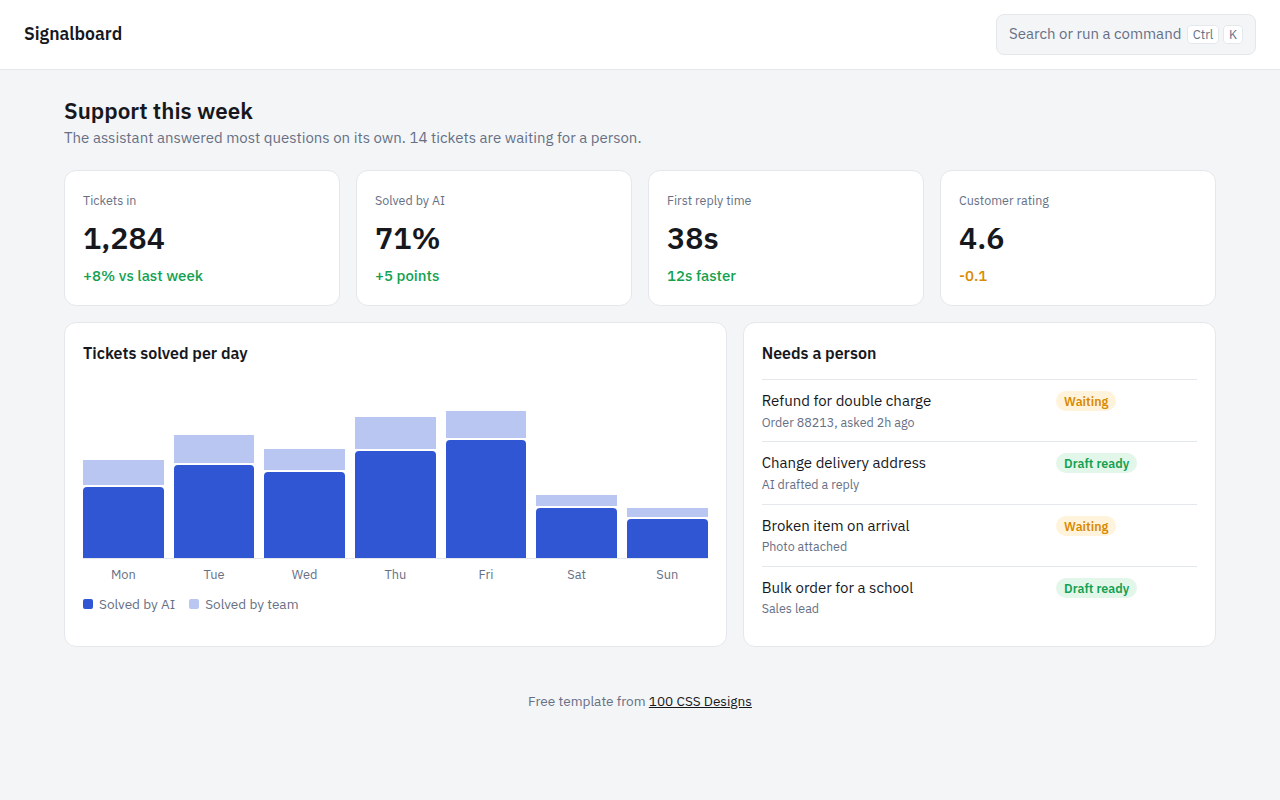
032. AI Dashboard
Signalboard, an AI customer support dashboard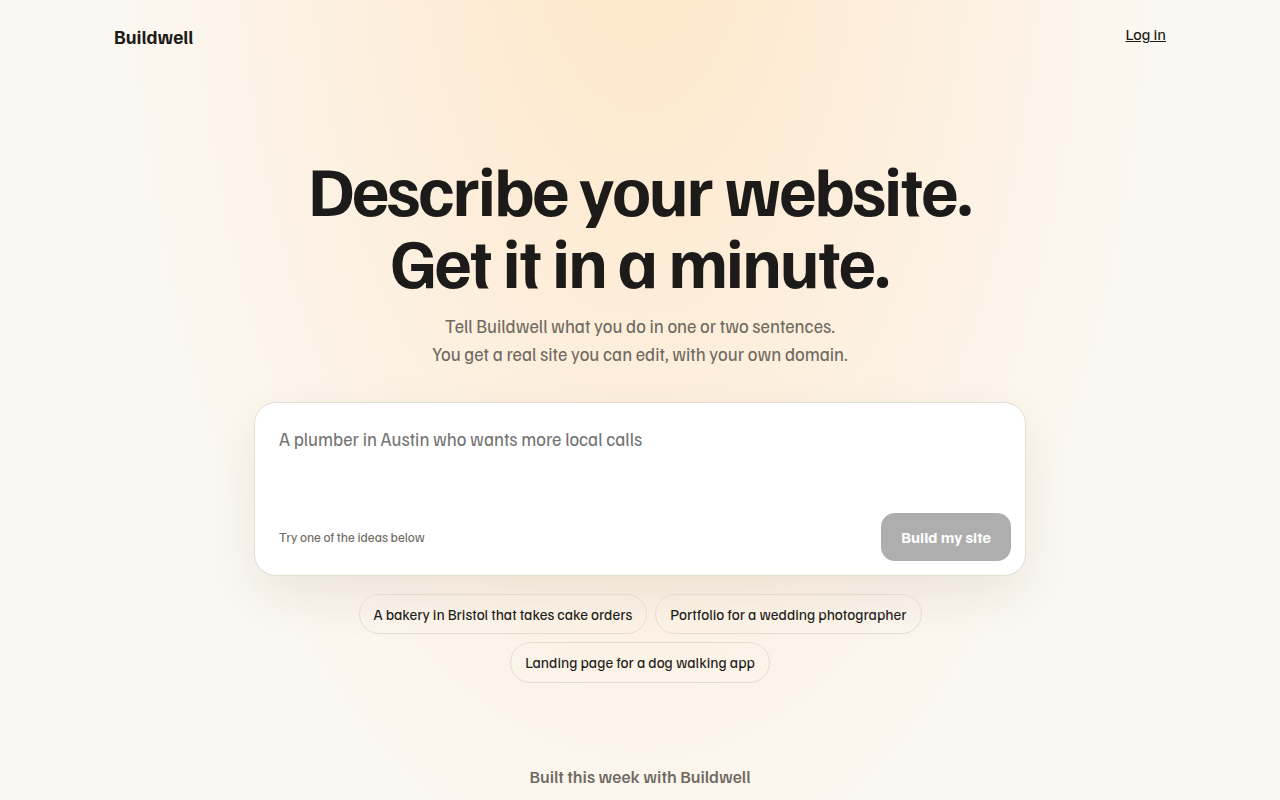
034. Prompt Box Hero
Buildwell, an AI website builder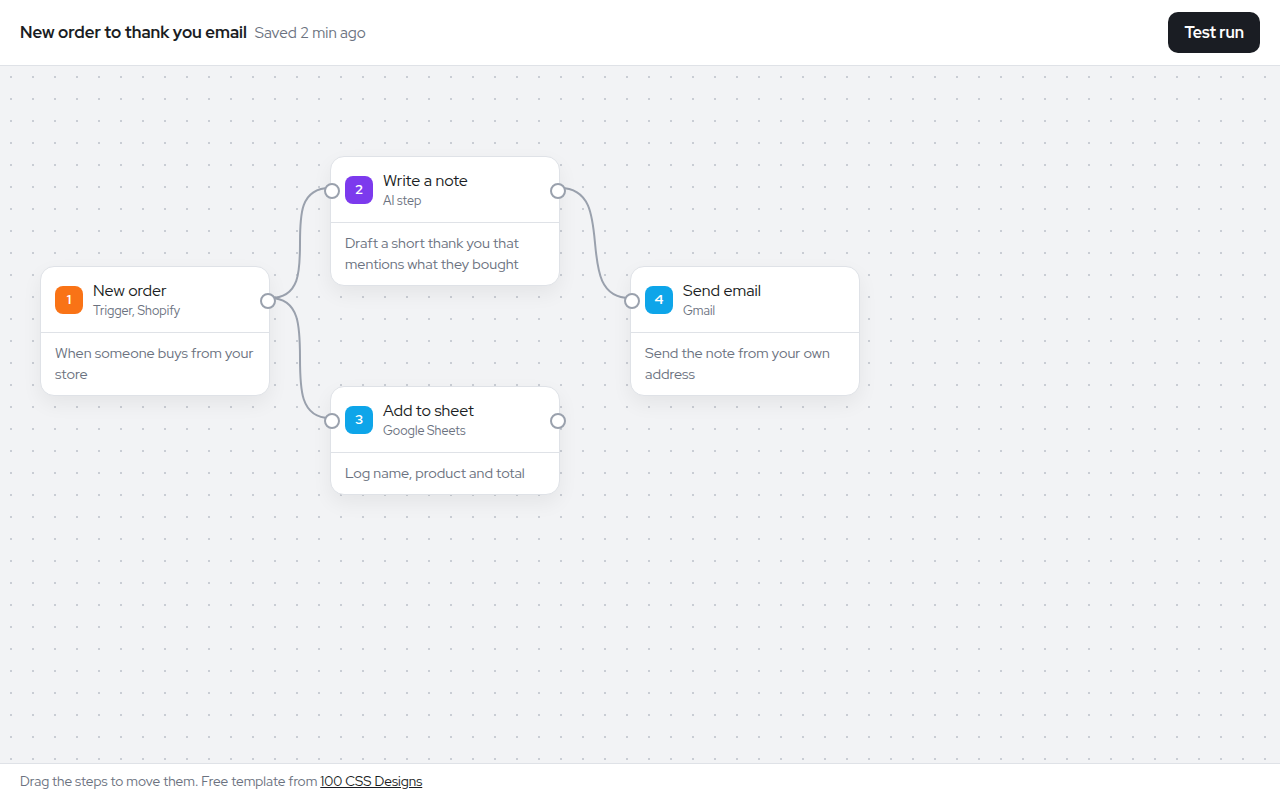
035. Node Workflow Canvas
Relay, an automation builder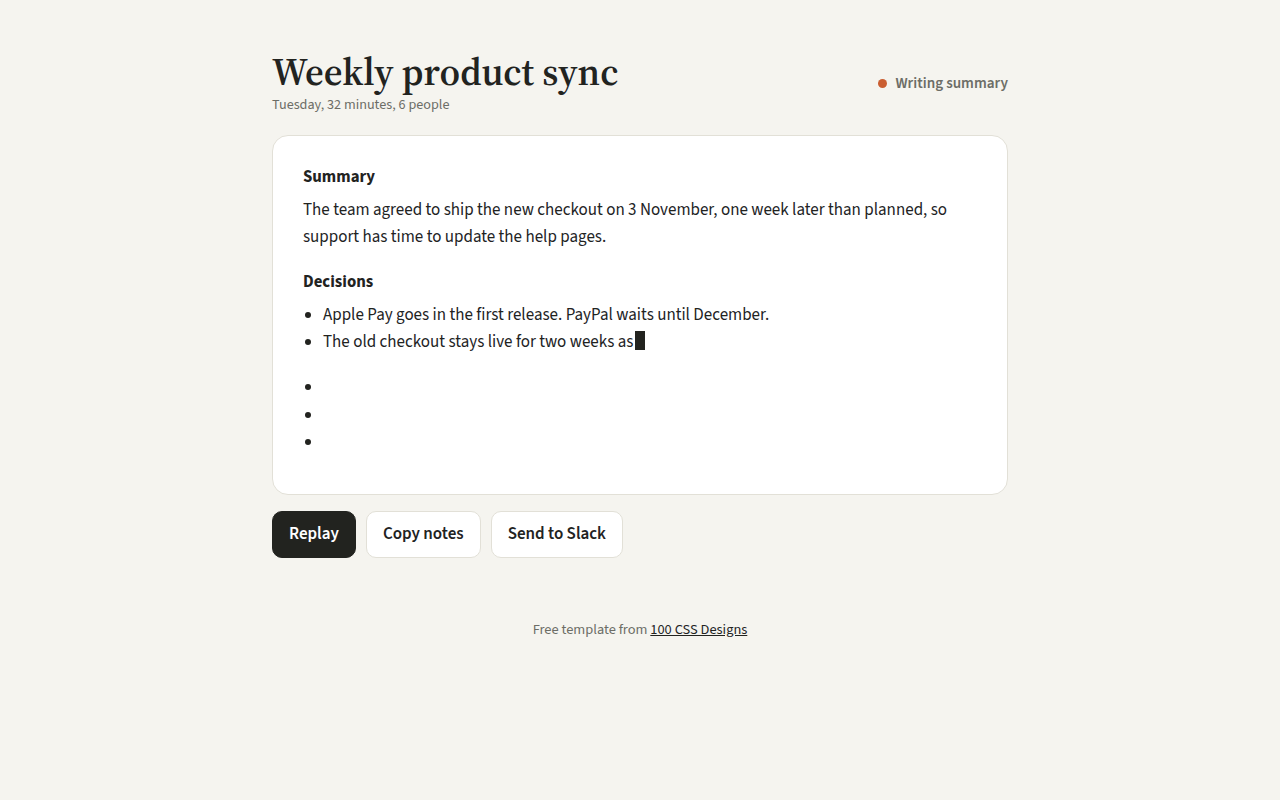
036. Streaming Text
Recap, an AI meeting notes tool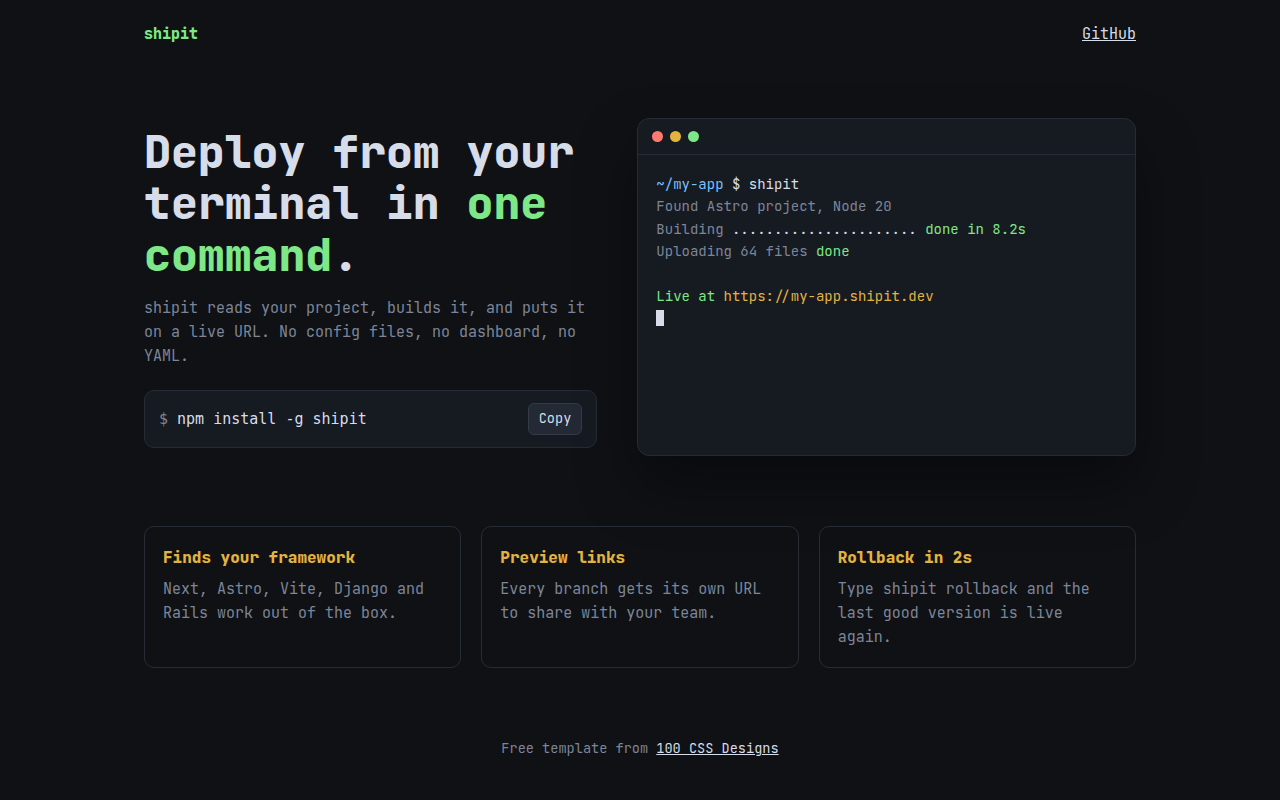
037. Terminal Developer
shipit, a command line deploy tool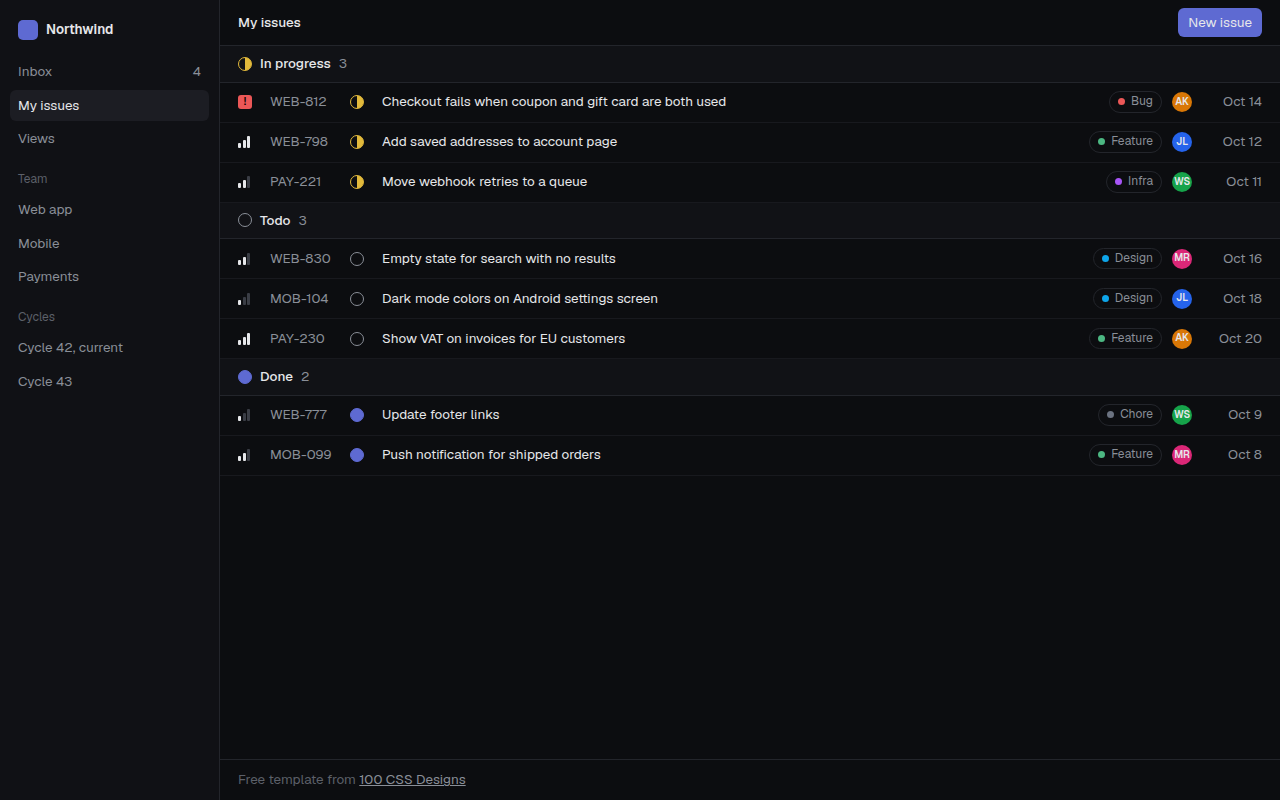
038. Linear Style Minimal
Tracklet, an issue tracker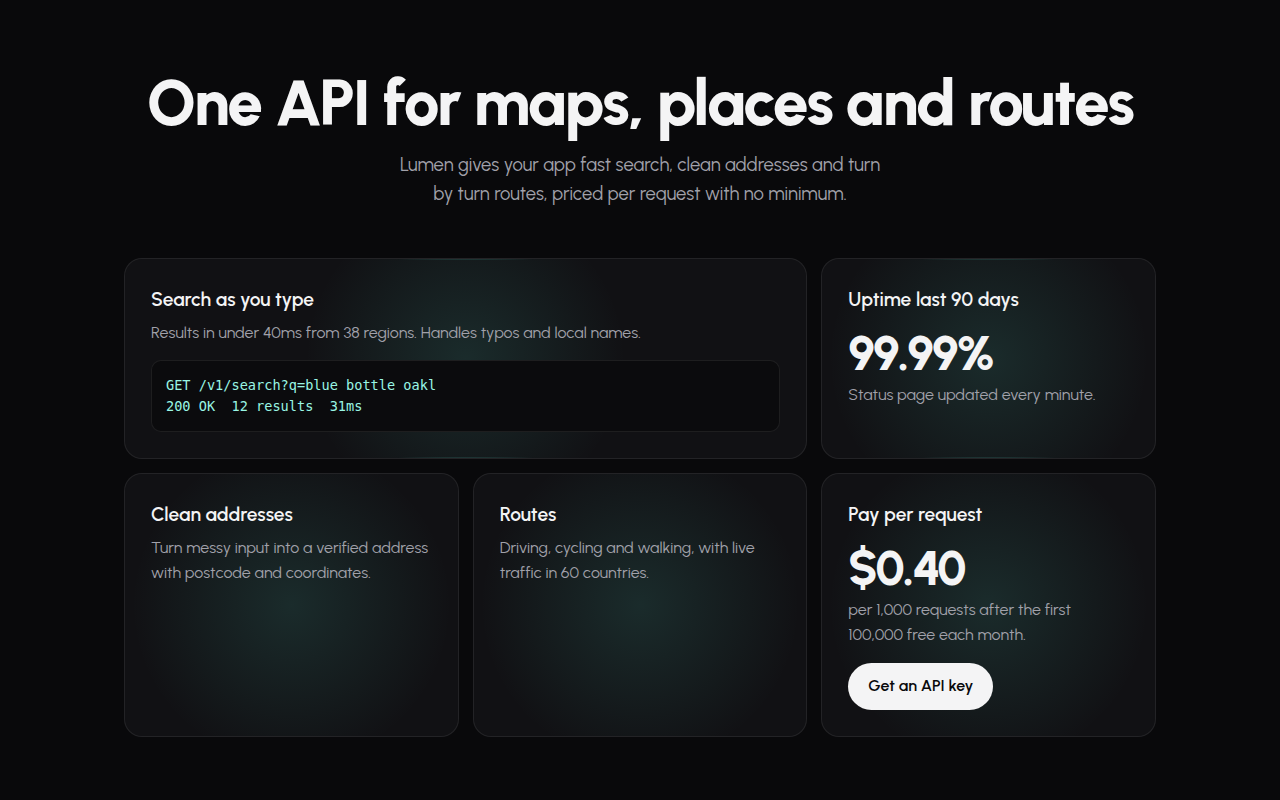
039. Spotlight Cards
Lumen, an API platform