Home / AI Era Interfaces / Node Workflow Canvas
Node Workflow Canvas CSS Template, Free with Live Demo
Free node workflow canvas template for an automation builder. Draggable nodes joined by curved SVG lines on a dotted grid, with a test run. Live demo. The example is Relay, an automation builder.
What is node workflow canvas?
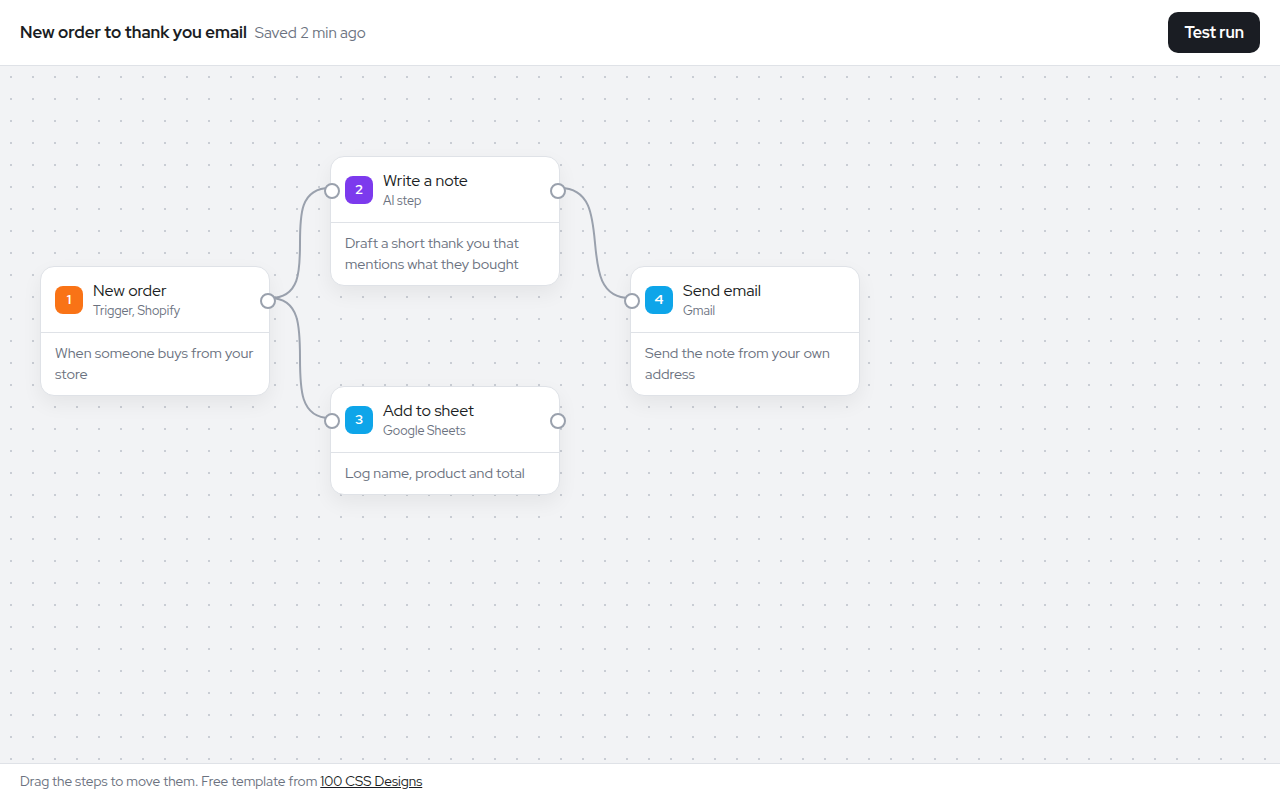
A node canvas shows a process as boxes joined by lines. You see the trigger on the left, the steps in the middle and the result on the right. Tools like Zapier, n8n and AI agent builders all use it.
Here the nodes are normal HTML cards you can drag around. The lines are SVG curves that redraw as you move a card, and Test run lights up each step in order.
Good for
- Automation and integration tools
- AI agent builders
- Process and approval flows
- Data pipeline editors
What you get in this template
- Dotted grid canvas background
- Draggable nodes with pointer events, works with touch
- Curved SVG connectors that follow the nodes
- Color coded step types
- Test run animates each step and the lines
The key CSS
This is the part that makes the node workflow canvas look work. Copy it into your own project.
.canvas {
  background-image: radial-gradient(#c9cdd4 1px, transparent 1px);
  background-size: 22px 22px;
}
.node { position: absolute; width: 230px; border-radius: 14px; touch-action: none; }
path { fill: none; stroke: #9aa1ad; stroke-width: 2; }
path.live { stroke: #16a34a; stroke-dasharray: 6 6; animation: flow .8s linear infinite; }
@keyframes flow { to { stroke-dashoffset: -12; } }
How to use it
- Click Download HTML file above.
- Open the file in any code editor, like VS Code.
- Change the text, colors and links to match your project. Colors are at the top of the style tag.
- Upload it to any host, such as GitHub Pages, Netlify or your own server. It is one file with no build step.
Questions people ask
How do you draw lines between HTML elements?
Put an SVG behind the elements and draw a path for each link. Read the positions of the two elements and use a cubic curve (the C command) between them. Redraw when an element moves.
How do you make elements draggable?
Listen for pointerdown, remember where you grabbed the element, and update its left and top on pointermove. Pointer events work for mouse and touch.
Can I save the layout?
Yes. Read each node left and top values and save them as JSON in your backend or local storage.
More AI Era Interfaces designs
031. Chat UI
Wayfarer, an AI travel assistant
032. AI Dashboard
Signalboard, an AI customer support dashboard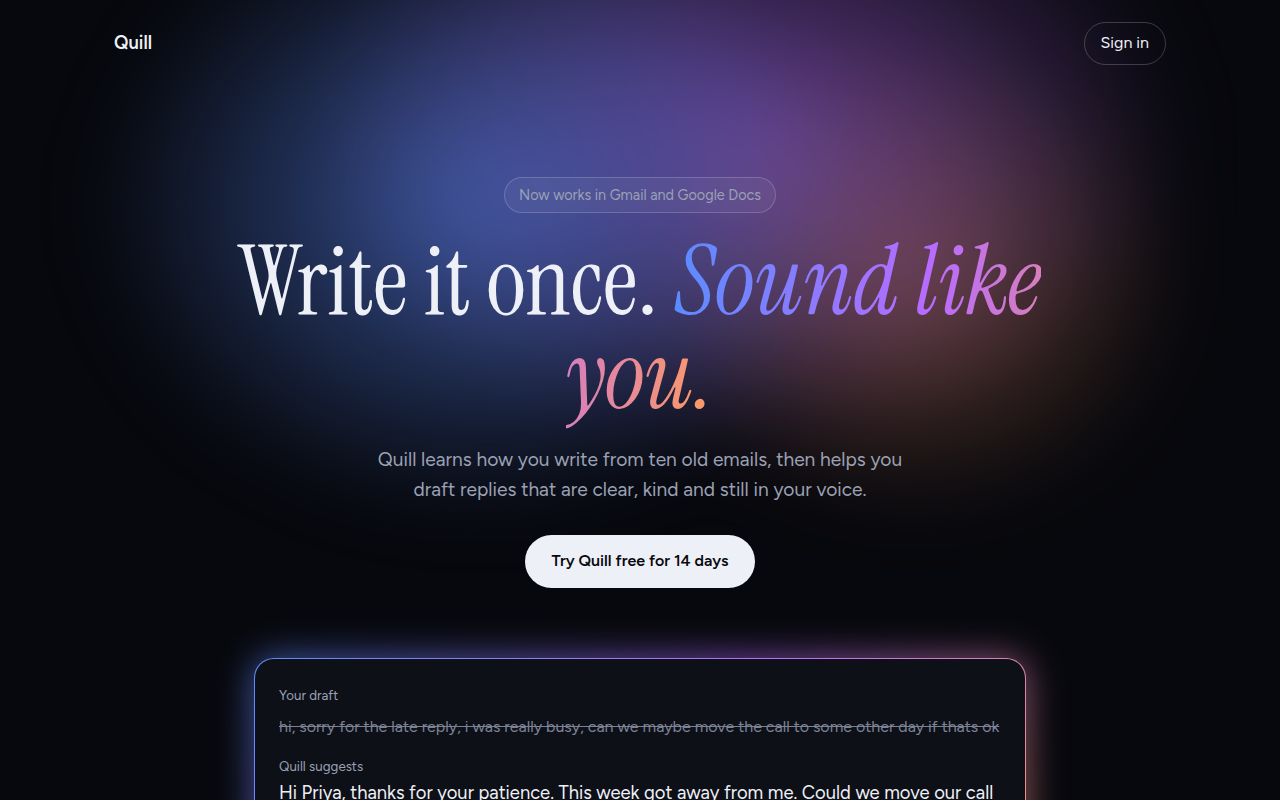
033. AI Glow Gradient
Quill, an AI writing assistant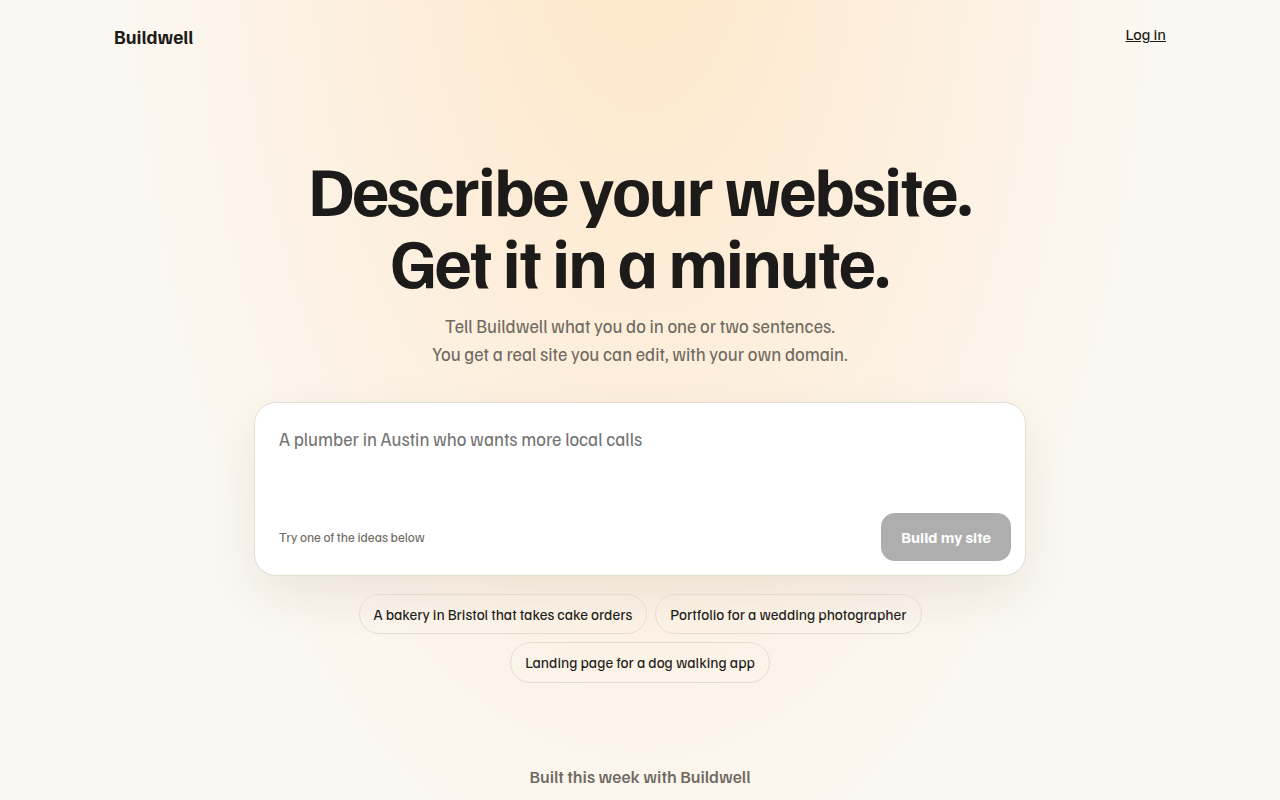
034. Prompt Box Hero
Buildwell, an AI website builder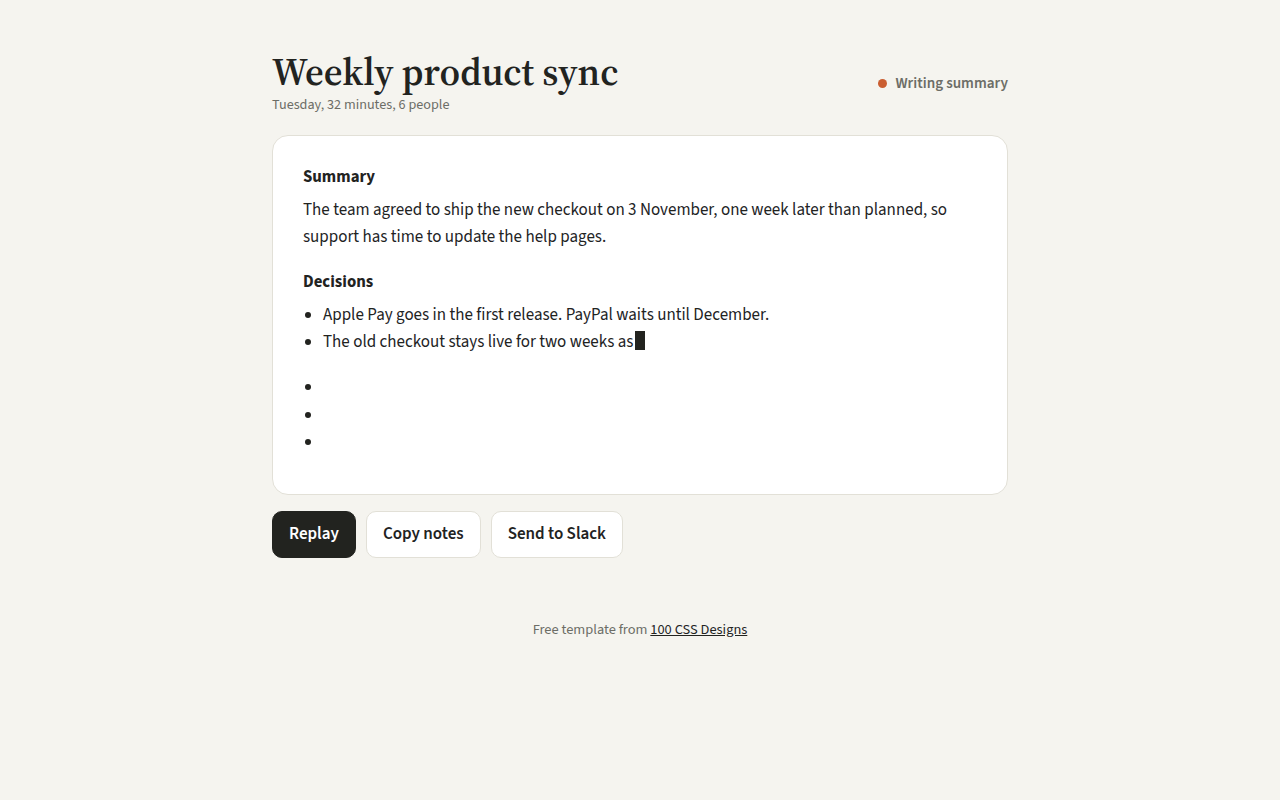
036. Streaming Text
Recap, an AI meeting notes tool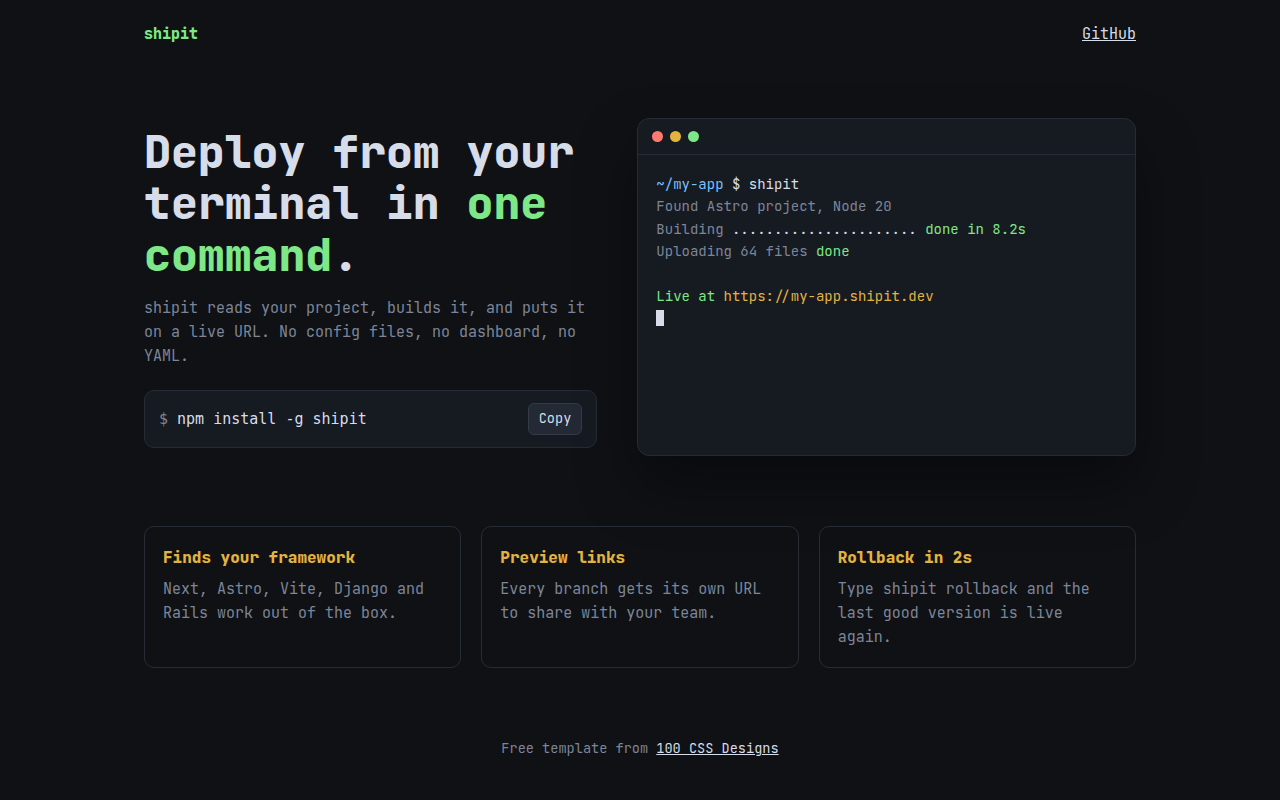
037. Terminal Developer
shipit, a command line deploy tool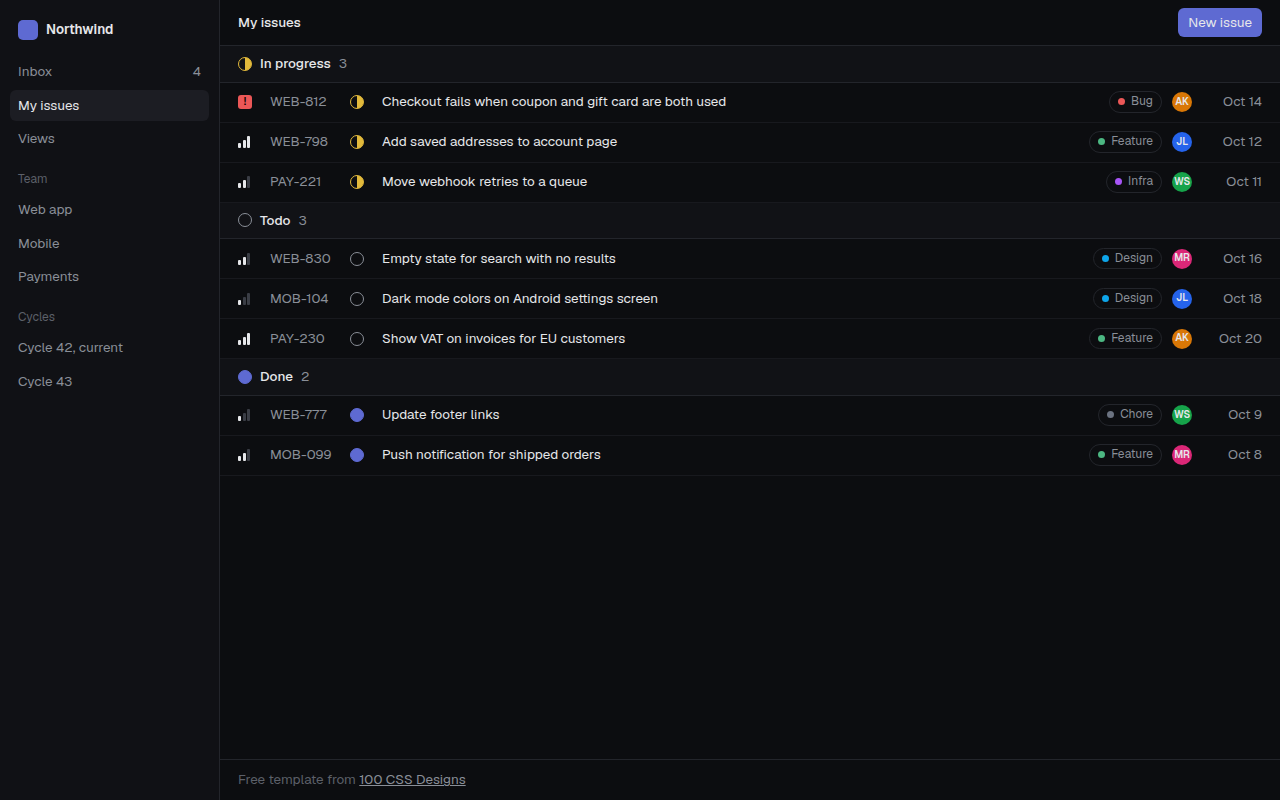
038. Linear Style Minimal
Tracklet, an issue tracker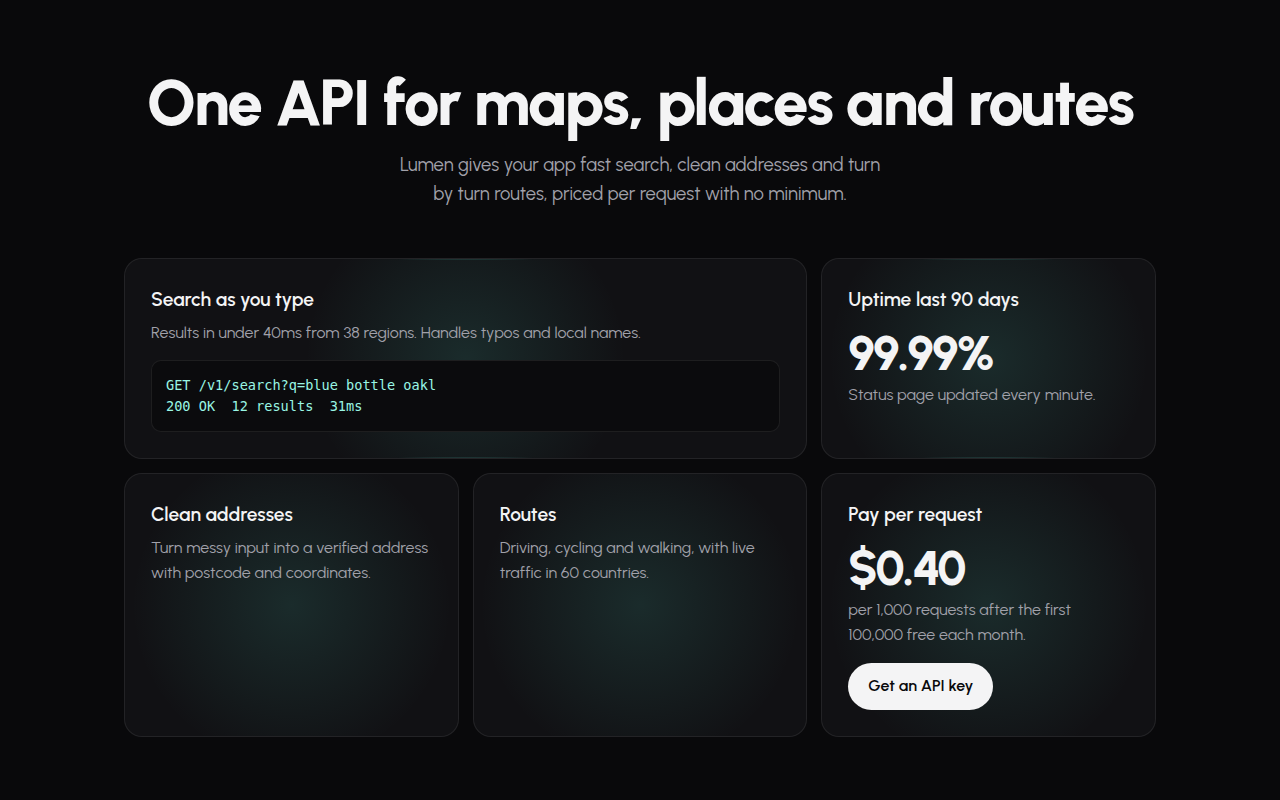
039. Spotlight Cards
Lumen, an API platform