Home / AI Era Interfaces / Linear Style Minimal
Linear Style Minimal CSS Template, Free with Live Demo
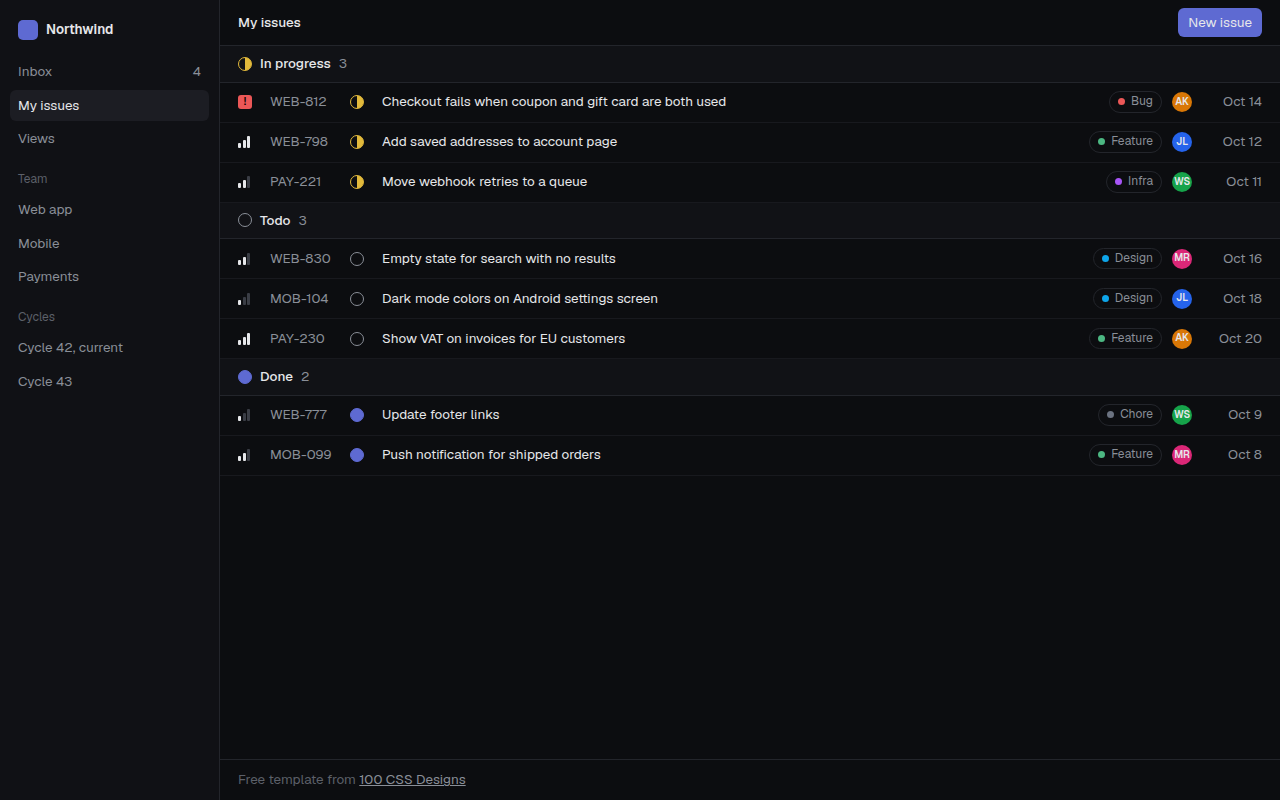
Free Linear style app template for an issue tracker. Dark, sharp and data dense list with status icons, priority bars and labels. Live demo and HTML download. The example is Tracklet, an issue tracker.
What is linear style minimal?
The Linear style comes from the Linear issue tracker, and many SaaS products now copy it. Dark background, small sharp text, thin lines and a lot of information in very little space.
It works because nothing is wasted. Status, priority, labels and people are shown with tiny icons drawn in CSS, so each row stays one line tall and easy to scan.
Good for
- Project and issue trackers
- Developer tools
- CRM and inbox style apps
- Any product for power users
What you get in this template
- Dark sidebar with workspace, teams and cycles
- Grouped list: in progress, todo and done
- Priority bars and urgent badge in CSS
- Status circles, including a half filled in progress icon
- Colored labels and avatar initials
The key CSS
This is the part that makes the linear style minimal look work. Copy it into your own project.
.row {
  display: grid;
  grid-template-columns: 22px 70px 22px 1fr auto 24px 56px;
  gap: 10px; align-items: center;
  height: 40px; padding: 0 18px;
  border-bottom: 1px solid #18191e;
}
.st.prog { border: 1.5px solid #e2b93b;
  background: conic-gradient(#e2b93b 0 50%, transparent 50%); border-radius: 50%; }
How to use it
- Click Download HTML file above.
- Open the file in any code editor, like VS Code.
- Change the text, colors and links to match your project. Colors are at the top of the style tag.
- Upload it to any host, such as GitHub Pages, Netlify or your own server. It is one file with no build step.
Questions people ask
What is Linear style design?
It is a dark, minimal and dense interface style made popular by the Linear app. It uses small text, thin borders, subtle hover states and tiny status icons.
How do you make a half filled circle icon in CSS?
Give a round element a border and a background of conic-gradient(color 0 50%, transparent 50%).
Which font suits this style?
Geist and Inter are the usual choices. This template uses Geist, which is free on Google Fonts.
More AI Era Interfaces designs
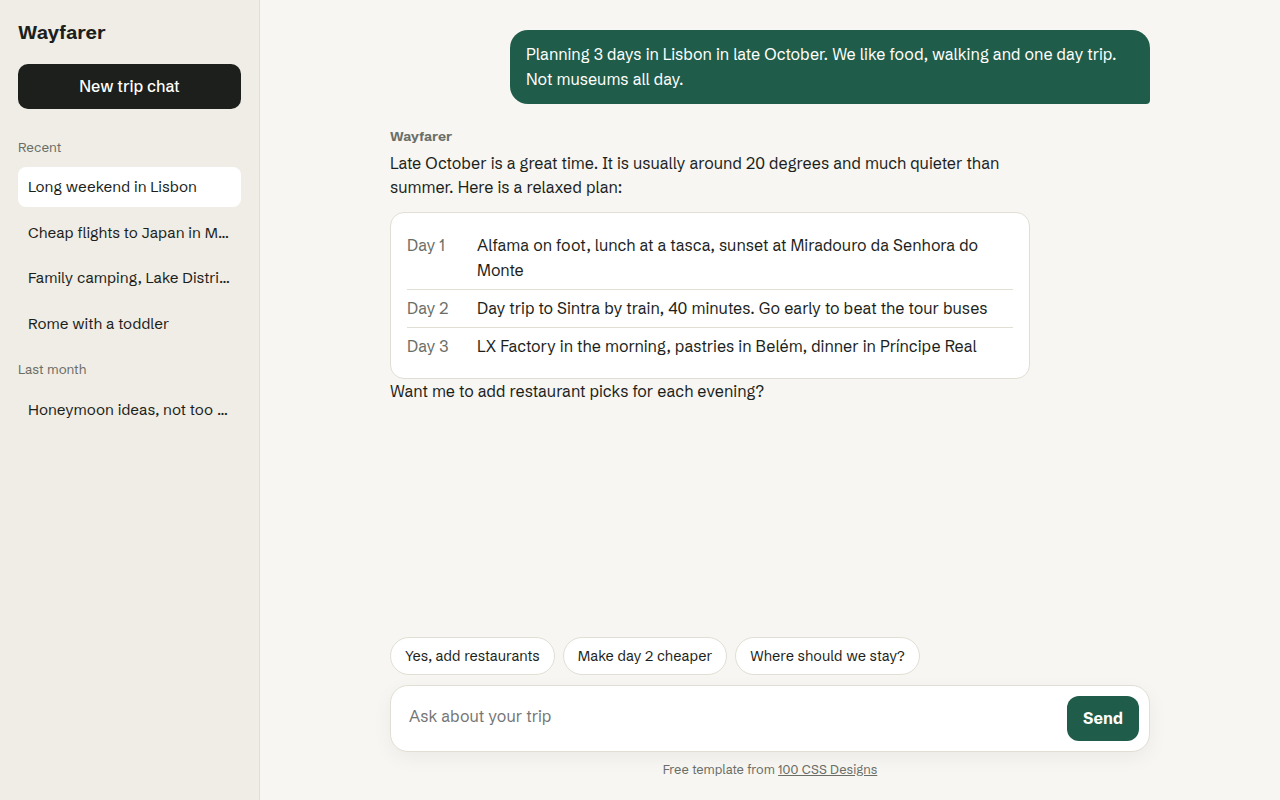
031. Chat UI
Wayfarer, an AI travel assistant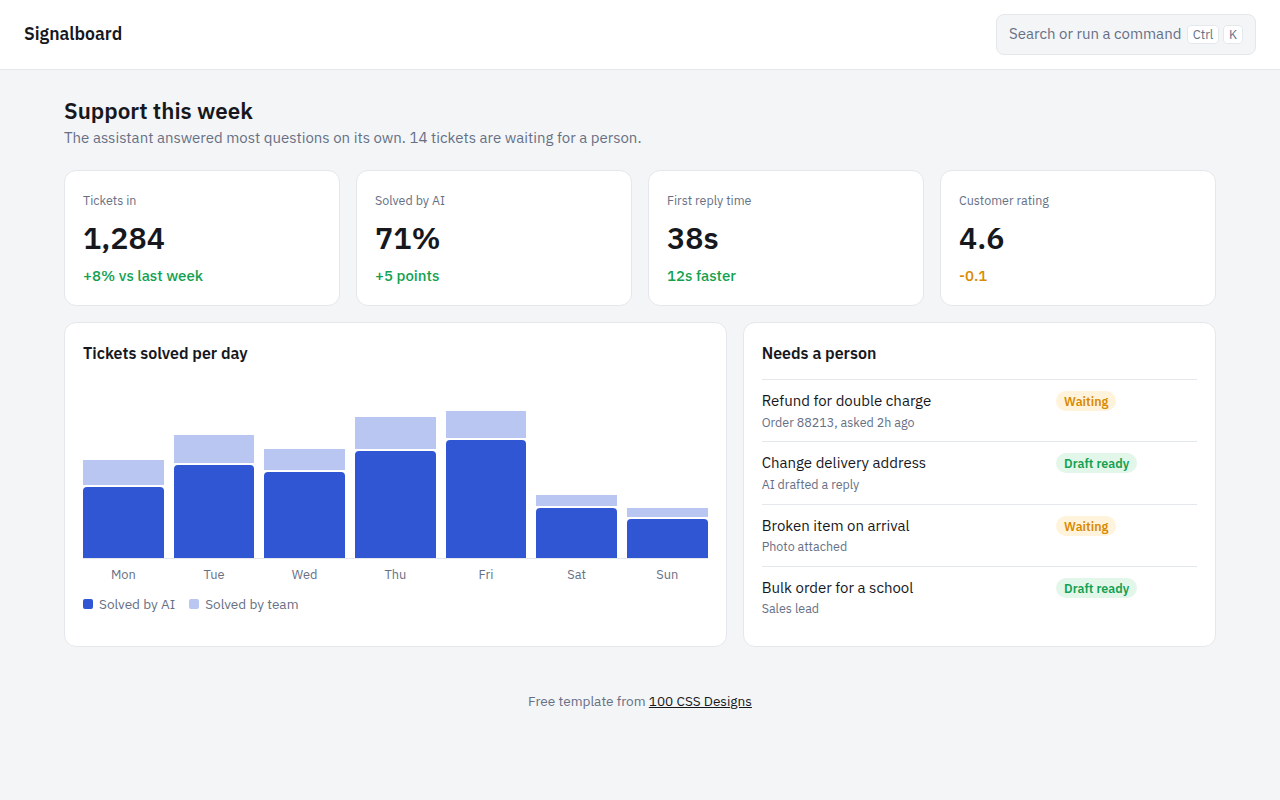
032. AI Dashboard
Signalboard, an AI customer support dashboard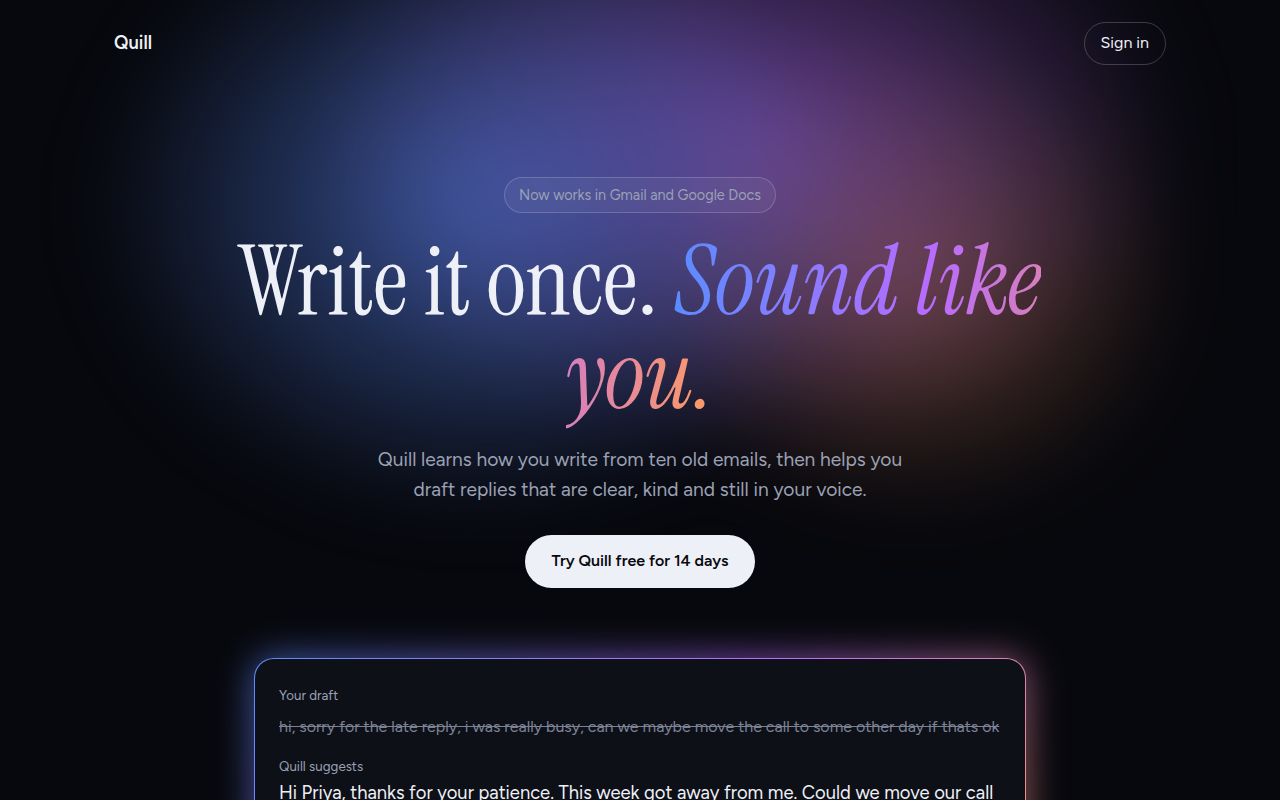
033. AI Glow Gradient
Quill, an AI writing assistant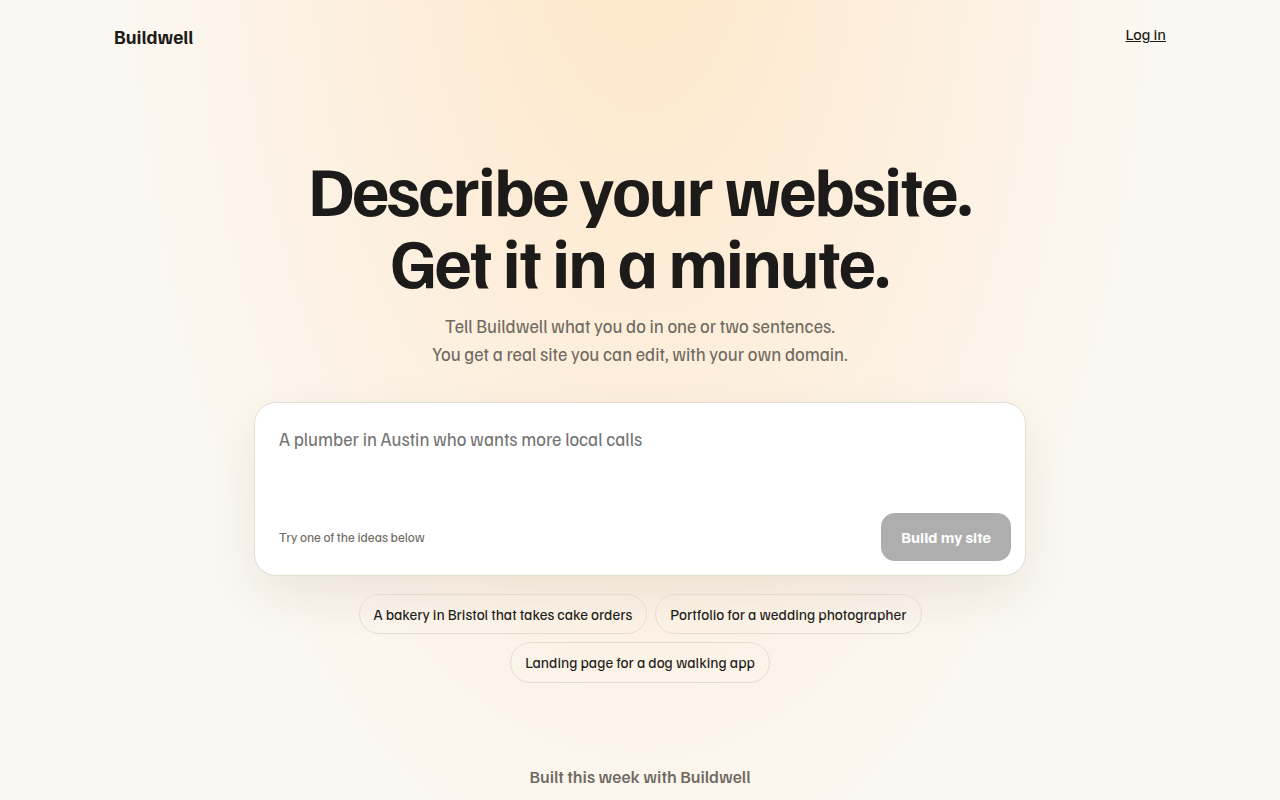
034. Prompt Box Hero
Buildwell, an AI website builder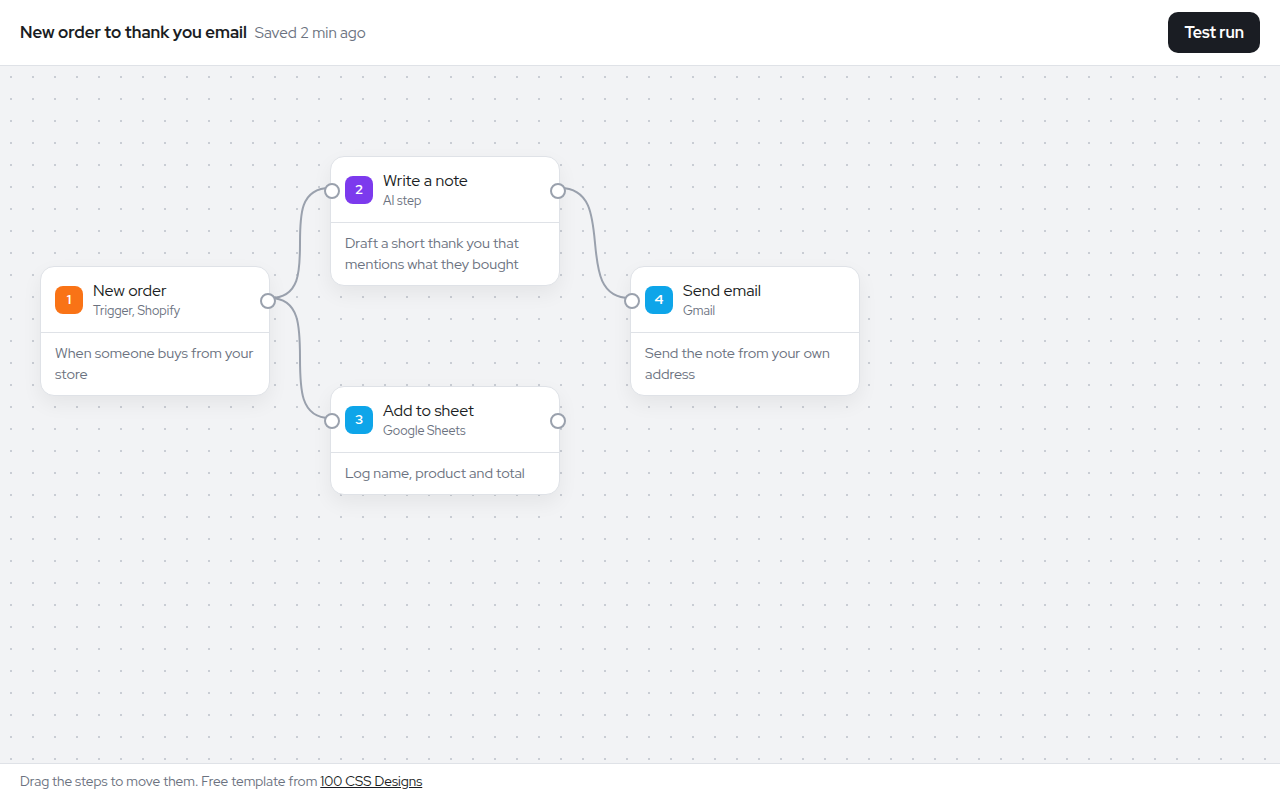
035. Node Workflow Canvas
Relay, an automation builder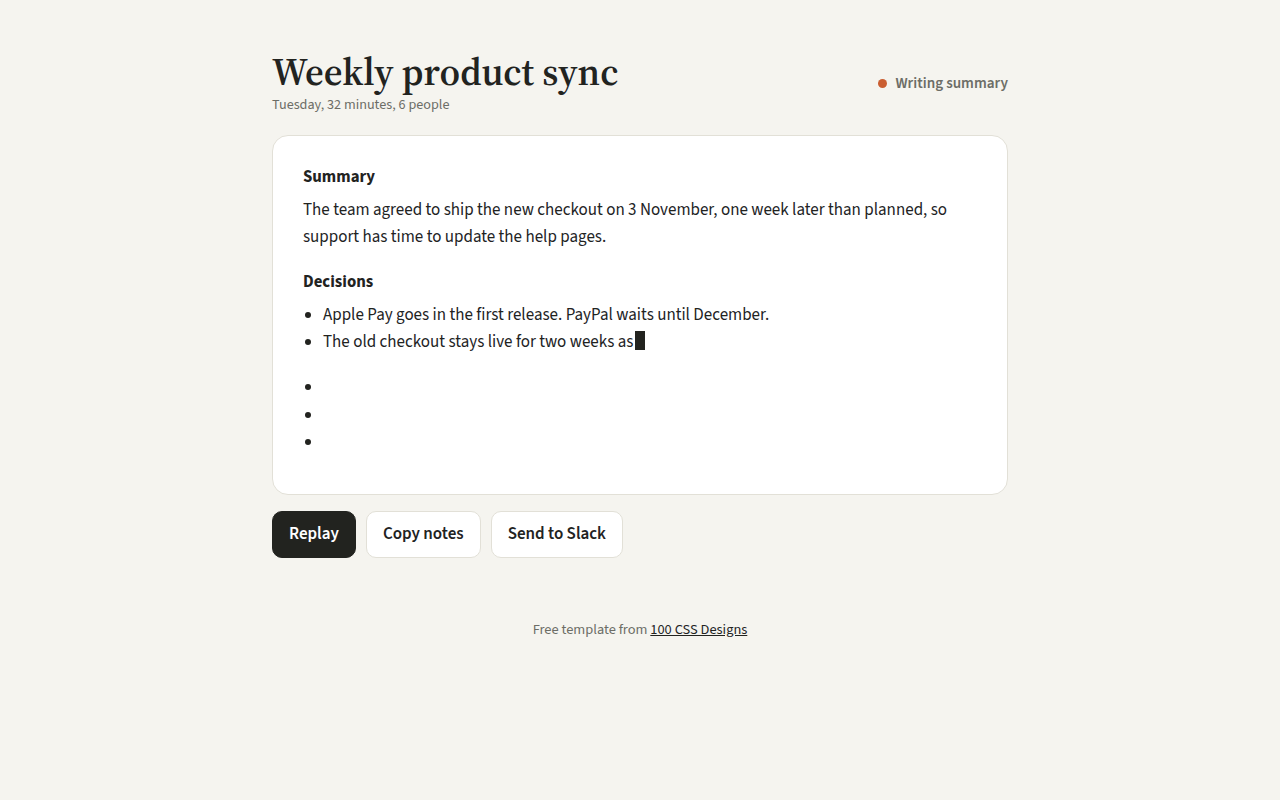
036. Streaming Text
Recap, an AI meeting notes tool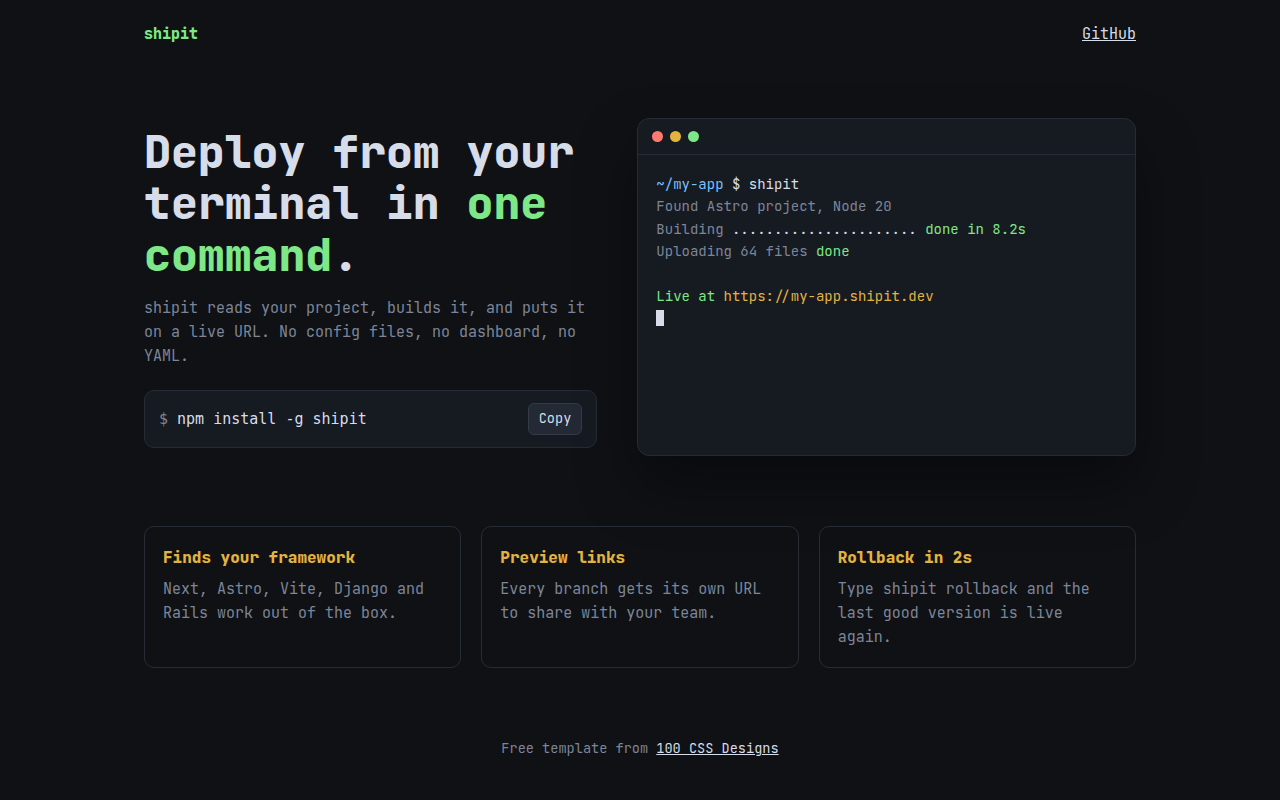
037. Terminal Developer
shipit, a command line deploy tool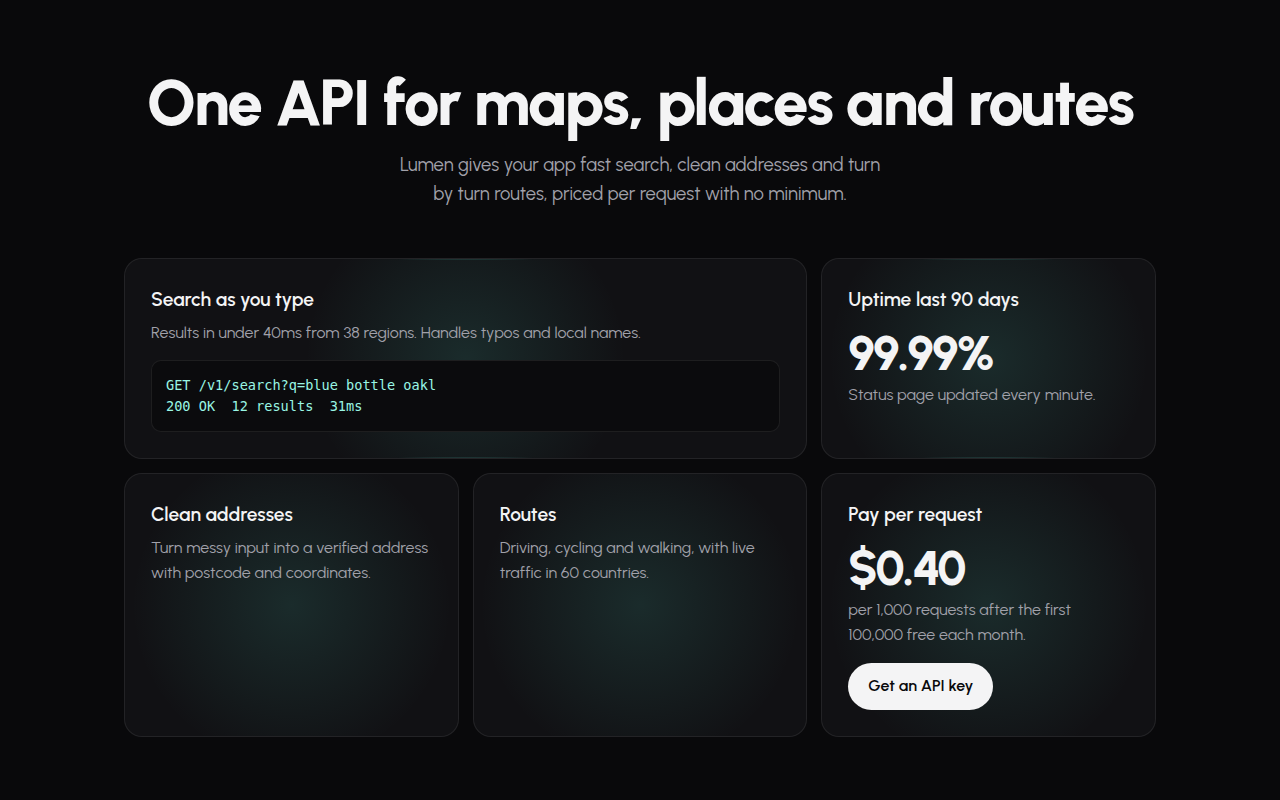
039. Spotlight Cards
Lumen, an API platform