Home / AI Era Interfaces / Streaming Text
Streaming Text CSS Template, Free with Live Demo
Free streaming text UI template where AI text types itself out word by word with a blinking cursor. Built for meeting notes. Live demo and HTML download. The example is Recap, an AI meeting notes tool.
What is streaming text?
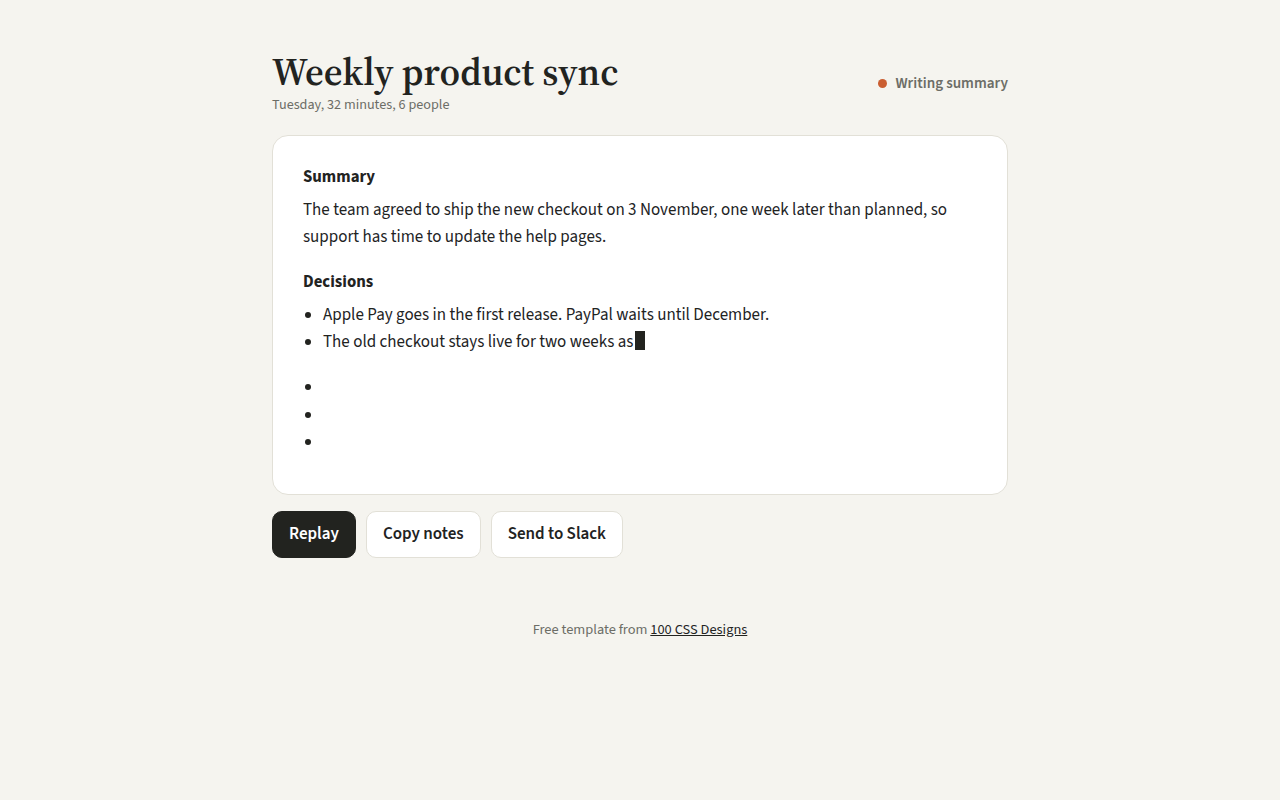
Streaming text is the word by word typing effect you see when an AI writes an answer. It tells people something is happening and lets them start reading before the whole answer is ready.
This template streams real formatted HTML, with headings and lists, not just plain text. A blinking block cursor follows the words, and a status dot switches from writing to ready.
Good for
- AI writing and summary tools
- Chat assistants
- Onboarding messages
- Product demos on landing pages
What you get in this template
- Word by word streaming of formatted HTML
- Blinking block cursor made with CSS
- Status dot that pulses while writing
- Replay button
- Shows the full text at once for reduced motion
The key CSS
This is the part that makes the streaming text look work. Copy it into your own project.
.cur {
  display: inline-block;
  width: .55em; height: 1.1em;
  background: #22231f;
  vertical-align: -.15em;
  animation: blink 1s steps(1) infinite;
}
@keyframes blink { 50% { opacity: 0; } }
@media (prefers-reduced-motion: reduce) { .cur { animation: none; } }
How to use it
- Click Download HTML file above.
- Open the file in any code editor, like VS Code.
- Change the text, colors and links to match your project. Colors are at the top of the style tag.
- Upload it to any host, such as GitHub Pages, Netlify or your own server. It is one file with no build step.
Questions people ask
How do you make a typing effect in JavaScript?
Split the text into words and add one word at a time with setInterval. To keep formatting, walk through the text nodes of your HTML and fill each one in turn, as this template does.
How do I stream a real AI response?
Most AI APIs can stream. Read the response body as a stream and append each chunk to the page as it arrives, instead of using a timer.
How do you make a blinking cursor in CSS?
Use a small inline block with a background color and an animation that sets opacity to 0 halfway, with steps(1) so it blinks instead of fading.
More AI Era Interfaces designs
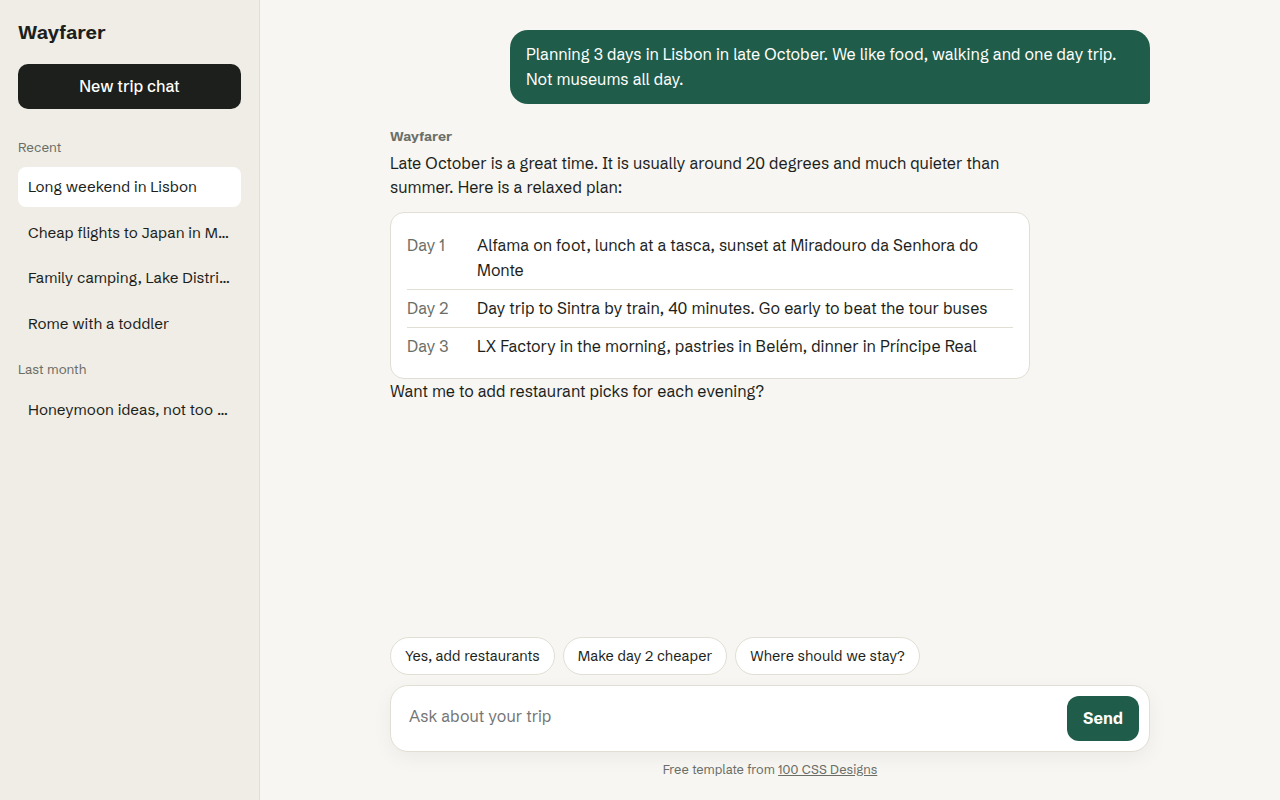
031. Chat UI
Wayfarer, an AI travel assistant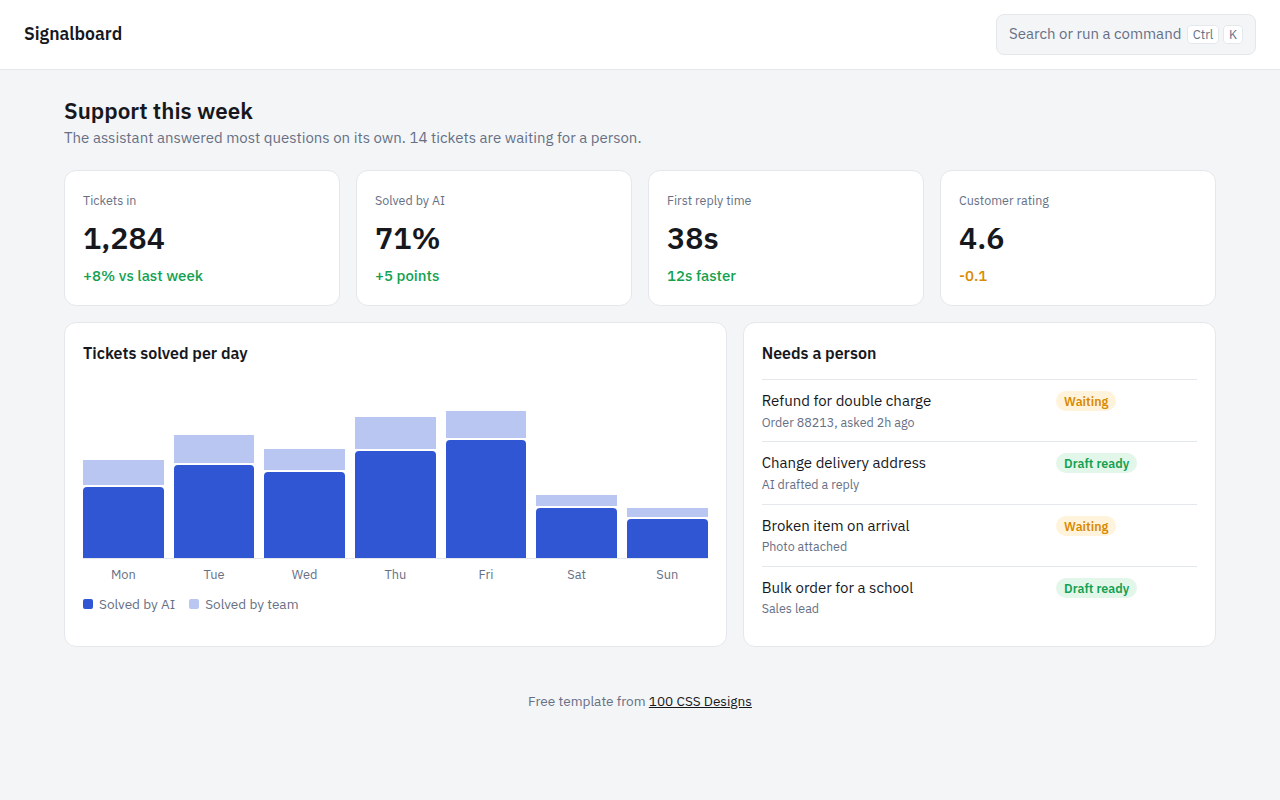
032. AI Dashboard
Signalboard, an AI customer support dashboard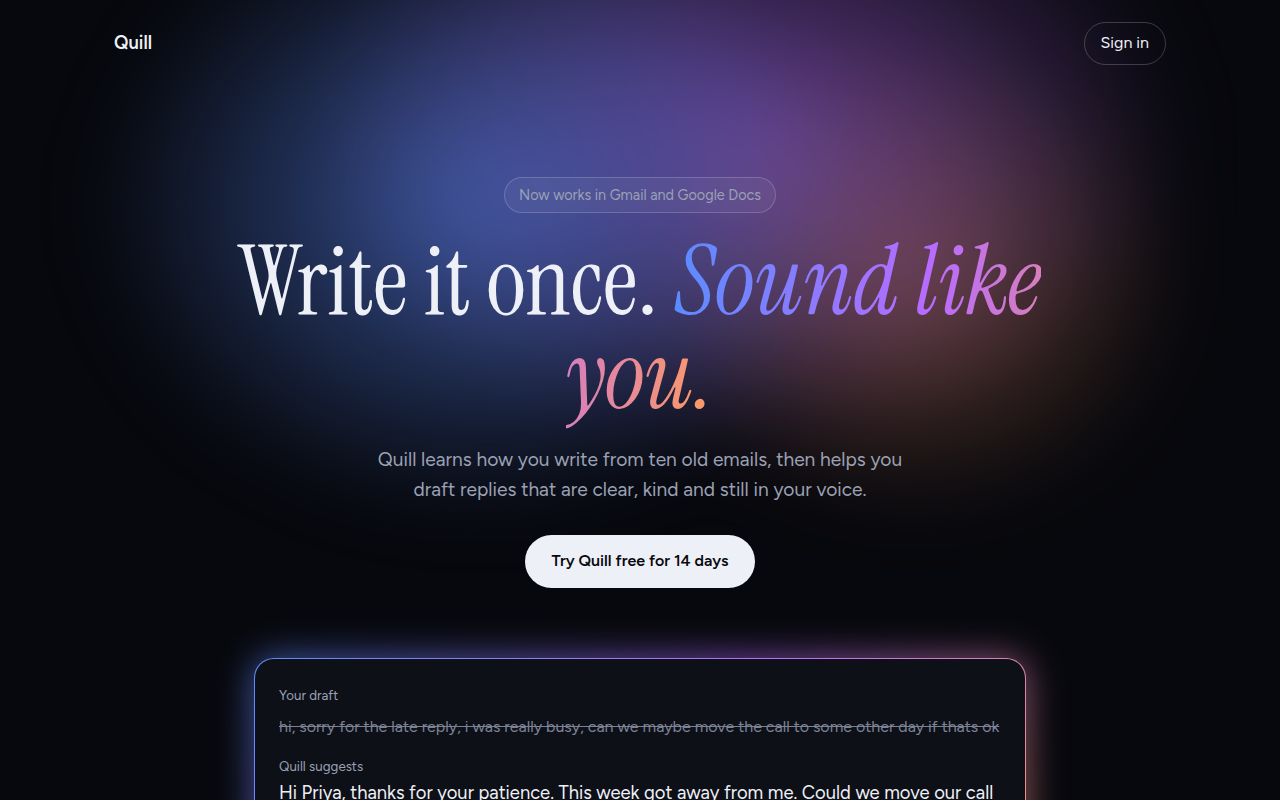
033. AI Glow Gradient
Quill, an AI writing assistant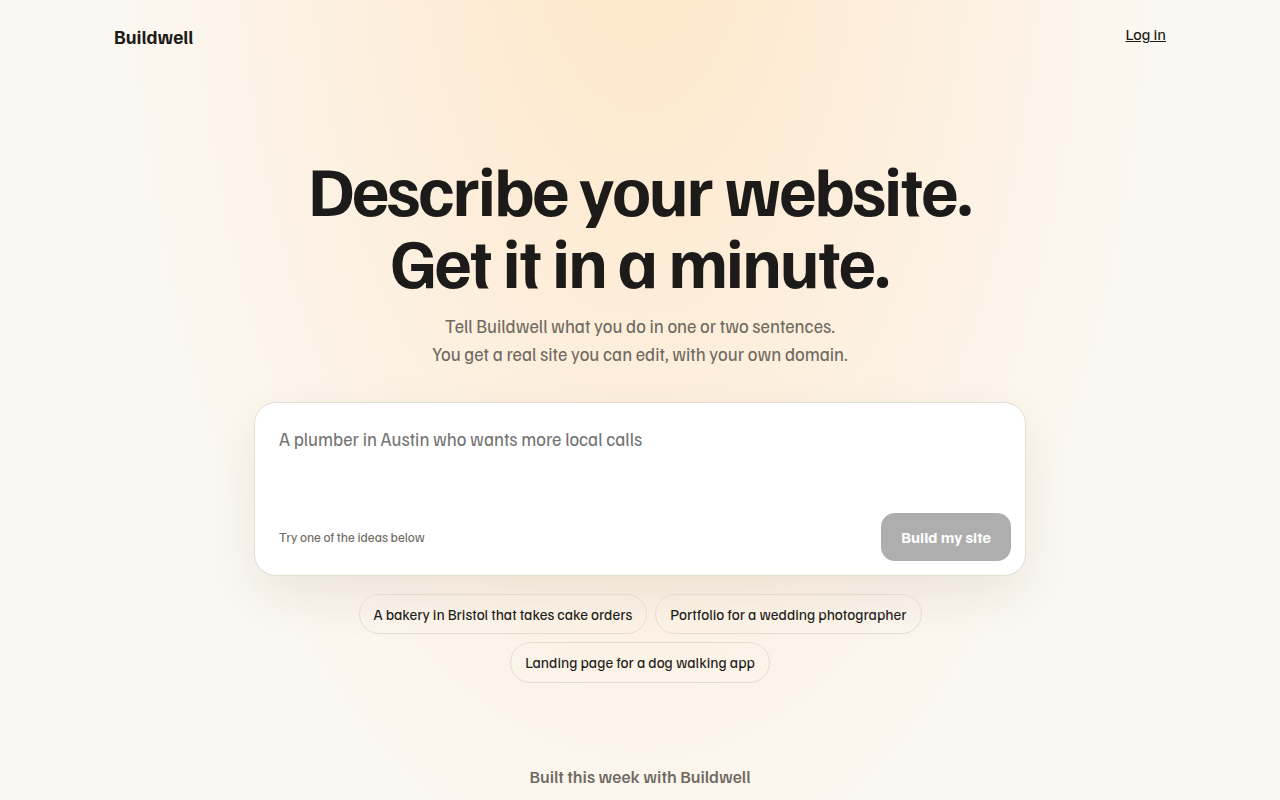
034. Prompt Box Hero
Buildwell, an AI website builder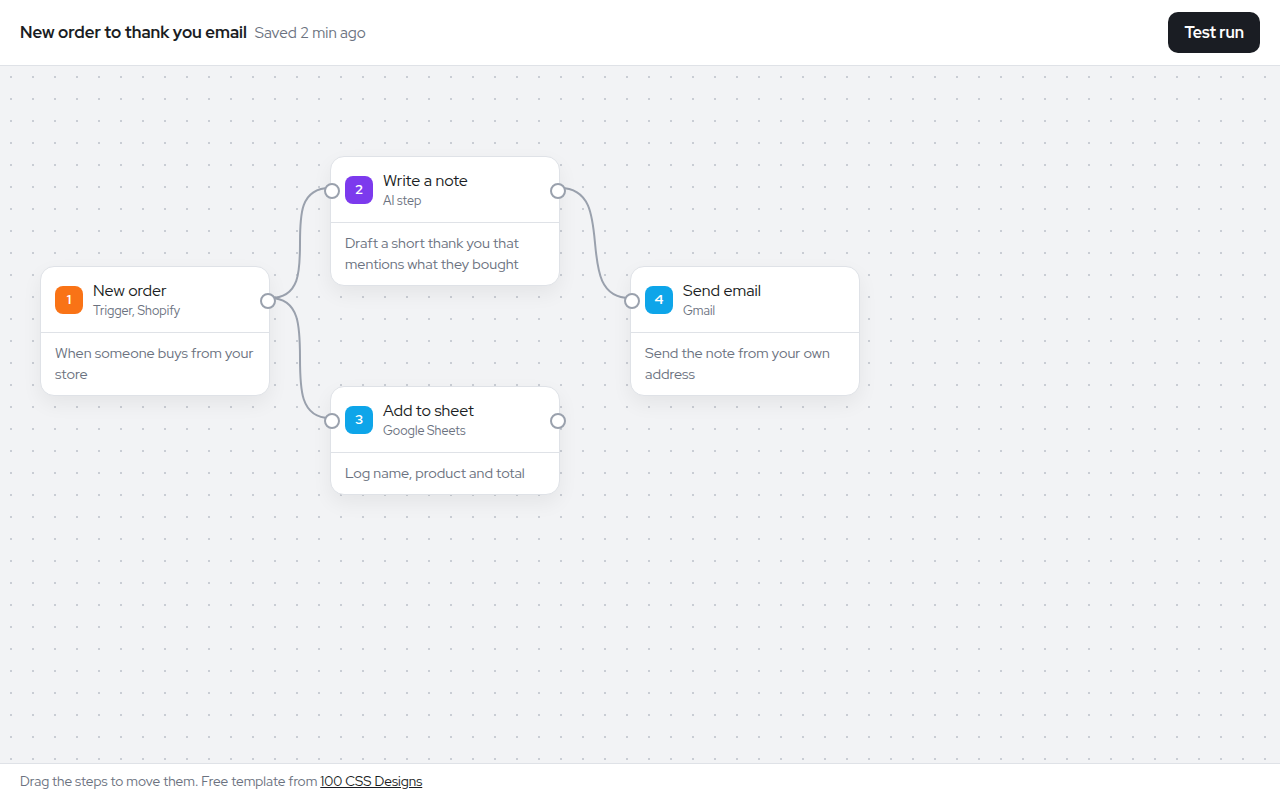
035. Node Workflow Canvas
Relay, an automation builder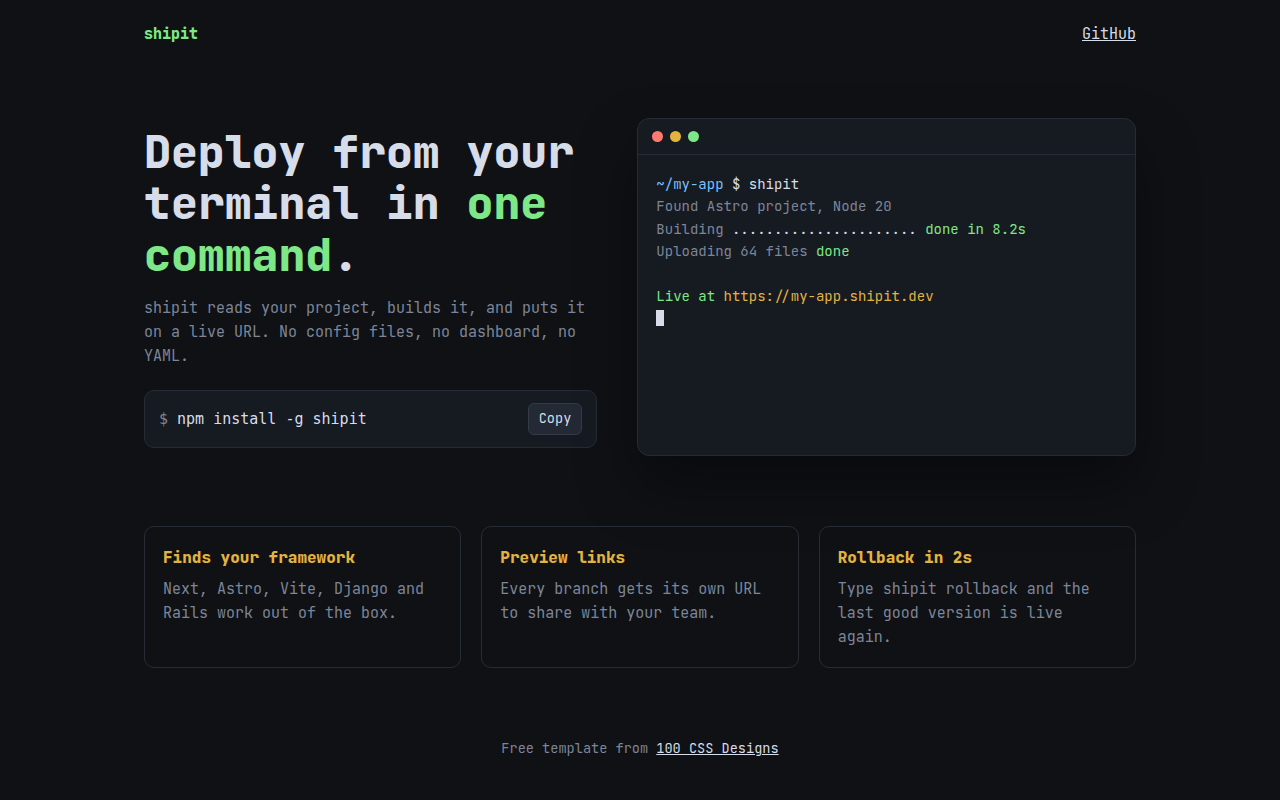
037. Terminal Developer
shipit, a command line deploy tool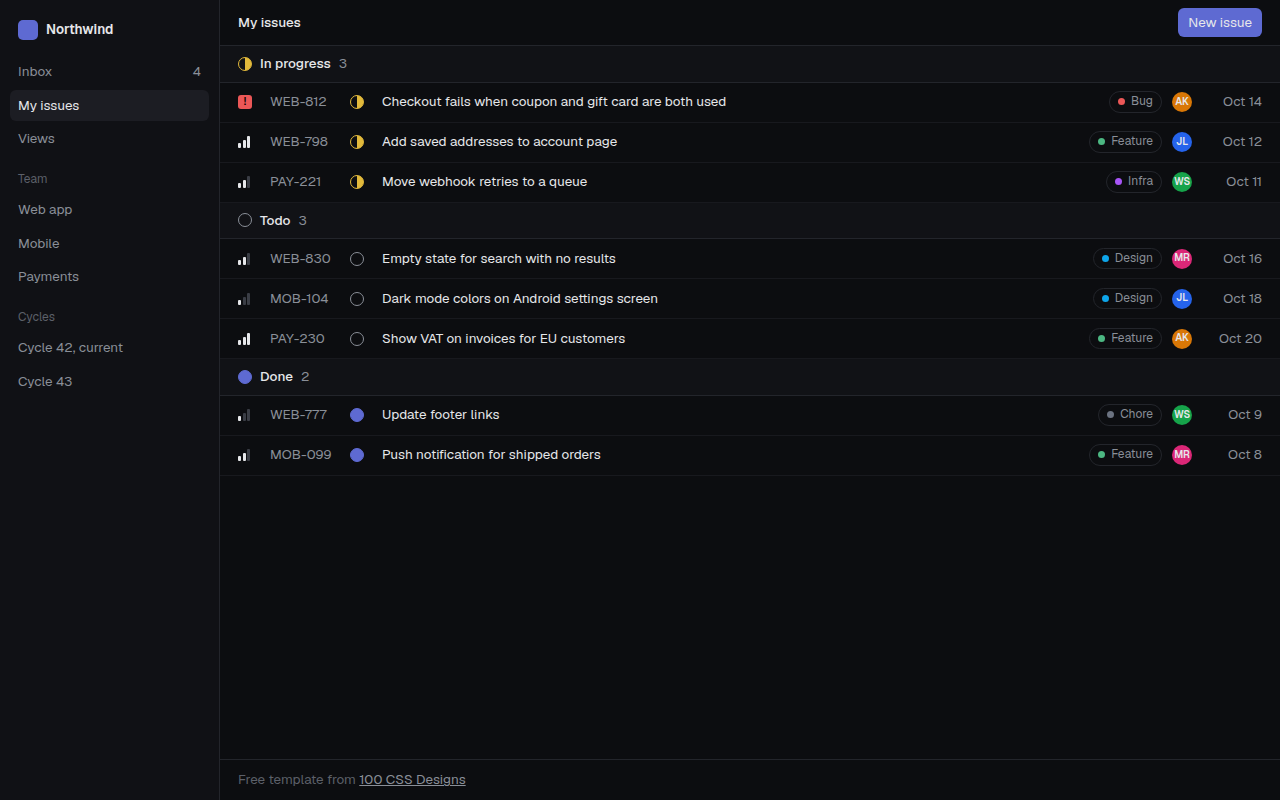
038. Linear Style Minimal
Tracklet, an issue tracker
039. Spotlight Cards
Lumen, an API platform