Home / AI Era Interfaces / Terminal Developer
Terminal Developer CSS Template, Free with Live Demo
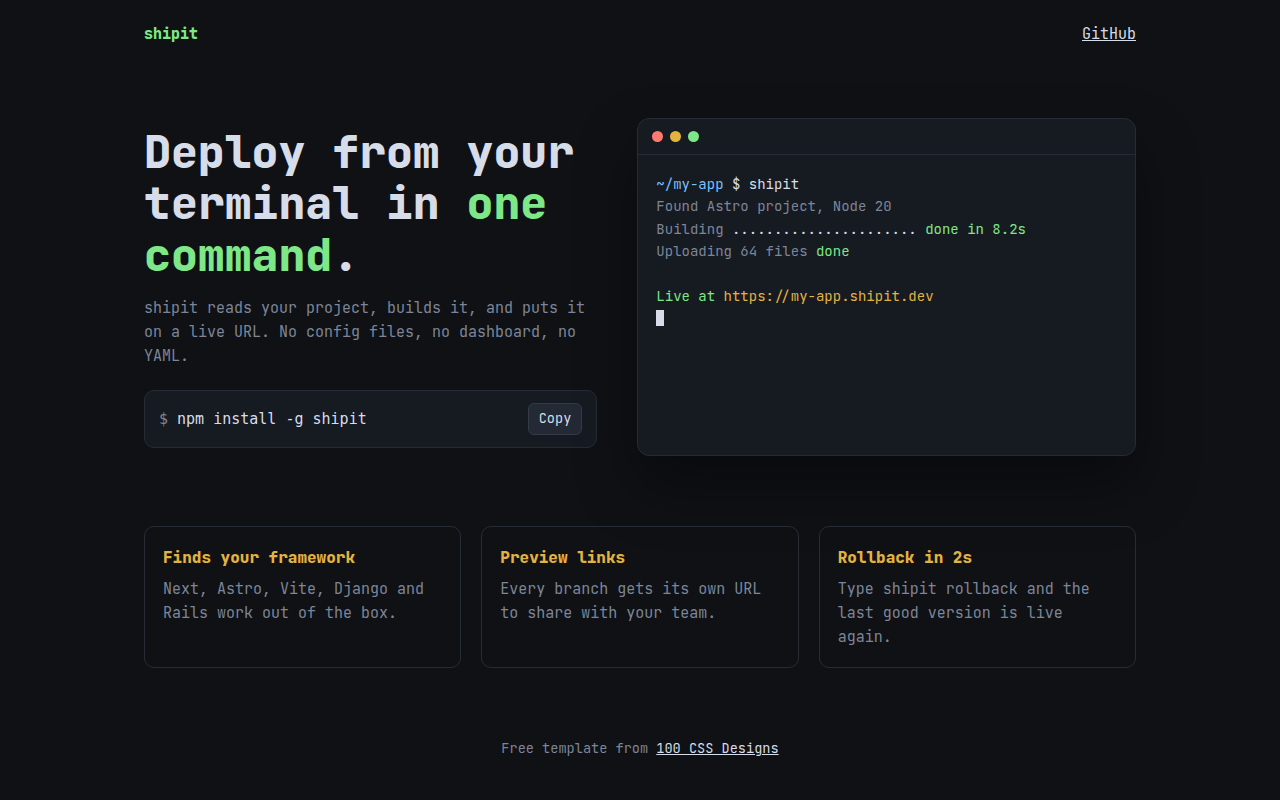
Free terminal style landing page template for a CLI tool. Dark monospace look, a terminal window that types commands, and a copy install button. Live demo. The example is shipit, a command line deploy tool.
What is terminal developer?
The terminal look speaks directly to developers. Monospace type, a dark background, green prompts and a terminal window that shows the tool working in a few lines.
The typing animation shows a real command and its output, so people understand the product in five seconds. The install command sits right under the headline with a copy button.
Good for
- CLI tools and SDKs
- Open source projects
- Developer APIs
- Personal sites for engineers
What you get in this template
- JetBrains Mono across the whole page
- Terminal window with colored dots
- Command that types itself, then output lines appear
- Install snippet with a working copy button
- Syntax style colors for paths, success and URLs
The key CSS
This is the part that makes the terminal developer look work. Copy it into your own project.
.term { background: #161a21; border: 1px solid #262c36; border-radius: 12px; }
.bar i { width: 11px; height: 11px; border-radius: 50%; }
.bar i:nth-child(1) { background: #ff7b72; }
.bar i:nth-child(2) { background: #e3b341; }
.bar i:nth-child(3) { background: #7ee787; }
.install code::before { content: "$ "; color: #7d8699; }
How to use it
- Click Download HTML file above.
- Open the file in any code editor, like VS Code.
- Change the text, colors and links to match your project. Colors are at the top of the style tag.
- Upload it to any host, such as GitHub Pages, Netlify or your own server. It is one file with no build step.
Questions people ask
How do I make a fake terminal window in HTML?
Use a dark box with a top bar of three colored dots, then a pre element in a monospace font for the commands. Color parts of each line with spans.
How does the copy button work?
It calls navigator.clipboard.writeText() with the install command. It works on any site served over https, including GitHub Pages.
Which font is best for a terminal look?
JetBrains Mono, Fira Code and IBM Plex Mono are all free and very readable.
More AI Era Interfaces designs
031. Chat UI
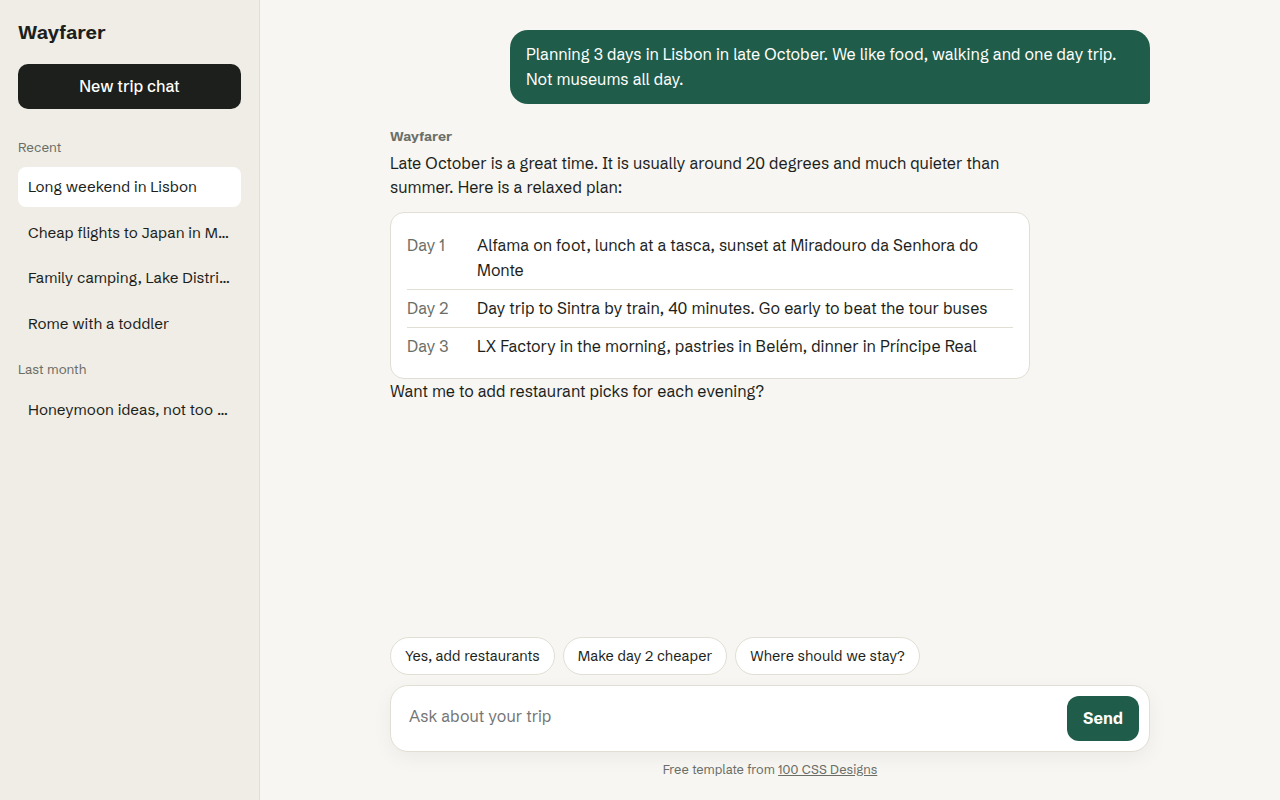
Wayfarer, an AI travel assistant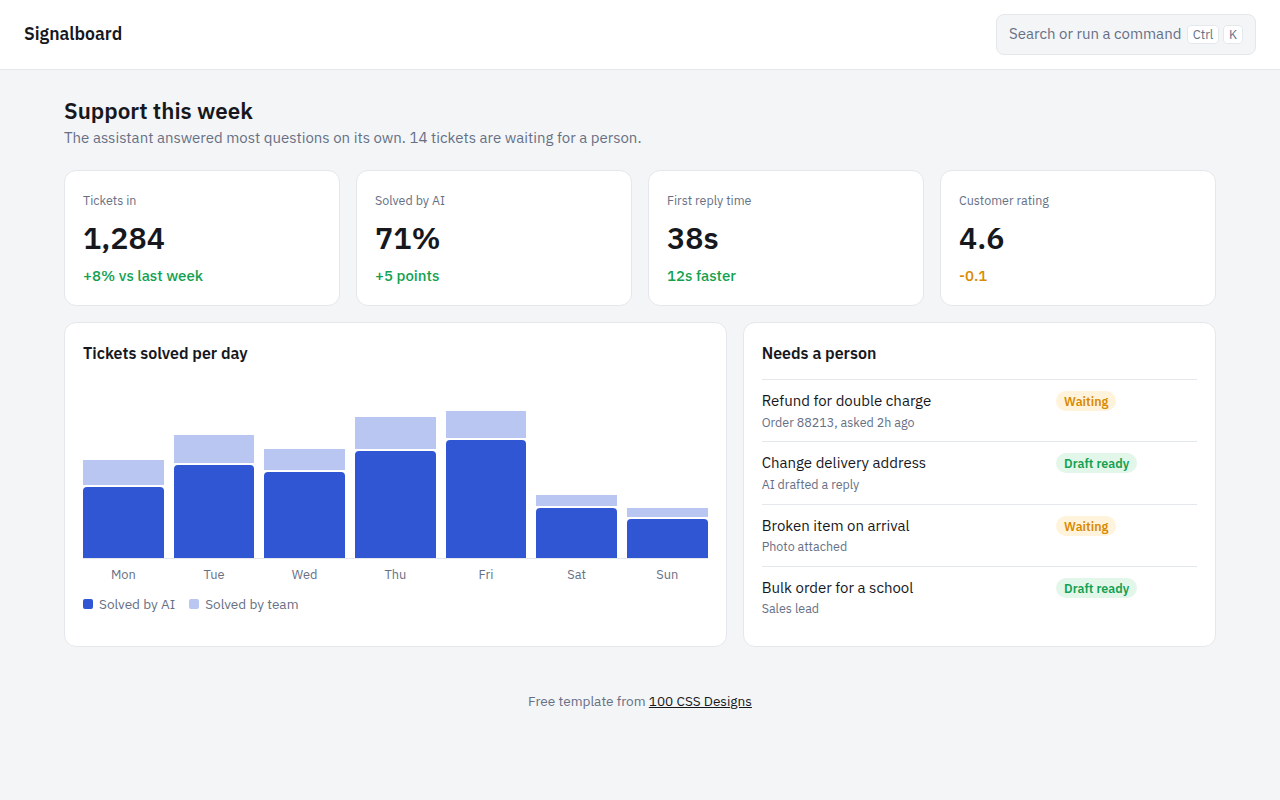
032. AI Dashboard
Signalboard, an AI customer support dashboard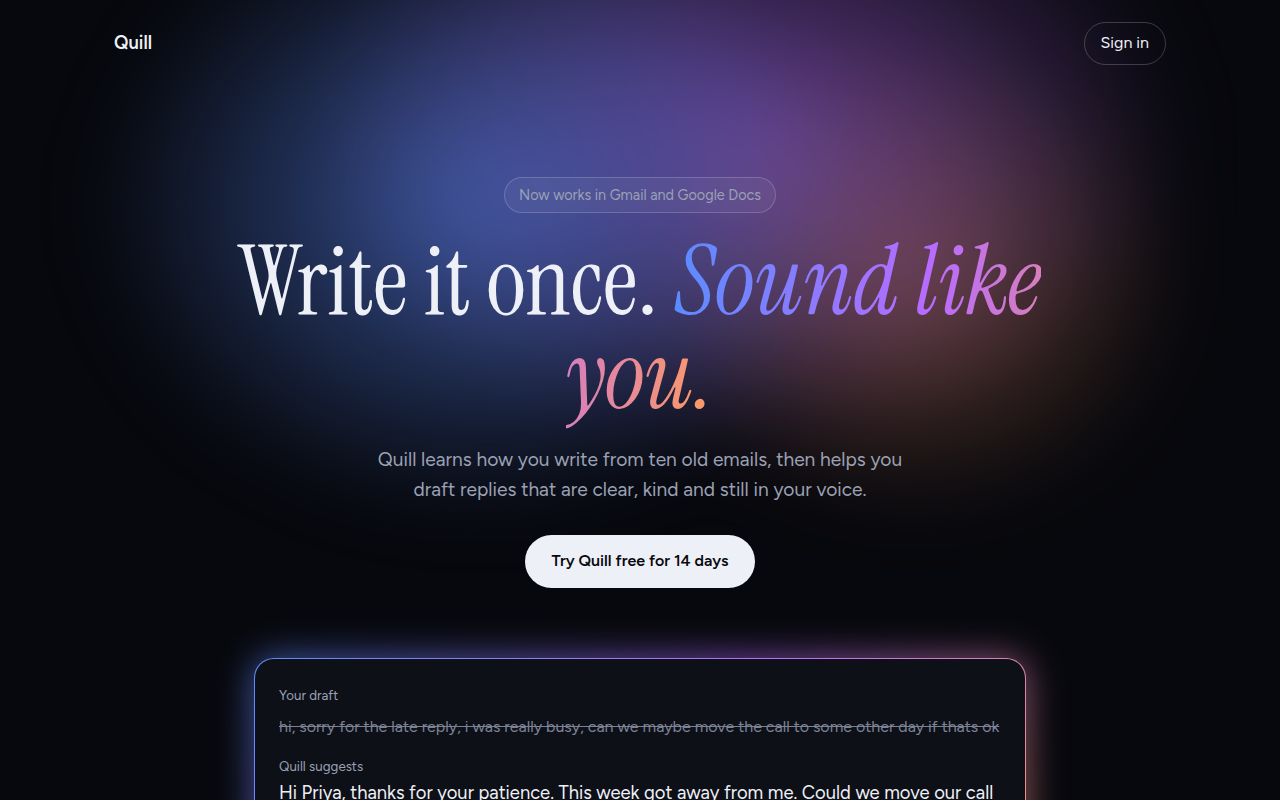
033. AI Glow Gradient
Quill, an AI writing assistant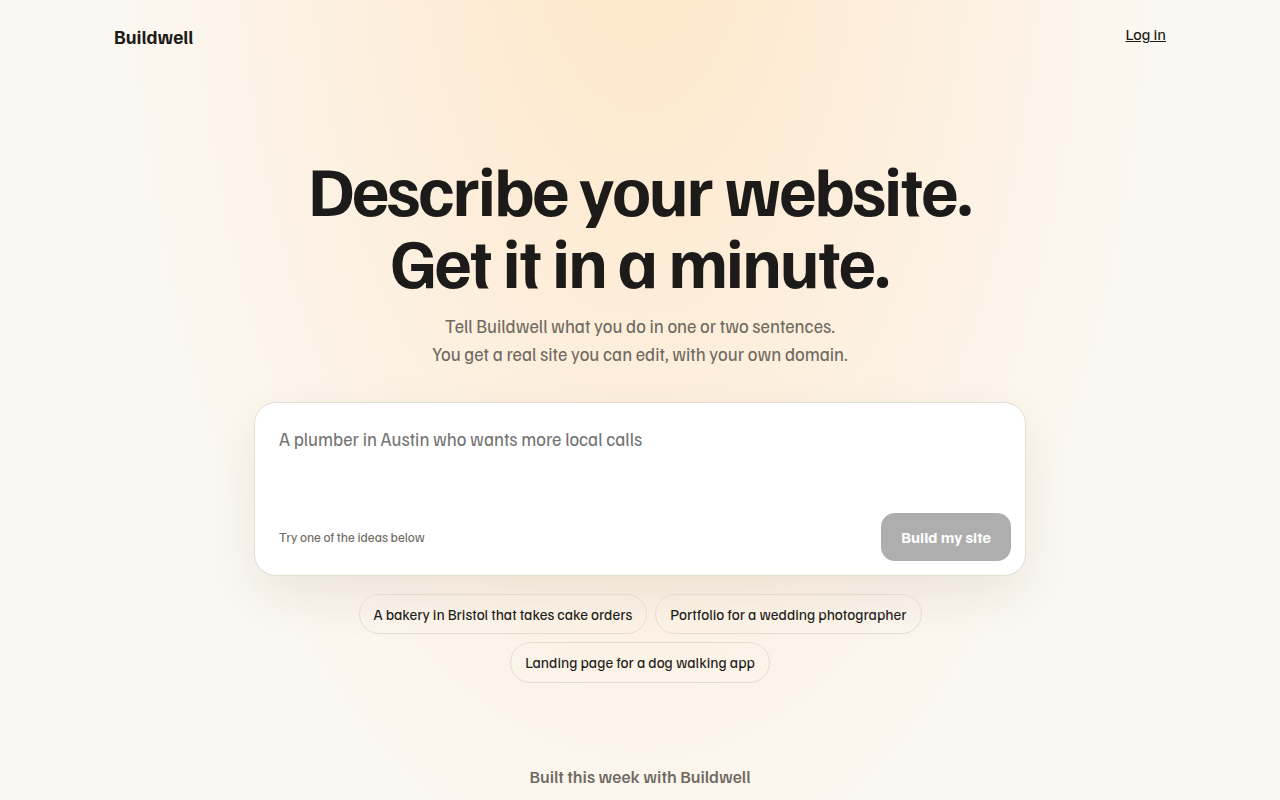
034. Prompt Box Hero
Buildwell, an AI website builder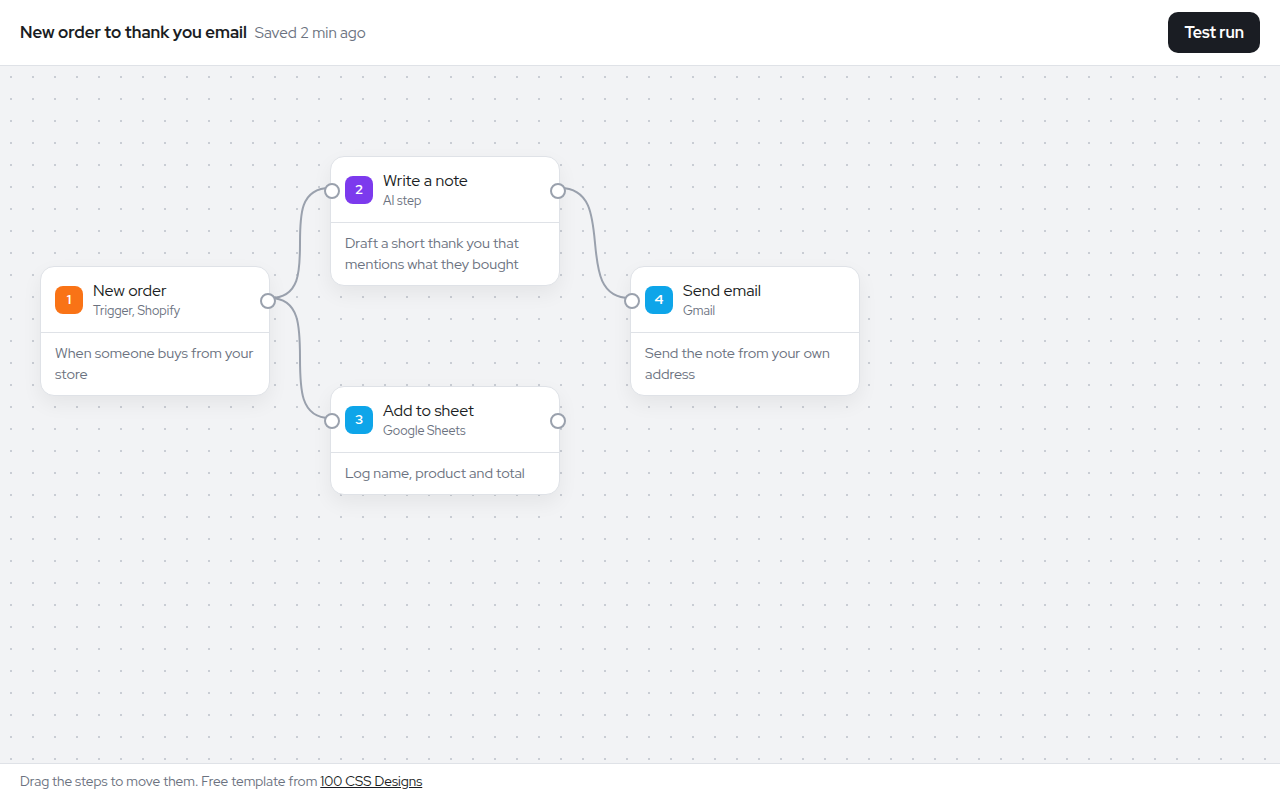
035. Node Workflow Canvas
Relay, an automation builder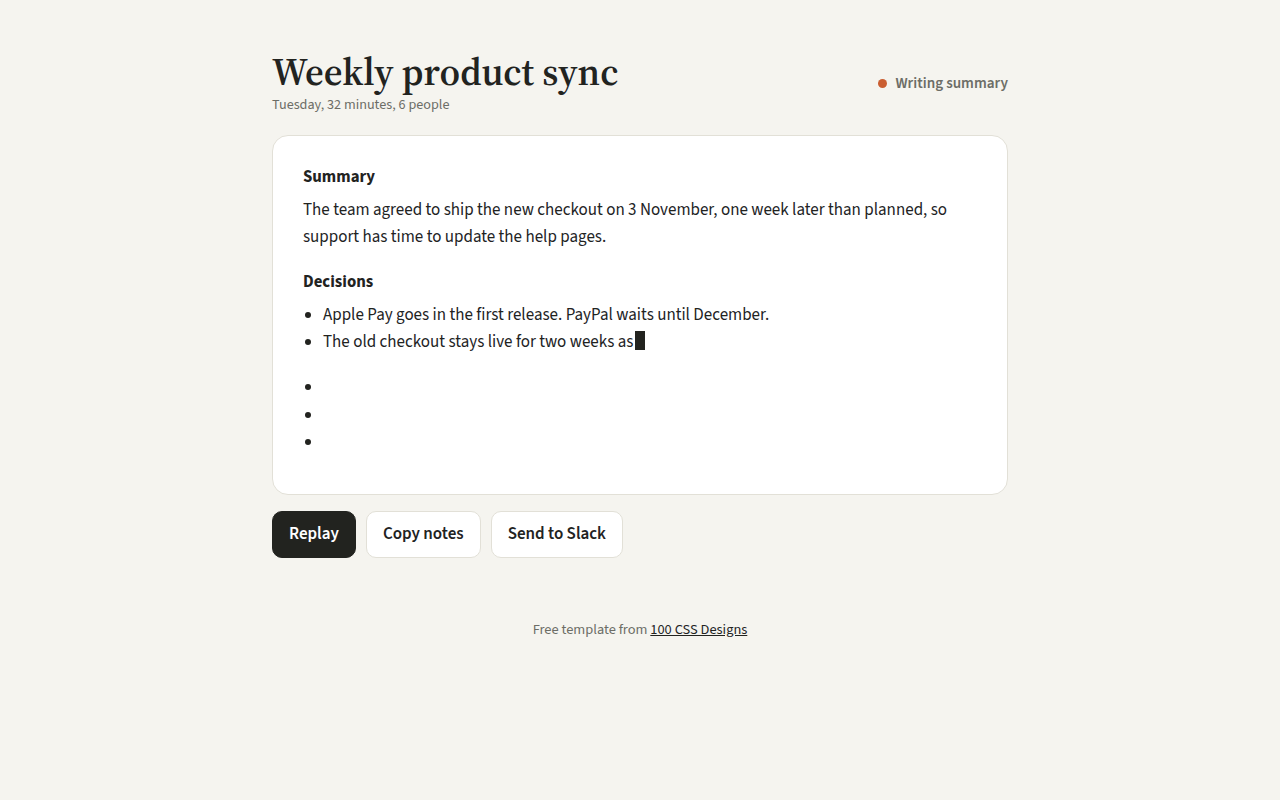
036. Streaming Text
Recap, an AI meeting notes tool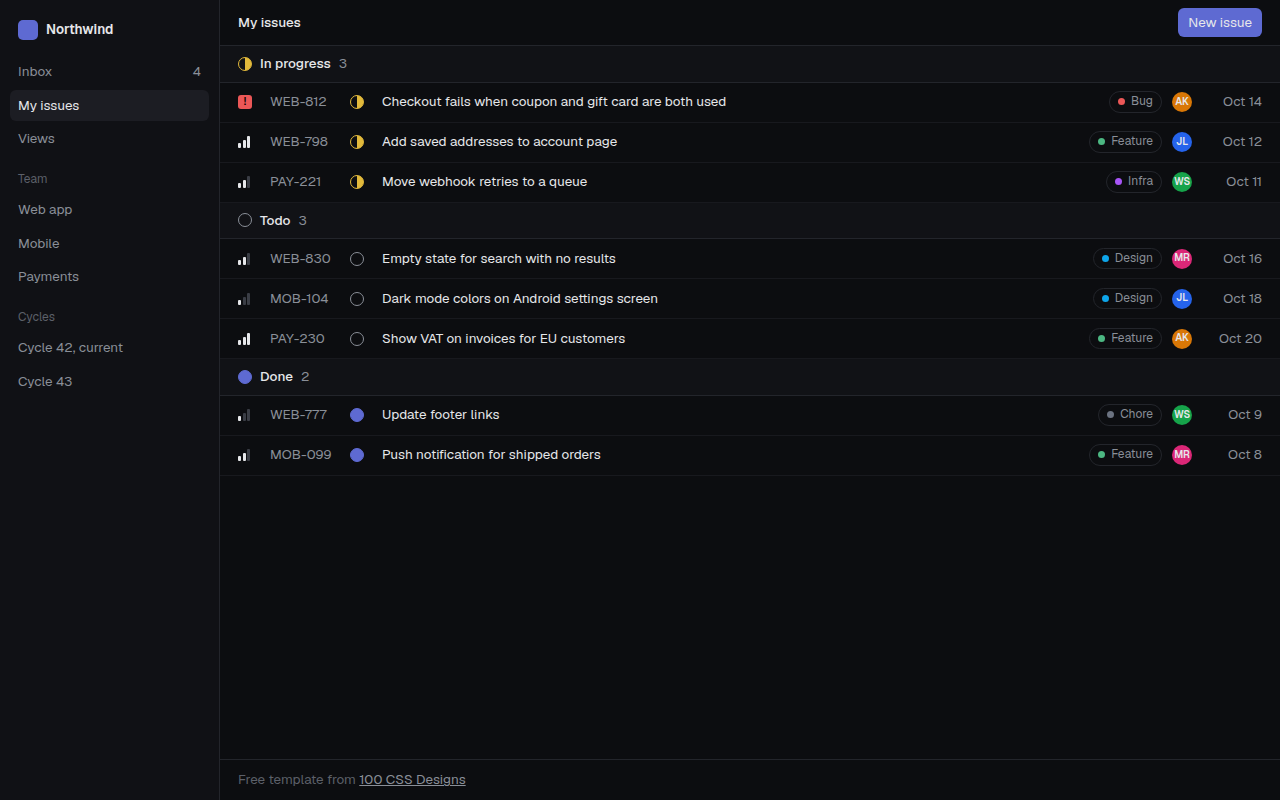
038. Linear Style Minimal
Tracklet, an issue tracker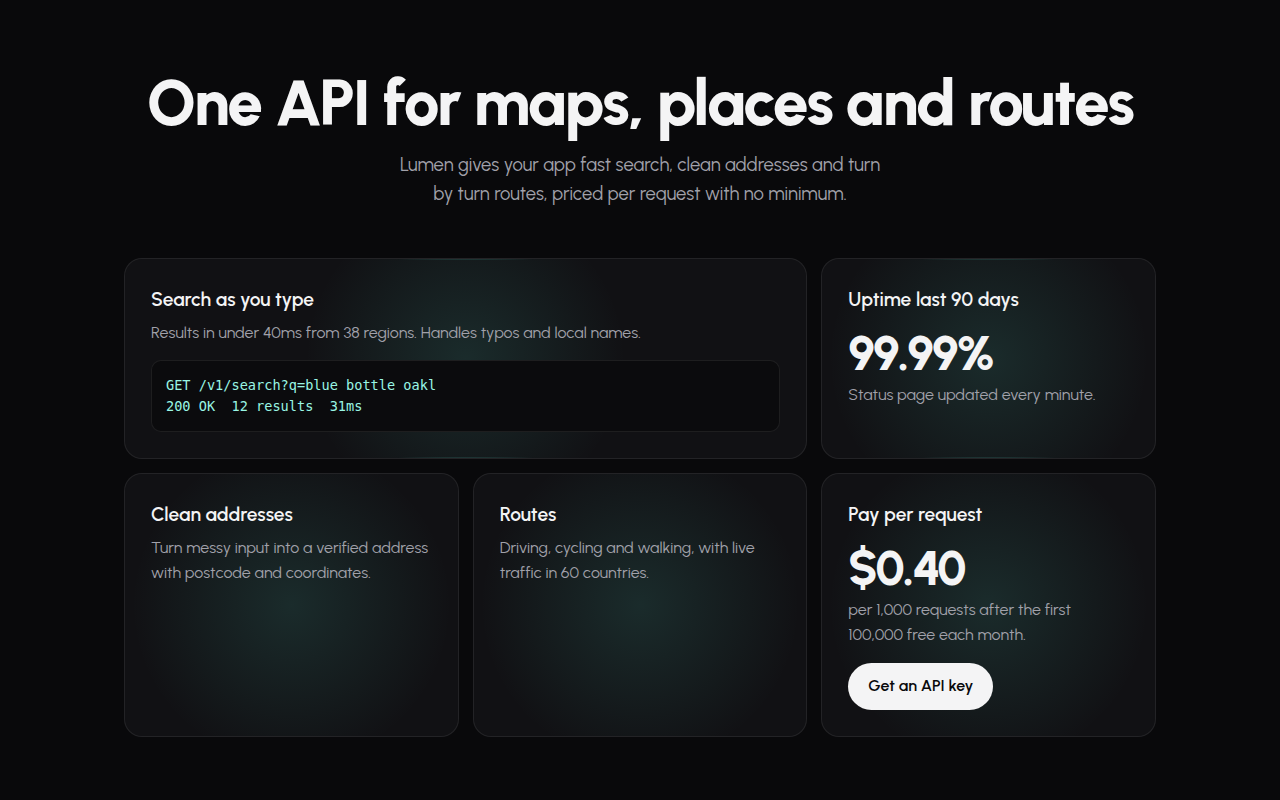
039. Spotlight Cards
Lumen, an API platform