Home / AI Era Interfaces / Chat UI
Chat UI CSS Template, Free with Live Demo
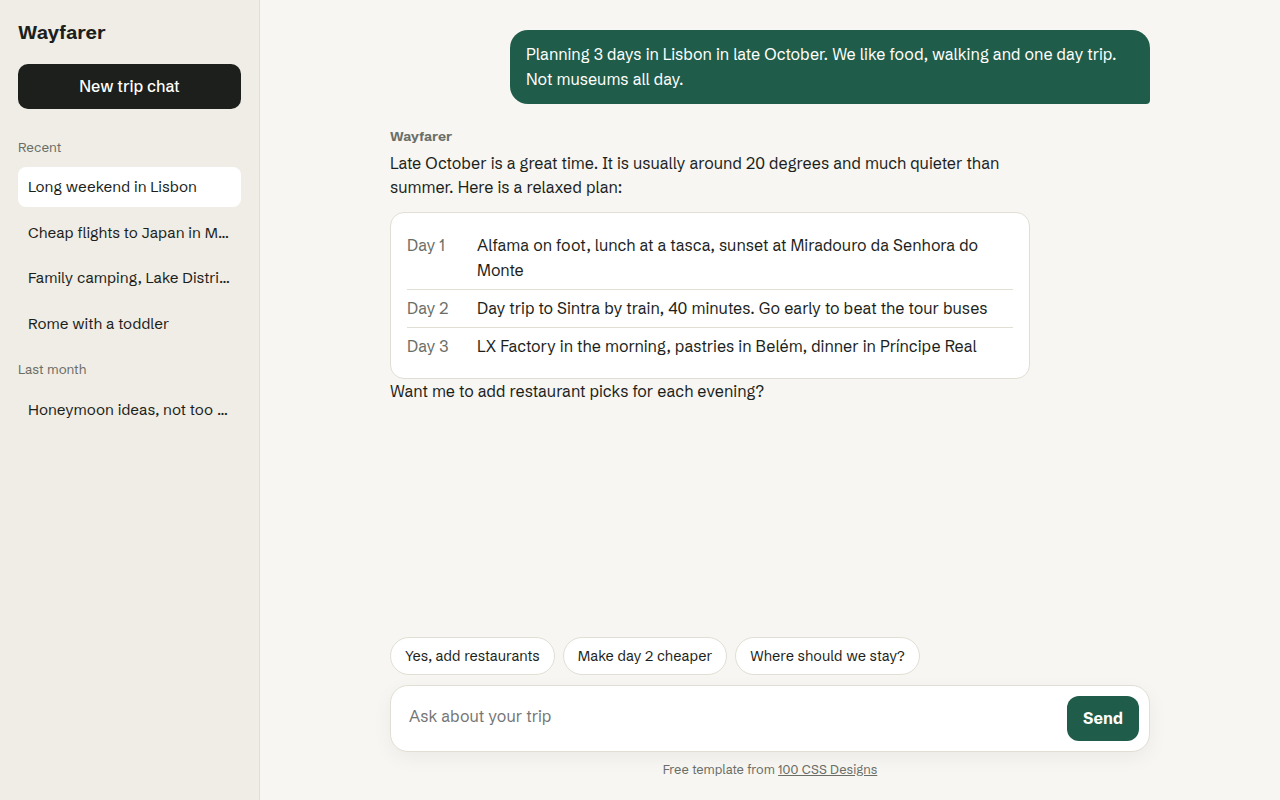
Free chat interface template for an AI assistant. Sidebar of past chats, message bubbles, suggestion chips and a working input box. Live demo. The example is Wayfarer, an AI travel assistant.
What is chat ui?
A chat first interface puts a conversation at the center of the product. It is the layout people now expect from AI tools: past chats on the left, messages in the middle and a big input at the bottom.
This template already works as a front end. You can type, press Enter, tap a suggestion chip, and a reply appears. Connect your own AI API where the demo reply is and it becomes a real assistant.
Good for
- AI assistants and chatbots
- Customer support widgets
- Travel, shopping and booking helpers
- Internal company knowledge tools
What you get in this template
- Sidebar with recent chats grouped by date
- User and assistant message styles
- Structured answer card inside a reply
- Suggestion chips that send a message
- Enter to send, Shift and Enter for a new line
The key CSS
This is the part that makes the chat ui look work. Copy it into your own project.
.app { display: grid; grid-template-columns: 260px 1fr; height: 100vh; }
.chat { display: flex; flex-direction: column; height: 100vh; }
.log { flex: 1; overflow-y: auto; padding: 30px max(24px, calc((100% - 760px) / 2)); }
.msg.me {
  margin-left: auto; width: fit-content;
  background: #1f5c4a; color: #fff;
  border-radius: 18px 18px 4px 18px; padding: 12px 16px;
}
How to use it
- Click Download HTML file above.
- Open the file in any code editor, like VS Code.
- Change the text, colors and links to match your project. Colors are at the top of the style tag.
- Upload it to any host, such as GitHub Pages, Netlify or your own server. It is one file with no build step.
Questions people ask
How do I connect this chat UI to a real AI?
Find the send function in the script. Instead of the demo reply, send the message to your AI API with fetch() and add the answer as a new assistant message.
How do you keep the input at the bottom of the screen?
Make the chat area a flex column with height: 100vh, give the message log flex: 1 with overflow-y: auto, and the input box stays pinned at the bottom.
Is this template mobile friendly?
Yes. On small screens the sidebar hides and the chat uses the full width.
More AI Era Interfaces designs
032. AI Dashboard
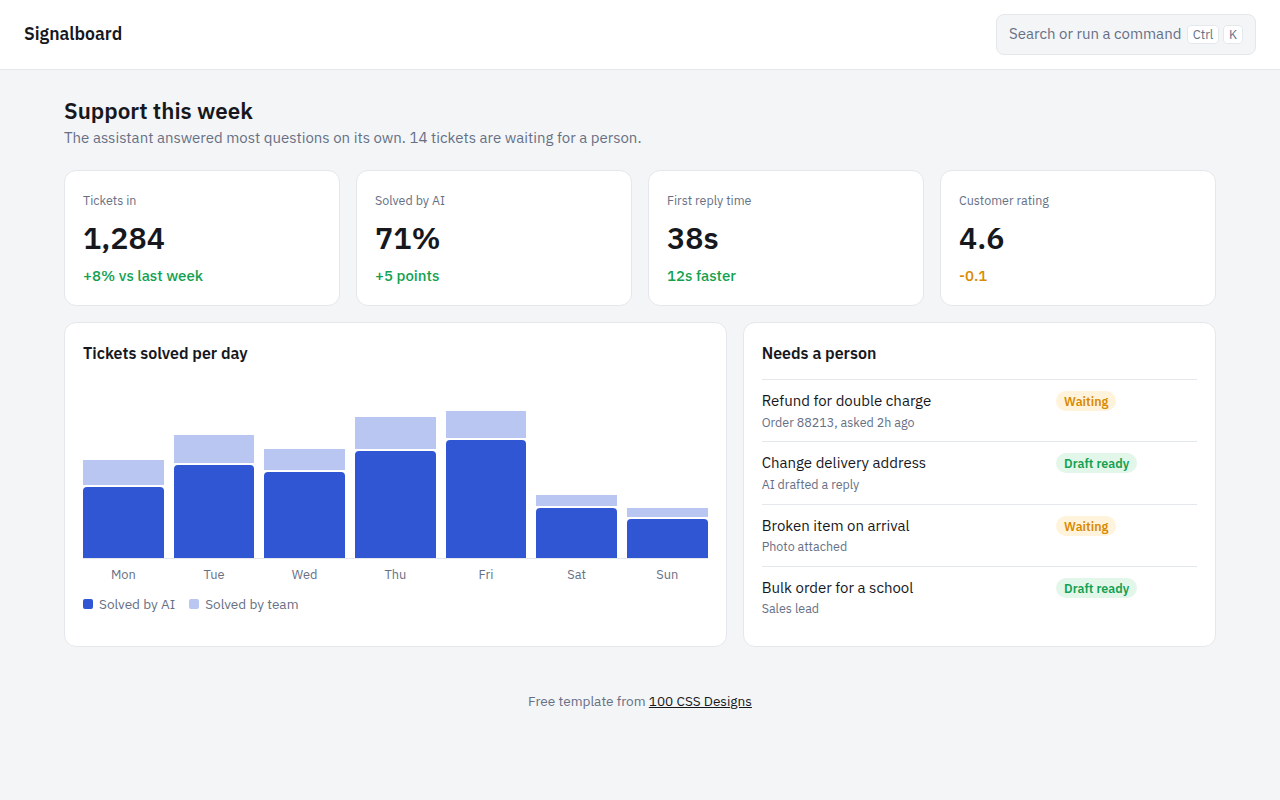
Signalboard, an AI customer support dashboard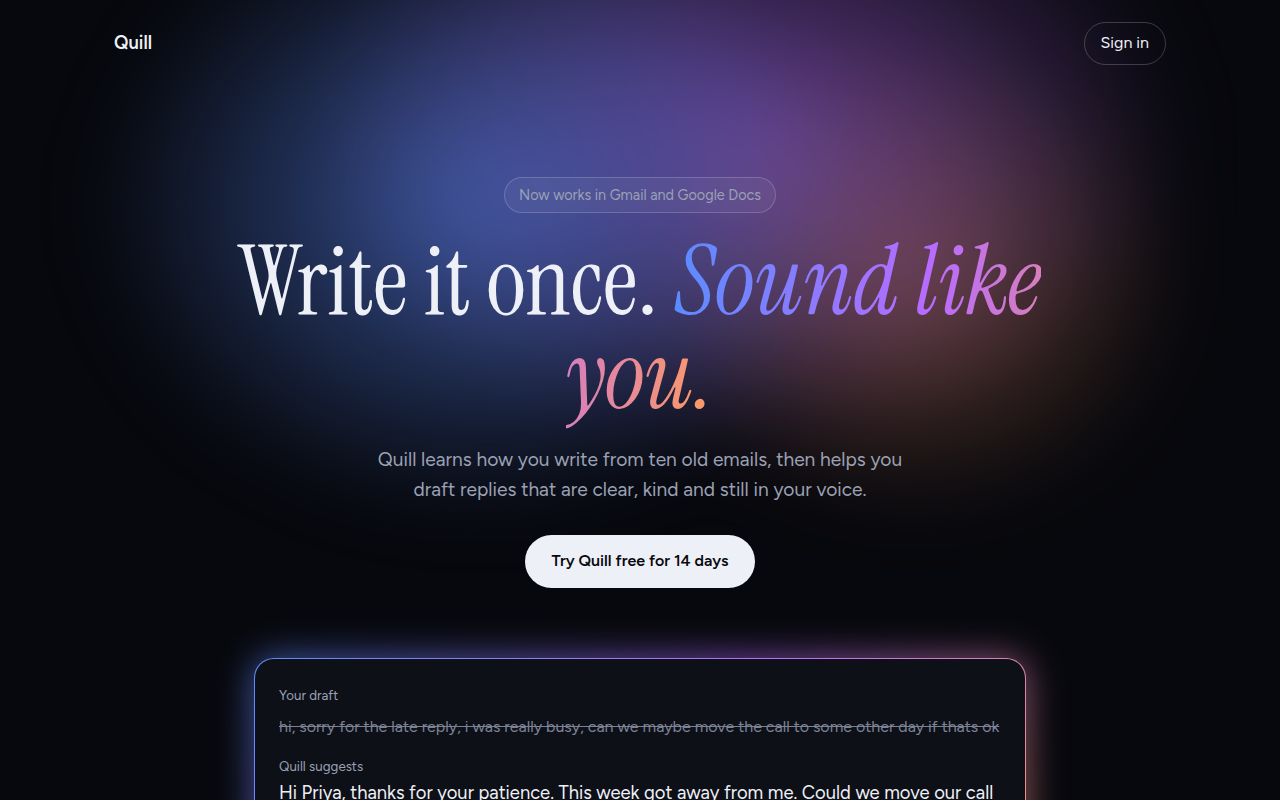
033. AI Glow Gradient
Quill, an AI writing assistant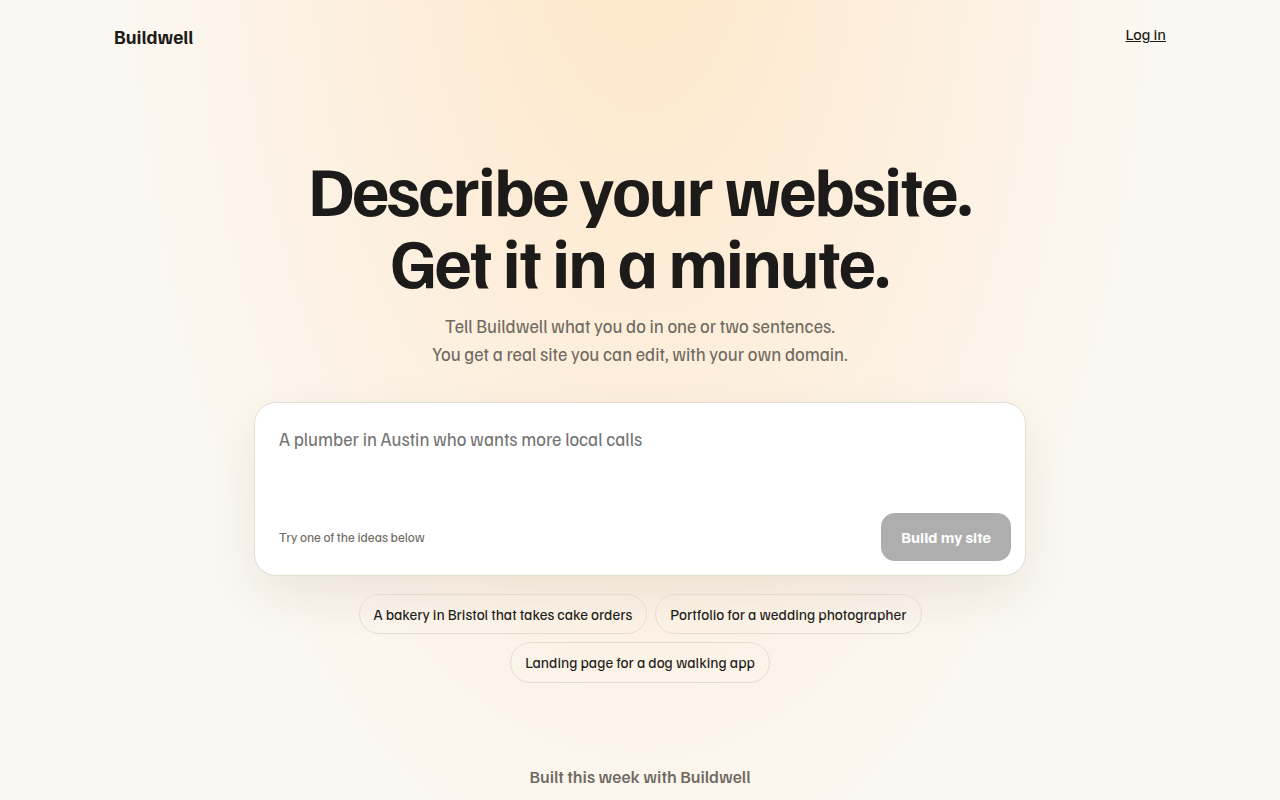
034. Prompt Box Hero
Buildwell, an AI website builder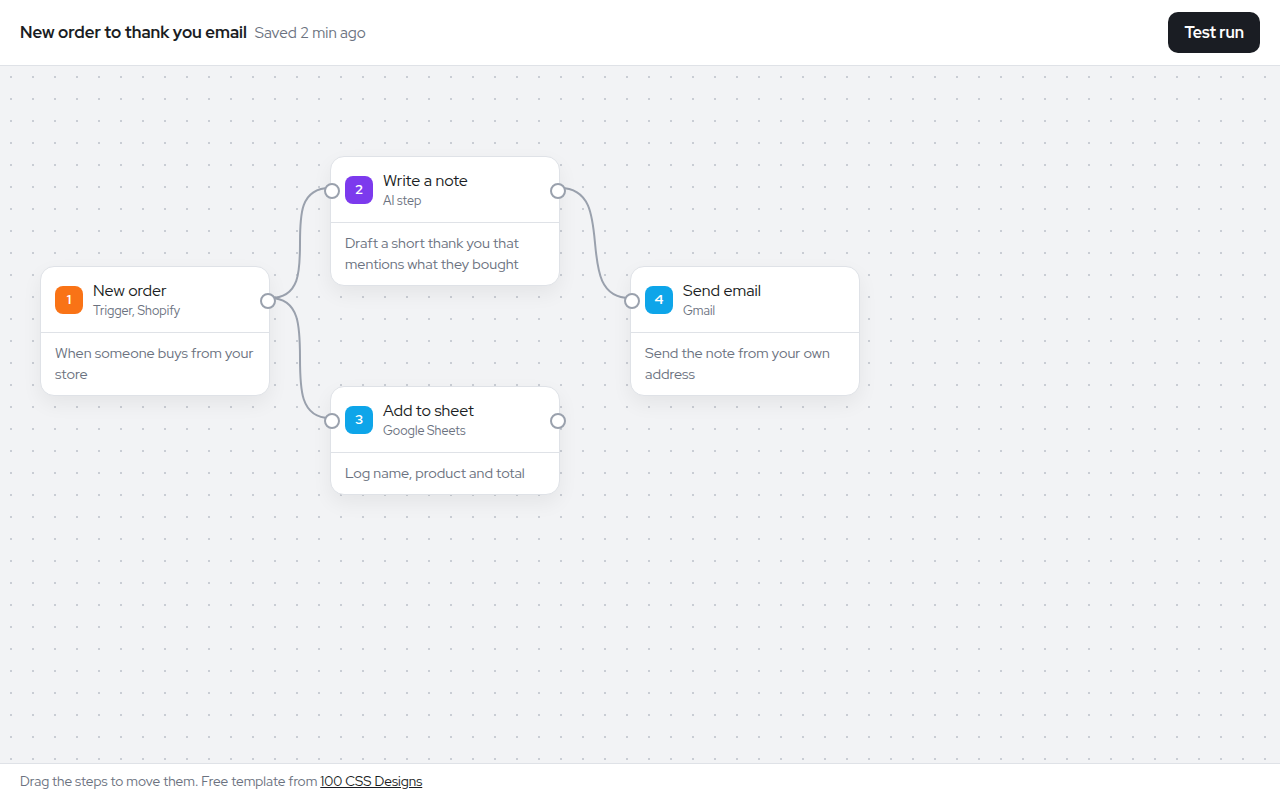
035. Node Workflow Canvas
Relay, an automation builder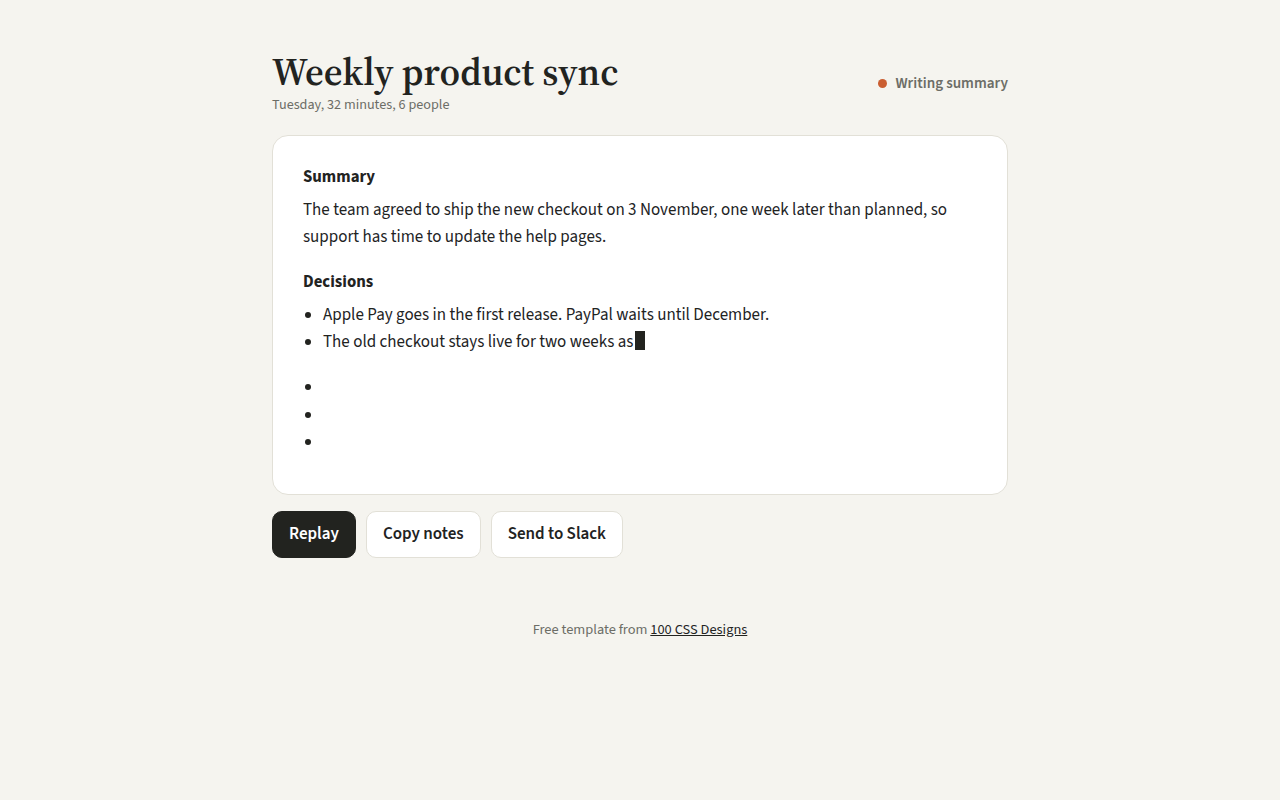
036. Streaming Text
Recap, an AI meeting notes tool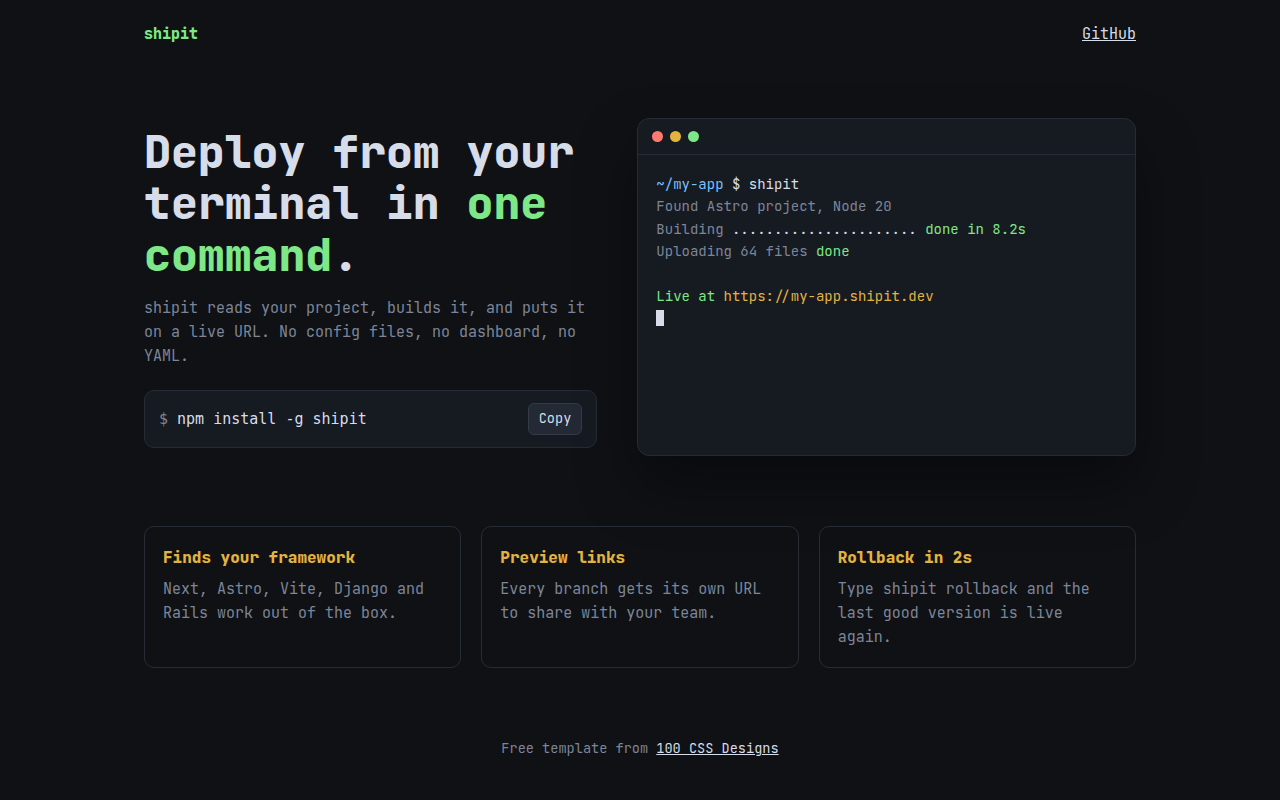
037. Terminal Developer
shipit, a command line deploy tool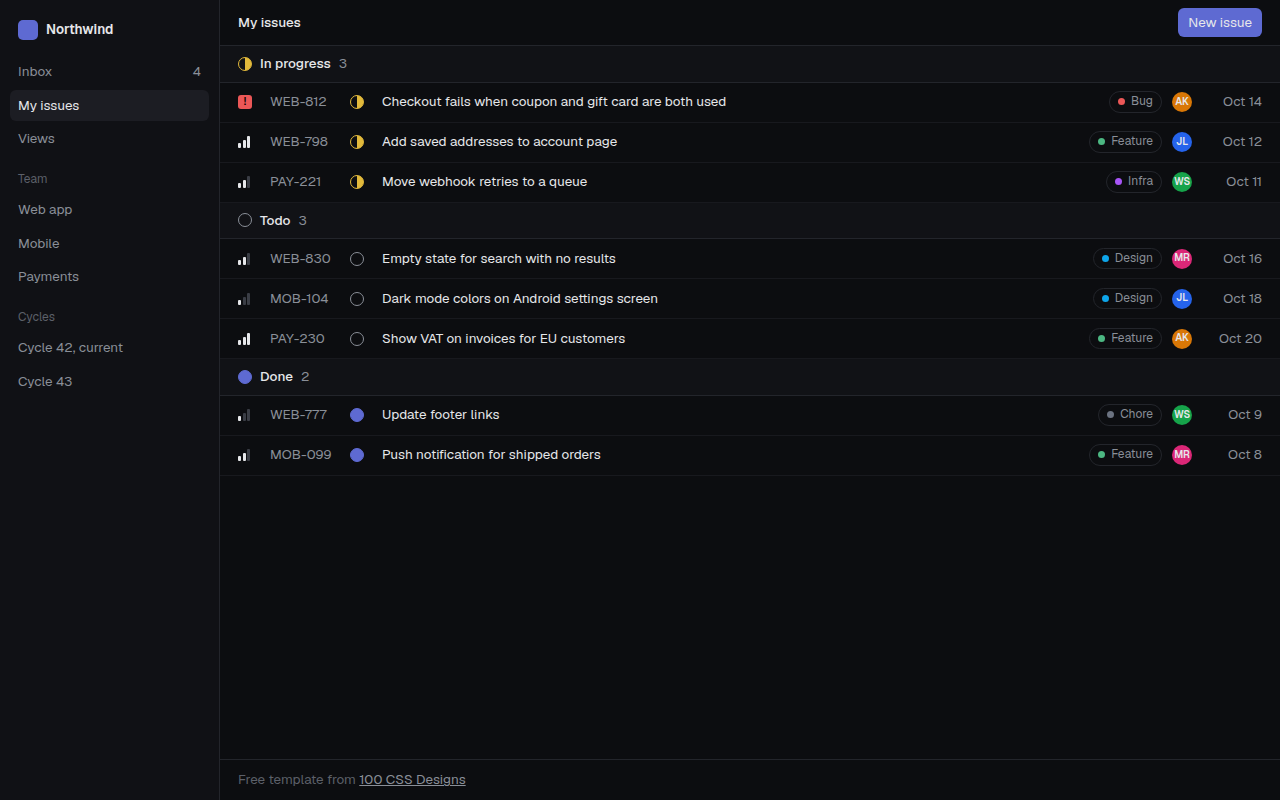
038. Linear Style Minimal
Tracklet, an issue tracker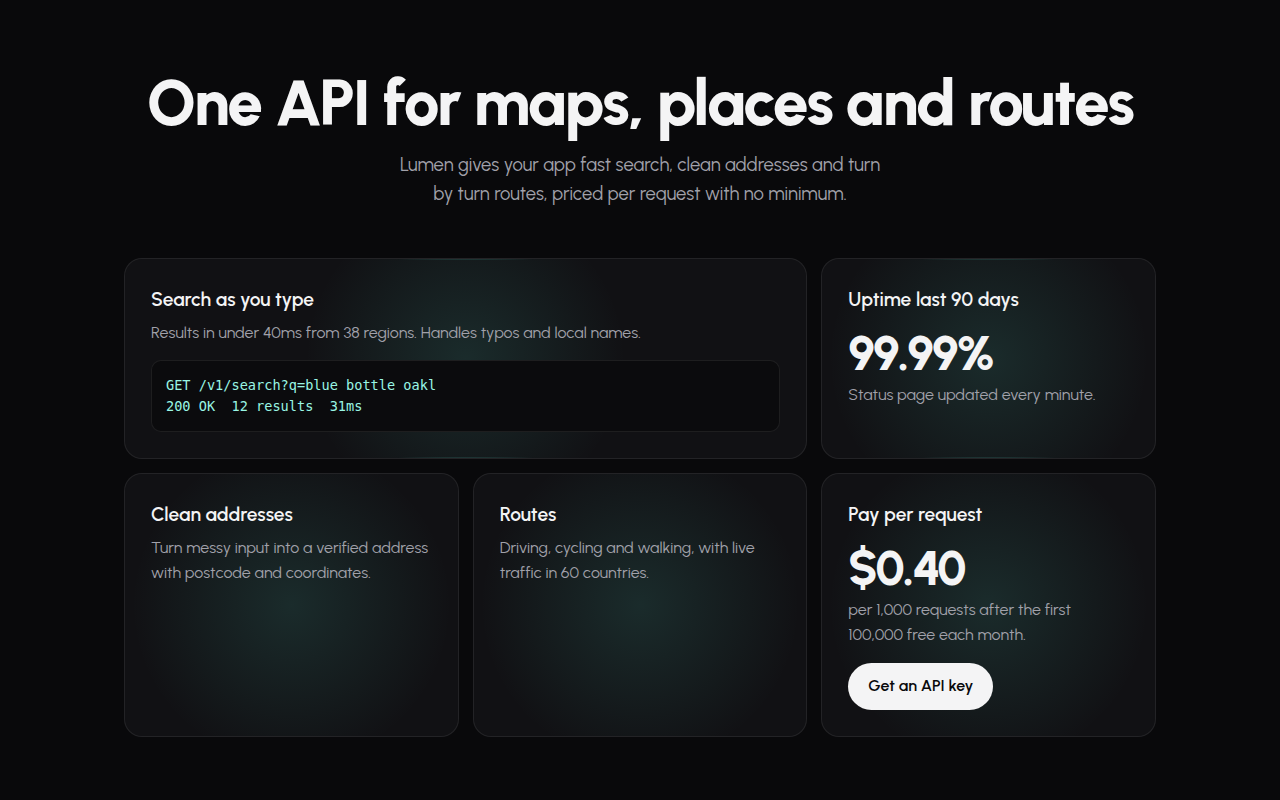
039. Spotlight Cards
Lumen, an API platform