Home / Modern UI / View Transitions Gallery
View Transitions Gallery in JavaScript, Free with Live Demo
Free View Transitions API gallery in plain JavaScript. Click a photo and it morphs into the detail view, with filters, back button support and a fallback.
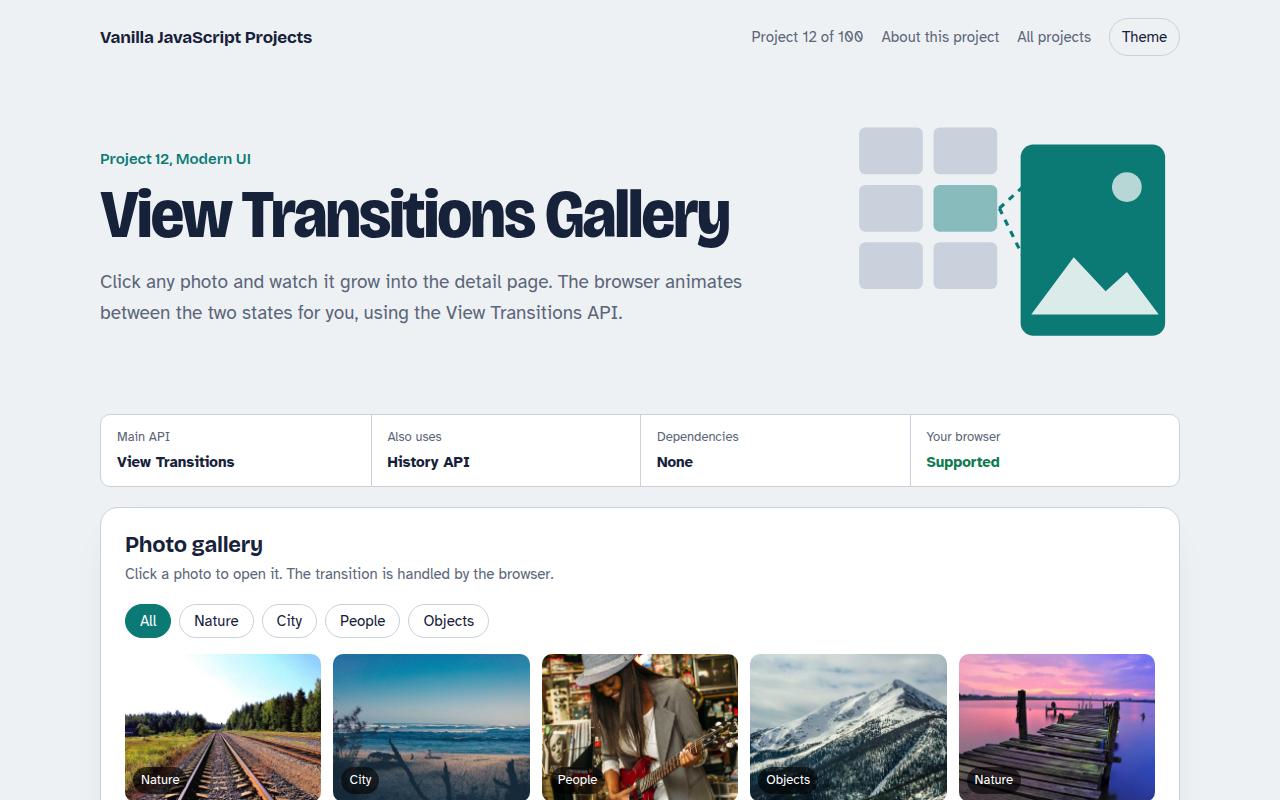
Runs on: View Transitions. Chrome and Edge 111+, Safari 18+ and recent Firefox. Older browsers switch views instantly.
What is the View Transitions Gallery?
Click a photo in the grid and it grows into the big detail view instead of just popping in. Press back and it shrinks home again. This kind of animation used to need a heavy library, and now the browser does it with one function call.
The View Transitions API takes a picture of the page before and after a change, then animates between them. Give the small photo and the big photo the same view-transition-name and the browser moves one into the other.
Good for
- Photo galleries and portfolios
- Online shops, from product list to product page
- Single page apps that feel smoother
- Filters that rearrange a grid
What this project does
- Shared element morph from grid to detail
- Filter the grid by category with animated reflow
- Back button and deep links work
- Instant fallback in browsers without the API
- Respects reduced motion settings
How it works
- Name the elementThe clicked photo gets view-transition-name: hero, and so does the big photo on the detail view.
- Swap the DOMThe page calls startViewTransition and changes the DOM inside the callback. The browser snapshots before and after.
- Let CSS animateThe browser morphs the named element between its two positions. Everything else cross-fades.
The key JavaScript
This is the heart of the project. The full file has the rest, including the screen layout and error handling.
// Swap the view inside a transition
function open(photo) {
  const img = document.querySelector(`[data-id="${photo.id}"] img`);
  img.style.viewTransitionName = "hero"; // name it before

  document.startViewTransition(() => {
    img.style.viewTransitionName = "";
    renderDetail(photo); // big <img> also has view-transition-name: hero
  });
}
// CSS: ::view-transition-group(hero) { animation-duration: .45s; }
How to use it
- Click Download HTML file above.
- Open the file in a code editor, like VS Code.
- Run it from a local server with
npx serve .so the camera, microphone and AI features are allowed. - Change the text and colors, then upload it to GitHub Pages, Netlify or your own site. It is one file with no build step.
Questions people ask
What is the View Transitions API?
It is a browser feature that animates between two states of a page. You call document.startViewTransition() and change the page inside it, and the browser handles the animation.
Does it work in Firefox and Safari?
Safari 18 and newer support it, and recent Firefox versions do too. In older browsers the page changes instantly, which is a safe fallback.
Can I control the animation?
Yes. Use the ::view-transition pseudo elements in CSS to change the timing, easing or effect, just like normal CSS animations.
More Modern UI projects
011. UI Component Library
Six reusable Web Components you can drop into any page
013. Client-side Router
A tiny single page app router with real URLs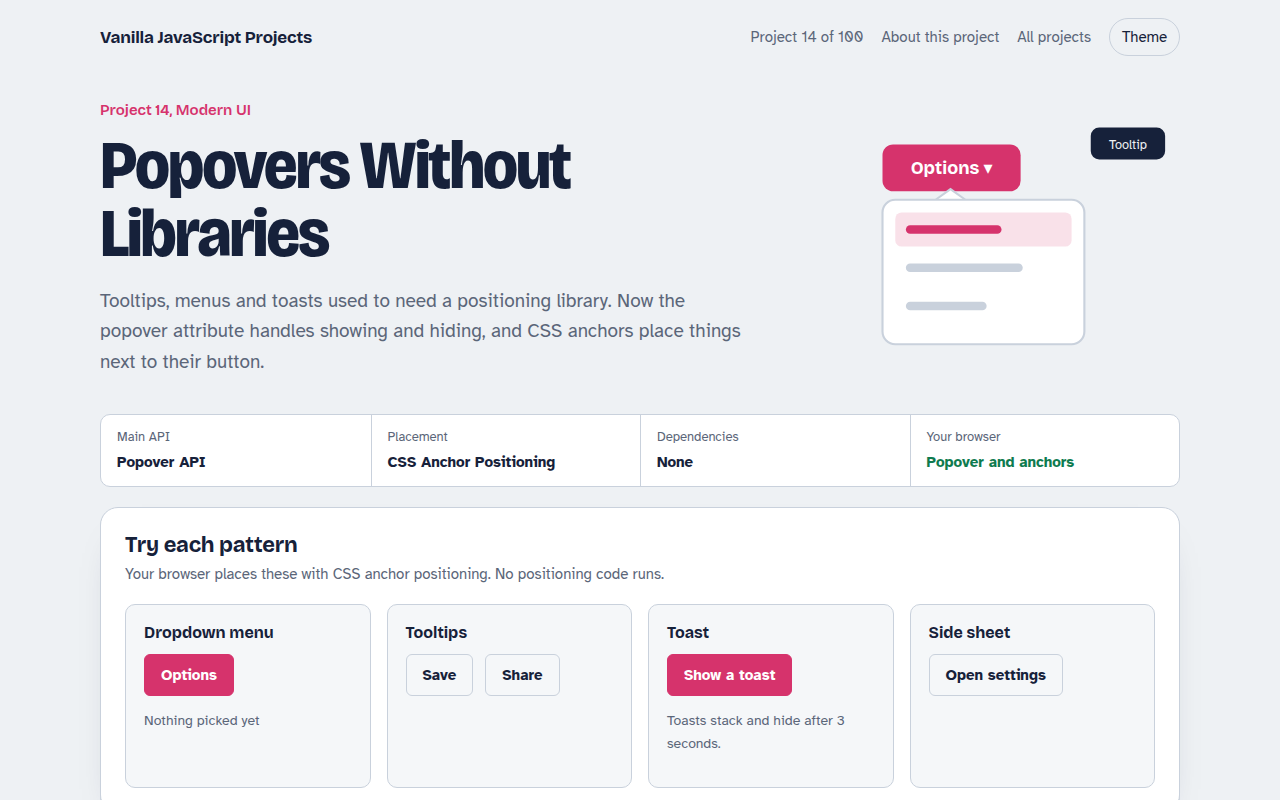
014. Popovers Without Libraries
Tooltips, menus, toasts and a side sheet with no library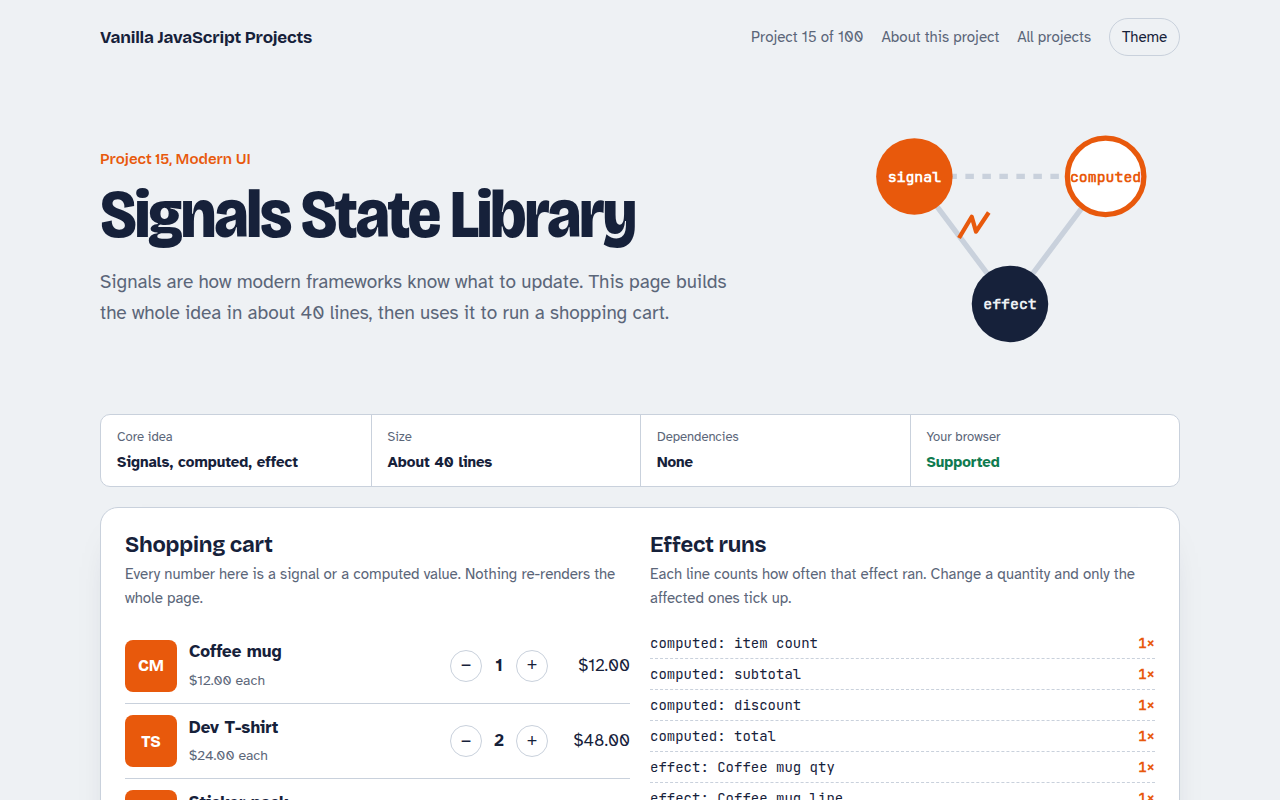
015. Signals State Library
A 40 line reactive state library running a shopping cart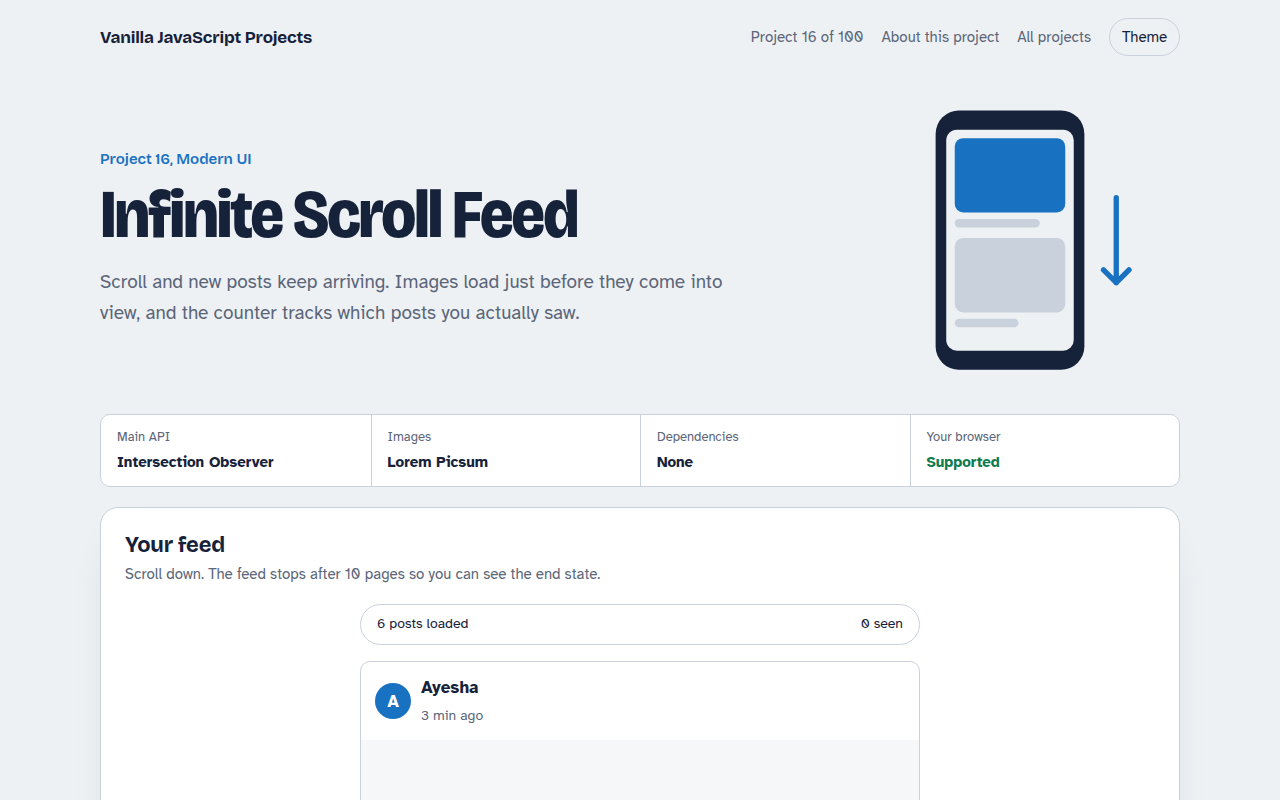
016. Infinite Scroll Feed
A photo feed that loads more posts as you scroll