Home / Modern UI / Infinite Scroll Feed
Infinite Scroll Feed in JavaScript, Free with Live Demo
Free infinite scroll feed in plain JavaScript. Load posts as you scroll, lazy load images and track seen posts with Intersection Observer. Skeleton loaders included.
Runs on: Intersection Observer. Every modern browser.
What is the Infinite Scroll Feed?
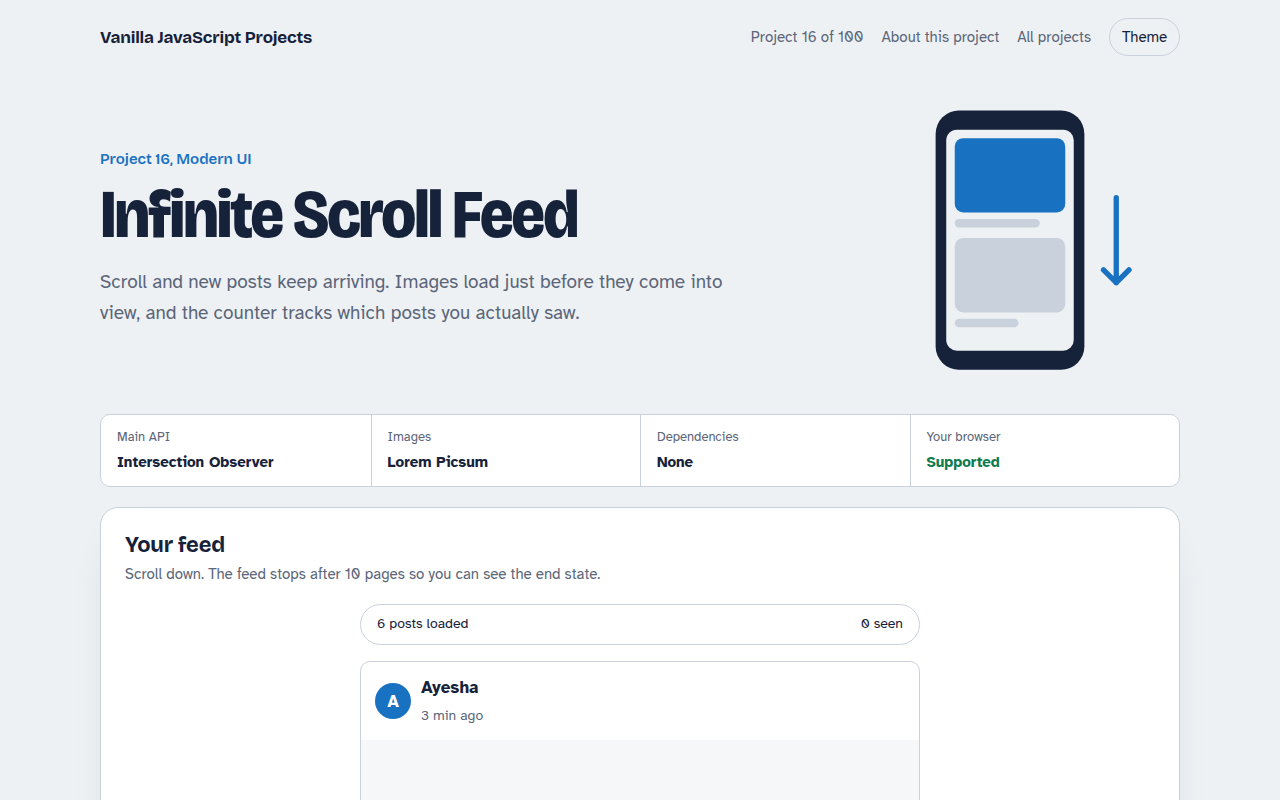
This is a social style photo feed that keeps loading new posts as you scroll down. Images load only when they are about to appear, placeholder cards show while posts load, and a counter tracks which posts you actually saw.
All three tricks use the Intersection Observer API, which tells you when an element enters the screen without constant scroll checks. It is faster and simpler than the old scroll event approach.
Good for
- Social feeds and news sites
- Product lists in online shops
- Image galleries
- Tracking which items users really viewed
What this project does
- Loads the next page when a sentinel nears the viewport
- Skeleton cards while loading
- Images lazy load with a fade in
- Seen counter: a post counts once it is 60% visible
- Back to top button that appears after the first screen
How it works
- Watch a sentinelAn empty element sits under the last post. When it gets within 600 px of the screen, the next page loads.
- Lazy load imagesA second observer swaps data-src into src only when an image is about to be seen.
- Track viewsA third observer with threshold 0.6 marks each post as seen the first time most of it is visible.
The key JavaScript
This is the heart of the project. The full file has the rest, including the screen layout and error handling.
const loadMore = new IntersectionObserver(([entry]) => {
  if (entry.isIntersecting) fetchNextPage();
}, { rootMargin: "600px" });           // start 600px before the end
loadMore.observe(document.querySelector("#sentinel"));

const lazy = new IntersectionObserver((entries) => {
  for (const e of entries) if (e.isIntersecting) {
    e.target.src = e.target.dataset.src;  // swap in the real image
    lazy.unobserve(e.target);
  }
}, { rootMargin: "300px" });
How to use it
- Click Download HTML file above.
- Open the file in a code editor, like VS Code.
- Run it from a local server with
npx serve .so the camera, microphone and AI features are allowed. - Change the text and colors, then upload it to GitHub Pages, Netlify or your own site. It is one file with no build step.
Questions people ask
Is infinite scroll bad for SEO?
It can be if content only loads on scroll. Give each page of results its own URL too, so search engines can reach every item.
Why use Intersection Observer instead of the scroll event?
The scroll event fires many times a second and forces layout checks. Intersection Observer only tells you when something crosses into view, so it is much lighter.
How do I connect it to a real API?
Replace the fakeApi function with a fetch call that takes a page number and returns posts. The rest of the code stays the same.
More Modern UI projects
011. UI Component Library
Six reusable Web Components you can drop into any page
012. View Transitions Gallery
A photo gallery where images grow smoothly into the detail page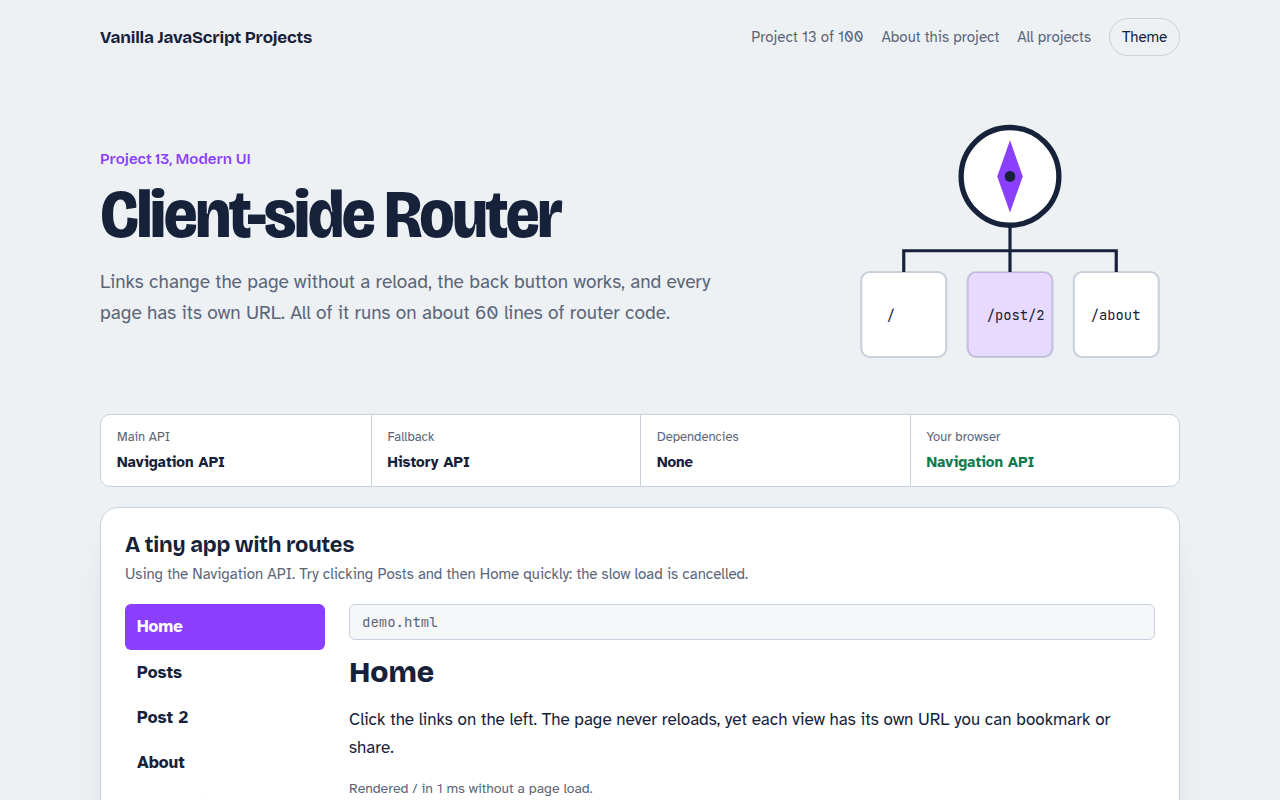
013. Client-side Router
A tiny single page app router with real URLs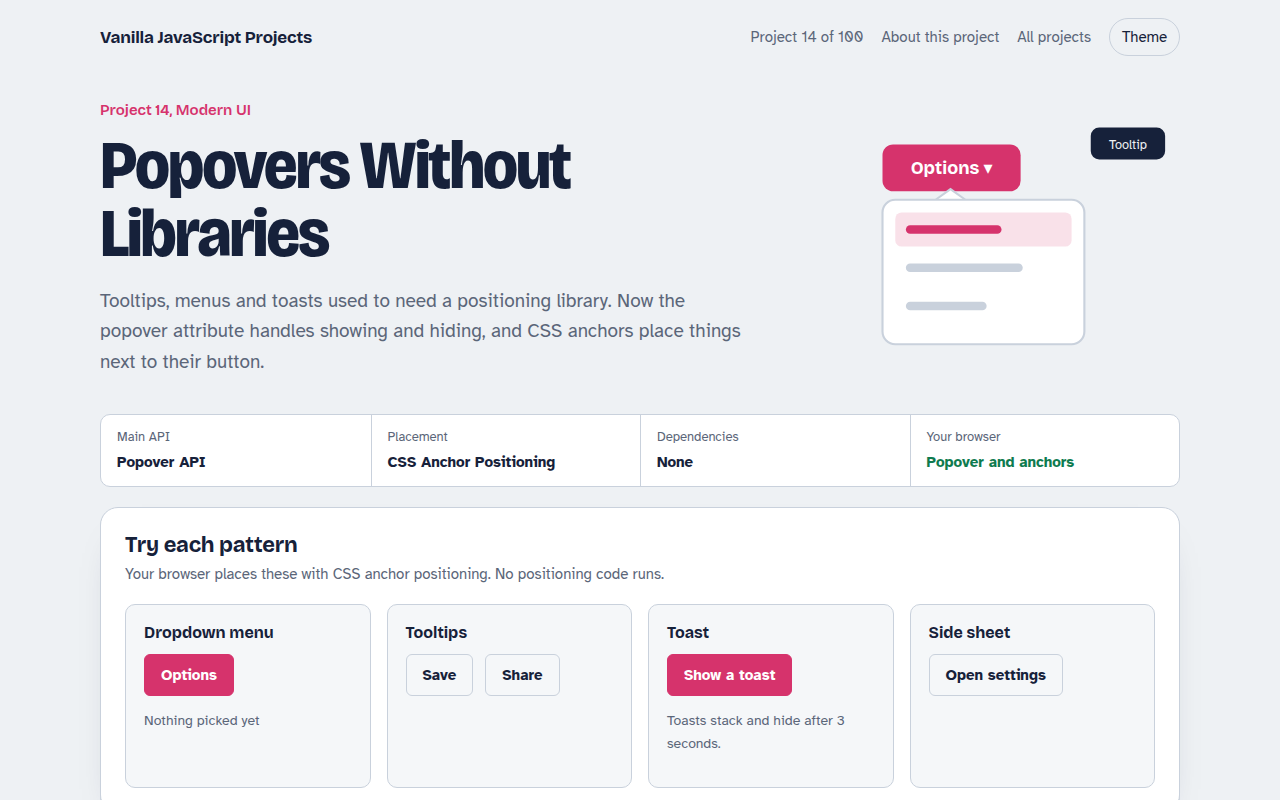
014. Popovers Without Libraries
Tooltips, menus, toasts and a side sheet with no library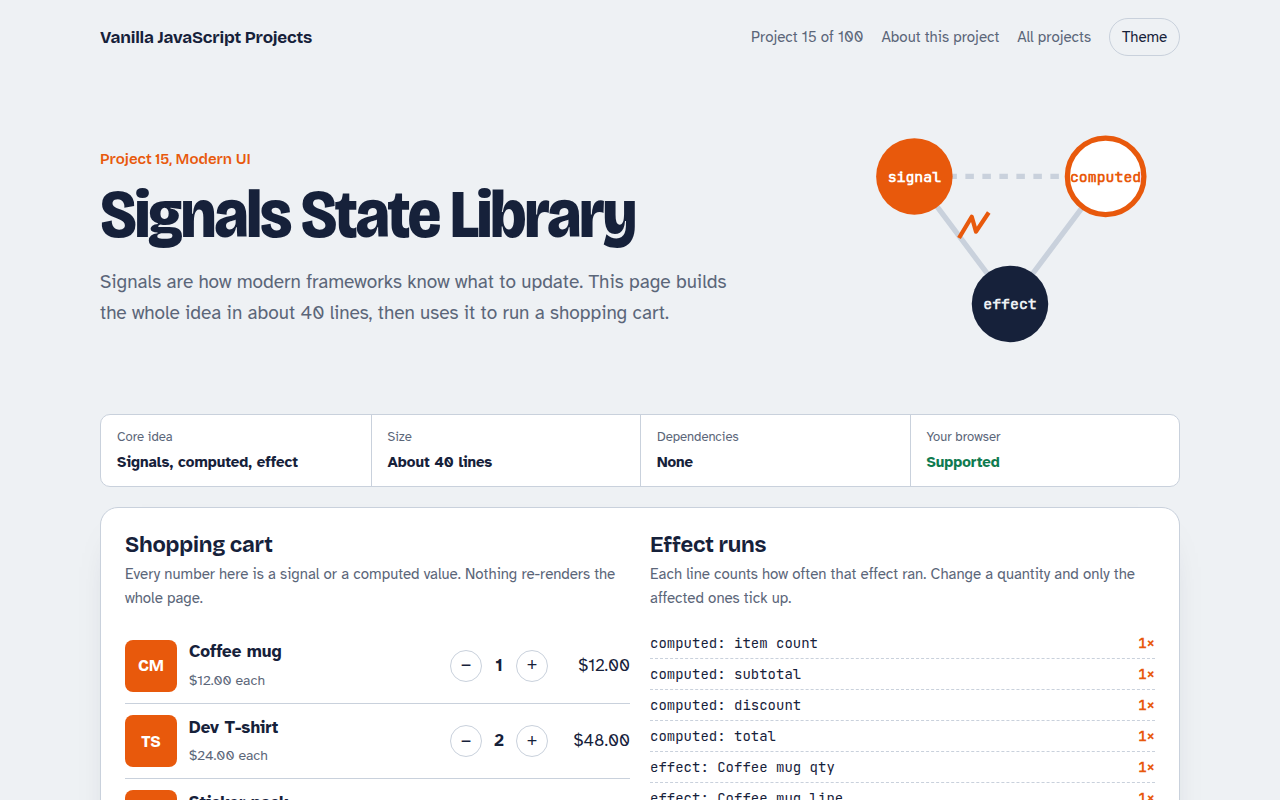
015. Signals State Library
A 40 line reactive state library running a shopping cart