Home / Modern UI / Signals State Library
Signals State Library in JavaScript, Free with Live Demo
Free signals library in plain JavaScript. Build signal, computed and effect in about 40 lines, the idea behind Solid, Vue and Angular, with a live shopping cart demo.
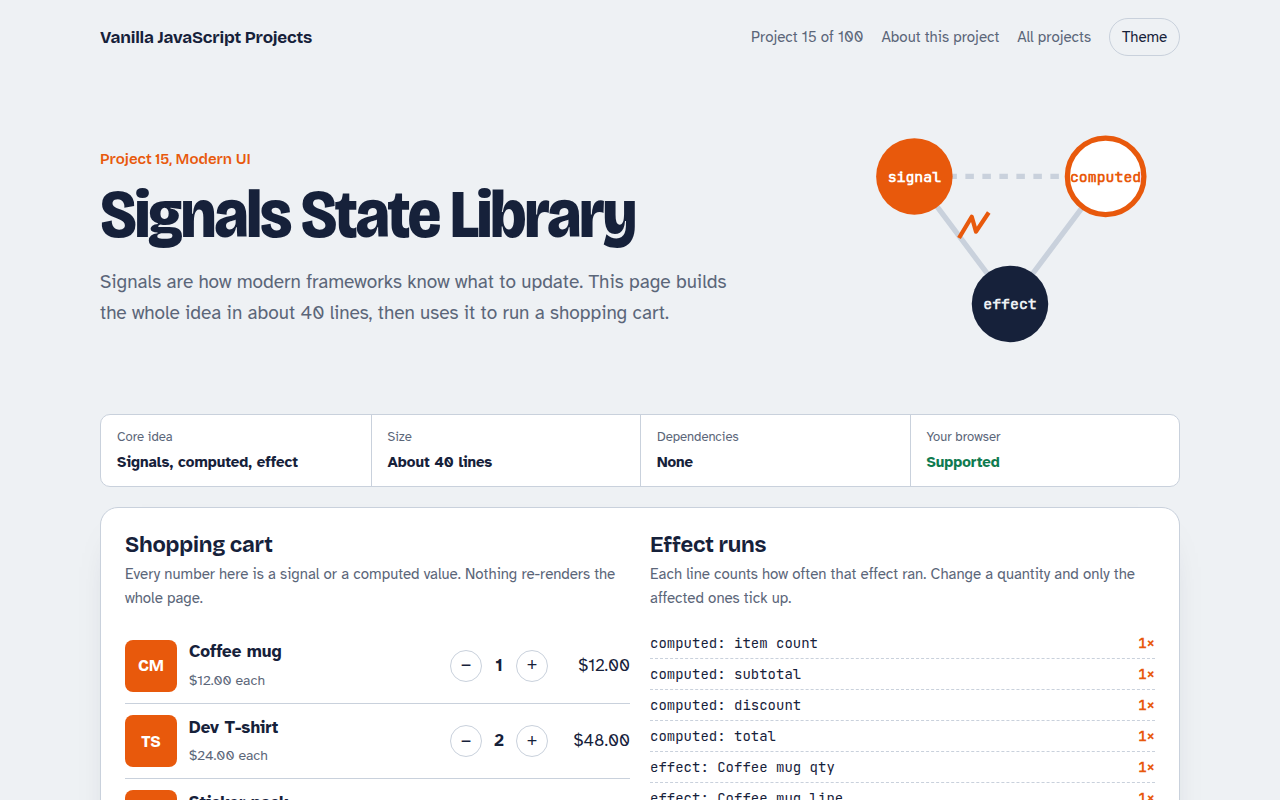
Runs on: Signals, computed, effect. Every modern browser.
What is the Signals State Library?
Signals are how many modern frameworks know exactly what to update when data changes. Instead of redrawing the whole page, only the numbers that depend on a change are updated. Solid, Preact, Vue and Angular all use this idea.
This project writes a complete signals library in about 40 lines, then uses it to run a shopping cart. A counter next to each effect shows how many times it ran, so you can see that only the right parts update.
Good for
- Small apps that need reactive state
- Understanding how frameworks work inside
- Job interviews about reactivity
- Adding live updates to plain HTML
What this project does
- signal(), computed() and effect() with automatic dependency tracking
- Batched updates so effects run once per change
- Live counter of how many times each effect ran
- Shopping cart demo: quantities, discount code, totals
- The whole library source shown on the page
How it works
- Track readsWhen an effect runs, every signal it reads adds that effect to its subscriber list.
- Notify on writeSetting a signal schedules each subscriber once, in a microtask, so many writes cause one update.
- Derive valuescomputed() is an effect that writes into its own signal, so it caches and updates only when its inputs change.
The key JavaScript
This is the heart of the project. The full file has the rest, including the screen layout and error handling.
let current = null;
export function signal(value) {
  const subs = new Set();
  const read = () => { if (current) subs.add(current); return value; };
  read.set = (v) => { if (v !== value) { value = v; subs.forEach(schedule); } };
  return read;
}
export function effect(fn) {
  const run = () => { const prev = current; current = run; try { fn(); } finally { current = prev; } };
  run();
}
export function computed(fn) {
  const s = signal(); effect(() => s.set(fn())); return s;
}
How to use it
- Click Download HTML file above.
- Open the file in a code editor, like VS Code.
- Run it from a local server with
npx serve .so the camera, microphone and AI features are allowed. - Change the text and colors, then upload it to GitHub Pages, Netlify or your own site. It is one file with no build step.
Questions people ask
What is a signal in JavaScript?
A signal is a value that remembers who reads it. When you change it, everything that read it runs again. computed() builds values from other signals, and effect() runs code when they change.
Are signals coming to JavaScript itself?
There is a TC39 proposal to add signals to the language. Until then, small libraries like this one, or Preact Signals, give you the same idea.
Is this fast enough for real apps?
For small and medium apps, yes. Updates are batched in a microtask, so ten writes in a row cause one update.
More Modern UI projects
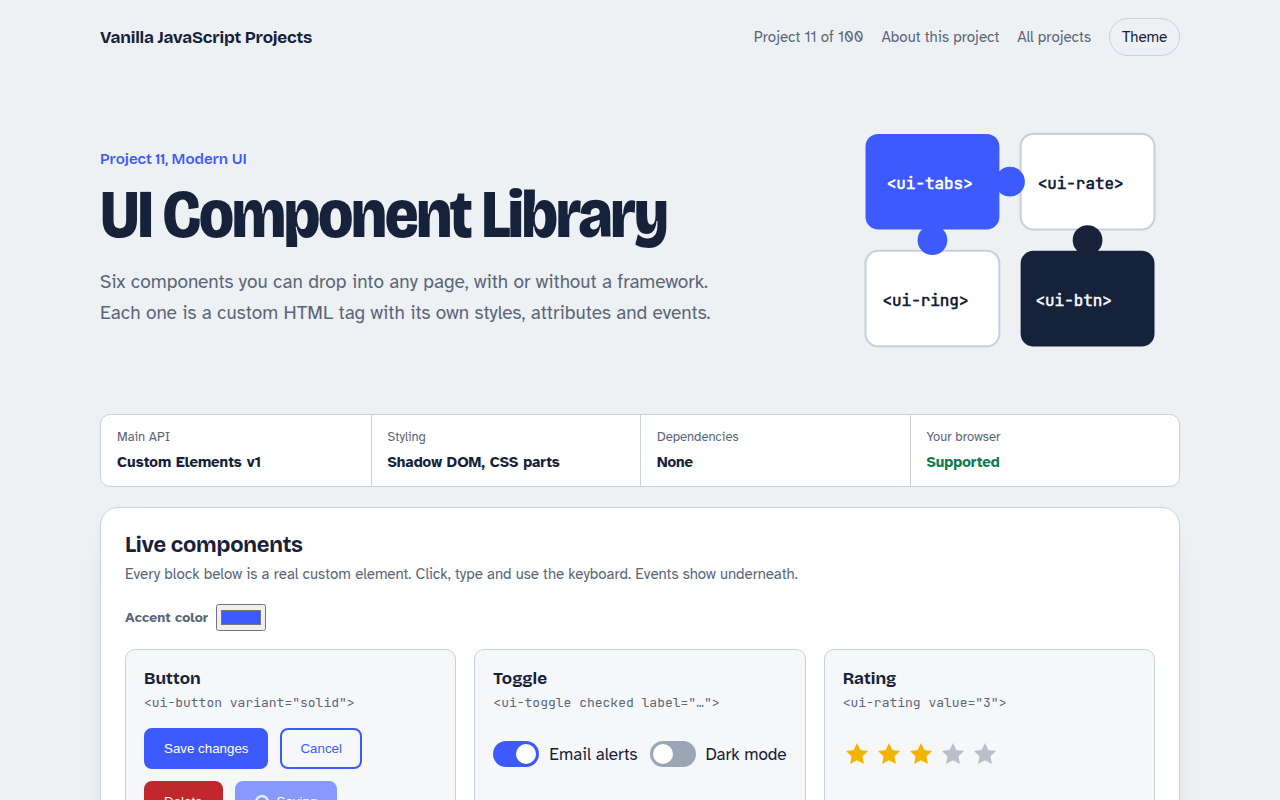
011. UI Component Library
Six reusable Web Components you can drop into any page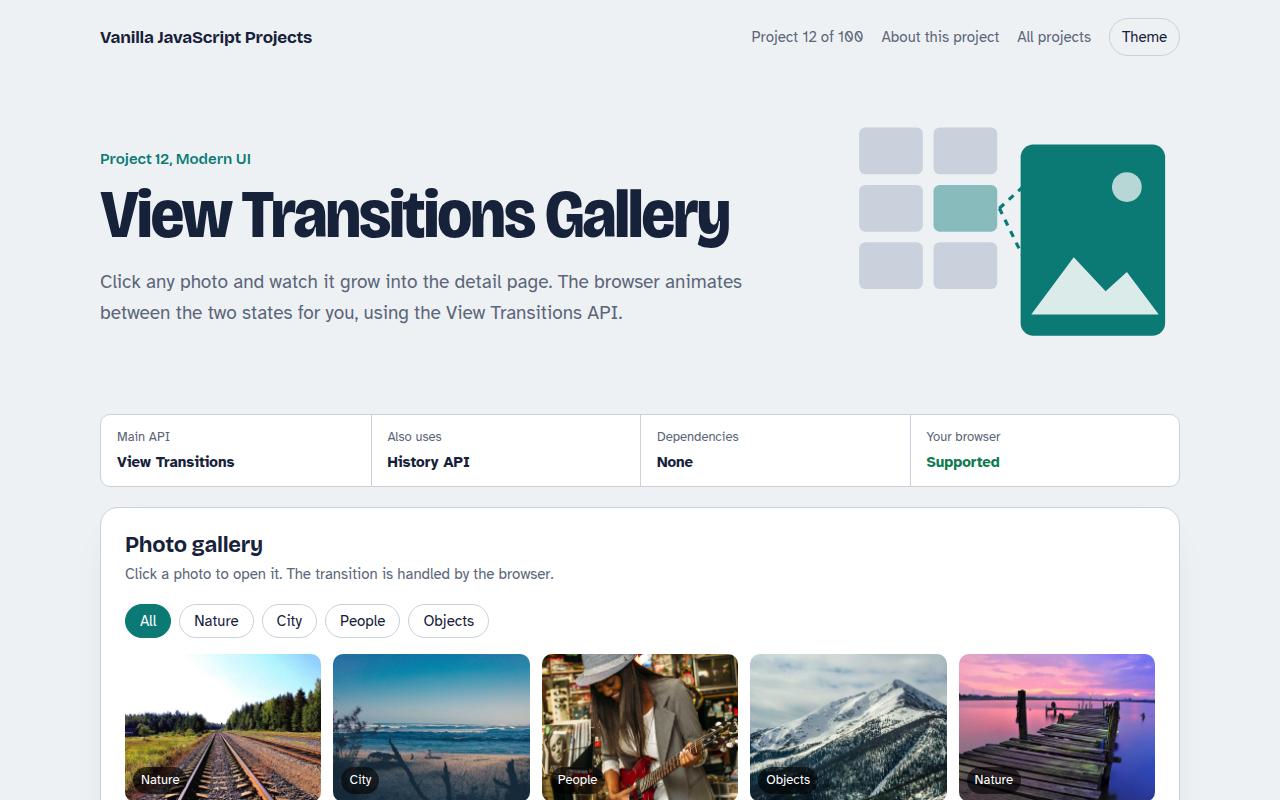
012. View Transitions Gallery
A photo gallery where images grow smoothly into the detail page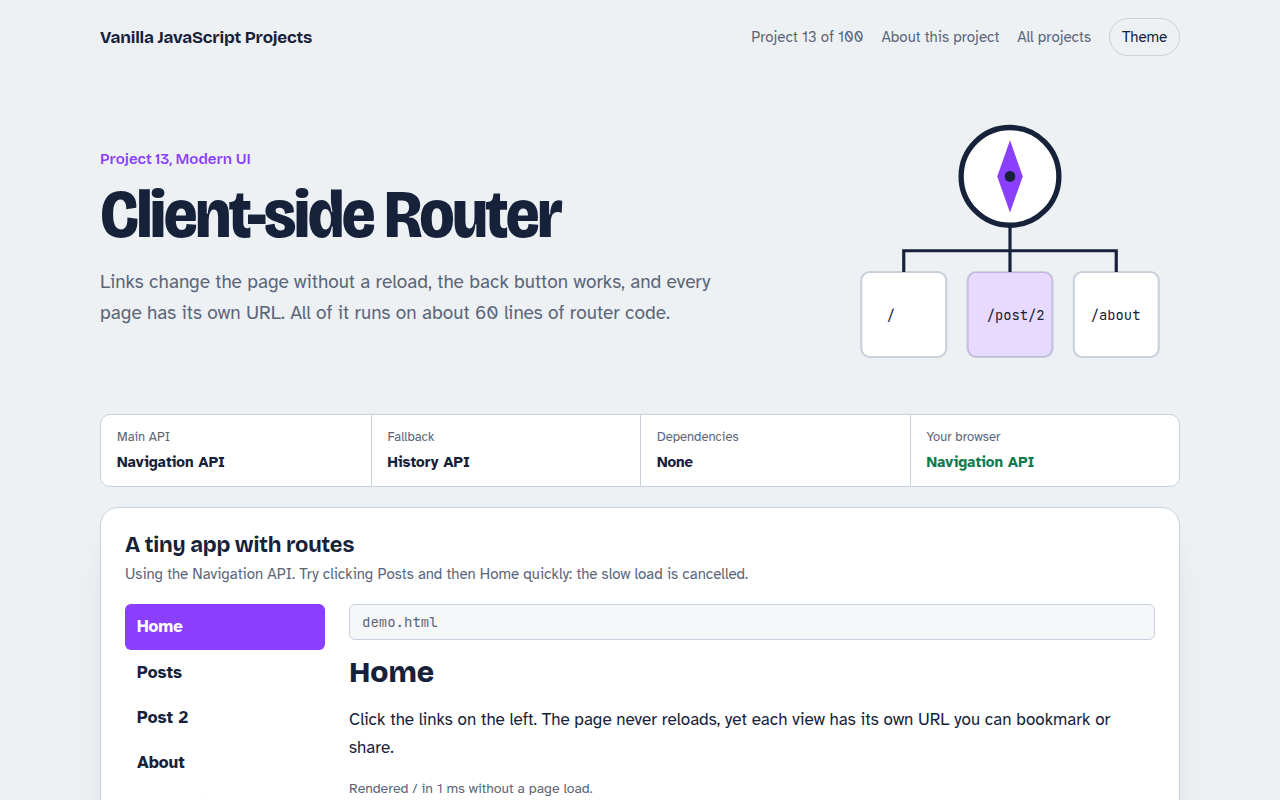
013. Client-side Router
A tiny single page app router with real URLs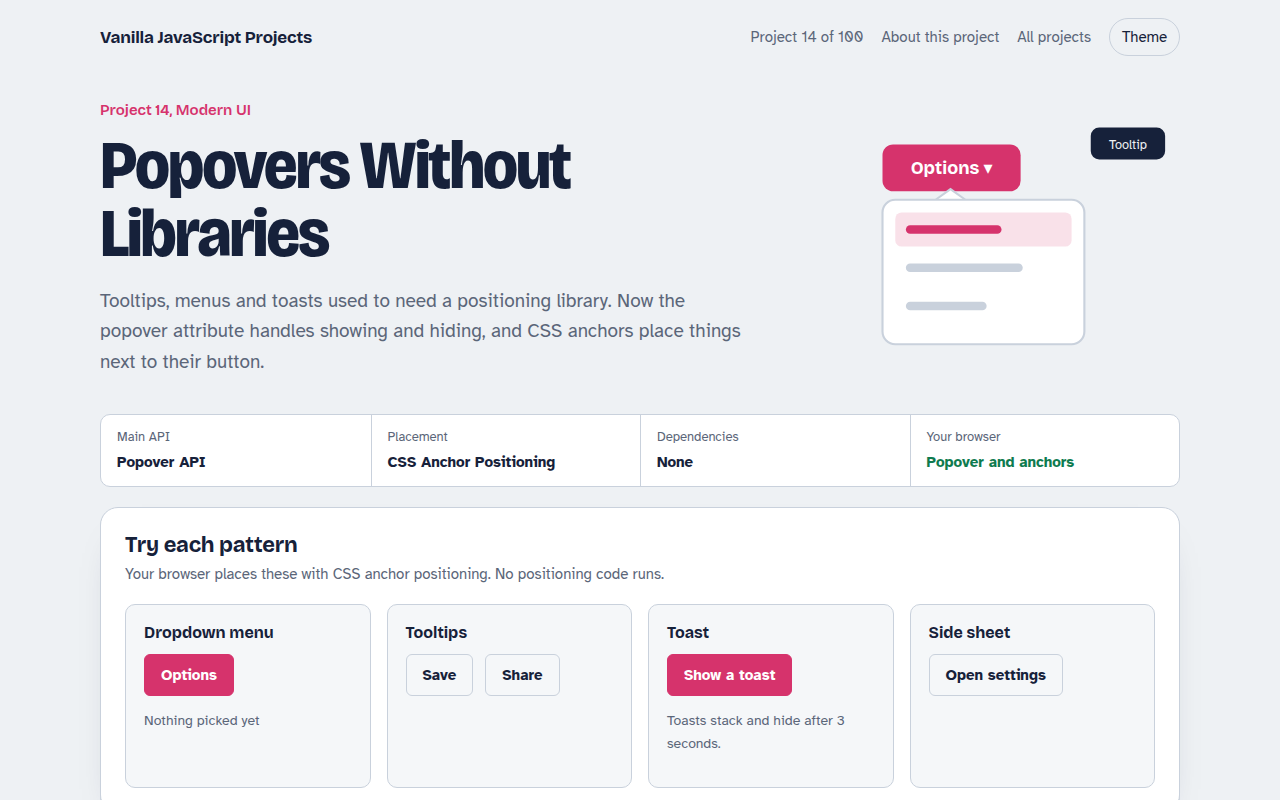
014. Popovers Without Libraries
Tooltips, menus, toasts and a side sheet with no library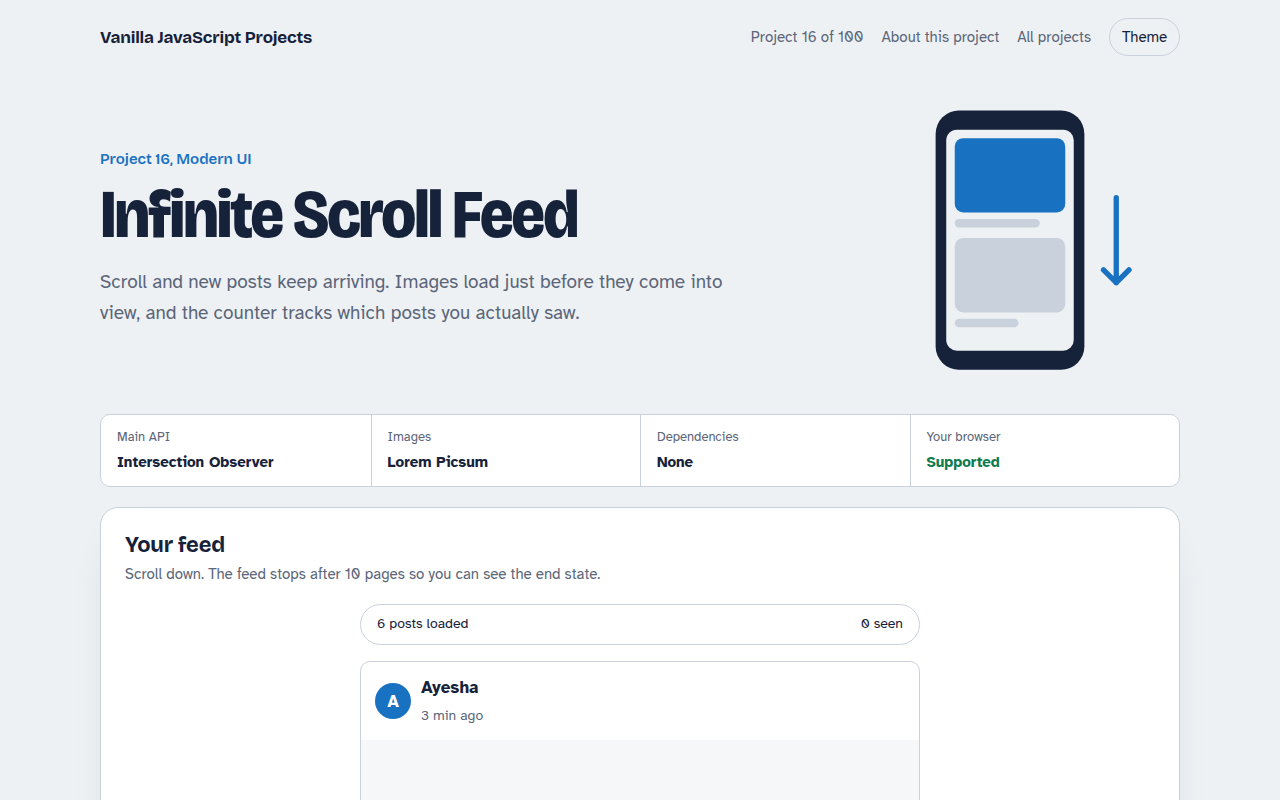
016. Infinite Scroll Feed
A photo feed that loads more posts as you scroll