Home / Modern UI / Popovers Without Libraries
Popovers Without Libraries in JavaScript, Free with Live Demo
Free popover examples in plain HTML, CSS and JavaScript. Dropdown menu, tooltips, toasts and a side sheet using the Popover API and CSS anchor positioning.
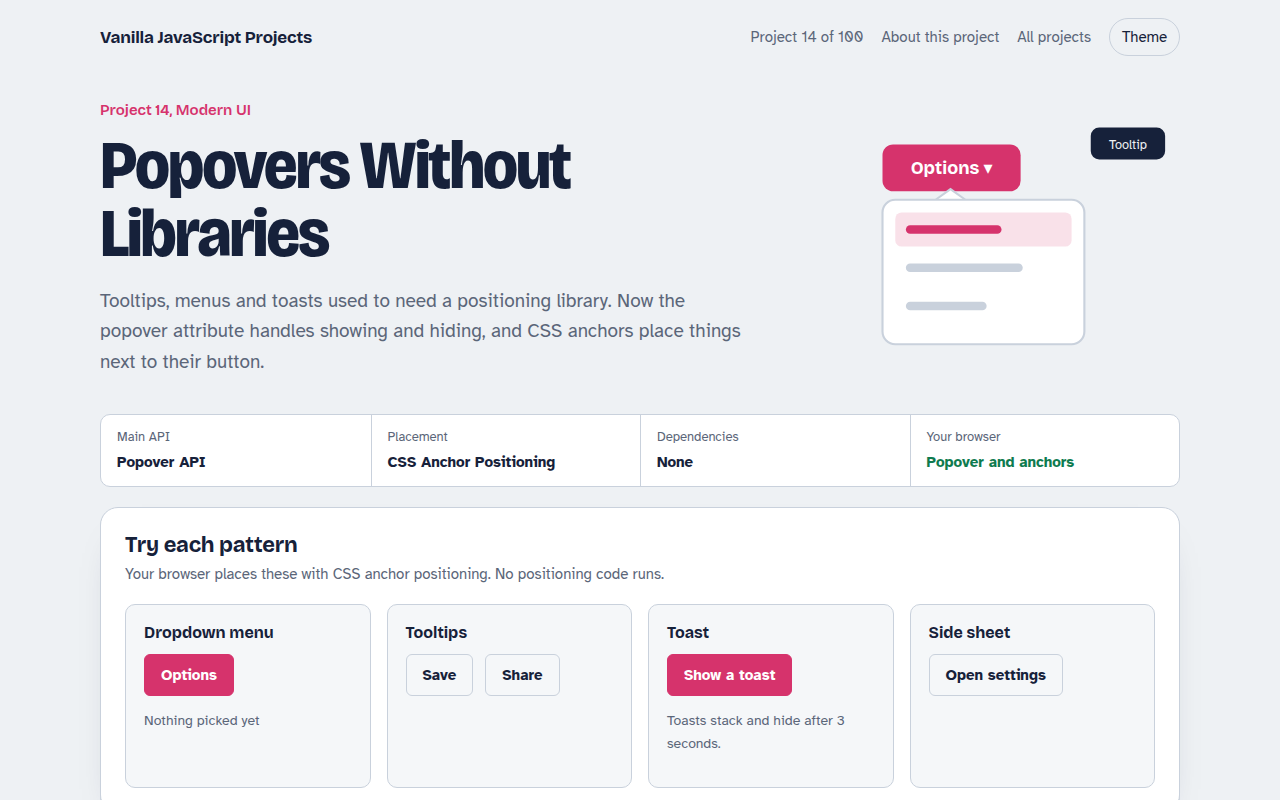
Runs on: Popover API. Popover: every modern browser. CSS anchor positioning: Chrome and Edge 125+, Safari 26+. Others get a small JavaScript fallback.
What is the Popovers Without Libraries?
Dropdowns, tooltips and toasts are on almost every site, and they used to need a positioning library. The new popover attribute handles showing, hiding, the Esc key and clicks outside. CSS anchor positioning places the popup right next to its button.
This project shows four common patterns built that way, with only a little JavaScript for the parts that need it. Browsers without anchor positioning get a tiny script that places things by hand.
Good for
- Dropdown and context menus
- Help tooltips on forms
- Notifications and toasts
- Settings panels and side sheets
What this project does
- Dropdown menu that flips when it hits the screen edge
- Hover and focus tooltips
- Toast notifications that stack and dismiss themselves
- Side sheet with light dismiss (click outside or Esc)
- JavaScript fallback placement when CSS anchors are missing
How it works
- Mark it as a popoverAdd popover to any element. It starts hidden and appears in the top layer, above everything, when opened.
- Connect a buttonpopovertarget on a button opens and closes it, with Esc and outside clicks handled by the browser.
- Anchor itanchor-name on the button and position-anchor on the popover place it right next to the button, flipping if needed.
The key JavaScript
This is the heart of the project. The full file has the rest, including the screen layout and error handling.
<!-- Opens and closes with no JavaScript -->
<button id="menuBtn" popovertarget="menu">Options</button>
<div id="menu" popover>…</div>

<style>
  #menuBtn { anchor-name: --menu; }
  #menu {
    position-anchor: --menu;
    position-area: bottom span-right;          /* below, aligned left */
    position-try-fallbacks: flip-block;        /* flip up near the bottom edge */
  }
</style>
How to use it
- Click Download HTML file above.
- Open the file in a code editor, like VS Code.
- Run it from a local server with
npx serve .so the camera, microphone and AI features are allowed. - Change the text and colors, then upload it to GitHub Pages, Netlify or your own site. It is one file with no build step.
Questions people ask
What is the Popover API?
It is an HTML attribute, popover, that turns any element into a popup shown in the top layer. A button with popovertarget opens and closes it, with no JavaScript needed.
What is CSS anchor positioning?
It lets you tie one element's position to another, like a menu to its button, in pure CSS. It can also flip the menu when it would go off screen.
Which browsers support it?
Popover works in every modern browser. Anchor positioning is in Chrome, Edge and Safari 26. The project falls back to JavaScript placement elsewhere.
More Modern UI projects
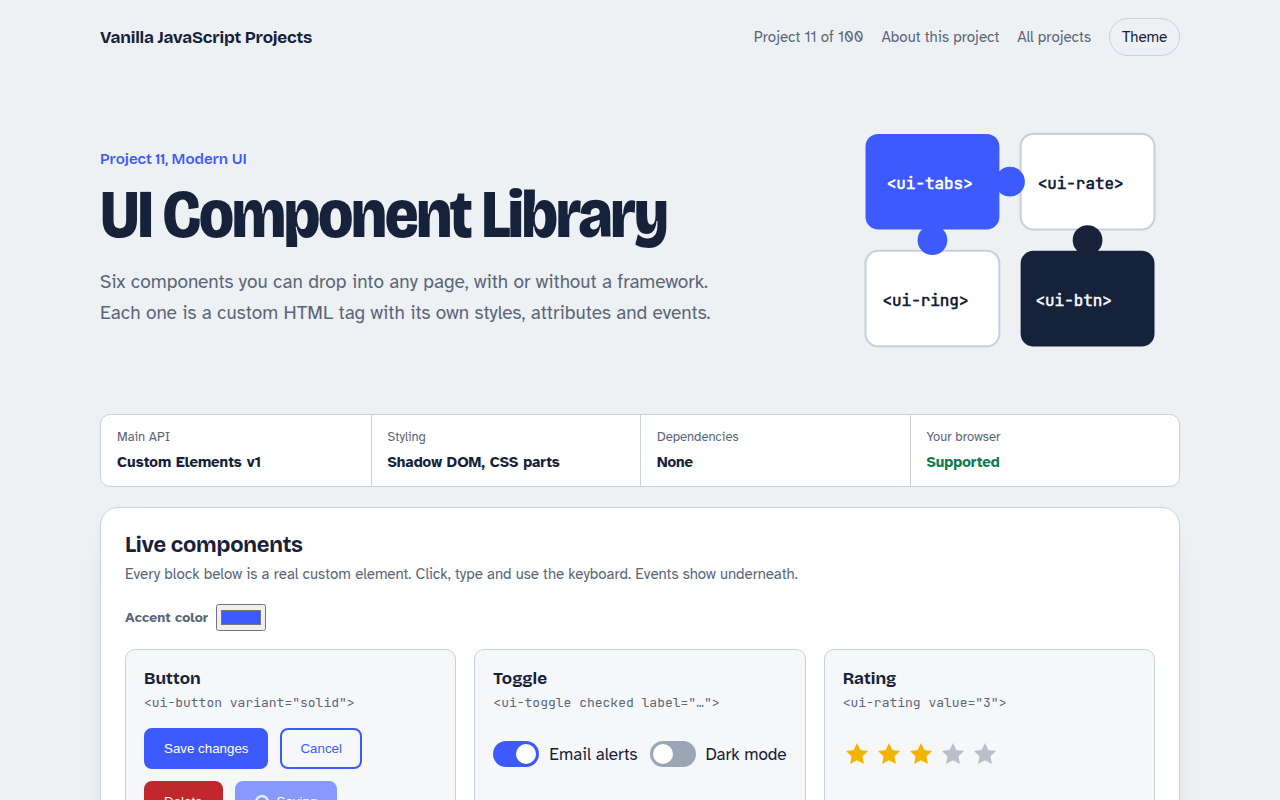
011. UI Component Library
Six reusable Web Components you can drop into any page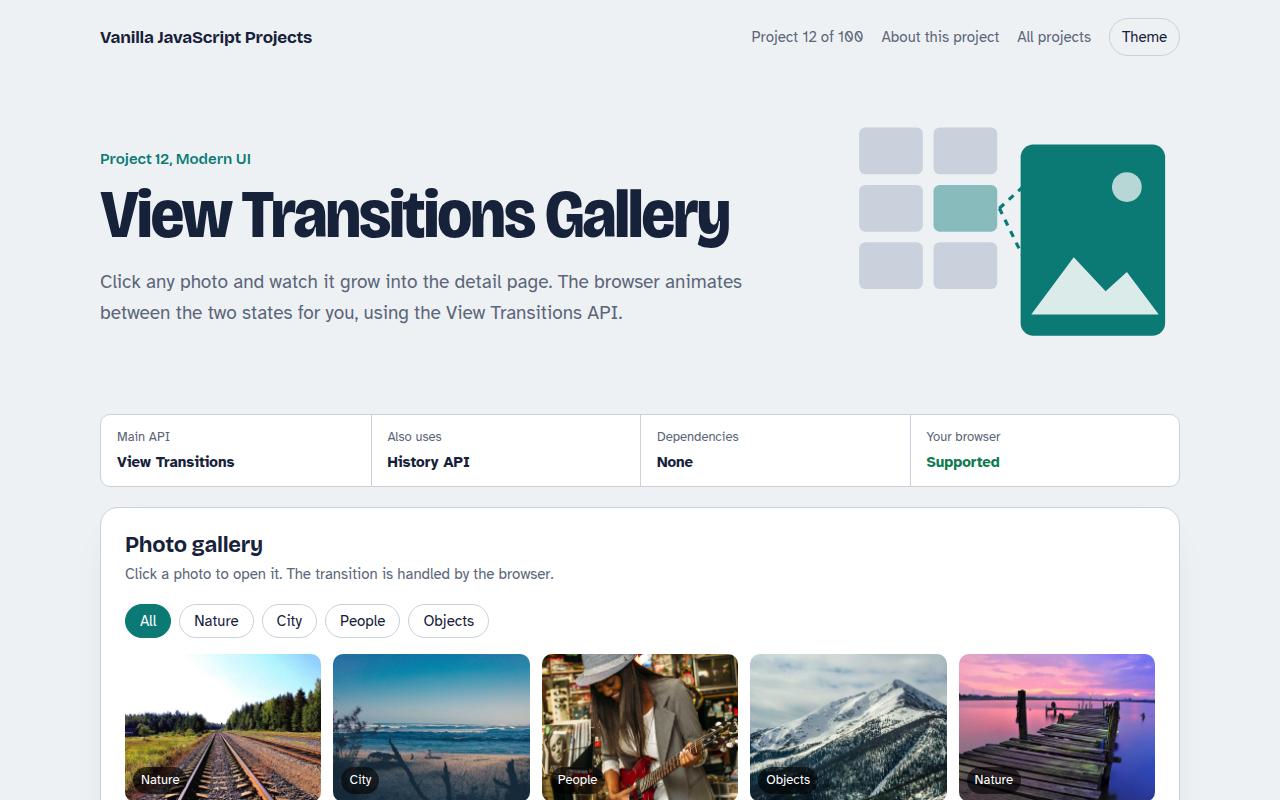
012. View Transitions Gallery
A photo gallery where images grow smoothly into the detail page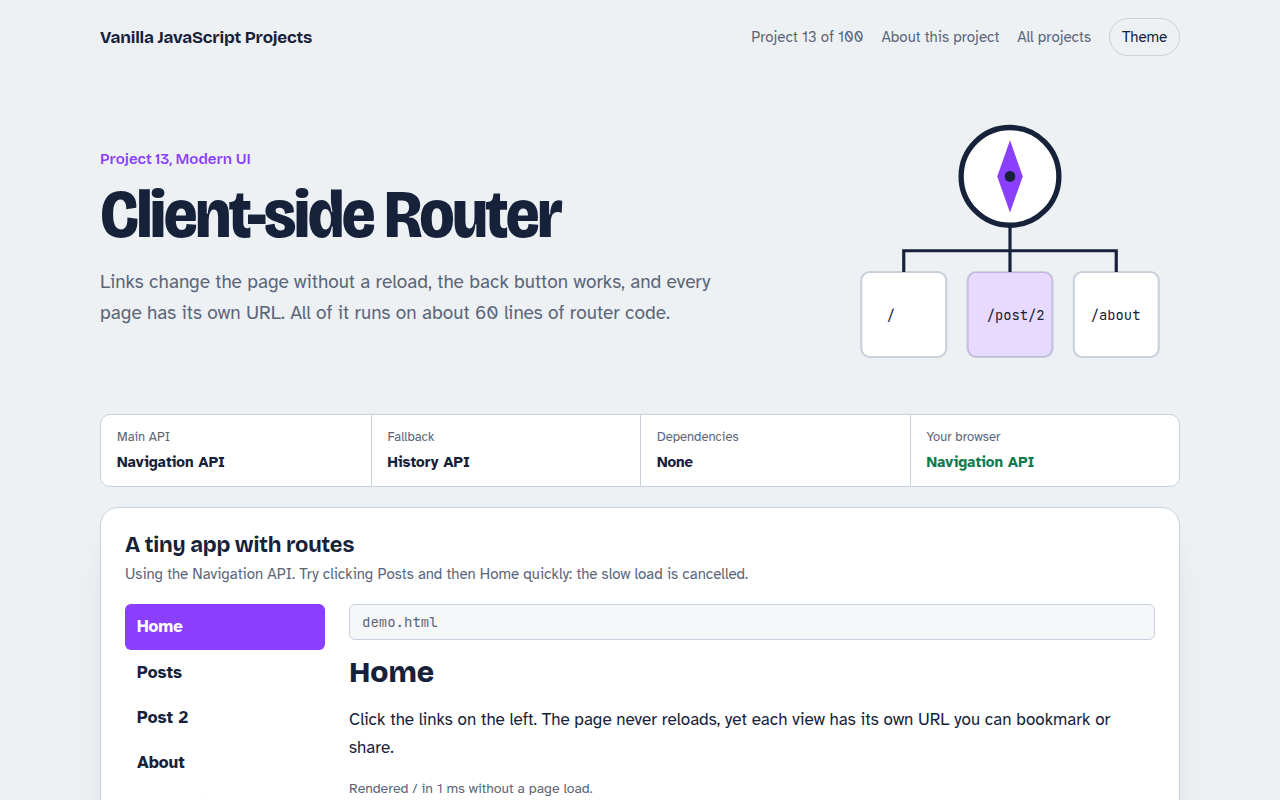
013. Client-side Router
A tiny single page app router with real URLs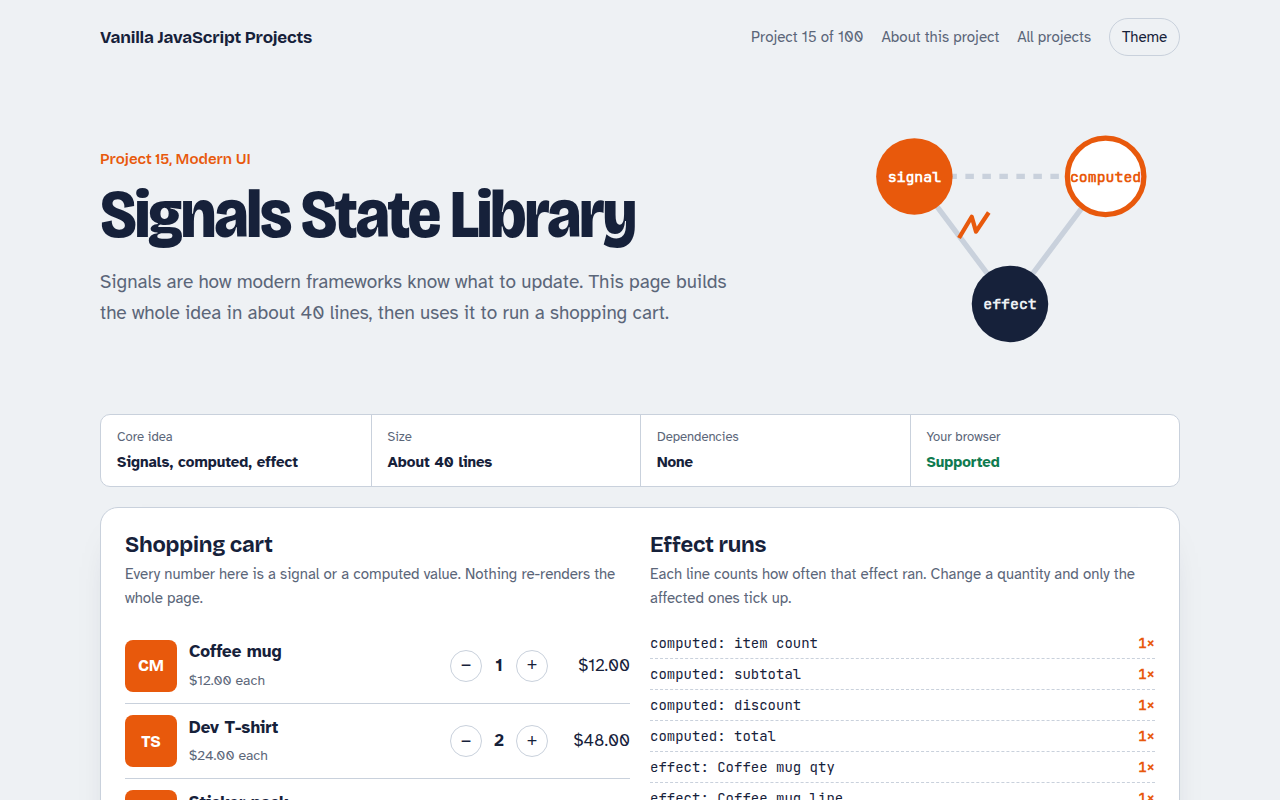
015. Signals State Library
A 40 line reactive state library running a shopping cart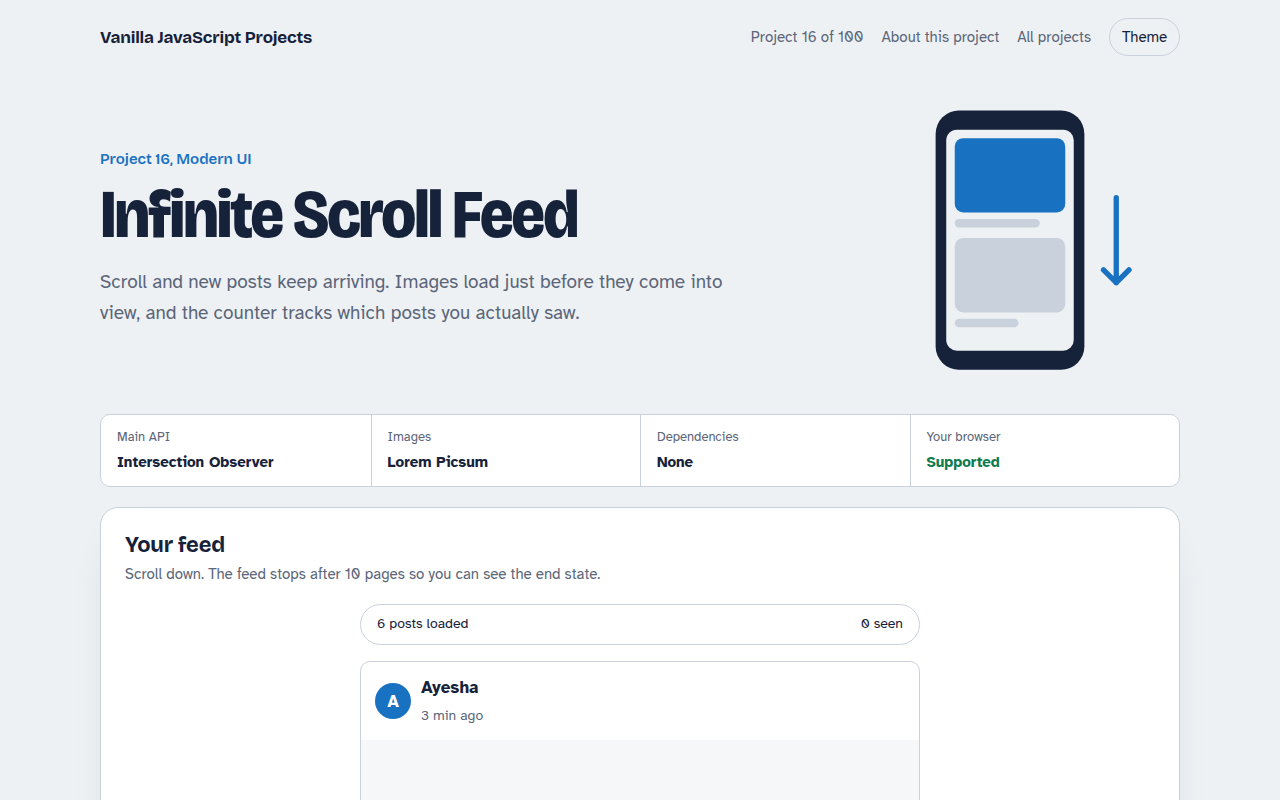
016. Infinite Scroll Feed
A photo feed that loads more posts as you scroll