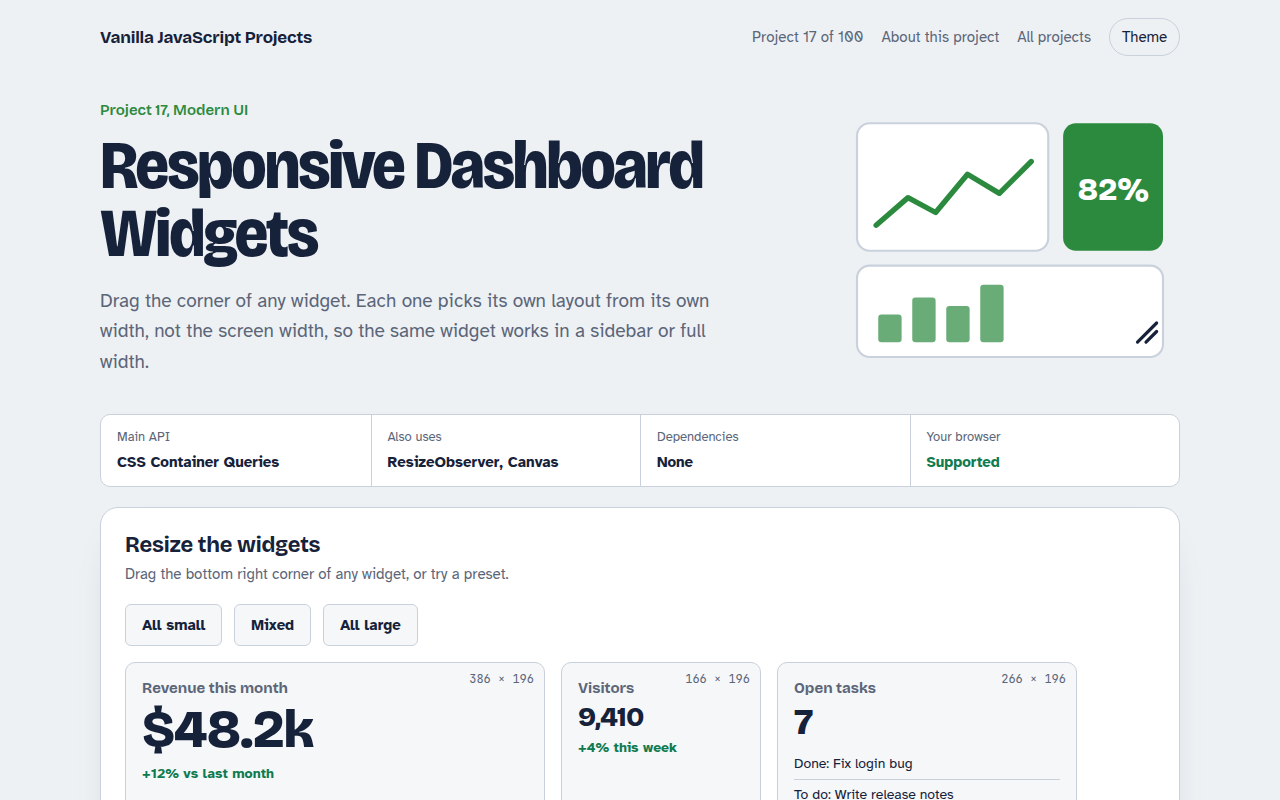
Home / Modern UI / Client-side Router
Client-side Router in JavaScript, Free with Live Demo
Free client-side router in plain JavaScript using the Navigation API, with route parameters, a 404 page, loading states and a History API fallback.
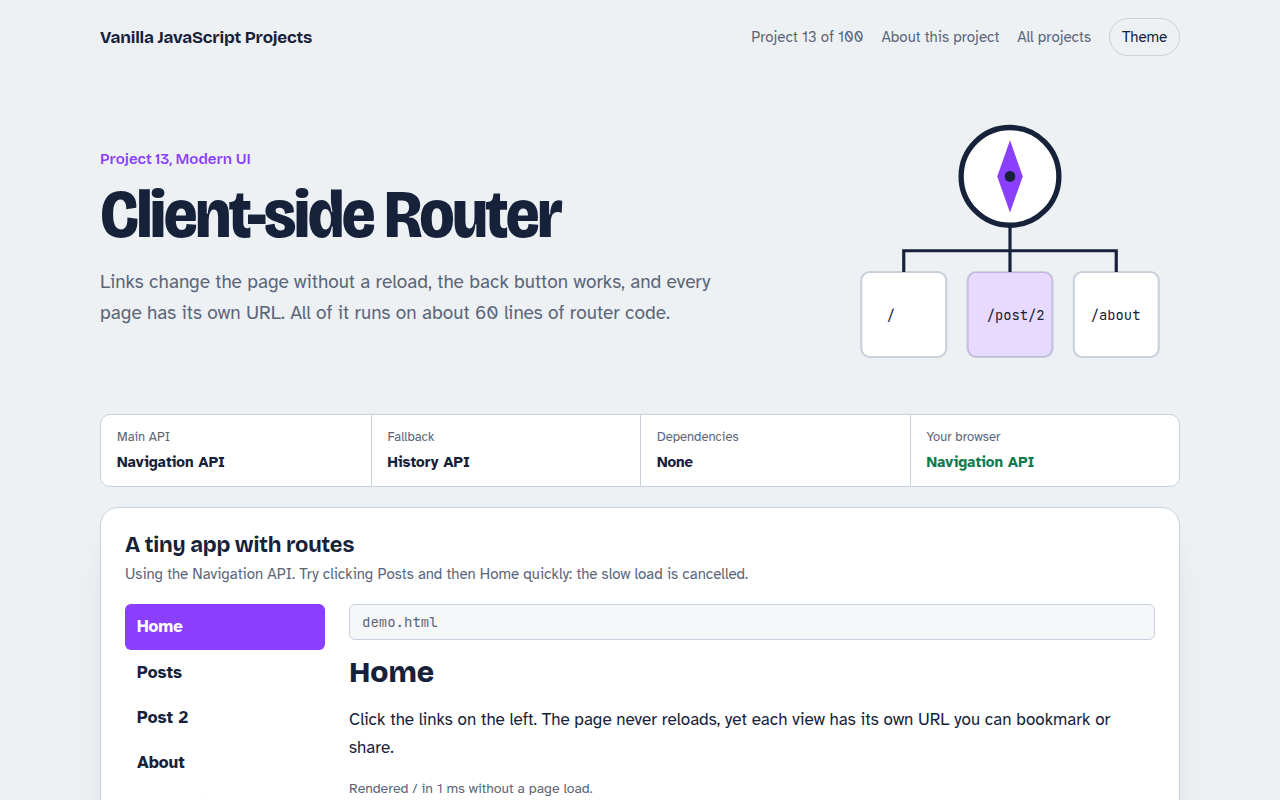
Runs on: Navigation API. Navigation API: Chrome and Edge 102+, plus the newest Safari and Firefox releases. Older browsers use the History API fallback.
What is the Client-side Router?
A router lets a single page app change screens without reloading, while every screen still has its own URL. Links, the back button and bookmarks all work. This project builds a small router in about 60 lines.
It uses the Navigation API, a newer browser feature made for exactly this job. One navigate event catches every link click and back button press, and the router decides what to show. Older browsers fall back to the History API.
Good for
- Small apps that do not need a framework
- Docs sites and dashboards
- Learning how React Router and others work
- Static sites on GitHub Pages
What this project does
- Routes with parameters like /post/:id
- Loading state for slow pages, with cancel on fast clicks
- 404 page for unknown routes
- Active link styling and document title per page
- Works on static hosting because routes live in the query string
How it works
- Catch navigationsThe navigate event fires for link clicks, form submits and back or forward. The router checks if it can handle the URL.
- Interceptevent.intercept() stops the full page load and runs the route handler instead. The URL still updates.
- RenderThe matching route renders into the page. If the user clicks again quickly, the signal aborts the old load.
The key JavaScript
This is the heart of the project. The full file has the rest, including the screen layout and error handling.
navigation.addEventListener("navigate", (event) => {
  const url = new URL(event.destination.url);
  if (!event.canIntercept || url.origin !== location.origin) return;

  event.intercept({
    async handler() {
      const page = await loadRoute(url, { signal: event.signal });
      outlet.replaceChildren(page); // URL already updated
    },
  });
});
How to use it
- Click Download HTML file above.
- Open the file in a code editor, like VS Code.
- Run it from a local server with
npx serve .so the camera, microphone and AI features are allowed. - Change the text and colors, then upload it to GitHub Pages, Netlify or your own site. It is one file with no build step.
Questions people ask
What is the Navigation API?
It is a modern replacement for the History API. It gives you one navigate event for every kind of navigation, and event.intercept() to handle it in JavaScript.
Why are routes in the query string?
Static hosts like GitHub Pages return 404 for unknown paths. Keeping routes in ?r= means a refresh always loads the same file, so it works anywhere.
Can it load data for a route?
Yes. Route handlers can be async. The demo waits for a fake API, and a fast second click cancels the first load with the event's AbortSignal.
More Modern UI projects
011. UI Component Library
Six reusable Web Components you can drop into any page
012. View Transitions Gallery
A photo gallery where images grow smoothly into the detail page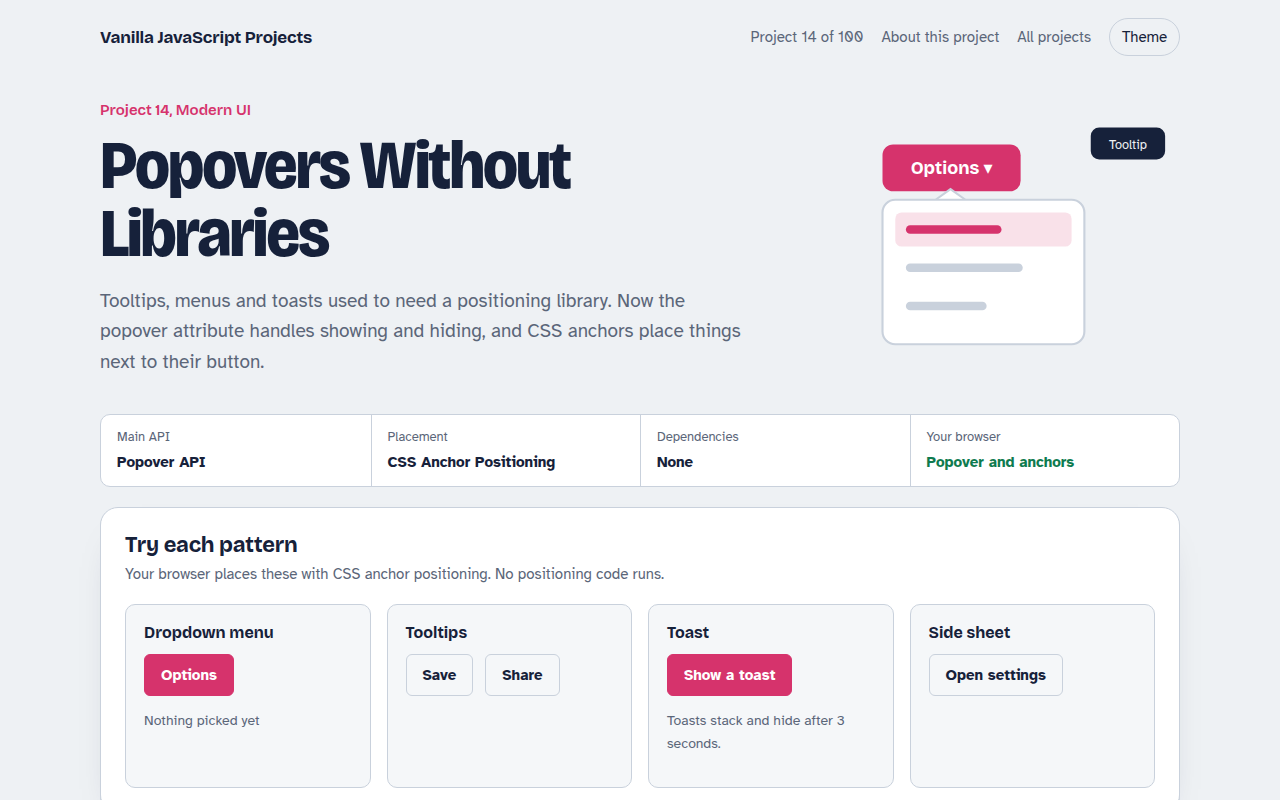
014. Popovers Without Libraries
Tooltips, menus, toasts and a side sheet with no library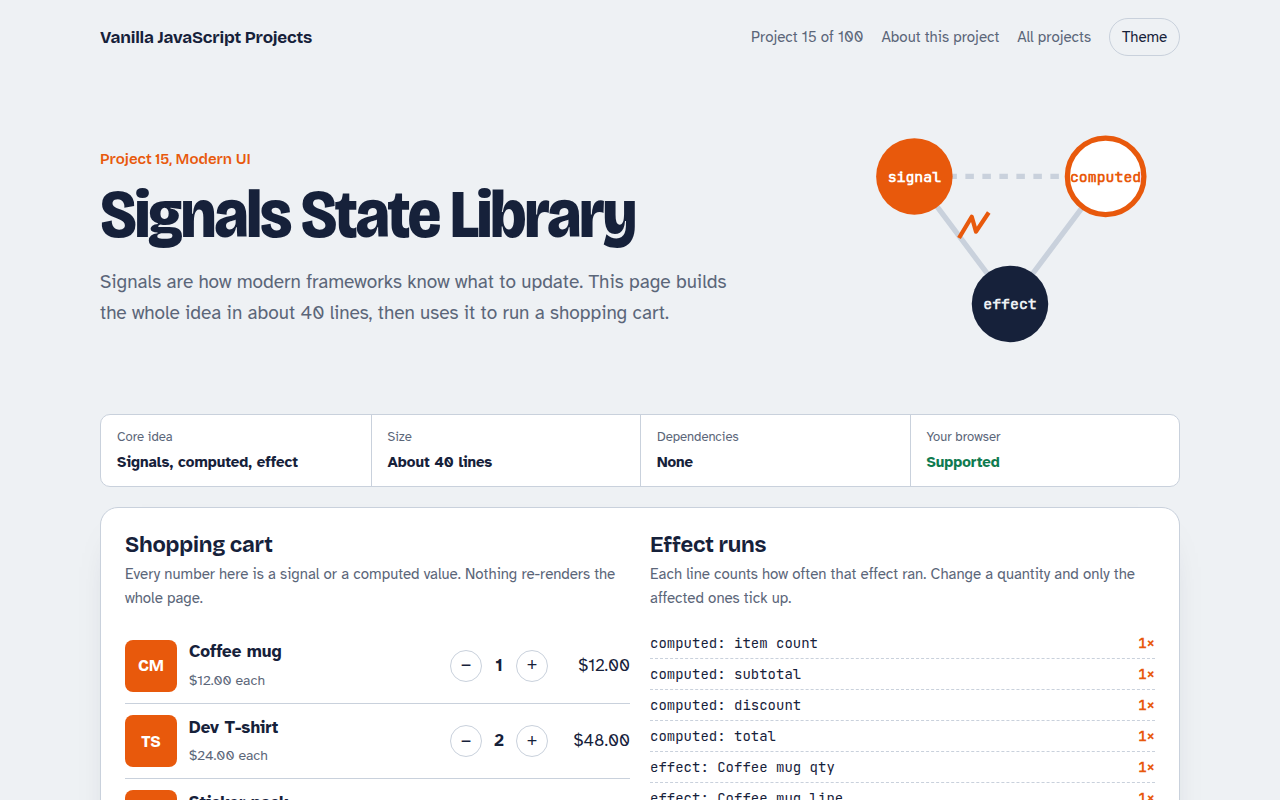
015. Signals State Library
A 40 line reactive state library running a shopping cart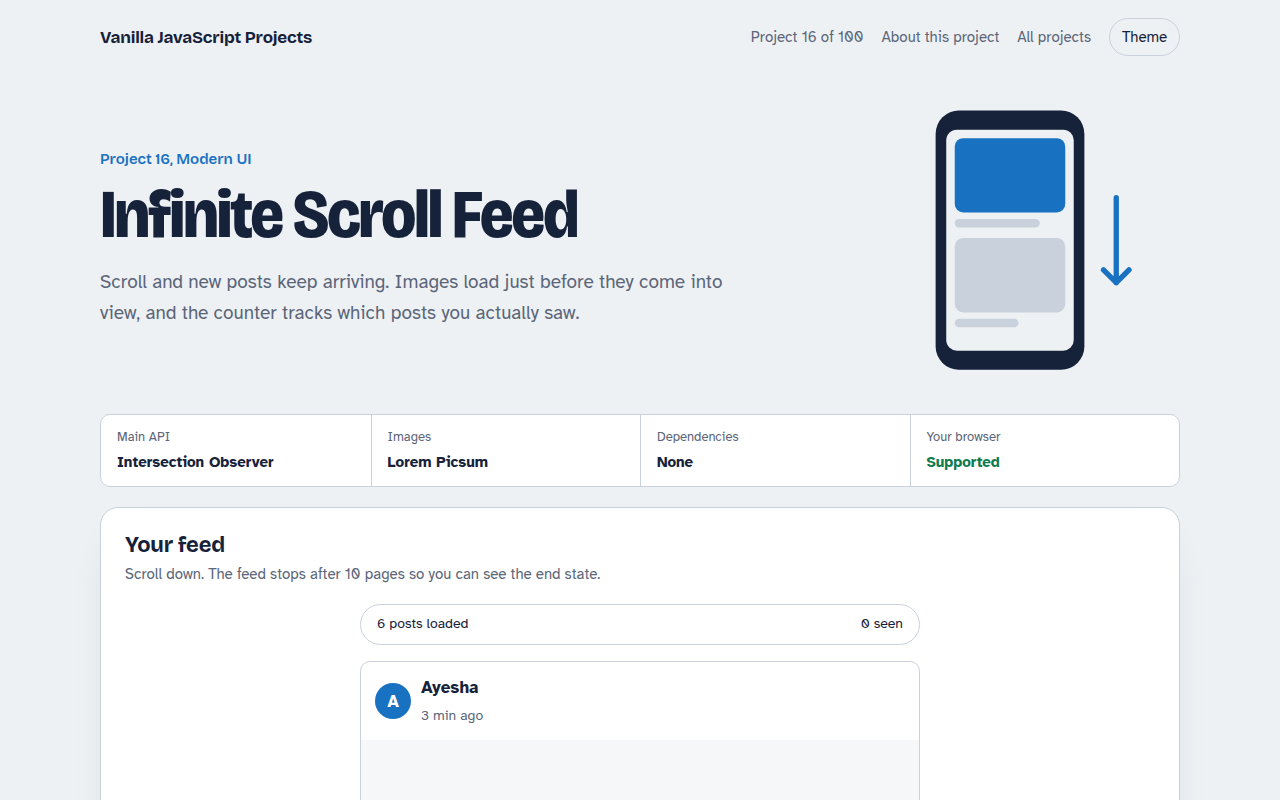
016. Infinite Scroll Feed
A photo feed that loads more posts as you scroll