Home / Media and Real Time / Video Call App
Video Call App in JavaScript, Free with Live Demo
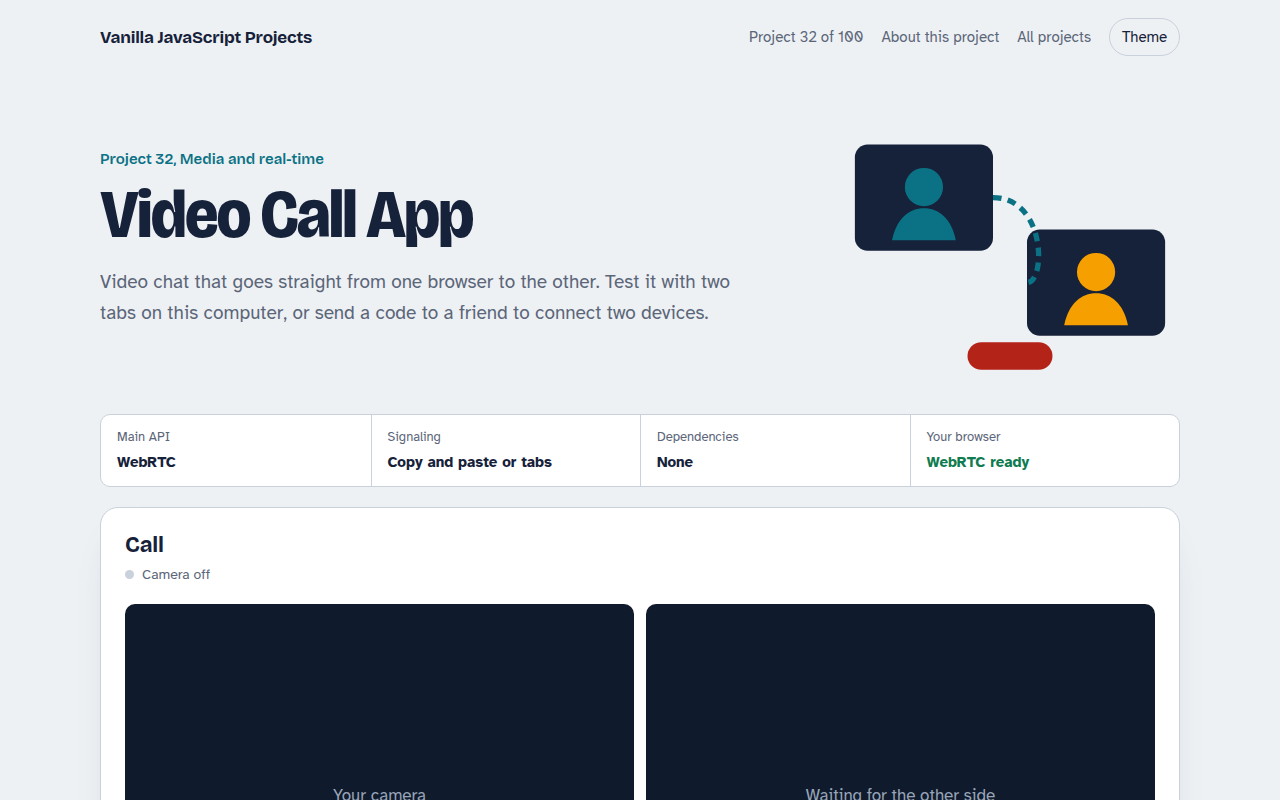
Free WebRTC video call in plain JavaScript. Camera, mute, screen share and live stats. Connect two tabs automatically or two devices by copying a code.
Runs on: WebRTC. Every modern browser. Needs HTTPS or localhost. Some strict company or mobile networks need a TURN server, which this demo does not include.
What is the Video Call App?
This is a real video call where audio and video go straight from one browser to the other. Test it with two tabs on the same computer, or send a short code to a friend to connect two devices.
WebRTC handles the camera, the connection and the media. The two sides only need to swap a description of the call once, and here that happens through a tab channel or through codes you copy and paste.
Good for
- Learning how WebRTC works
- Support and tutoring apps
- Screen sharing tools
- Private one to one calls
What this project does
- Two-tab mode connects automatically over BroadcastChannel
- Two-device mode: copy the offer code, paste back the answer code
- Mute, camera off and screen share (switches the track without reconnecting)
- Live stats: bitrate, resolution, frame rate and round trip time
- Uses a public STUN server to find a direct route between networks
How it works
- Get mediagetUserMedia turns on the camera and microphone and shows your own video.
- Swap descriptionsOne side makes an offer, the other an answer. They reach each other through a tab channel or through codes you copy.
- Connect directlyICE finds a network path, then audio and video flow peer to peer with no server in the middle.
The key JavaScript
This is the heart of the project. The full file has the rest, including the screen layout and error handling.
const pc = new RTCPeerConnection({ iceServers: [{ urls: "stun:stun.l.google.com:19302" }] });
stream.getTracks().forEach((t) => pc.addTrack(t, stream));
pc.ontrack = (e) => (remoteVideo.srcObject = e.streams[0]);

// Caller
await pc.setLocalDescription(await pc.createOffer());
send(pc.localDescription);                 // any channel: tabs, codes, WebSocket...

// Callee
await pc.setRemoteDescription(offer);
await pc.setLocalDescription(await pc.createAnswer());
send(pc.localDescription);
How to use it
- Click Download HTML file above.
- Open the file in a code editor, like VS Code.
- Run it from a local server with
npx serve .so the camera, microphone and AI features are allowed. - Change the text and colors, then upload it to GitHub Pages, Netlify or your own site. It is one file with no build step.
Questions people ask
Do I need a server for WebRTC?
Only to swap the first connection details, called signaling. This demo avoids a server by using copy and paste or a tab channel.
Why does the call fail on some networks?
Strict company or mobile networks block direct connections. Real apps add a TURN server to relay the media in those cases.
How does screen sharing work here?
getDisplayMedia gets the screen, and replaceTrack swaps it into the call without reconnecting.
More Media and Real Time projects
033. Screen Recorder
Record your screen with your voice and your face in the corner
034. Browser Video Editor
Trim a clip, add a filter and a title, and export an MP4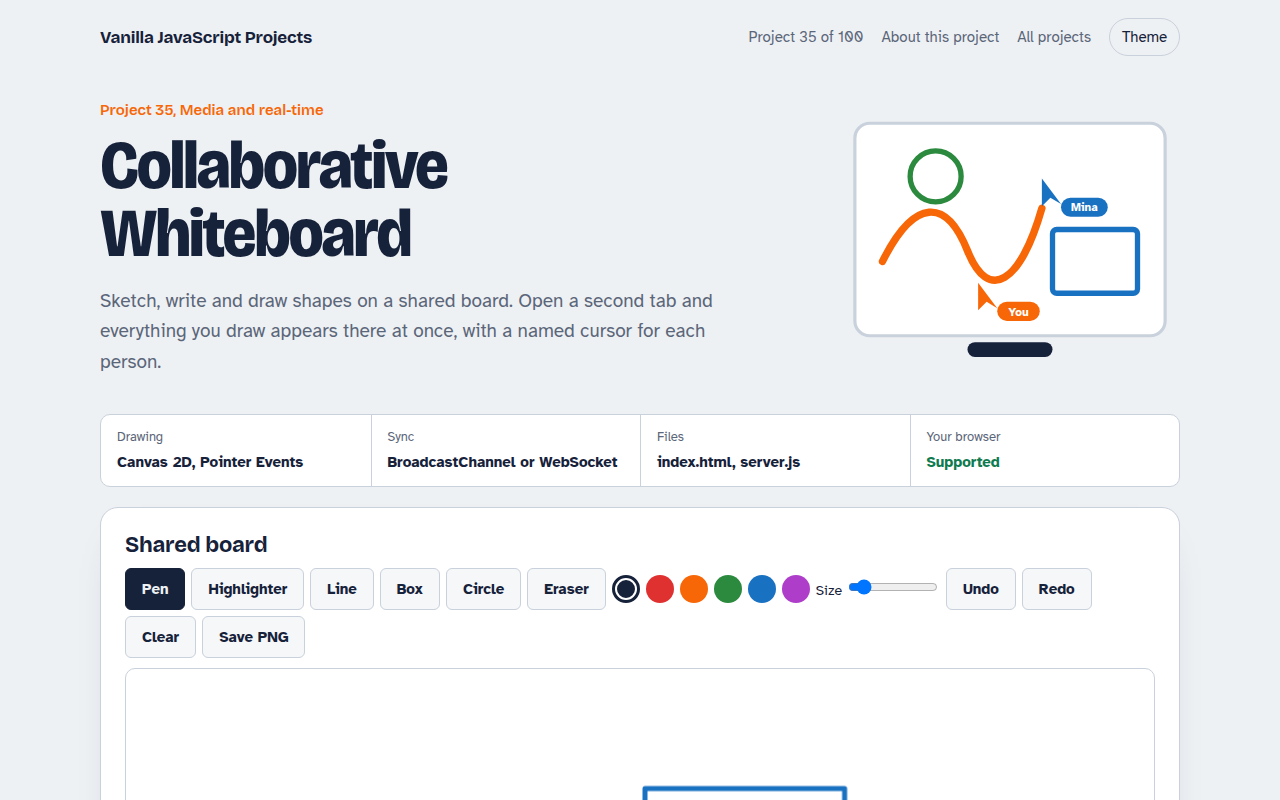
035. Collaborative Whiteboard
A shared drawing board with live cursors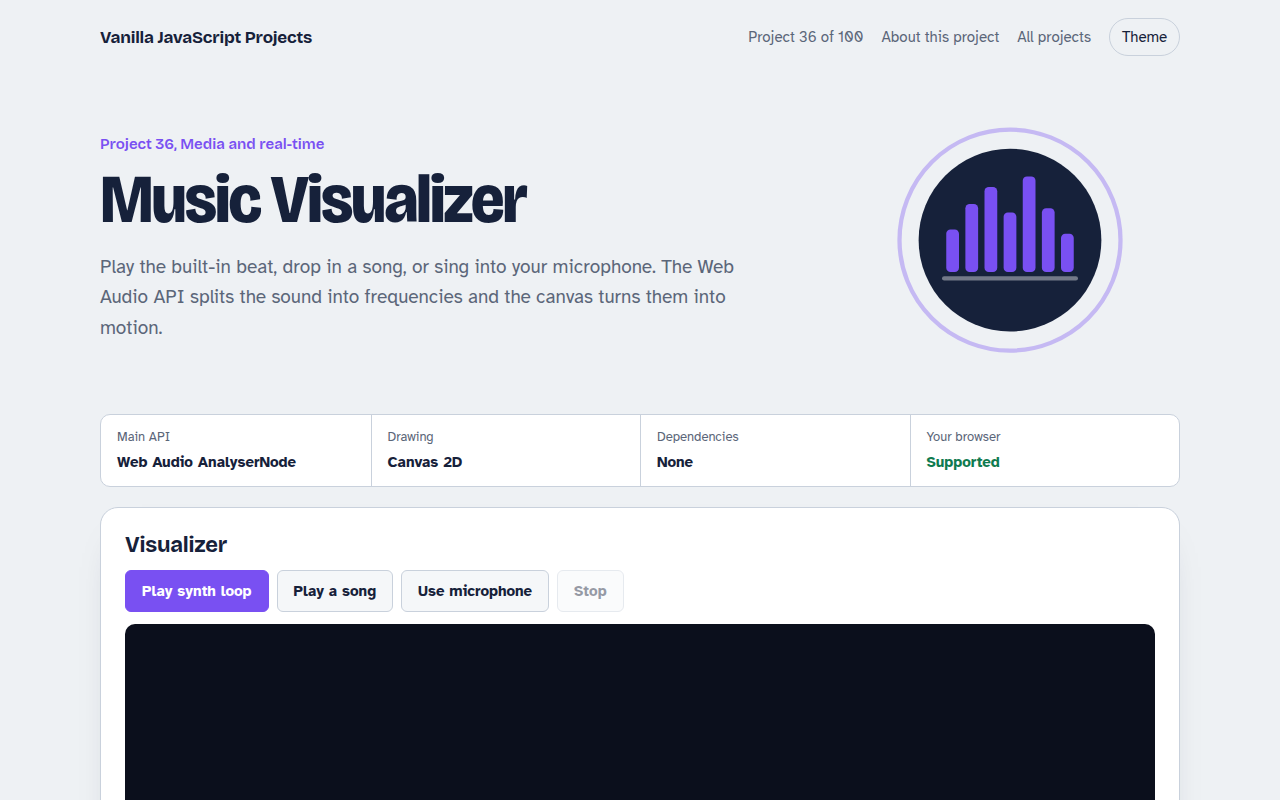
036. Music Visualizer
Turn music into moving bars, waves and a glowing ring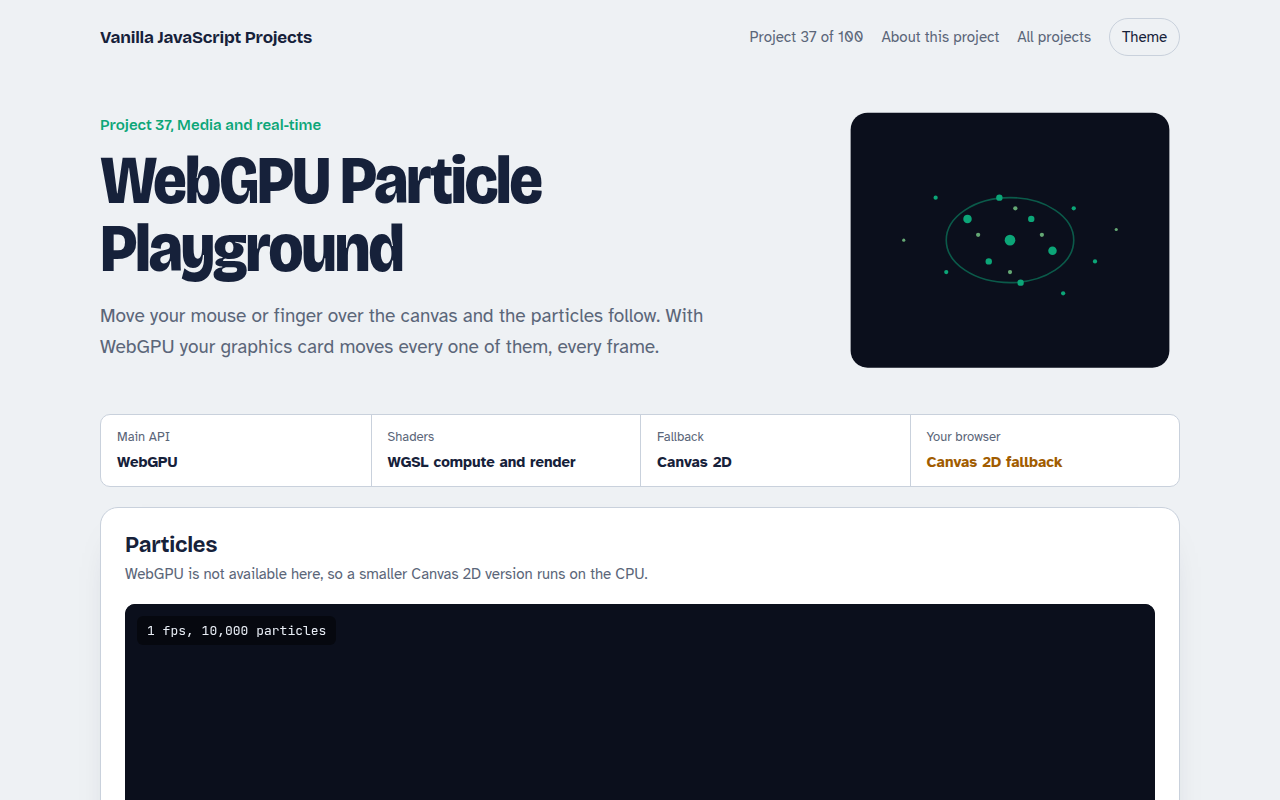
037. WebGPU Particle Playground
Up to a million glowing particles that follow your mouse