Home / Media and Real Time / Image Compressor
Image Compressor in JavaScript, Free with Live Demo
Free bulk image compressor in plain JavaScript. Resize and convert photos to WebP, AVIF or JPEG in a Web Worker with OffscreenCanvas, and compare before and after.
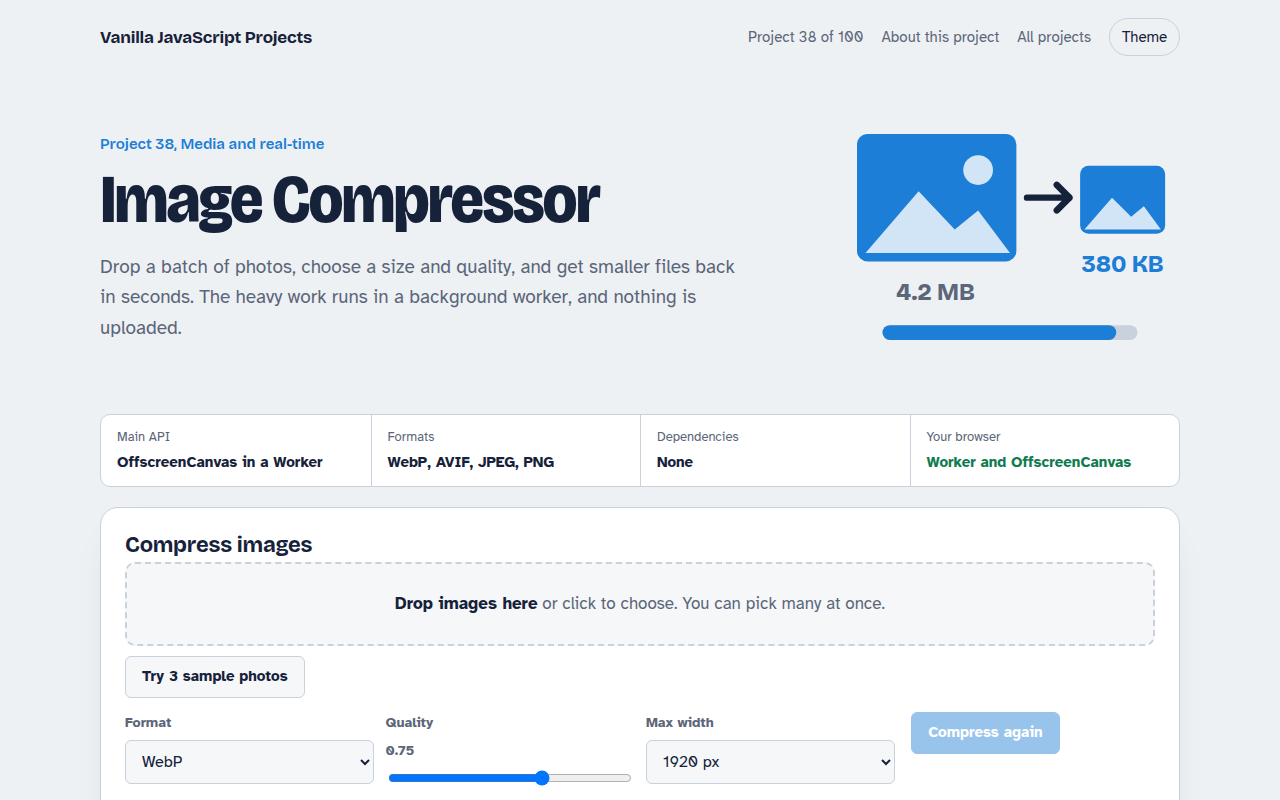
Runs on: OffscreenCanvas in a Worker. Every modern browser. AVIF output: Chrome and Edge. Safari encodes JPEG and PNG; its WebP output may fall back to PNG.
What is the Image Compressor?
Drop a batch of photos, pick a size and quality, and get smaller files back in seconds, with a before and after slider on each one. Nothing is uploaded.
The heavy work runs in a Web Worker so the page never freezes. Each photo becomes an ImageBitmap, is drawn at the new size on an OffscreenCanvas, and is encoded to the format you picked.
Good for
- Shrinking photos before upload
- Faster pages and better Core Web Vitals
- Making WebP versions of images
- Learning Web Workers
What this project does
- Batch: drop many images at once
- Max width, quality and output format controls
- Before and after slider on each image
- Shows size saved per file and in total
- Download one file or all of them
How it works
- DecodeEach file becomes an ImageBitmap with createImageBitmap, which decodes off the main thread.
- Resize in a workerThe bitmap is sent to the worker, drawn at the new size on an OffscreenCanvas with high quality smoothing.
- EncodeconvertToBlob encodes to the chosen format and quality. The page gets back the new file and its size.
The key JavaScript
This is the heart of the project. The full file has the rest, including the screen layout and error handling.
// worker.js (created from a Blob so the page stays a single file)
self.onmessage = async ({ data: { id, bitmap, width, type, quality } }) => {
  const scale = width ? Math.min(1, width / bitmap.width) : 1;
  const canvas = new OffscreenCanvas(Math.round(bitmap.width * scale), Math.round(bitmap.height * scale));
  const ctx = canvas.getContext("2d");
  ctx.imageSmoothingQuality = "high";
  ctx.drawImage(bitmap, 0, 0, canvas.width, canvas.height);
  const blob = await canvas.convertToBlob({ type, quality });
  self.postMessage({ id, blob, w: canvas.width, h: canvas.height });
};
// page
worker.postMessage({ id, bitmap, width: 1920, type: "image/webp", quality: 0.75 }, [bitmap]);
How to use it
- Click Download HTML file above.
- Open the file in a code editor, like VS Code.
- Run it from a local server with
npx serve .so the camera, microphone and AI features are allowed. - Change the text and colors, then upload it to GitHub Pages, Netlify or your own site. It is one file with no build step.
Questions people ask
Is WebP or AVIF better?
AVIF files are usually smaller at the same quality, but encoding is slower and fewer browsers can create them. WebP is a safe default.
Does compressing lose quality?
A little, depending on the quality slider. Around 0.75 is hard to tell apart from the original for most photos.
Why use a Web Worker?
Encoding big images takes time. Doing it in a worker keeps scrolling and clicking smooth.
More Media and Real Time projects
032. Video Call App
A peer to peer video call between two browsers
033. Screen Recorder
Record your screen with your voice and your face in the corner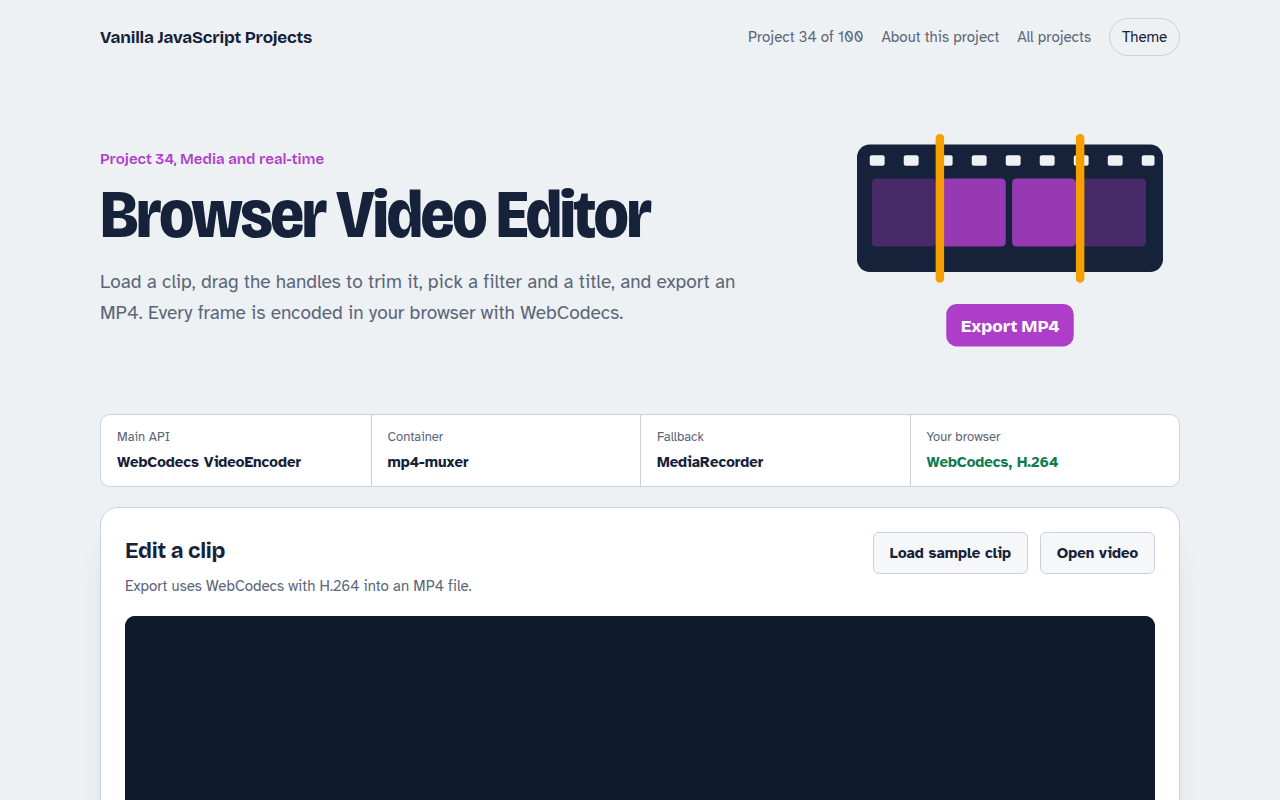
034. Browser Video Editor
Trim a clip, add a filter and a title, and export an MP4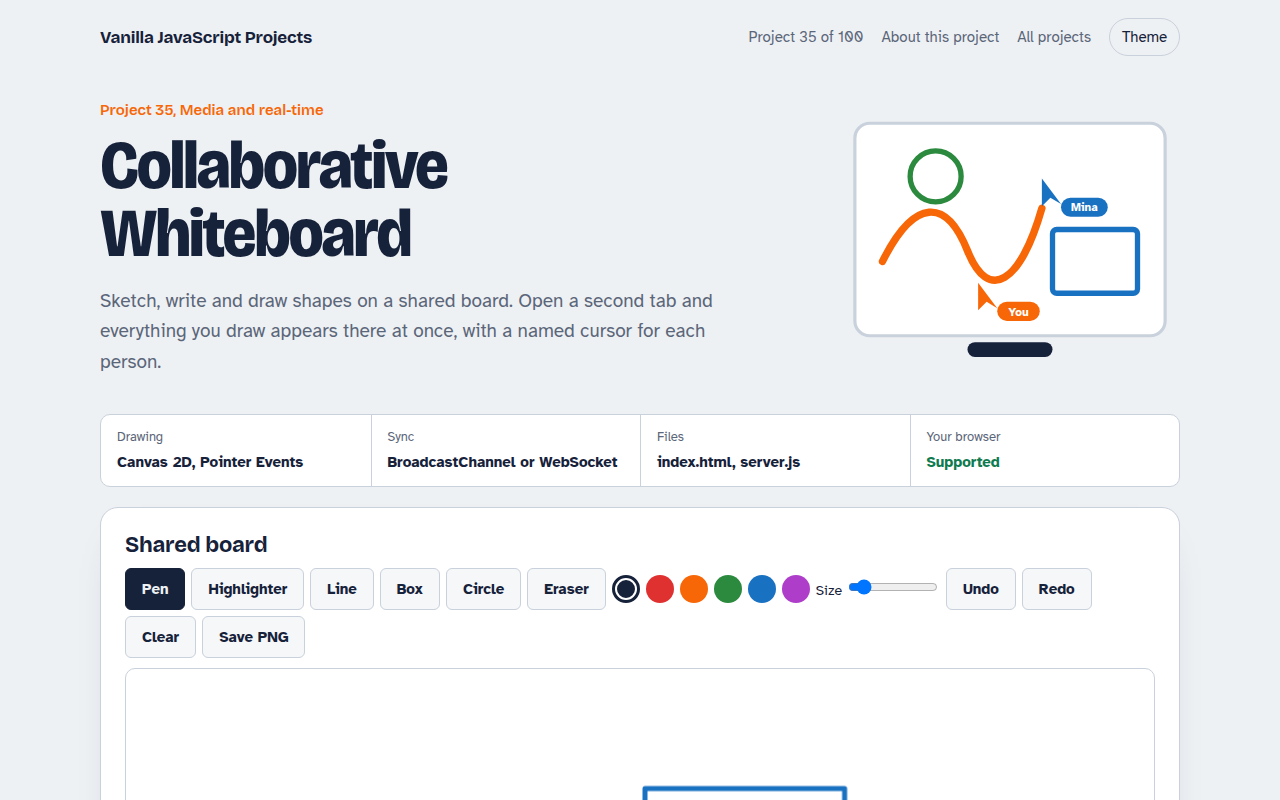
035. Collaborative Whiteboard
A shared drawing board with live cursors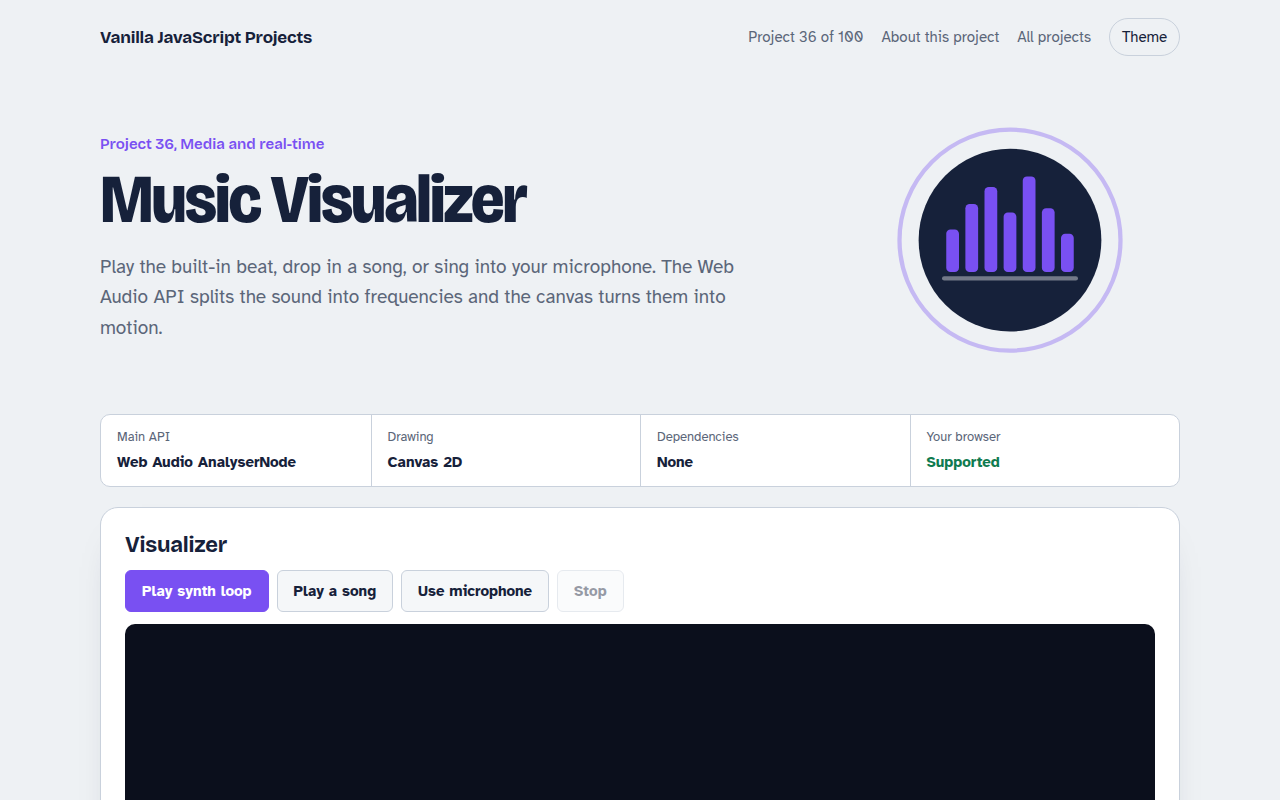
036. Music Visualizer
Turn music into moving bars, waves and a glowing ring