Home / Media and Real Time / Screen Recorder
Screen Recorder in JavaScript, Free with Live Demo
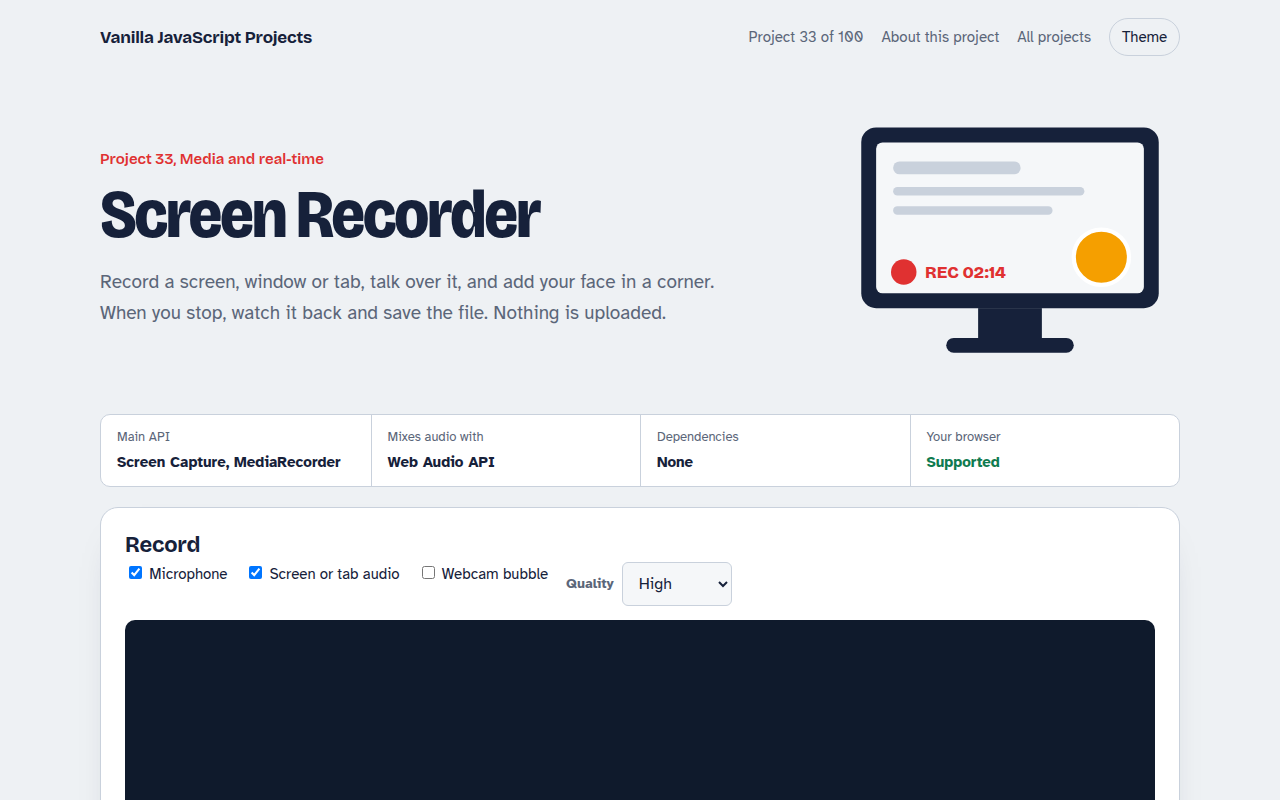
Free screen recorder in plain JavaScript. Record a screen, window or tab with your microphone and a webcam bubble, then preview and download the video.
Runs on: Screen Capture, MediaRecorder. Chrome, Edge and Firefox on desktop. Safari records screens but not tab audio. Phones cannot share their screen from a web page.
What is the Screen Recorder?
Record your whole screen, one window or one tab, talk over it and add your face in a round bubble in the corner. When you stop, watch it back and save the file. Nothing is uploaded.
getDisplayMedia opens the browser's own picker for what to share. The screen and webcam are drawn onto one canvas, the microphone and screen audio are mixed with Web Audio, and MediaRecorder turns it all into a video file.
Good for
- Tutorials and bug reports
- Product demos
- Recording lessons
- Learning browser media APIs
What this project does
- Record the whole screen, one window or one tab
- Mix microphone and system or tab audio together
- Webcam bubble drawn into the corner of the video
- Pause and resume, with a live timer and file size
- Preview and download as WebM or MP4 where supported
How it works
- Pick what to shareThe browser shows its own picker for screens, windows and tabs. The page never sees anything you did not pick.
- Mix the sourcesScreen video and webcam are drawn onto one canvas. Microphone and screen audio are mixed with an AudioContext.
- RecordMediaRecorder turns the combined stream into video chunks. On stop they become one file you can play or save.
The key JavaScript
This is the heart of the project. The full file has the rest, including the screen layout and error handling.
const screen = await navigator.mediaDevices.getDisplayMedia({ video: true, audio: true });
const mic = await navigator.mediaDevices.getUserMedia({ audio: true });

// Mix screen audio and microphone into one track
const ctx = new AudioContext(), out = ctx.createMediaStreamDestination();
[screen, mic].forEach((s) => s.getAudioTracks().length && ctx.createMediaStreamSource(s).connect(out));

const stream = new MediaStream([...screen.getVideoTracks(), ...out.stream.getAudioTracks()]);
const rec = new MediaRecorder(stream, { mimeType: "video/webm;codecs=vp9,opus" });
rec.ondataavailable = (e) => chunks.push(e.data);
rec.onstop = () => download(new Blob(chunks, { type: rec.mimeType }));
rec.start(1000);
How to use it
- Click Download HTML file above.
- Open the file in a code editor, like VS Code.
- Run it from a local server with
npx serve .so the camera, microphone and AI features are allowed. - Change the text and colors, then upload it to GitHub Pages, Netlify or your own site. It is one file with no build step.
Questions people ask
What format are the recordings?
WebM in most browsers, and MP4 where the browser supports recording it. Both play in modern browsers and editors.
Can it record system sound?
Tab audio works in Chrome and Edge when you share a tab. Full system audio depends on the operating system.
Does it work on phones?
No. Mobile browsers do not let web pages share the screen yet.
More Media and Real Time projects
032. Video Call App
A peer to peer video call between two browsers
034. Browser Video Editor
Trim a clip, add a filter and a title, and export an MP4
035. Collaborative Whiteboard
A shared drawing board with live cursors
036. Music Visualizer
Turn music into moving bars, waves and a glowing ring
037. WebGPU Particle Playground
Up to a million glowing particles that follow your mouse