Home / Media and Real Time / WebGPU Particle Playground
WebGPU Particle Playground in JavaScript, Free with Live Demo
Free WebGPU particle simulation in plain JavaScript. Move up to 1,000,000 particles with a compute shader and your mouse, with gravity and color controls and a fallback.
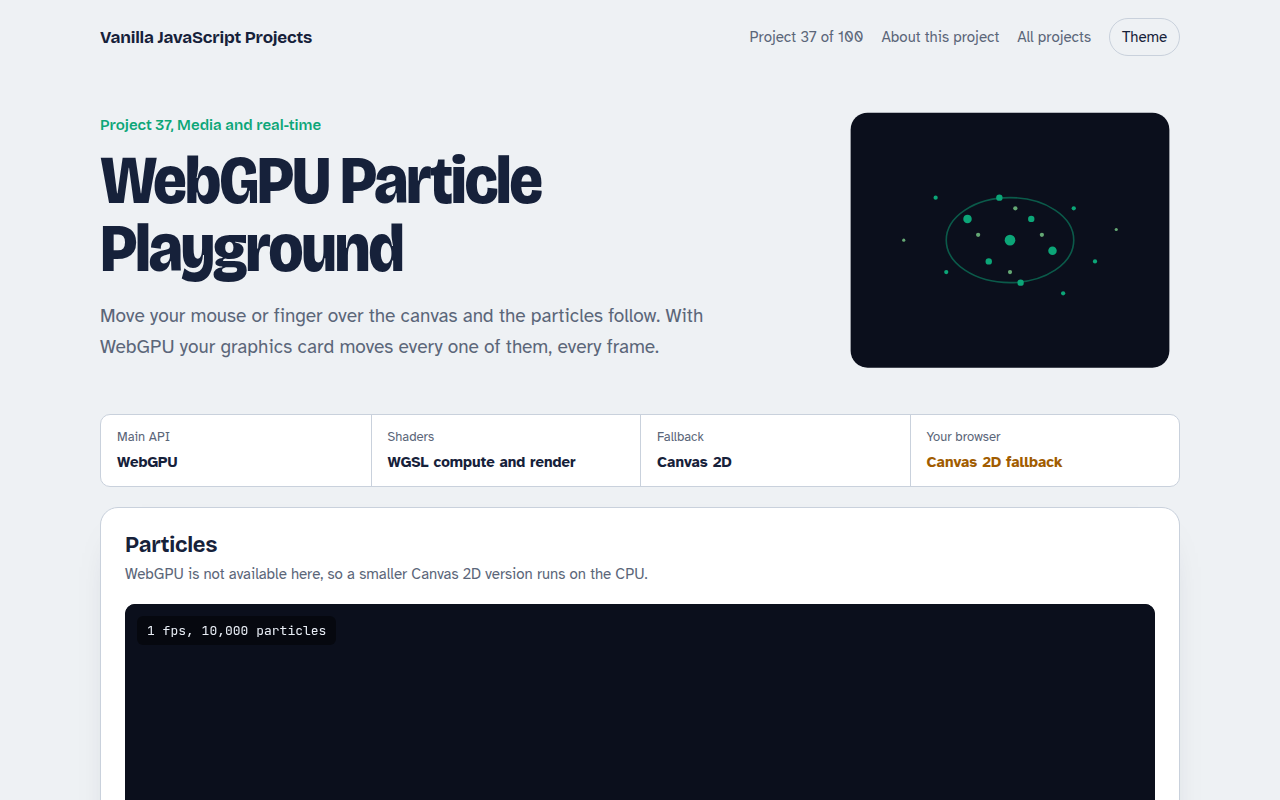
Runs on: WebGPU. WebGPU: Chrome and Edge 113+, Safari 26+, Firefox 141+ on Windows. Other browsers get the Canvas 2D version.
What is the WebGPU Particle Playground?
Move your mouse over the canvas and a cloud of glowing particles follows it. With WebGPU you can push up to a million of them, and your graphics card moves every one each frame.
A compute shader written in WGSL updates each particle's position and speed. A render pass reads the same buffer and draws the particles with additive blending. Browsers without WebGPU get a smaller Canvas 2D version.
Good for
- Learning WebGPU and WGSL
- Hero backgrounds and art pieces
- GPU simulation basics
- Showing off in a portfolio
What this project does
- Up to 1,000,000 particles on WebGPU, 20,000 on the fallback
- Mouse or touch attraction, hold Shift or right click to push away
- Gravity, particle size and color controls
- Live frames per second and particle count
- Burst button to throw particles from the center
How it works
- Fill a bufferEach particle is 4 floats: position and velocity. They all live in one GPU storage buffer.
- Simulate on the GPUA compute shader runs once per particle, in groups of 64, adding gravity and the pull toward the pointer.
- DrawThe render pass reads the same buffer and draws a small glowing quad per particle, colored by speed.
The key JavaScript
This is the heart of the project. The full file has the rest, including the screen layout and error handling.
@compute @workgroup_size(64)
fn simulate(@builtin(global_invocation_id) id: vec3u) {
  let i = id.x;
  if (i >= u.count) { return; }
  var p = particles[i];
  let d = u.mouse - p.pos;
  p.vel += normalize(d) * u.pull / (dot(d, d) + 0.05) * u.dt;  // pull to pointer
  p.vel.y -= u.gravity * u.dt;
  p.vel *= 0.995;
  p.pos += p.vel * u.dt;
  particles[i] = p;
}
How to use it
- Click Download HTML file above.
- Open the file in a code editor, like VS Code.
- Run it from a local server with
npx serve .so the camera, microphone and AI features are allowed. - Change the text and colors, then upload it to GitHub Pages, Netlify or your own site. It is one file with no build step.
Questions people ask
What is WebGPU?
It is the modern graphics and compute API for the web. It is faster and more flexible than WebGL, and it can run general math on the GPU.
What is a compute shader?
A small program that runs on the GPU for many items at once, here once per particle, in groups of 64.
Which browsers support WebGPU?
Chrome and Edge 113 and newer, Safari 26, and Firefox 141 on Windows. Others get the Canvas 2D fallback.
More Media and Real Time projects
032. Video Call App
A peer to peer video call between two browsers
033. Screen Recorder
Record your screen with your voice and your face in the corner
034. Browser Video Editor
Trim a clip, add a filter and a title, and export an MP4
035. Collaborative Whiteboard
A shared drawing board with live cursors
036. Music Visualizer
Turn music into moving bars, waves and a glowing ring