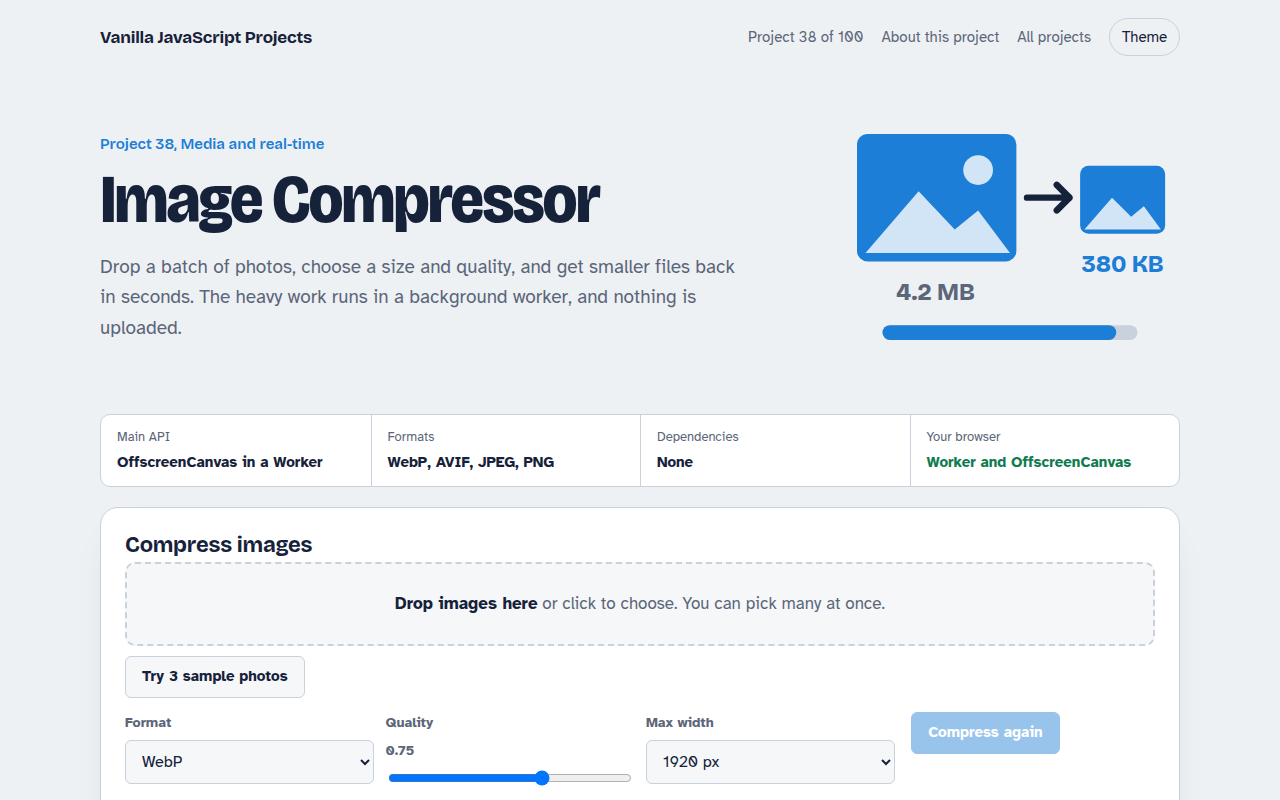
Home / Media and Real Time / Music Visualizer
Music Visualizer in JavaScript, Free with Live Demo
Free music visualizer in plain JavaScript. Bars, waveform and a glowing ring react to a built in synth loop, your own songs or your microphone, using Web Audio.
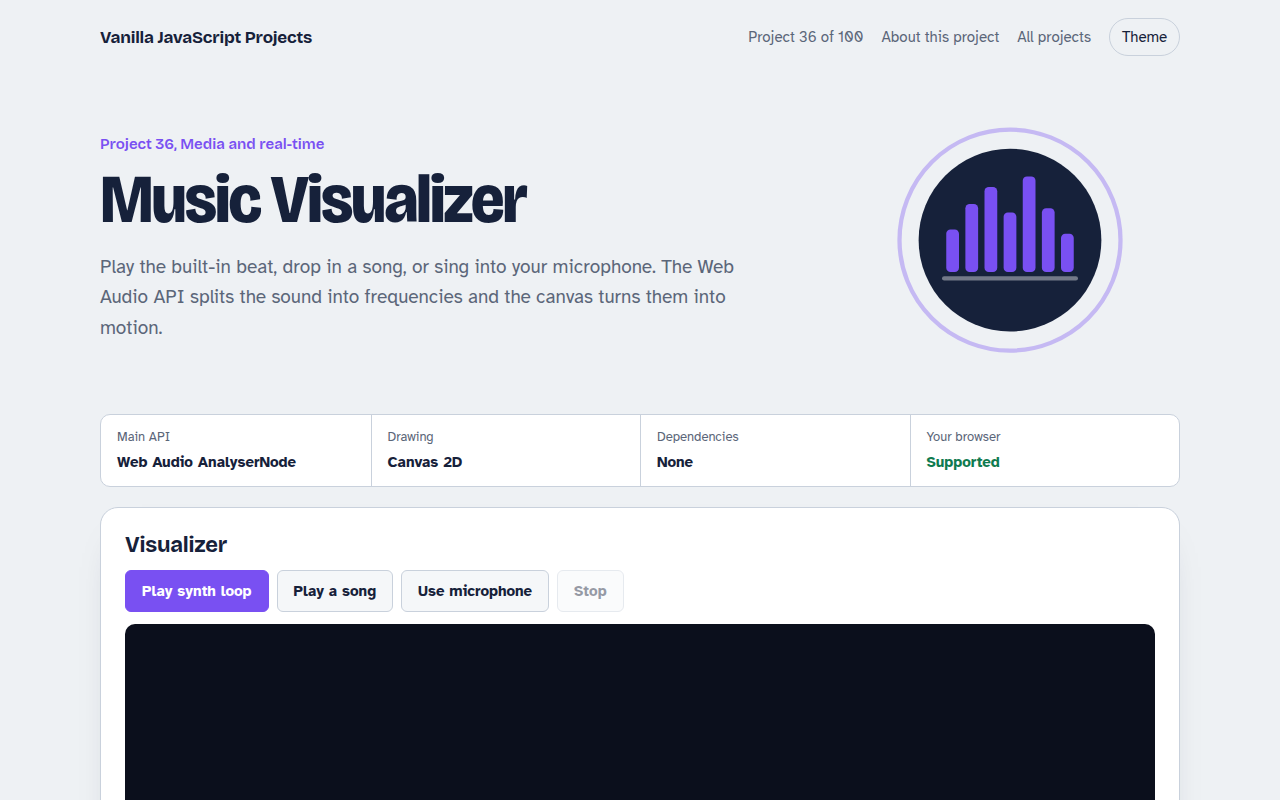
Runs on: Web Audio AnalyserNode. Every modern browser. Sound starts only after you click, as browsers require.
What is the Music Visualizer?
Play the built in beat, drop in a song or sing into your microphone, and the screen moves with the sound. Pick bars, a waveform or a glowing ring, and change the colors and sensitivity.
The Web Audio API sends the sound through an AnalyserNode, which splits it into frequency bands many times a second. Canvas turns those numbers into shapes. Even the demo beat is made in code with oscillators.
Good for
- Music players and podcasts
- Live event screens
- Learning Web Audio
- Fun portfolio projects
What this project does
- Built-in synth loop made with oscillators, so no audio file is needed
- Play your own MP3, WAV or OGG files, or use the microphone
- Three styles: frequency bars, waveform and radial ring
- Beat pulse that reacts to the bass
- Color themes, sensitivity and a fullscreen button
How it works
- Route the soundThe source (synth, file or mic) goes through an AnalyserNode on its way to the speakers.
- Read frequenciesEvery frame, the analyser runs a fast Fourier transform and returns loudness for 128 frequency bands.
- DrawEach band becomes a bar, a point on a wave or a spoke on the ring. The average of the lowest bands drives the beat pulse.
The key JavaScript
This is the heart of the project. The full file has the rest, including the screen layout and error handling.
const ctx = new AudioContext();
const analyser = ctx.createAnalyser();
analyser.fftSize = 256;                               // 128 frequency bands
source.connect(analyser).connect(ctx.destination);

const bins = new Uint8Array(analyser.frequencyBinCount);
(function draw() {
  analyser.getByteFrequencyData(bins);                // 0 to 255 per band
  bins.forEach((v, i) => canvas.fillRect(i * w, H - v, w - 2, v));
  requestAnimationFrame(draw);
})();
How to use it
- Click Download HTML file above.
- Open the file in a code editor, like VS Code.
- Run it from a local server with
npx serve .so the camera, microphone and AI features are allowed. - Change the text and colors, then upload it to GitHub Pages, Netlify or your own site. It is one file with no build step.
Questions people ask
How does an audio visualizer work?
An AnalyserNode runs a fast Fourier transform on the sound and returns loudness per frequency band. You draw each band as a bar or point.
Why does nothing play until I click?
Browsers block sound until the user interacts with the page. The first click starts the audio.
Is the microphone sound played back?
No. It is only analyzed, so there is no echo or feedback.
More Media and Real Time projects
032. Video Call App
A peer to peer video call between two browsers
033. Screen Recorder
Record your screen with your voice and your face in the corner
034. Browser Video Editor
Trim a clip, add a filter and a title, and export an MP4
035. Collaborative Whiteboard
A shared drawing board with live cursors
037. WebGPU Particle Playground
Up to a million glowing particles that follow your mouse