Home / Media and Real Time / Collaborative Whiteboard
Collaborative Whiteboard in JavaScript, Free with Live Demo
Free real time whiteboard in plain JavaScript. Pen, shapes, eraser, undo and live cursors, synced between tabs instantly or across devices with a tiny WebSocket server.
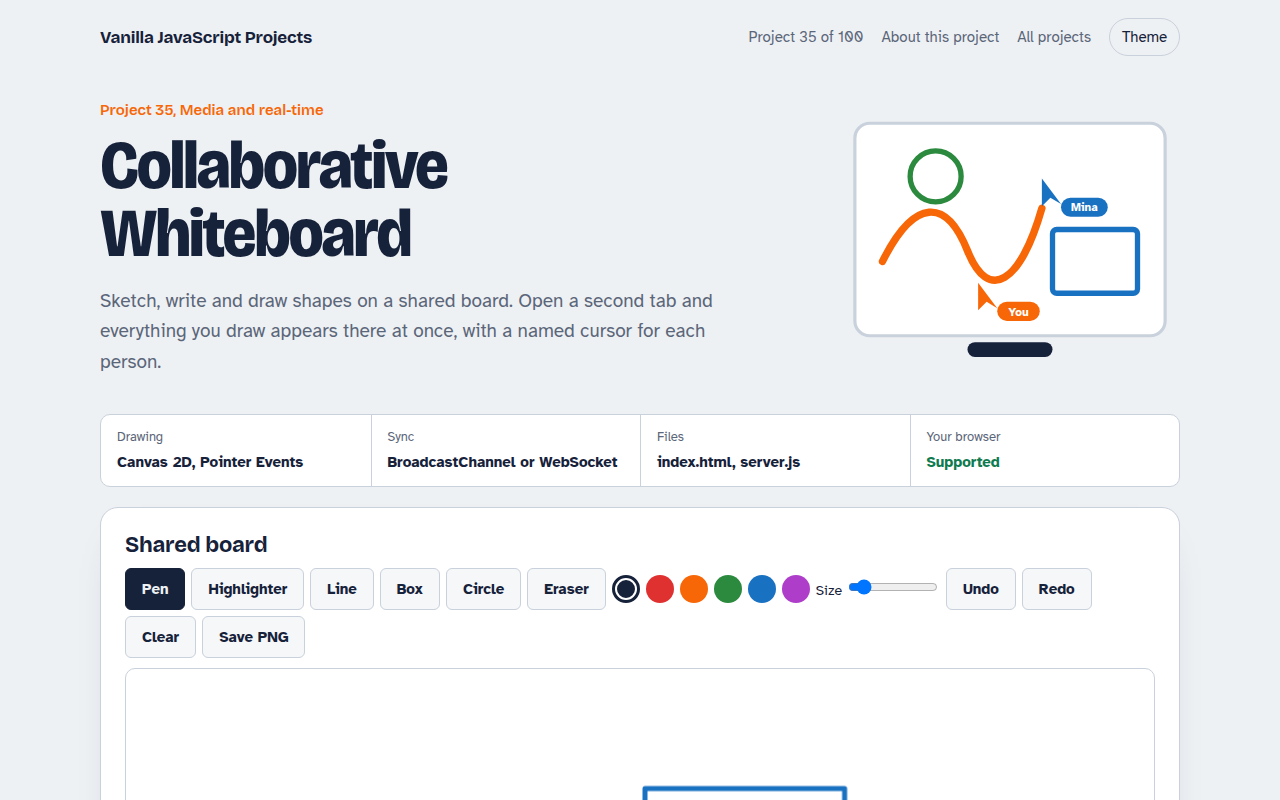
Runs on: Canvas 2D, Pointer Events. Every modern browser, with touch, mouse and pen. For devices on different networks, run the included server.js.
What is the Collaborative Whiteboard?
Sketch, write and draw shapes on a board that other people see live. Open a second tab and every line appears there as you draw it, with a named cursor for each person.
Drawing uses Canvas and Pointer Events, with pen pressure on tablets. The board is stored as a list of strokes, sent as small messages over BroadcastChannel between tabs or over a WebSocket between devices.
Good for
- Team brainstorming
- Online tutoring
- Learning real time sync
- Multiplayer canvas apps
What this project does
- Pen, highlighter, line, rectangle, ellipse and eraser
- Pressure-sensitive strokes on pens and tablets
- Undo and redo your own strokes
- Live cursors with names for everyone on the board
- Export the board as PNG, and it survives a reload
How it works
- Capture strokesPointer events are collected into a stroke: tool, color, width and a list of points with pressure.
- Share strokesEach new point is sent to the others as a small message, so they see the line as it is being drawn.
- Redraw from dataThe board is a list of strokes. Undo removes one and the canvas is redrawn from the list.
The key JavaScript
This is the heart of the project. The full file has the rest, including the screen layout and error handling.
board.addEventListener("pointermove", (e) => {
  if (!drawing) return sendCursor(e);
  for (const p of e.getCoalescedEvents()) {          // every point, not just one per frame
    stroke.points.push([p.offsetX, p.offsetY, p.pressure || 0.5]);
  }
  drawSegment(stroke);
  send({ type: "points", id: stroke.id, points: stroke.points.slice(-3) });
});
// Others apply the same data and redraw
channel.onmessage = ({ data }) => apply(data);
How to use it
- Click Download HTML file above.
- Open the file in a code editor, like VS Code.
- Run it from a local server with
npx serve .so the camera, microphone and AI features are allowed. - Change the text and colors, then upload it to GitHub Pages, Netlify or your own site. It is one file with no build step.
Questions people ask
How do I use it across different devices?
Run the included server.js with Node, then enter its ws:// address in the page on each device.
Does it support pens and tablets?
Yes. Pointer Events give pressure data, and pen strokes get thicker when you press harder.
How does undo work with several people?
Undo removes your own last stroke only, and tells the others to remove it too.
More Media and Real Time projects
032. Video Call App
A peer to peer video call between two browsers
033. Screen Recorder
Record your screen with your voice and your face in the corner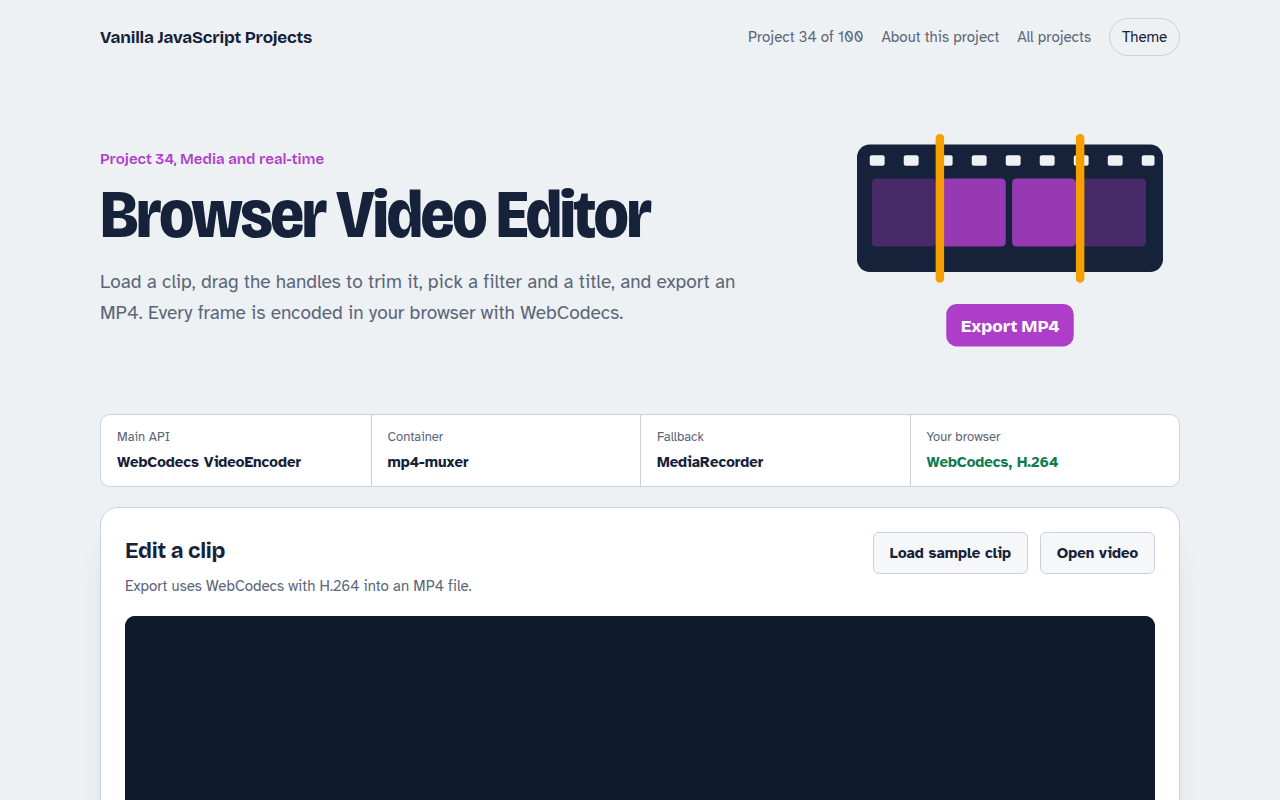
034. Browser Video Editor
Trim a clip, add a filter and a title, and export an MP4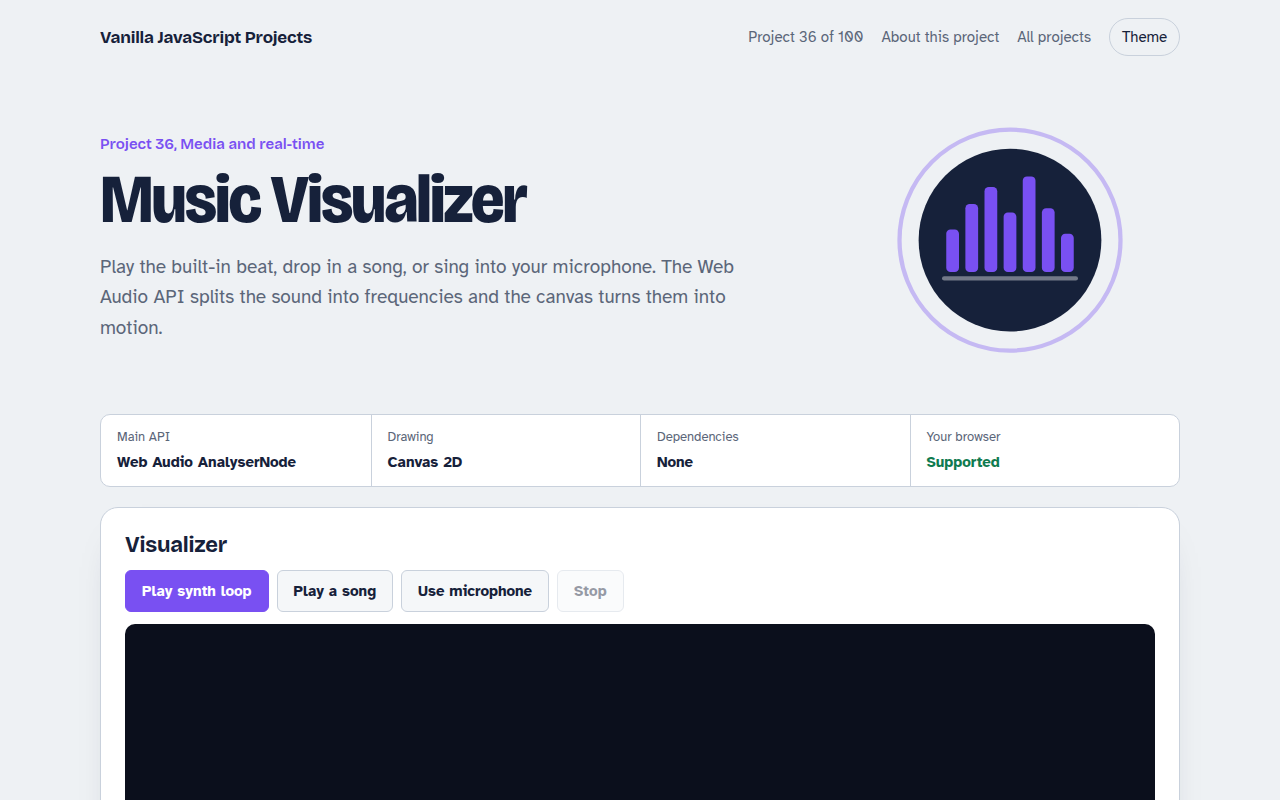
036. Music Visualizer
Turn music into moving bars, waves and a glowing ring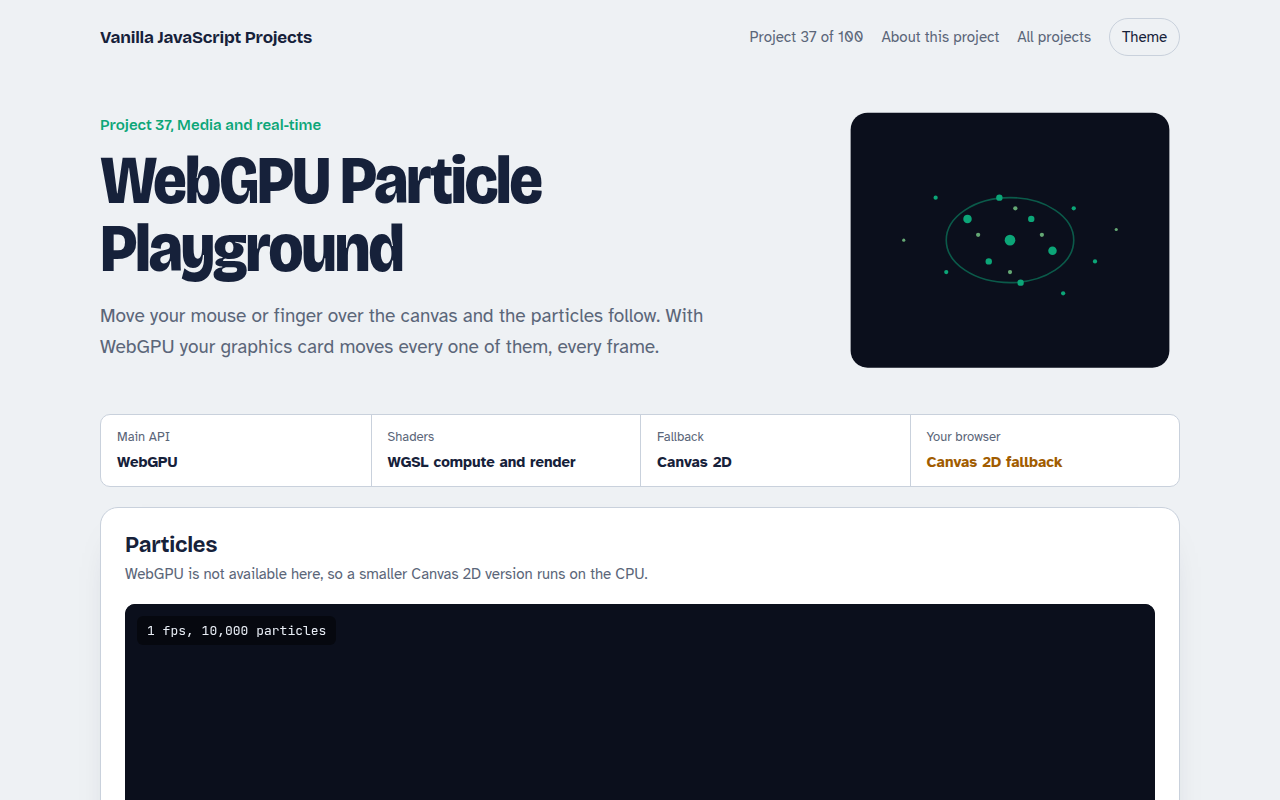
037. WebGPU Particle Playground
Up to a million glowing particles that follow your mouse