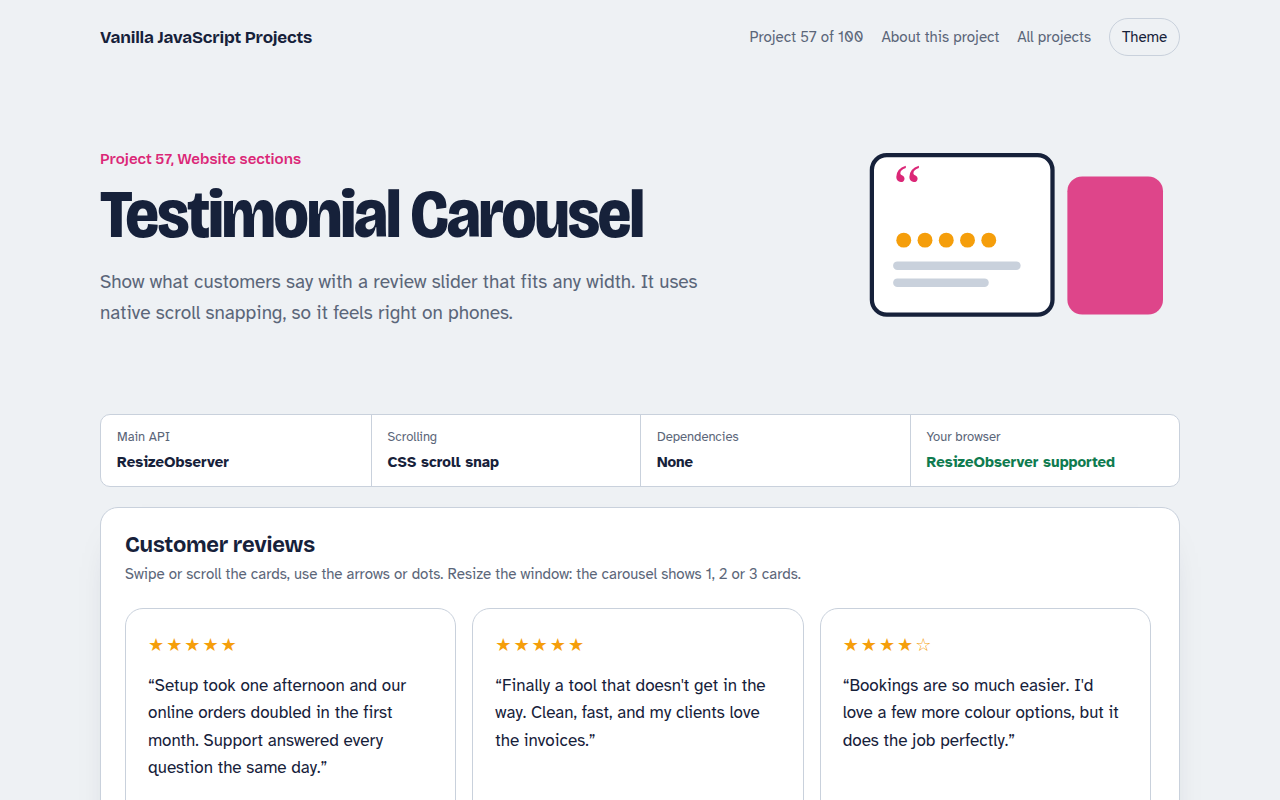
Home / Website Sections / Mega Menu Navigation
Mega Menu Navigation in JavaScript, Free with Live Demo
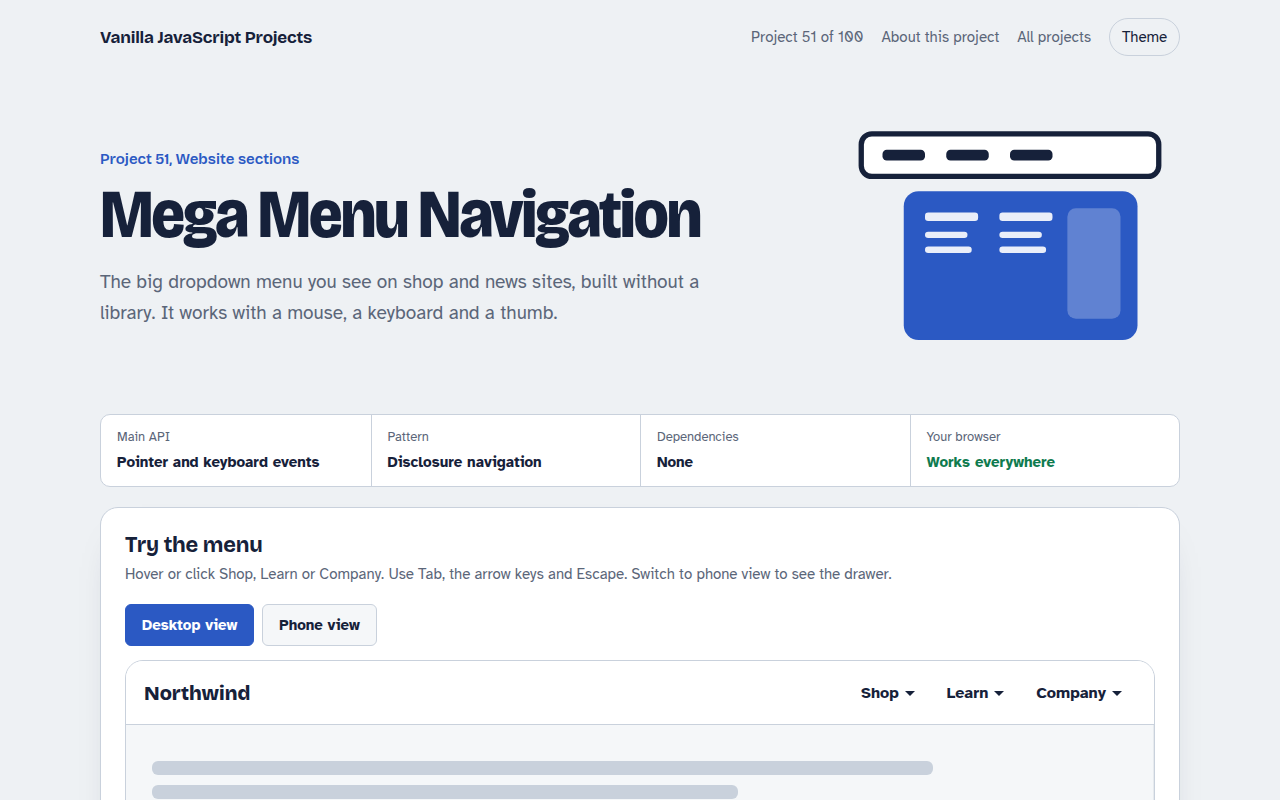
Free mega menu in plain JavaScript. Multi-column dropdowns, keyboard arrows and Escape, hover intent, and a slide-in mobile drawer. One HTML file, no library.
Runs on: DOM events. Works in all modern browsers.
What is the Mega Menu Navigation?
A full mega menu for a shop or content site. Each top item opens a wide panel with columns of links and a promo card with a photo.
It works with a mouse, a keyboard and on phones, where the menu turns into a slide-in drawer with folding sections.
Good for
- Online shops with many categories
- News and magazine sites
- Company sites with lots of pages
- Any header that has outgrown a simple list
What this project does
- Multi-column dropdown panels with a promo card
- Hover intent timer so menus do not flicker
- Keyboard support: arrows, Down to open, Escape to close
- Mobile drawer with folding sections
- Closes when you click outside
How it works
- Buttons, not linksEach top item is a button with aria-expanded, so screen readers announce open and closed.
- Hover with a delayA short timer stops menus flickering open when the mouse just passes over.
- One key mapArrow keys move between items, Down opens a panel and Escape closes it and returns focus.
The key JavaScript
This is the heart of the project. The full file has the rest, including the screen layout and error handling.
btn.addEventListener("keydown", (e) => {
  if (e.key === "ArrowDown") { open(btn); panel.querySelector("a").focus(); }
  if (e.key === "Escape") { close(); btn.focus(); }
});
item.addEventListener("pointerenter", () => {
  clearTimeout(timer);
  timer = setTimeout(() => open(btn), 120); // hover intent
});
How to use it
- Click Download HTML file above.
- Open the file in a code editor, like VS Code.
- Run it from a local server with
npx serve .so the camera, microphone and AI features are allowed. - Change the text and colors, then upload it to GitHub Pages, Netlify or your own site. It is one file with no build step.
Questions people ask
Should menu items be links or buttons?
If the item opens a panel, use a button. Links should go to a page.
How do I stop the menu closing too fast?
Add a short delay on pointer leave, around 250 ms, and cancel it when the pointer enters the panel.
Is hover enough?
No. Touch and keyboard users need click and key support too, which this project includes.
More Website Sections projects
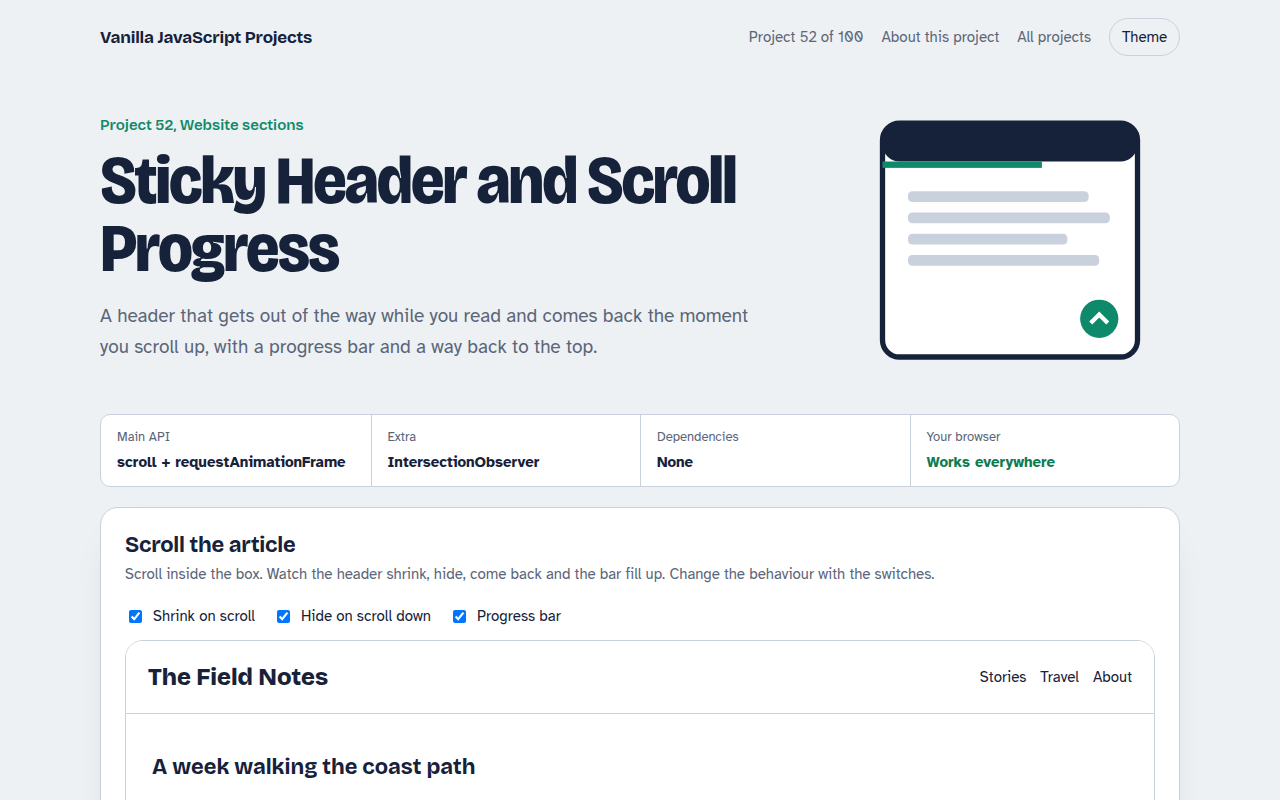
052. Sticky Header and Scroll Progress
A header that shrinks on scroll with a reading progress bar and back to top button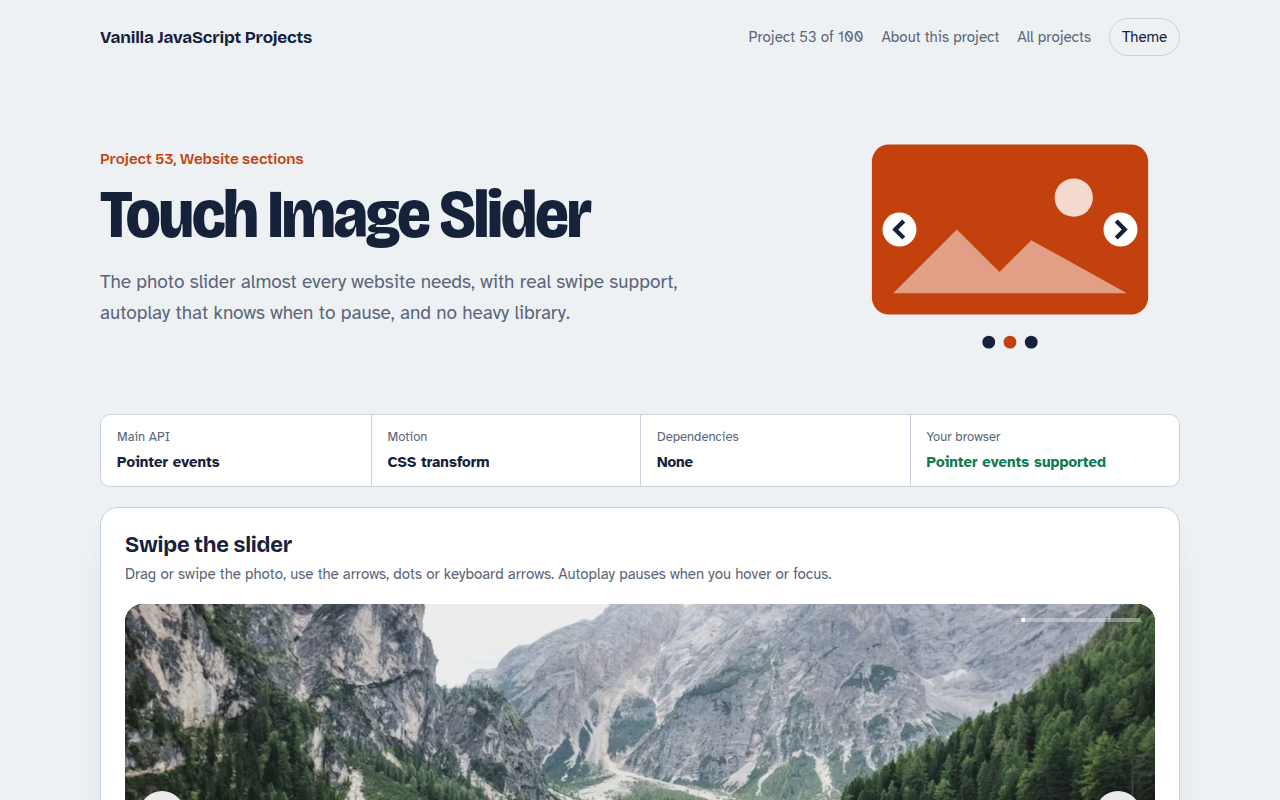
053. Touch Image Slider
A photo slider with swipe, autoplay, dots and keyboard control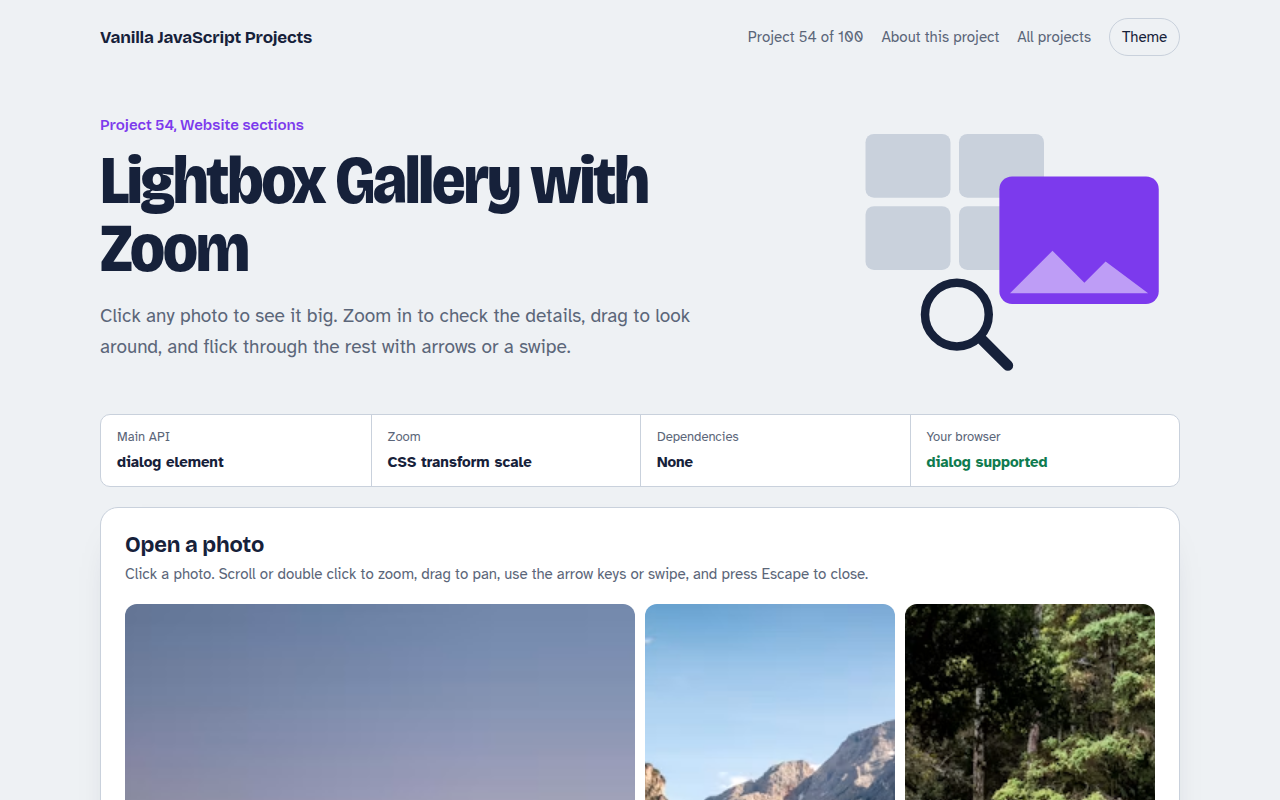
054. Lightbox Gallery with Zoom
A photo grid that opens a full screen viewer with zoom and pan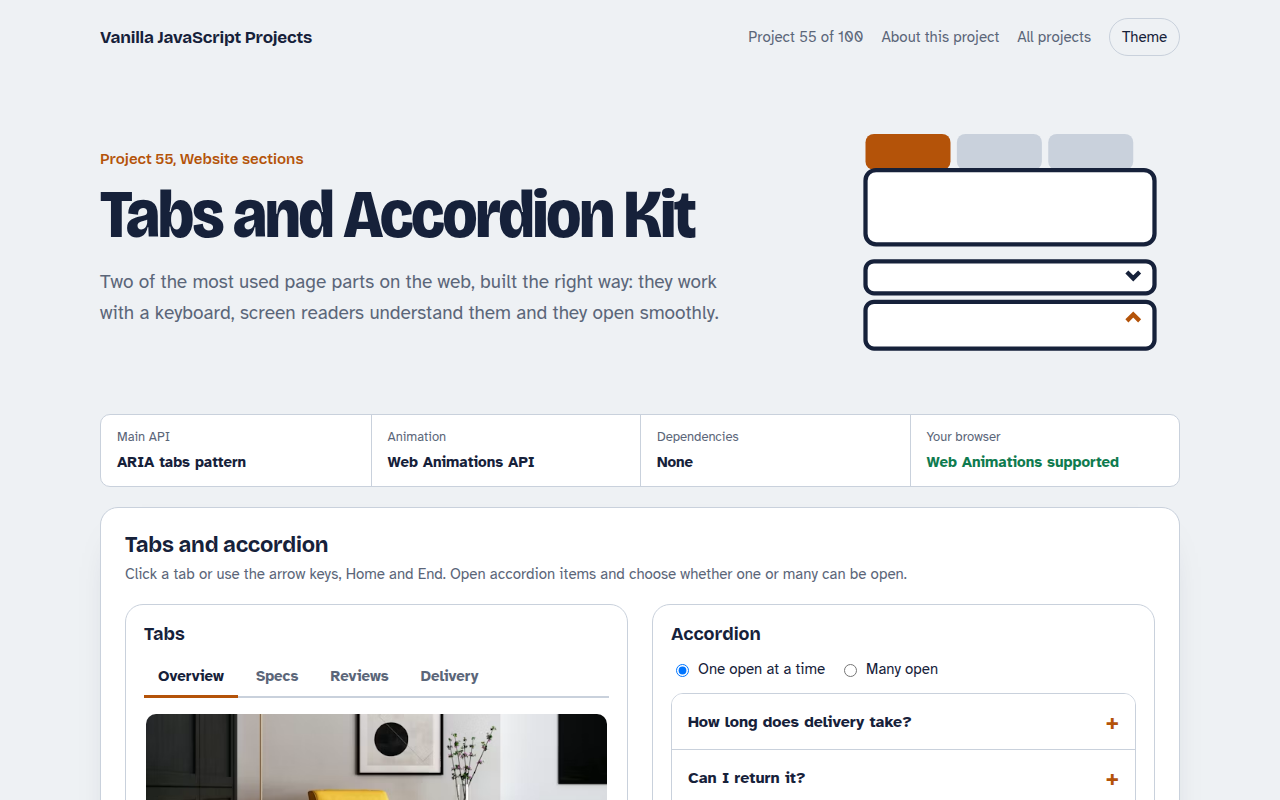
055. Tabs and Accordion Kit
Accessible tabs and accordions with keyboard support and smooth height animation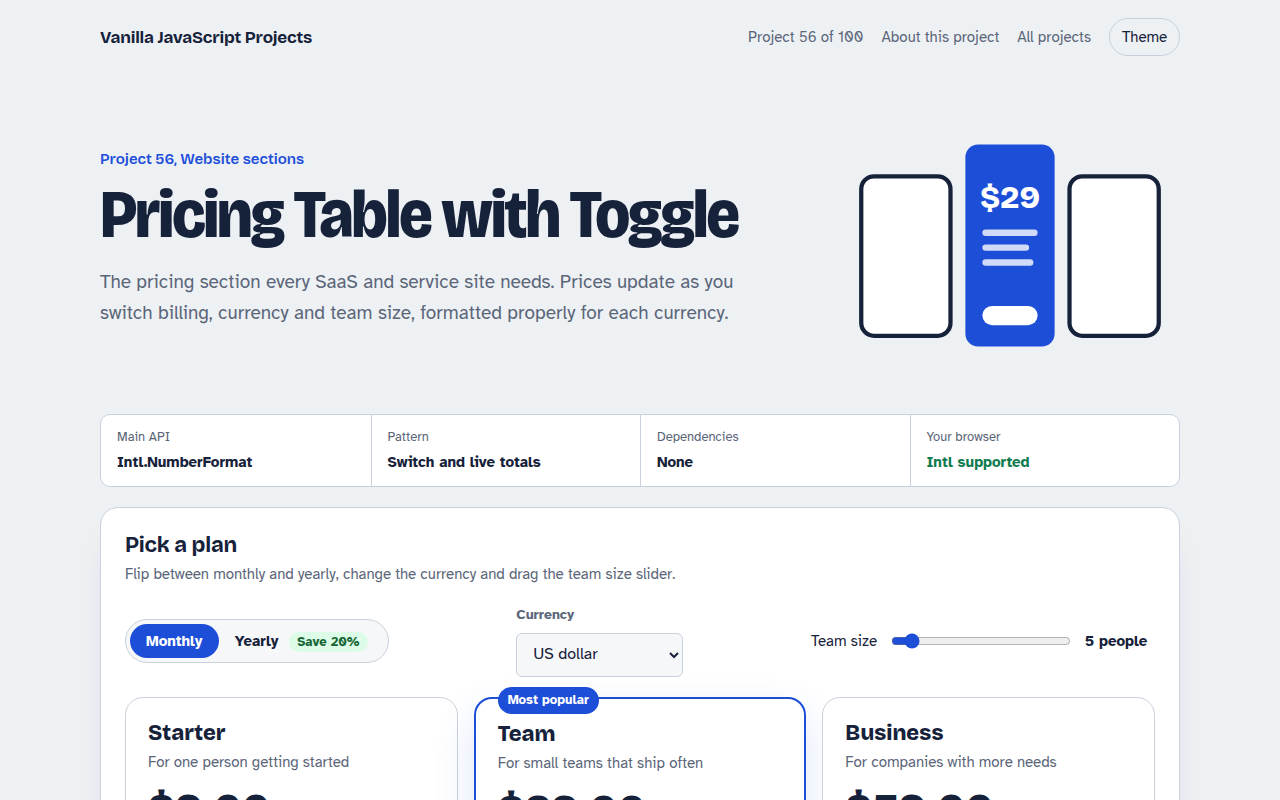
056. Pricing Table with Toggle
A pricing table with a monthly and yearly switch, currencies and a seat slider