Home / Website Sections / Sticky Header and Scroll Progress
Sticky Header and Scroll Progress in JavaScript, Free with Live Demo
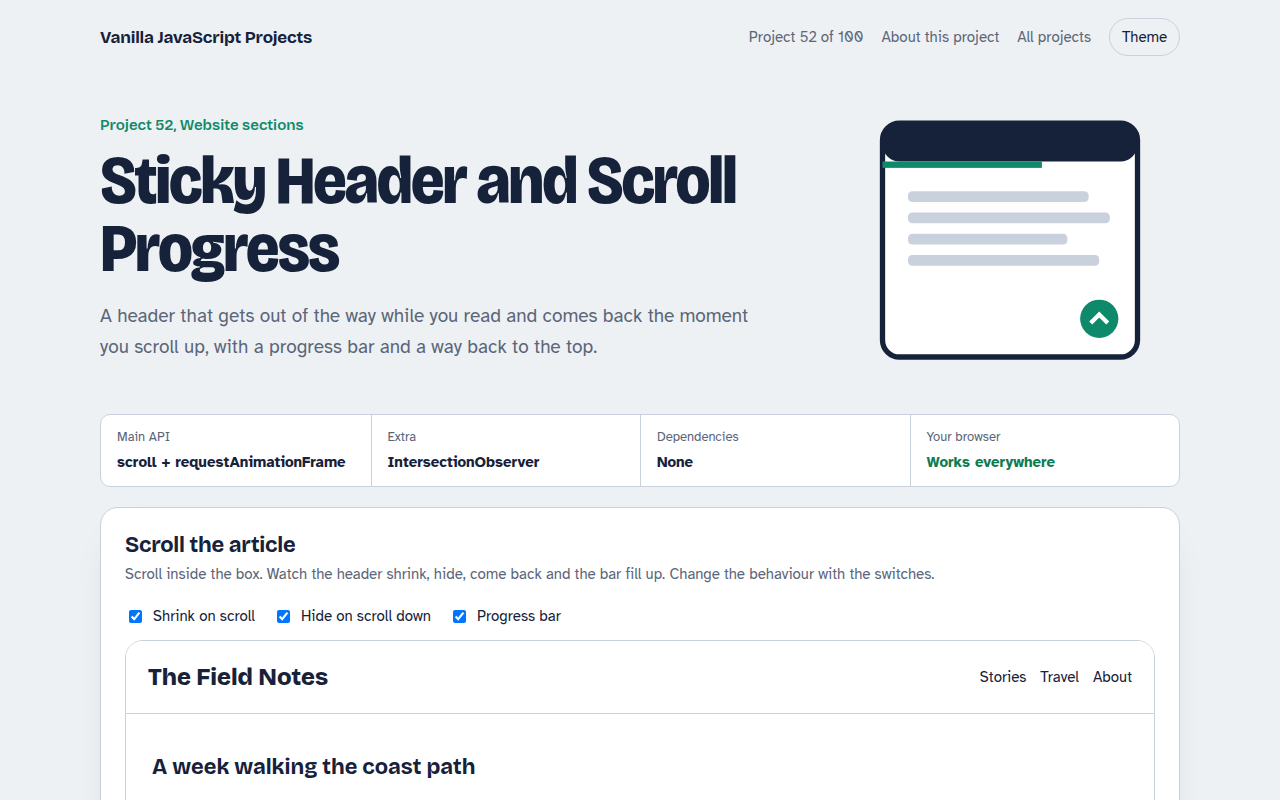
Free sticky header in plain JavaScript. The header shrinks and hides on scroll down, shows on scroll up, with a reading progress bar and a back to top button.
Runs on: Scroll events and requestAnimationFrame. Works in all modern browsers.
What is the Sticky Header and Scroll Progress?
A sticky header that shrinks after you start scrolling, hides when you scroll down and slides back as soon as you scroll up.
It also shows a reading progress bar and a round back to top button that appears halfway down the page.
Good for
- Blogs and long articles
- Documentation pages
- Landing pages with a sticky call to action
- Any site where the header takes too much space
What this project does
- Shrinking header after 40 pixels
- Hide on scroll down, show on scroll up
- Reading progress bar
- Back to top button that appears when needed
- Passive listener with requestAnimationFrame for smooth scrolling
How it works
- Read scroll once per frameThe scroll handler only asks for a frame. The real work runs in requestAnimationFrame, so scrolling stays smooth.
- Compare with last positionIf the new position is lower than the last one, the reader is going down, so the header hides.
- Progress is a fractionscrollTop divided by the scrollable height gives 0 to 1, which becomes the bar width.
The key JavaScript
This is the heart of the project. The full file has the rest, including the screen layout and error handling.
let last = 0, ticking = false;
window.addEventListener("scroll", () => {
  if (ticking) return; ticking = true;
  requestAnimationFrame(() => {
    const y = scrollY, max = document.documentElement.scrollHeight - innerHeight;
    header.classList.toggle("small", y > 40);
    header.classList.toggle("hide", y > 160 && y > last);
    bar.style.width = (y / max) * 100 + "%";
    last = y; ticking = false;
  });
}, { passive: true });
How to use it
- Click Download HTML file above.
- Open the file in a code editor, like VS Code.
- Run it from a local server with
npx serve .so the camera, microphone and AI features are allowed. - Change the text and colors, then upload it to GitHub Pages, Netlify or your own site. It is one file with no build step.
Questions people ask
Why not use position sticky alone?
Sticky keeps the header in place, but it cannot shrink or hide it. A little JavaScript adds that behaviour.
Will this slow my page down?
No. The listener is passive and the work runs at most once per frame.
Can I use it on the whole window?
Yes. Swap the frame element for window and scrollTop for scrollY, as shown in the code.
More Website Sections projects
051. Mega Menu Navigation
A big dropdown menu with columns, keyboard support and a mobile drawer
053. Touch Image Slider
A photo slider with swipe, autoplay, dots and keyboard control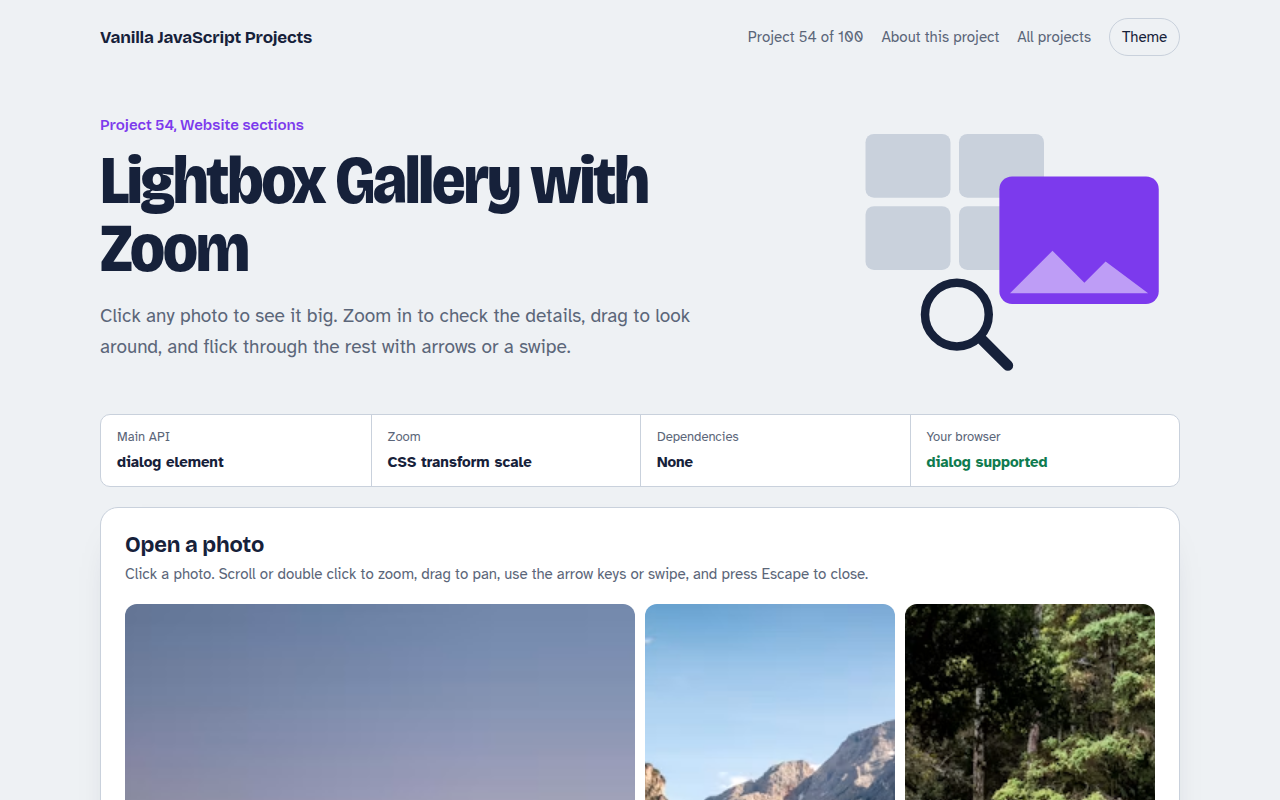
054. Lightbox Gallery with Zoom
A photo grid that opens a full screen viewer with zoom and pan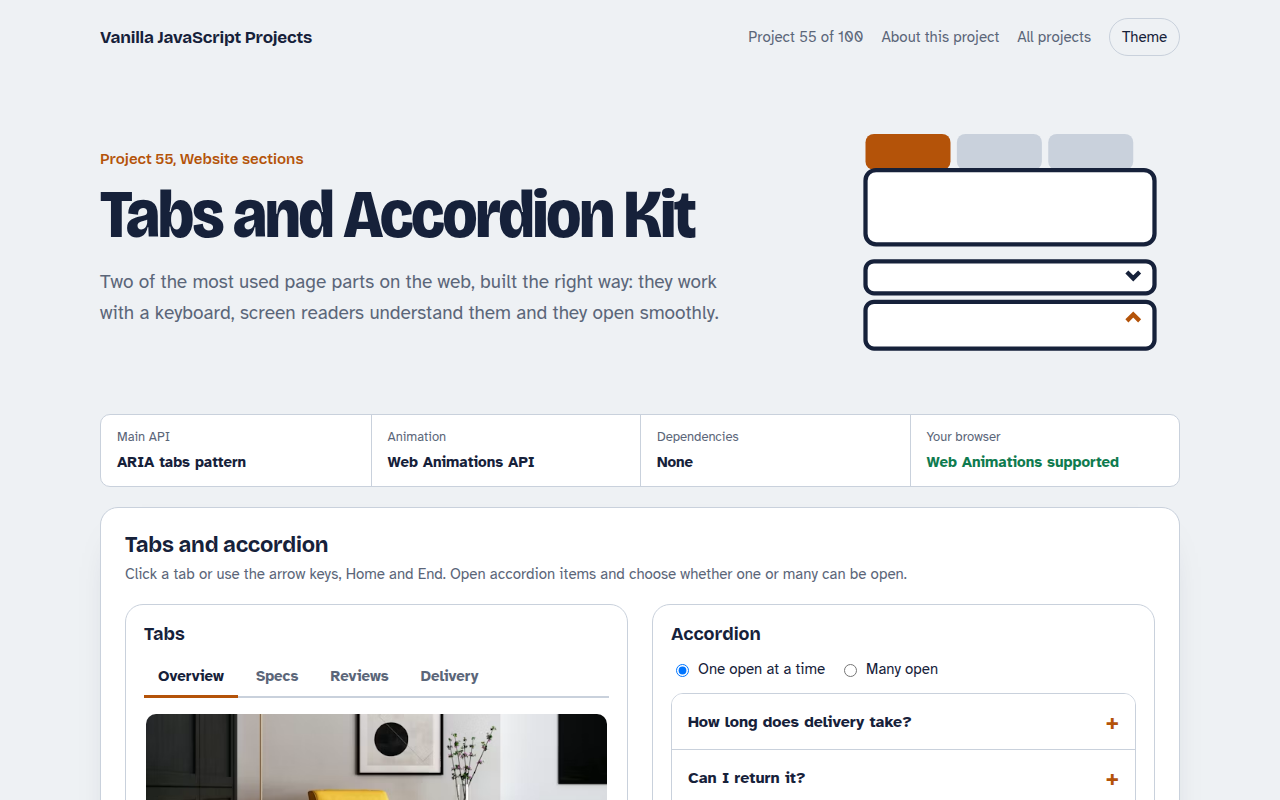
055. Tabs and Accordion Kit
Accessible tabs and accordions with keyboard support and smooth height animation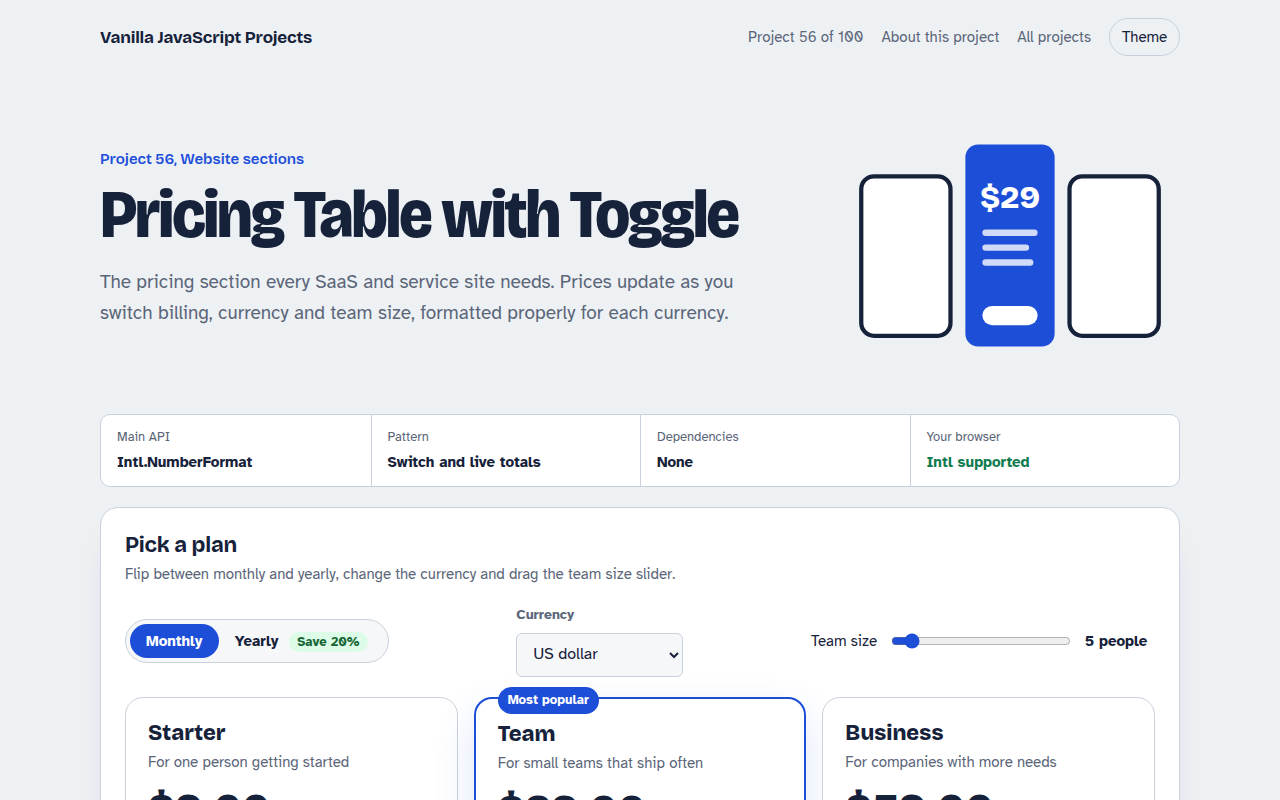
056. Pricing Table with Toggle
A pricing table with a monthly and yearly switch, currencies and a seat slider