Home / Website Sections / Pricing Table with Toggle
Pricing Table with Toggle in JavaScript, Free with Live Demo
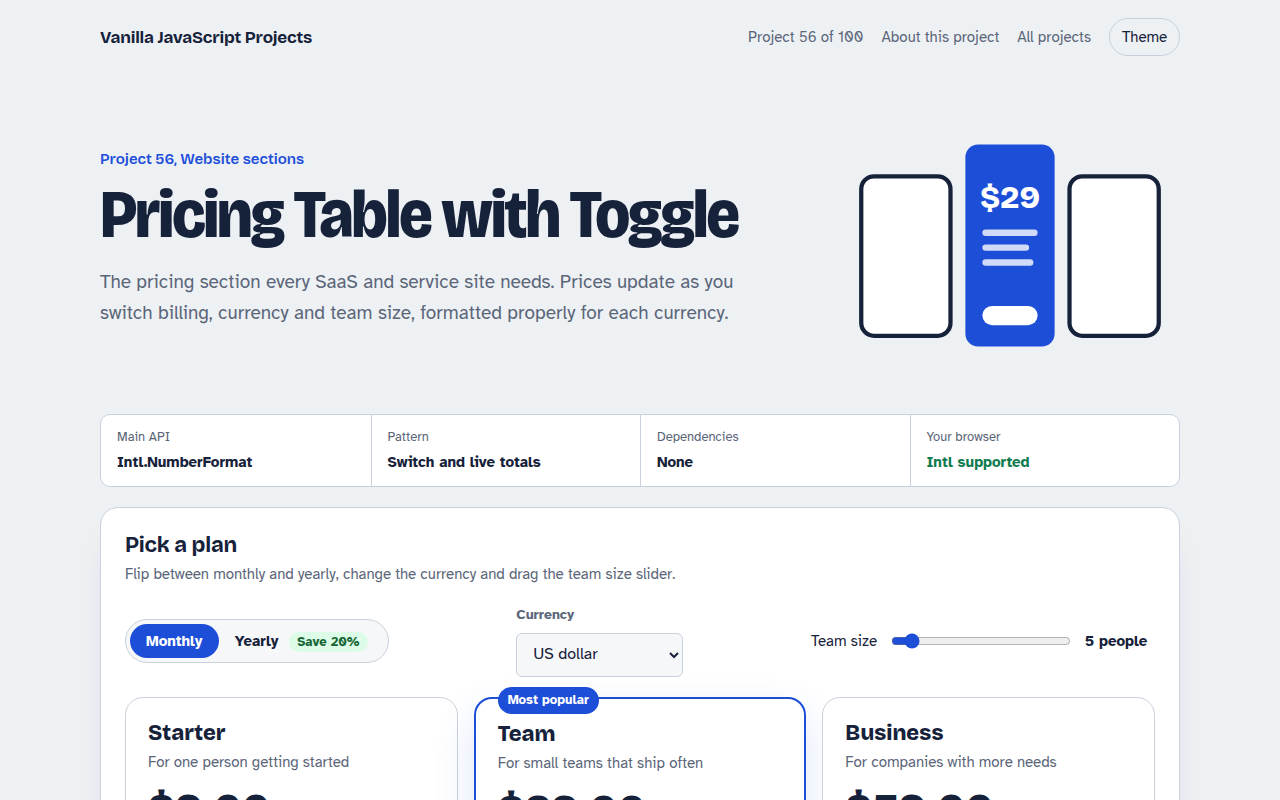
Free pricing table in plain JavaScript. Switch monthly and yearly billing, change currency, pick team size with a slider and compare features. One HTML file.
Runs on: Intl.NumberFormat. Works in all modern browsers.
What is the Pricing Table with Toggle?
A three column pricing table with a highlighted middle plan. Switch between monthly and yearly billing and the prices and totals update straight away.
Choose a currency and drag the team size slider to see the price per person and the total, formatted correctly for that currency.
Good for
- SaaS and app pricing pages
- Agency and service packages
- Membership sites
- Online course plans
What this project does
- Monthly and yearly switch with a savings badge
- Currency switcher with proper number formatting
- Team size slider with live totals
- Highlighted most popular plan
- Included and not included features
How it works
- Keep prices in one placePlans live in one small array with a base price in dollars. Everything on screen is worked out from it.
- Convert and discountThe price is multiplied by the exchange rate and by 0.8 for yearly billing, then by team size for the total.
- Format for the currencyIntl.NumberFormat shows the right symbol, separators and decimals for each currency.
The key JavaScript
This is the heart of the project. The full file has the rest, including the screen layout and error handling.
const fmt = (v, cur) => new Intl.NumberFormat(undefined, {
  style: "currency", currency: cur
}).format(v);

const perSeat = plan.price * rates[cur] * (yearly ? 0.8 : 1);
const total = perSeat * seats * (yearly ? 12 : 1);
priceEl.textContent = fmt(perSeat, cur);   // $23.20
totalEl.textContent = fmt(total, cur) + " billed yearly";
How to use it
- Click Download HTML file above.
- Open the file in a code editor, like VS Code.
- Run it from a local server with
npx serve .so the camera, microphone and AI features are allowed. - Change the text and colors, then upload it to GitHub Pages, Netlify or your own site. It is one file with no build step.
Questions people ask
Where do the exchange rates come from?
They are fixed numbers in the demo. In a real site, load them from your payment provider or an exchange rate API.
How is the yearly discount worked out?
The monthly price is multiplied by 0.8, which is a 20 percent saving. Change the number to set your own discount.
Does Intl.NumberFormat need a library?
No. It is built into every modern browser.
More Website Sections projects
051. Mega Menu Navigation
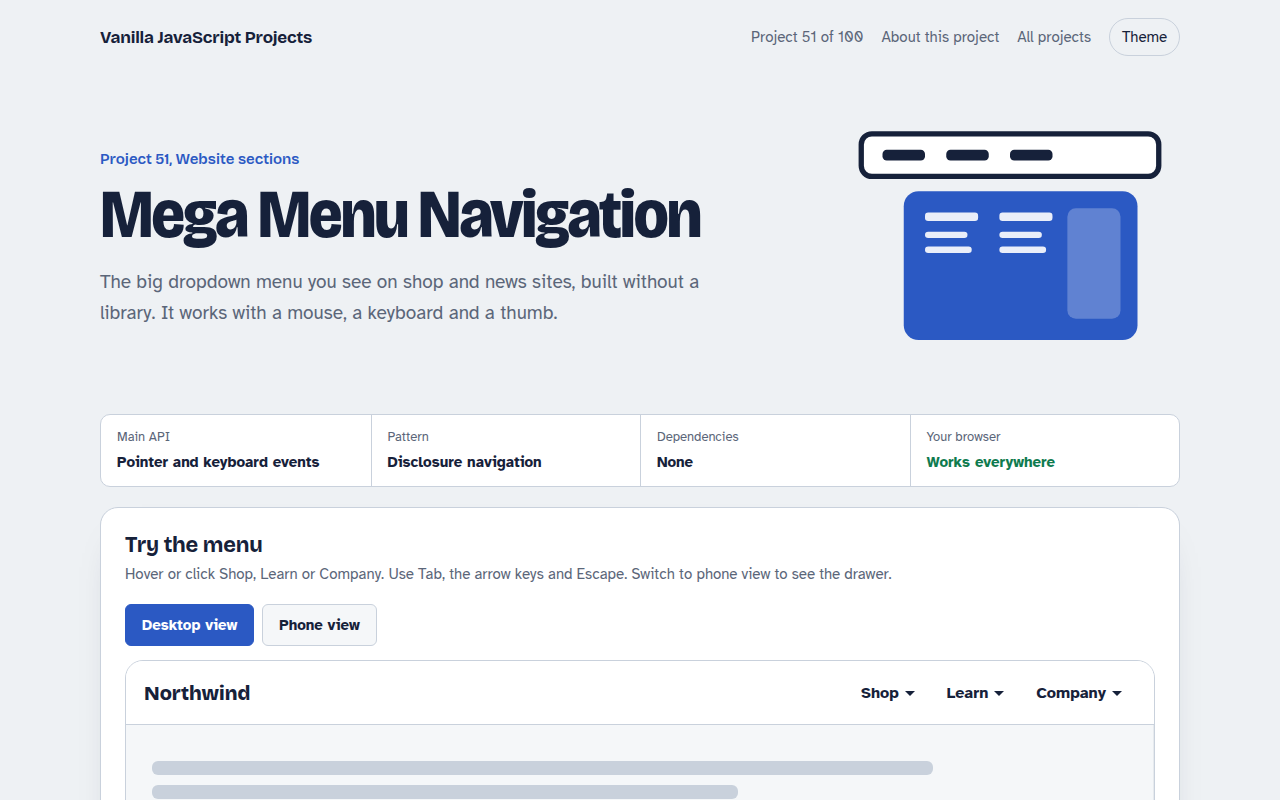
A big dropdown menu with columns, keyboard support and a mobile drawer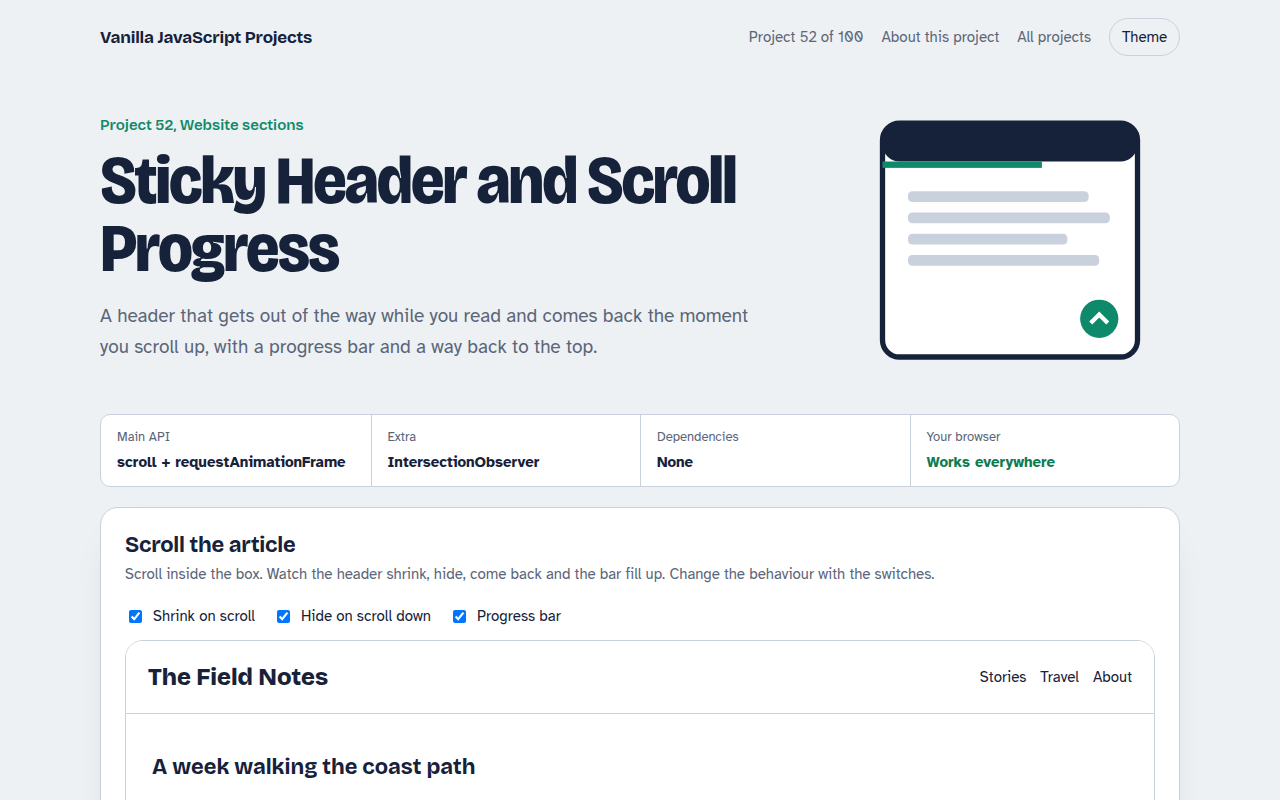
052. Sticky Header and Scroll Progress
A header that shrinks on scroll with a reading progress bar and back to top button
053. Touch Image Slider
A photo slider with swipe, autoplay, dots and keyboard control
054. Lightbox Gallery with Zoom
A photo grid that opens a full screen viewer with zoom and pan
055. Tabs and Accordion Kit
Accessible tabs and accordions with keyboard support and smooth height animation