Home / Website Sections / Touch Image Slider
Touch Image Slider in JavaScript, Free with Live Demo
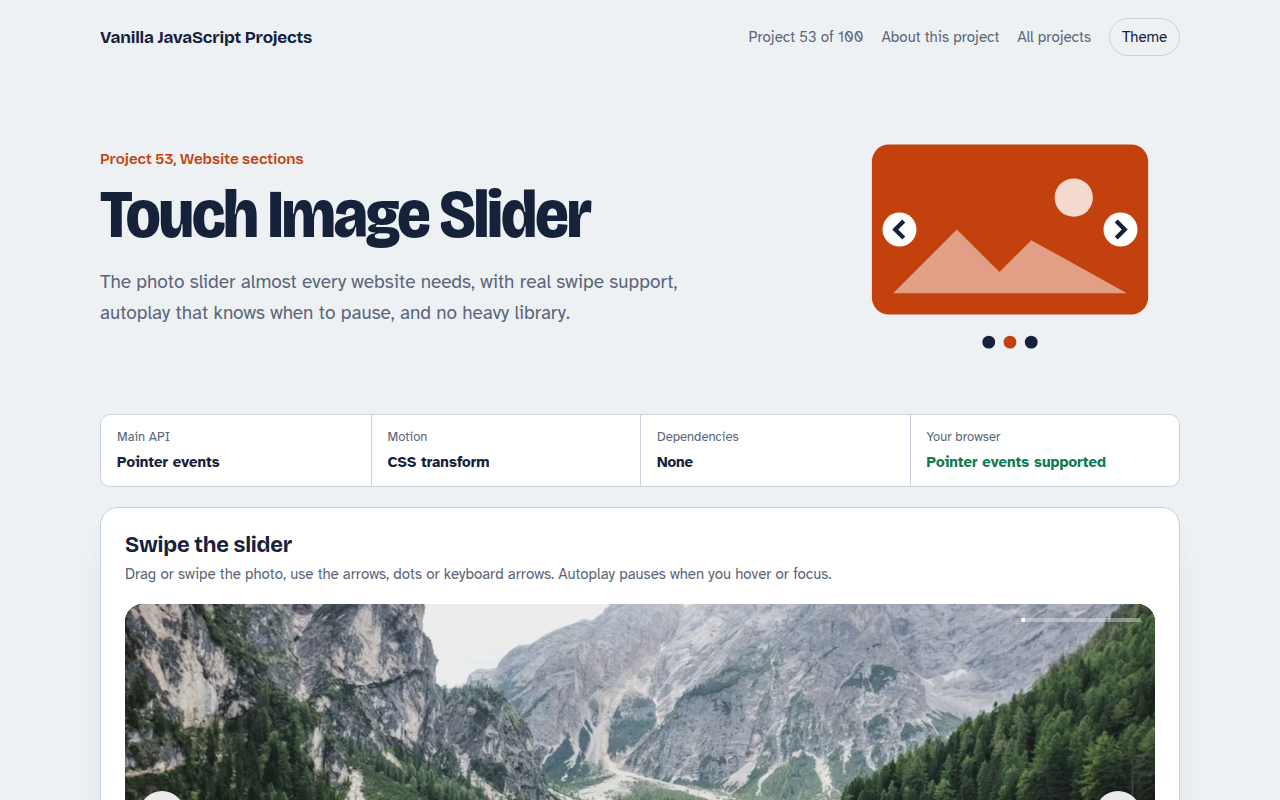
Free image slider in plain JavaScript. Swipe on touch screens, drag with a mouse, autoplay that pauses on hover, dots, arrows and keyboard control. No library needed.
Runs on: Pointer events and CSS transforms. Works in all modern browsers.
What is the Touch Image Slider?
A photo slider with big images and captions. Swipe it on a phone, drag it with a mouse, or use arrows, dots and the keyboard.
Autoplay moves to the next photo on a timer, pauses when you hover or tab into it, and switches off for people who prefer less motion.
Good for
- Hero banners on home pages
- Hotel, travel and property photos
- Product galleries in shops
- Portfolio projects
What this project does
- Swipe and drag with pointer events
- Arrows, dots and keyboard arrows
- Autoplay with a progress line, paused on hover and focus
- Loop on or off
- Respects reduced motion settings
How it works
- Move the whole trackAll slides sit in one row. Showing slide n just means moving the row by n times 100 percent.
- Follow the fingerPointer events work for touch, pen and mouse. While dragging, the track follows the finger with no transition.
- Decide on releaseIf the drag was more than 15 percent of the width, go to the next slide. Otherwise snap back.
The key JavaScript
This is the heart of the project. The full file has the rest, including the screen layout and error handling.
slider.addEventListener("pointerdown", (e) => { startX = e.clientX; track.classList.add("drag"); });
slider.addEventListener("pointermove", (e) => {
  if (startX == null) return;
  dx = e.clientX - startX;
  track.style.transform = `translateX(calc(${-index * 100}% + ${dx}px))`;
});
slider.addEventListener("pointerup", () => {
  track.classList.remove("drag");
  go(Math.abs(dx) > width * 0.15 ? index + (dx < 0 ? 1 : -1) : index);
  startX = null;
});
How to use it
- Click Download HTML file above.
- Open the file in a code editor, like VS Code.
- Run it from a local server with
npx serve .so the camera, microphone and AI features are allowed. - Change the text and colors, then upload it to GitHub Pages, Netlify or your own site. It is one file with no build step.
Questions people ask
Do I need a slider library?
Not for most sites. This whole slider is about 40 lines of JavaScript.
Is autoplay bad for accessibility?
It can be. This slider pauses on hover and focus and turns autoplay off when the user asks for reduced motion.
How do I add more slides?
Add another item to the list at the top of the script. Dots and counts update by themselves.
More Website Sections projects
051. Mega Menu Navigation
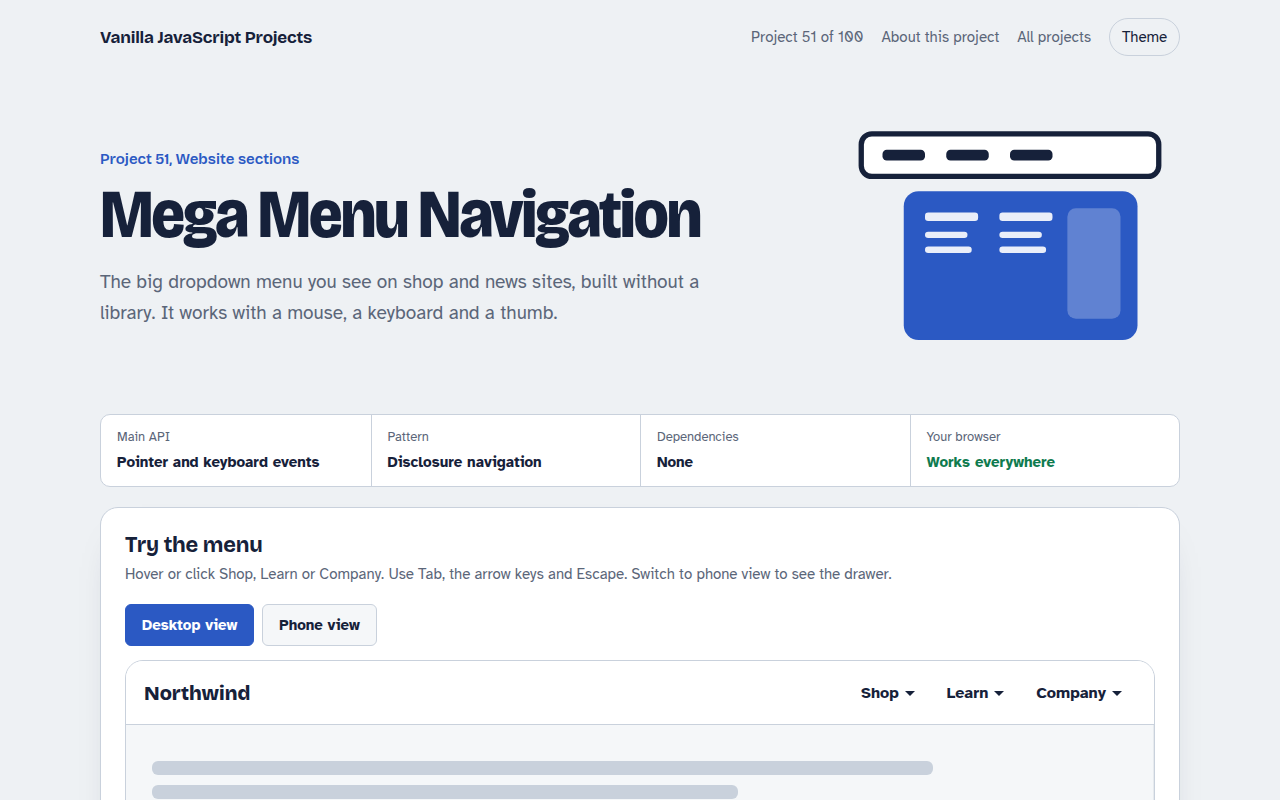
A big dropdown menu with columns, keyboard support and a mobile drawer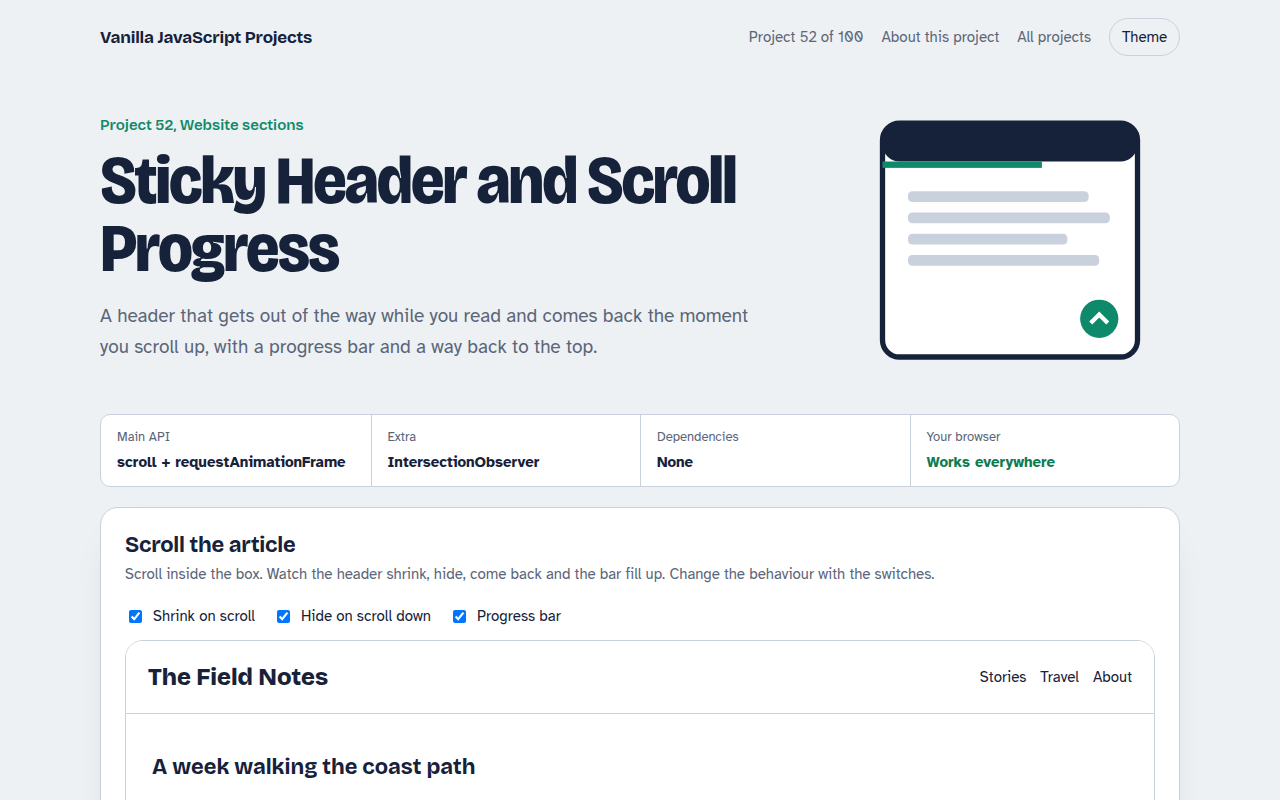
052. Sticky Header and Scroll Progress
A header that shrinks on scroll with a reading progress bar and back to top button
054. Lightbox Gallery with Zoom
A photo grid that opens a full screen viewer with zoom and pan
055. Tabs and Accordion Kit
Accessible tabs and accordions with keyboard support and smooth height animation
056. Pricing Table with Toggle
A pricing table with a monthly and yearly switch, currencies and a seat slider