Home / Website Sections / Testimonial Carousel
Testimonial Carousel in JavaScript, Free with Live Demo
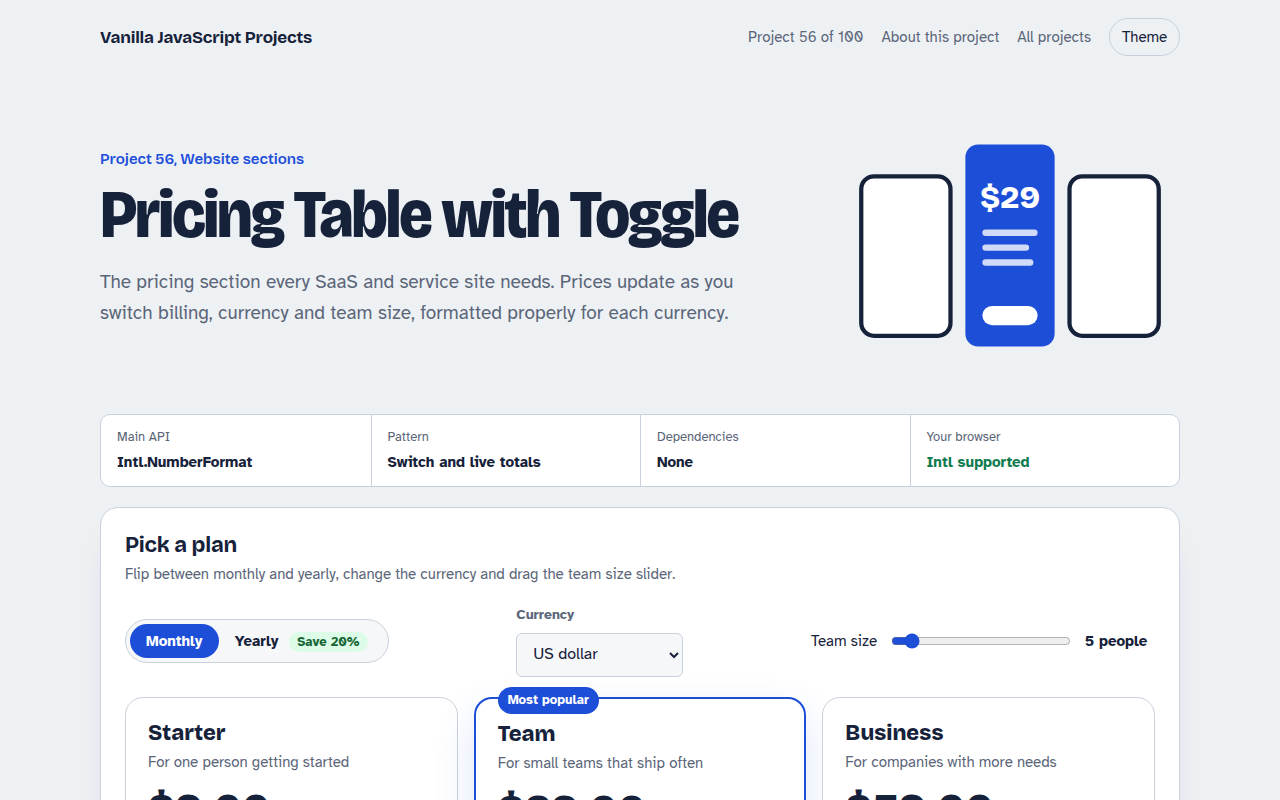
Free testimonial carousel in plain JavaScript. Shows one, two or three review cards depending on space, with star ratings, autoplay progress, pause on hover and dots.
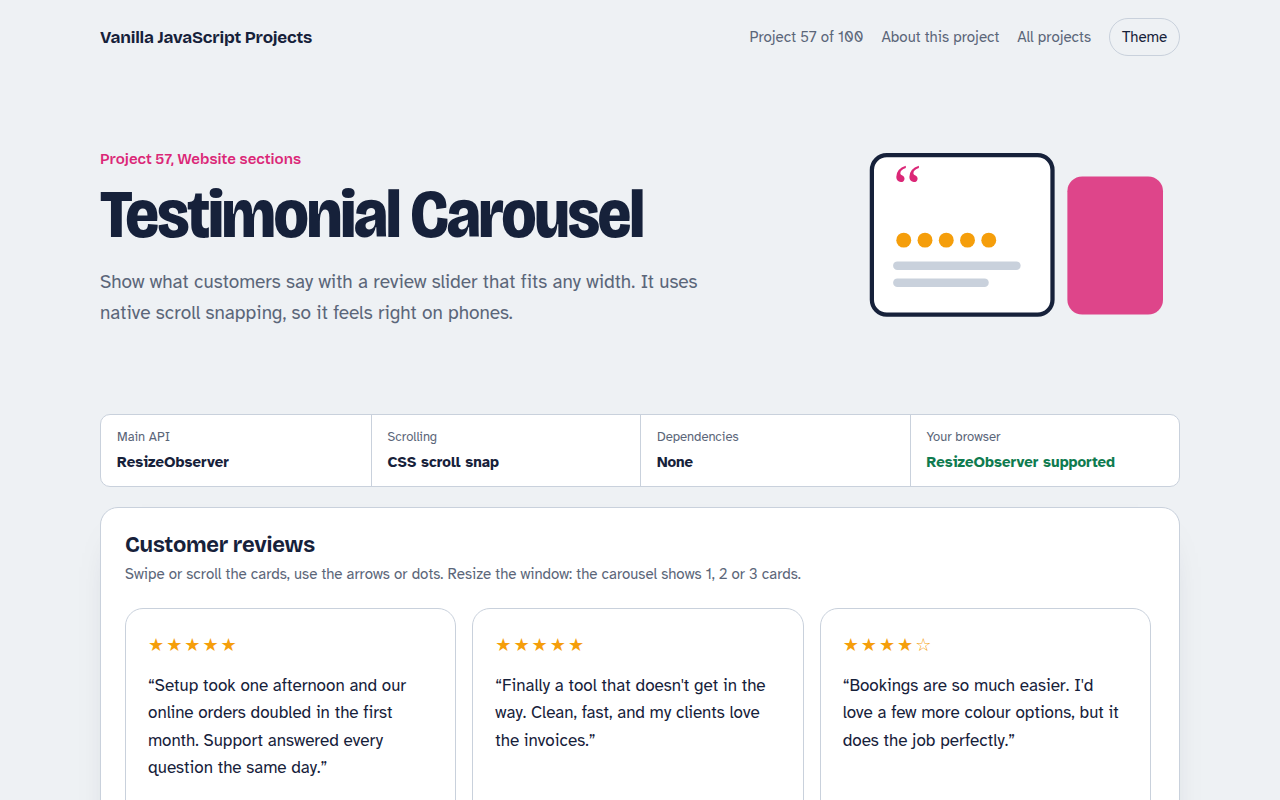
Runs on: ResizeObserver and scroll snap. Works in all modern browsers.
What is the Testimonial Carousel?
A customer review carousel with photos, names, star ratings and quotes. It shows three cards on wide screens, two on tablets and one on phones.
You can swipe, scroll, use the arrows or dots. Autoplay moves on every six seconds with a small progress ring, and stops when you interact.
Good for
- Home page social proof
- Service and agency sites
- Product landing pages
- Course and coaching sites
What this project does
- 1, 2 or 3 cards based on available width
- Native scroll snap for smooth swiping
- Star ratings with screen reader labels
- Autoplay progress ring with a Pause button
- Dots that follow manual scrolling
How it works
- Let CSS do the scrollingThe rail uses scroll snap, so swiping on a phone lands neatly on a card with no custom touch code.
- Measure the spaceResizeObserver watches the rail. Wide shows 3 cards, medium 2 and narrow 1, and the dots update to match.
- Autoplay with a ringA progress ring shows time to the next page. It pauses on hover, focus, the Pause button and reduced motion.
The key JavaScript
This is the heart of the project. The full file has the rest, including the screen layout and error handling.
.rail { display: flex; overflow-x: auto; scroll-snap-type: x mandatory; }
.card { flex: 0 0 var(--w); scroll-snap-align: start; }

new ResizeObserver(() => {
  const w = rail.clientWidth;
  perView = w > 900 ? 3 : w > 560 ? 2 : 1;
  rail.style.setProperty("--w", `calc((100% - ${(perView - 1) * 16}px) / ${perView})`);
}).observe(rail);
How to use it
- Click Download HTML file above.
- Open the file in a code editor, like VS Code.
- Run it from a local server with
npx serve .so the camera, microphone and AI features are allowed. - Change the text and colors, then upload it to GitHub Pages, Netlify or your own site. It is one file with no build step.
Questions people ask
Why use ResizeObserver instead of media queries?
The carousel responds to its own width, so it works in a sidebar, a full-width band or a narrow column.
Can I show real reviews?
Yes. Replace the array with reviews from your database or a review platform export.
Is it accessible?
Stars have text labels, controls have names and autoplay pauses on focus and for reduced motion.
More Website Sections projects
051. Mega Menu Navigation
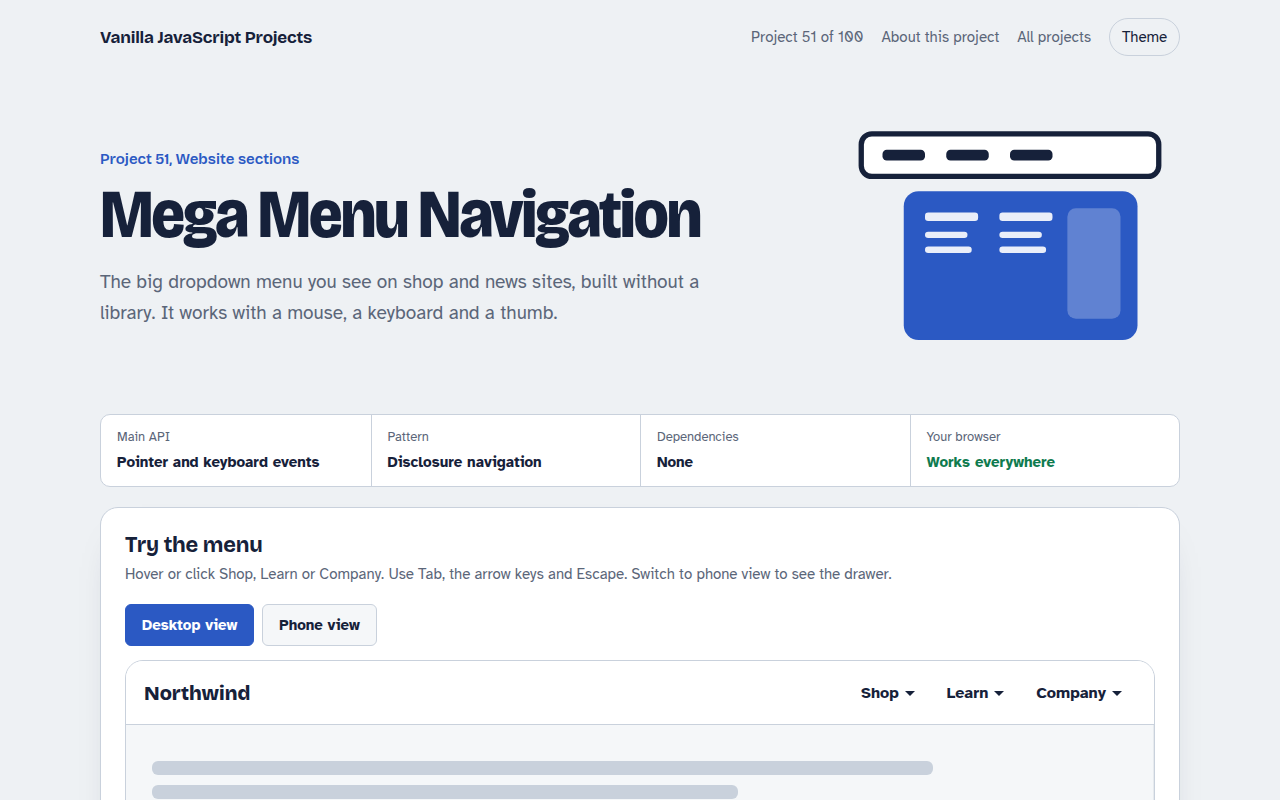
A big dropdown menu with columns, keyboard support and a mobile drawer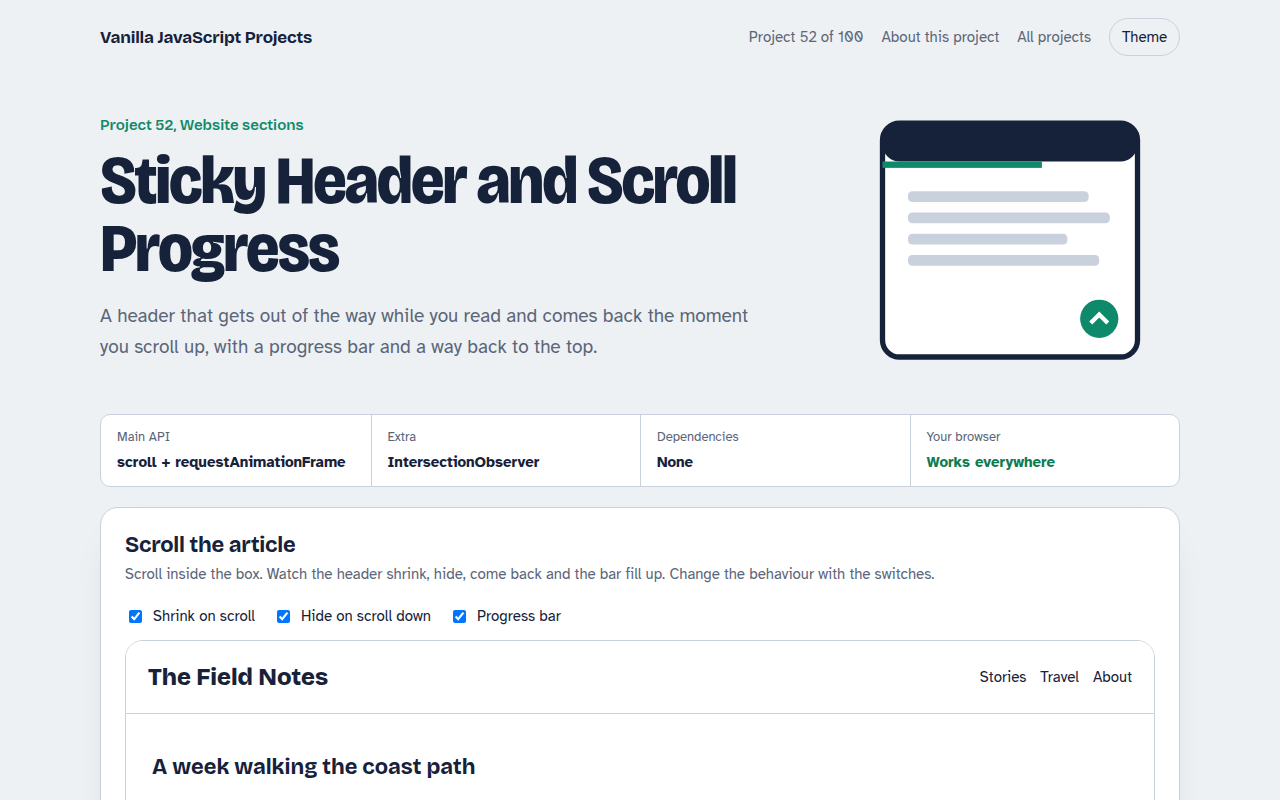
052. Sticky Header and Scroll Progress
A header that shrinks on scroll with a reading progress bar and back to top button
053. Touch Image Slider
A photo slider with swipe, autoplay, dots and keyboard control
054. Lightbox Gallery with Zoom
A photo grid that opens a full screen viewer with zoom and pan
055. Tabs and Accordion Kit
Accessible tabs and accordions with keyboard support and smooth height animation