Home / Website Sections / Lightbox Gallery with Zoom
Lightbox Gallery with Zoom in JavaScript, Free with Live Demo
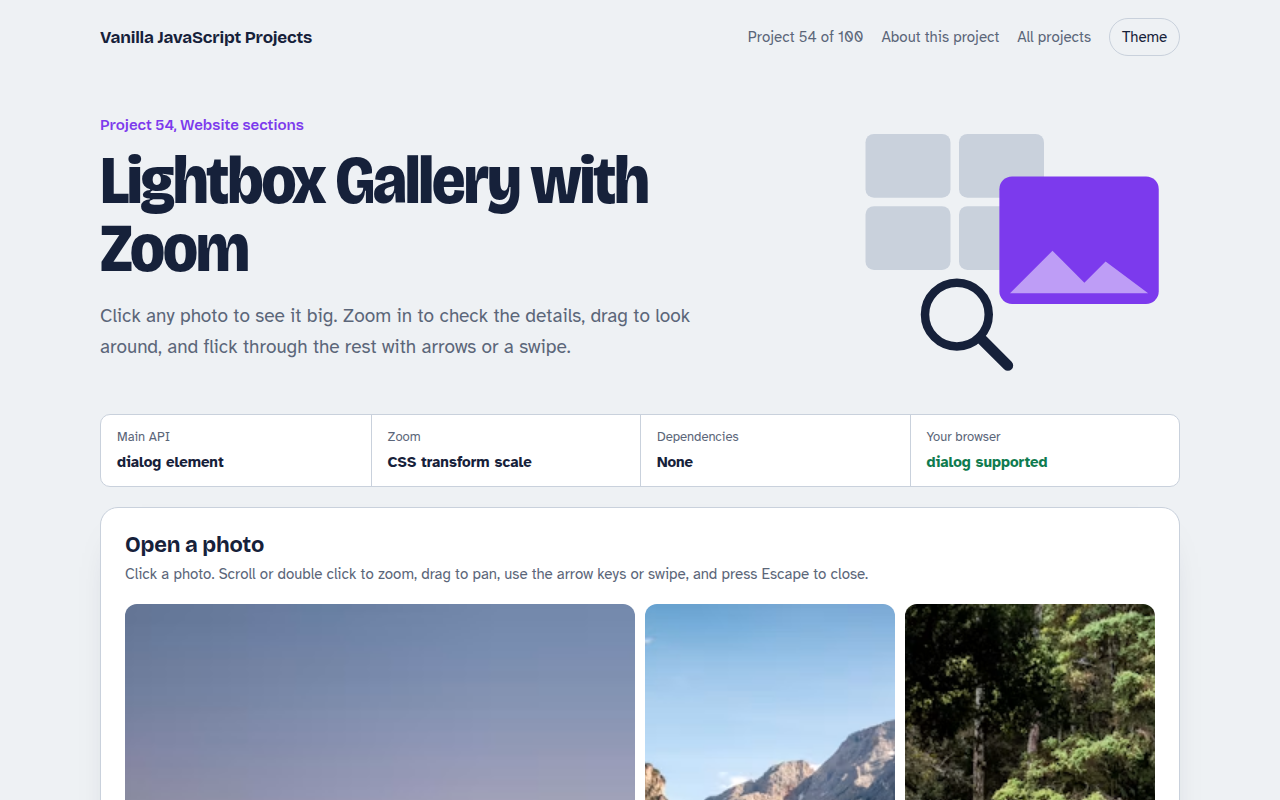
Free lightbox gallery in plain JavaScript. Click a photo to open a full screen viewer with zoom, pan, arrow keys, swipe, captions and a counter. Built on the native dialog element.
Runs on: dialog element and pointer events. Works in all modern browsers. The dialog element is supported in Chrome, Edge, Firefox and Safari 15.4+.
What is the Lightbox Gallery with Zoom?
A photo grid where any image opens in a full screen viewer. You can zoom in up to five times, drag around the zoomed photo and move between photos.
It uses the built in dialog element, so keyboard focus, Escape to close and returning focus to the photo you clicked all work without extra code.
Good for
- Photography and portfolio sites
- Property and hotel galleries
- Product photos in shops
- Event and wedding albums
What this project does
- Masonry style grid with a large first photo
- Native dialog viewer with focus handling
- Zoom with buttons, mouse wheel, double click and keys
- Drag to pan when zoomed, swipe to change photo
- Captions, counter and preloading of the next photo
How it works
- Use the native dialogshowModal() gives a real modal: focus is trapped, the page behind is inert and Escape closes it for free.
- Zoom with transformZoom and pan are one CSS transform, translate then scale, so it stays sharp and fast.
- Swipe when not zoomedWhen the photo is at 100 percent a horizontal drag changes photo. When zoomed, dragging pans instead.
The key JavaScript
This is the heart of the project. The full file has the rest, including the screen layout and error handling.
grid.onclick = (e) => {
  const btn = e.target.closest("button");
  show(+btn.dataset.i);
  dialog.showModal(); // focus trap + Escape for free
};
view.addEventListener("wheel", (e) => {
  e.preventDefault();
  zoom = Math.min(5, Math.max(1, zoom * (e.deltaY < 0 ? 1.15 : 0.87)));
  img.style.transform = `translate(${x}px,${y}px) scale(${zoom})`;
}, { passive: false });
How to use it
- Click Download HTML file above.
- Open the file in a code editor, like VS Code.
- Run it from a local server with
npx serve .so the camera, microphone and AI features are allowed. - Change the text and colors, then upload it to GitHub Pages, Netlify or your own site. It is one file with no build step.
Questions people ask
Why use the dialog element?
It handles the hard parts of a modal for you: focus trapping, Escape to close and making the page behind inert.
Does it load full size photos up front?
No. Thumbnails load in the grid, and the large version loads only when you open a photo. The next one is preloaded.
Can I pinch to zoom on phones?
This version uses buttons and double tap to zoom on phones. You can add pinch by tracking two pointers.
More Website Sections projects
051. Mega Menu Navigation
A big dropdown menu with columns, keyboard support and a mobile drawer
052. Sticky Header and Scroll Progress
A header that shrinks on scroll with a reading progress bar and back to top button
053. Touch Image Slider
A photo slider with swipe, autoplay, dots and keyboard control
055. Tabs and Accordion Kit
Accessible tabs and accordions with keyboard support and smooth height animation
056. Pricing Table with Toggle
A pricing table with a monthly and yearly switch, currencies and a seat slider