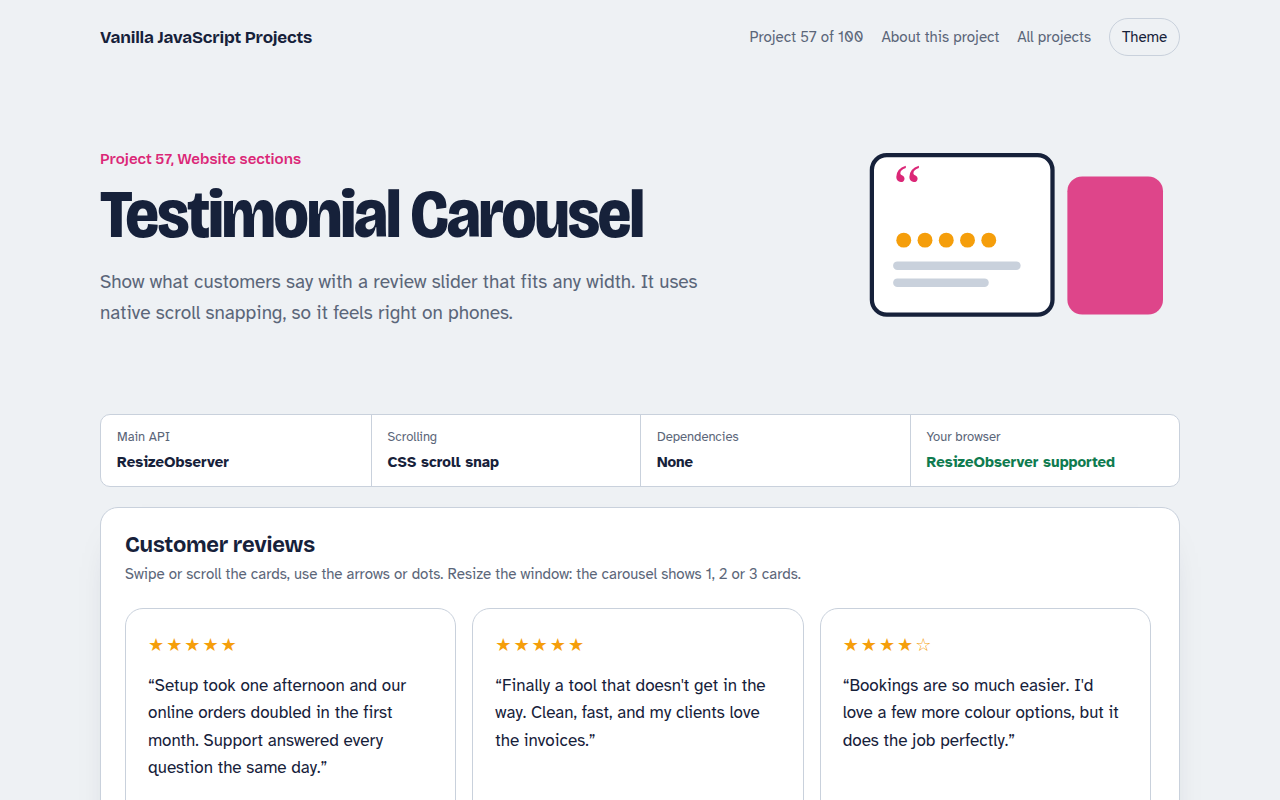
Home / Website Sections / Tabs and Accordion Kit
Tabs and Accordion Kit in JavaScript, Free with Live Demo
Free accessible tabs and accordion in plain JavaScript. Correct ARIA roles, arrow key navigation, one or many panels open, smooth height animation and deep links.
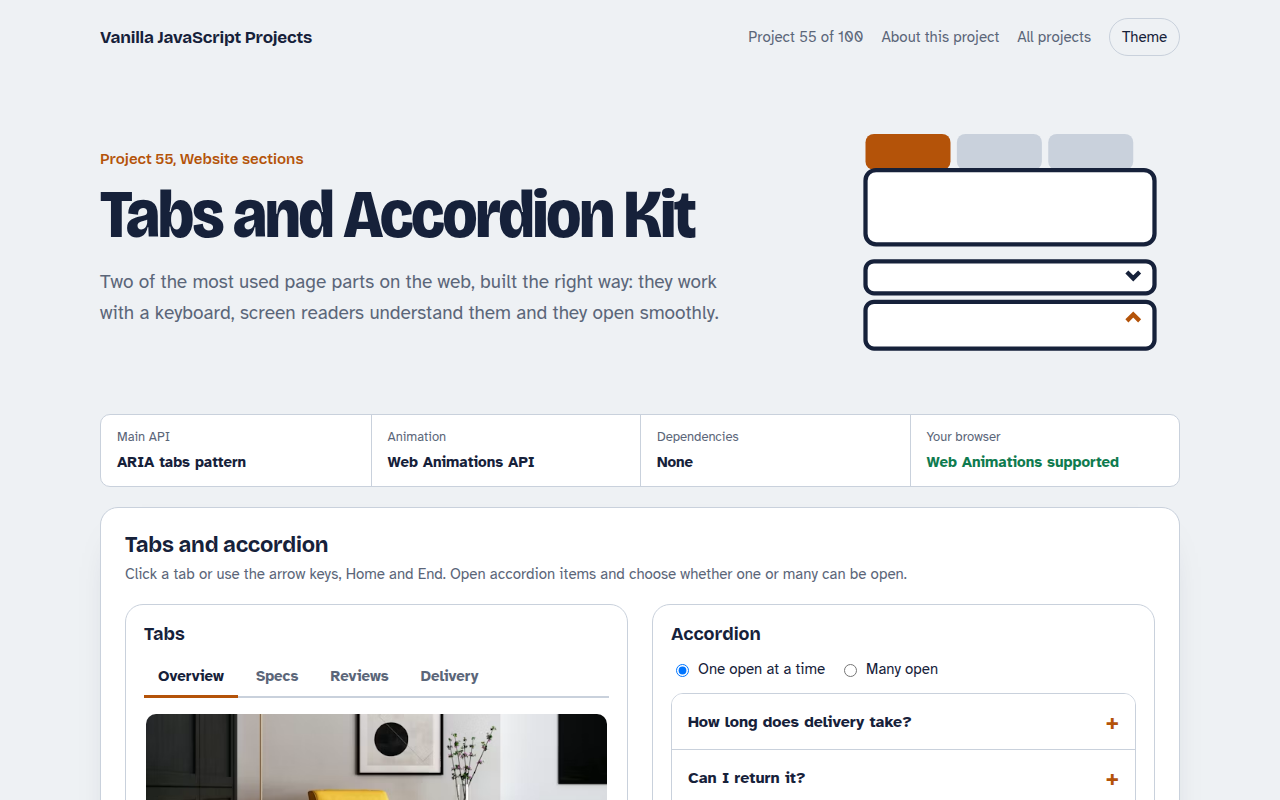
Runs on: ARIA roles and the Web Animations API. Works in all modern browsers.
What is the Tabs and Accordion Kit?
A tabs component and an accordion that follow the official accessibility patterns. They work with a mouse, a keyboard and screen readers.
Tabs support arrow keys, Home and End, and remember the selected tab in the address bar. The accordion can allow one or many open items and animates smoothly.
Good for
- Product pages with specs and reviews
- FAQ sections
- Pricing and plan comparisons
- Settings pages
What this project does
- ARIA tabs with roving tabindex
- Arrow keys, Home and End
- Deep link to a tab with the URL hash
- Accordion with one or many open mode
- Smooth height animation that respects reduced motion
How it works
- Roving tabindexOnly the selected tab is in the Tab order. Arrow keys move selection, so one Tab press takes you into the panel.
- Link tabs and panelsaria-controls and aria-labelledby connect each tab to its panel, so screen readers announce them together.
- Animate real heightThe accordion measures scrollHeight and animates from 0 to that height with element.animate().
The key JavaScript
This is the heart of the project. The full file has the rest, including the screen layout and error handling.
tabs.forEach((tab, i) => tab.onkeydown = (e) => {
  const next = { ArrowRight: i + 1, ArrowLeft: i - 1, Home: 0, End: tabs.length - 1 }[e.key];
  if (next === undefined) return;
  select(tabs[(next + tabs.length) % tabs.length]);
});
function select(tab) {
  tabs.forEach((t) => {
    const on = t === tab;
    t.setAttribute("aria-selected", on);
    t.tabIndex = on ? 0 : -1;
    document.getElementById(t.getAttribute("aria-controls")).hidden = !on;
  });
  tab.focus();
}
How to use it
- Click Download HTML file above.
- Open the file in a code editor, like VS Code.
- Run it from a local server with
npx serve .so the camera, microphone and AI features are allowed. - Change the text and colors, then upload it to GitHub Pages, Netlify or your own site. It is one file with no build step.
Questions people ask
Why not use details and summary for the accordion?
You can for simple cases. This version adds a one-at-a-time mode and smooth animation, which details cannot do on its own.
Should tab panels be hidden or removed?
Hidden. The content stays in the page, which is better for search engines and for find in page.
Do tabs change the URL?
Yes, the hash updates, so you can link straight to the Reviews tab.
More Website Sections projects
051. Mega Menu Navigation
A big dropdown menu with columns, keyboard support and a mobile drawer
052. Sticky Header and Scroll Progress
A header that shrinks on scroll with a reading progress bar and back to top button
053. Touch Image Slider
A photo slider with swipe, autoplay, dots and keyboard control
054. Lightbox Gallery with Zoom
A photo grid that opens a full screen viewer with zoom and pan
056. Pricing Table with Toggle
A pricing table with a monthly and yearly switch, currencies and a seat slider