Home / Forms and Input / Star Rating and Review Form
Star Rating and Review Form in JavaScript, Free with Live Demo
Free star rating and review form in plain JavaScript. Half star ratings with radio buttons, hover preview, review text with a counter, photo previews and a live rating summary.
Runs on: Radio inputs and FileReader. Works in all modern browsers.
What is the Star Rating and Review Form?
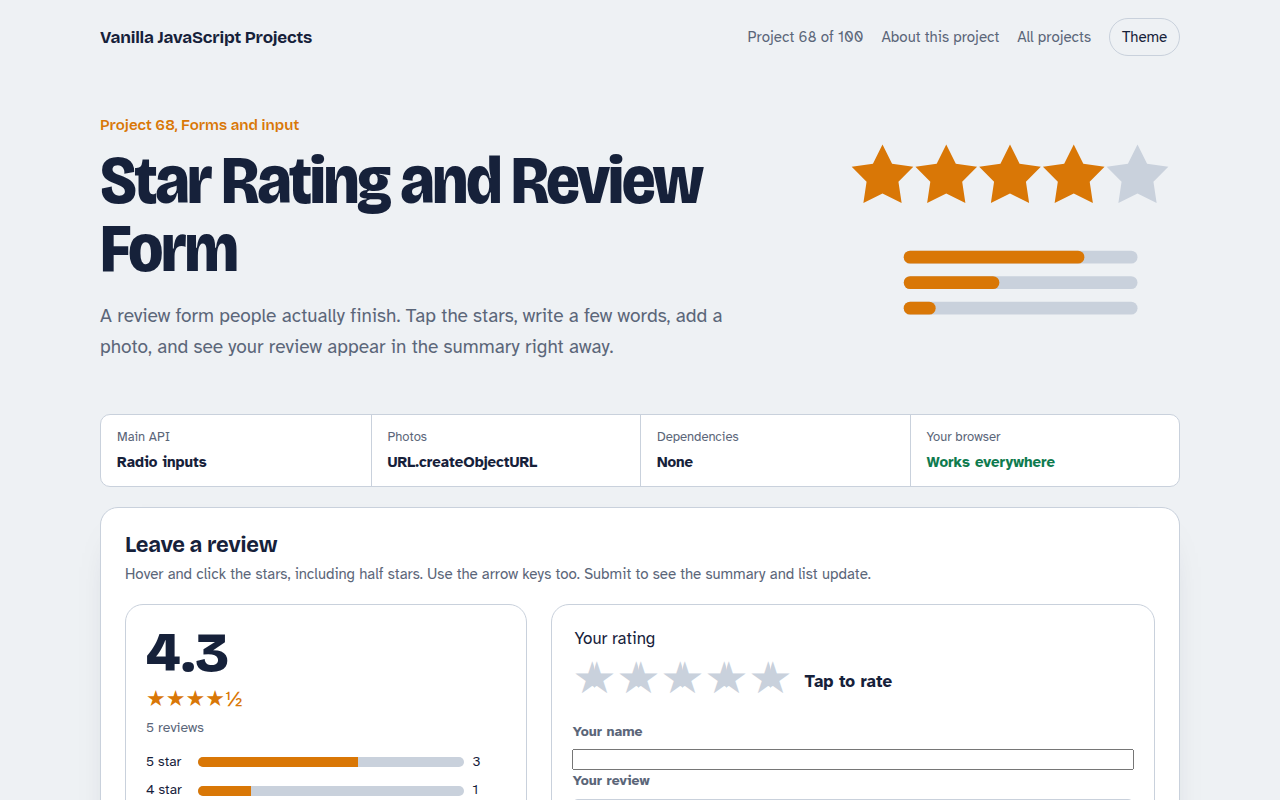
A product review form with half star ratings, a name, a comment with a character counter and up to four photos.
Next to it is a rating summary with the average score and a bar for each star level. Posting a review updates the summary and adds it to the top of the list.
Good for
- Product pages in online shops
- Restaurant, hotel and service reviews
- Course and app feedback
- Internal quality surveys
What this project does
- Half star rating built on radio inputs
- Hover preview with word labels
- Character counter and required checks
- Photo previews before posting
- Live average and star breakdown bars
How it works
- Stars are radio buttonsTen hidden radio inputs, one for each half star, make the rating work with a keyboard and screen readers for free.
- Paint on hover and changeHovering previews a rating and the label changes to words like Great. Leaving restores the chosen value.
- Recalculate the summaryThe average, star counts and bar widths are worked out again from the list every time a review is added.
The key JavaScript
This is the heart of the project. The full file has the rest, including the screen layout and error handling.
<fieldset class="stars">
  <legend>Your rating</legend>
  <input type="radio" name="star" id="s1" value="0.5"><label for="s1">0.5 stars</label>
  <!-- ... up to 5 -->
</fieldset>

stars.addEventListener("change", (e) => paint(+e.target.value));
const avg = reviews.reduce((a, r) => a + r.stars, 0) / reviews.length;
bar.style.width = (count / reviews.length) * 100 + "%";
How to use it
- Click Download HTML file above.
- Open the file in a code editor, like VS Code.
- Run it from a local server with
npx serve .so the camera, microphone and AI features are allowed. - Change the text and colors, then upload it to GitHub Pages, Netlify or your own site. It is one file with no build step.
Questions people ask
Why build stars from radio buttons?
Radio buttons already work with a keyboard and screen readers. The stars are just their labels styled.
How do I save reviews?
Send the form data to your server with fetch. The demo keeps reviews in memory only.
Should I show the average with decimals?
Show one decimal, like 4.3, and round the stars to the nearest half.
More Forms and Input projects
061. Multi-step Form Wizard
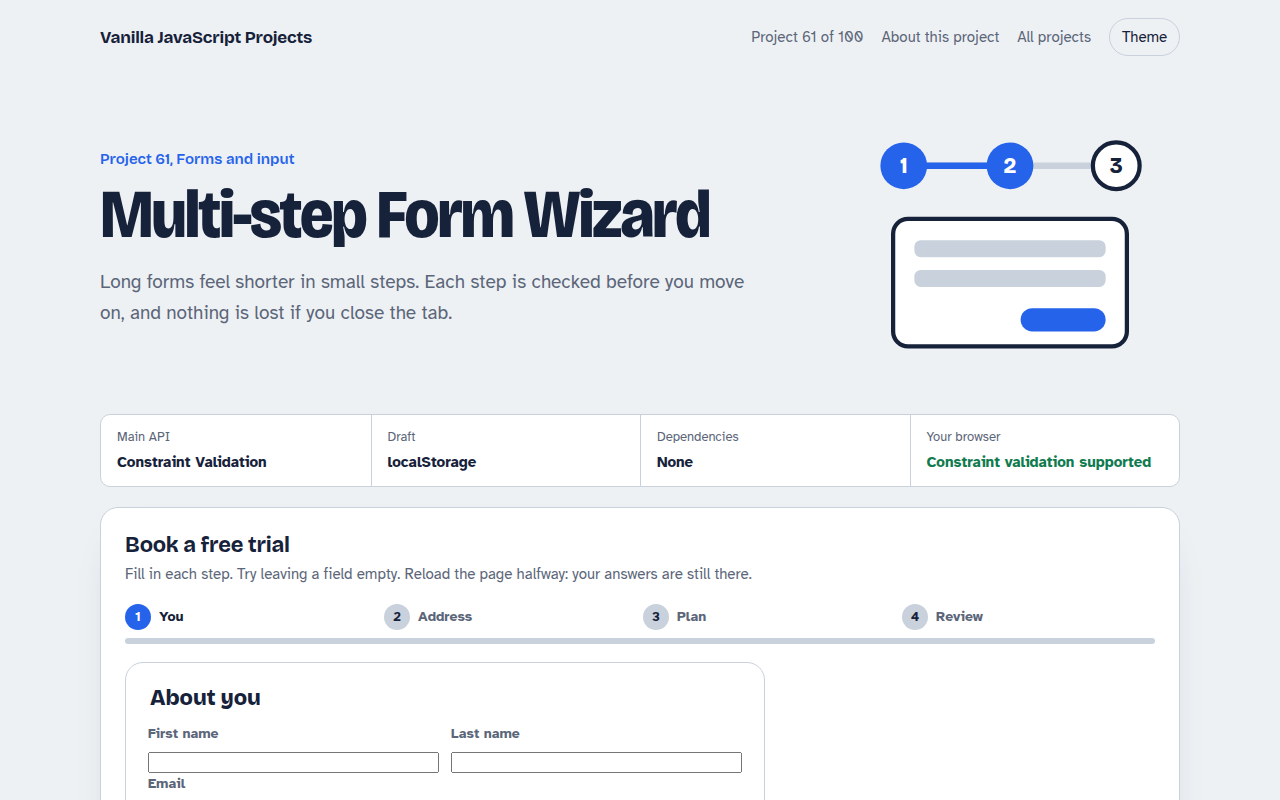
A sign up form split into steps with checks, a progress bar and a saved draft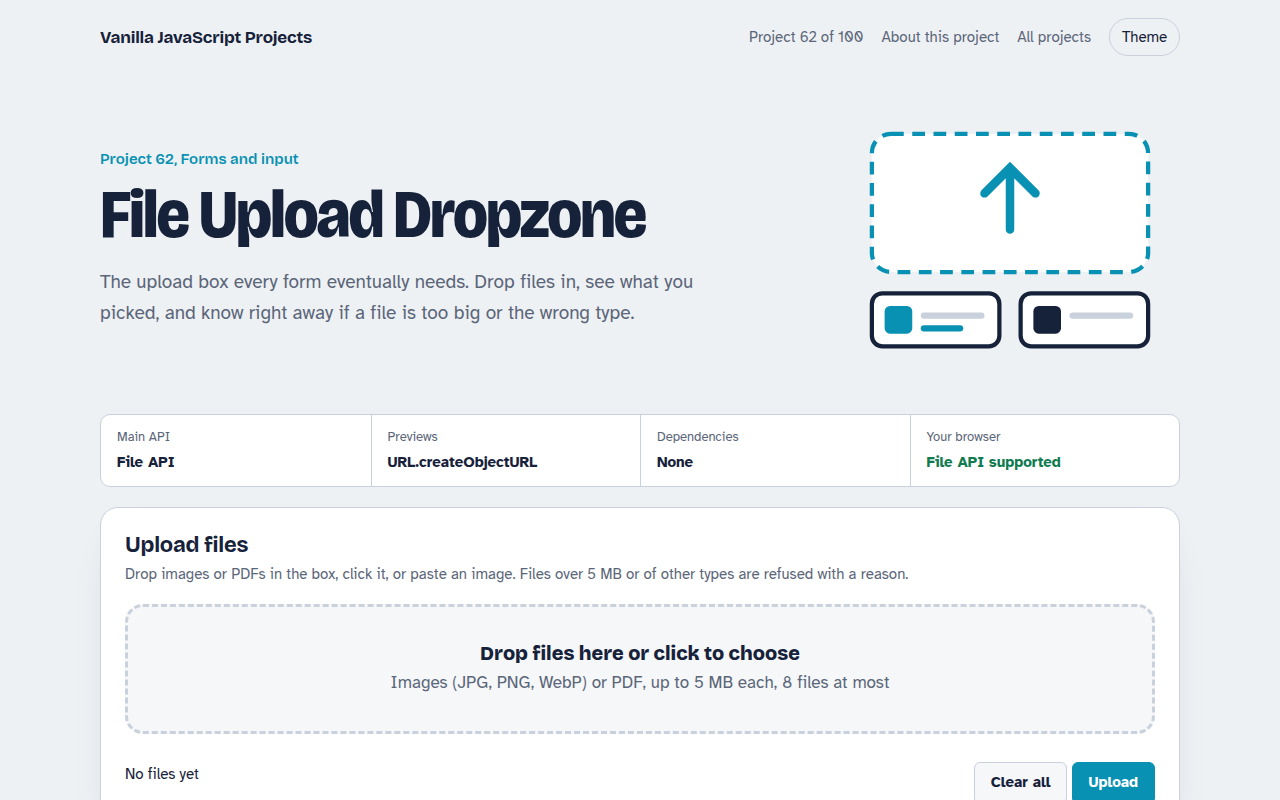
062. File Upload Dropzone
A drag and drop uploader with previews, size limits and progress bars
063. Date Range Picker
A two month calendar for picking check in and check out dates
064. Autocomplete Search
A search box that suggests results as you type, with keyboard control
065. OTP Code Input
A six box verification code input with paste, auto advance and a resend timer