Home / Forms and Input / Mini Rich Text Editor
Mini Rich Text Editor in JavaScript, Free with Live Demo
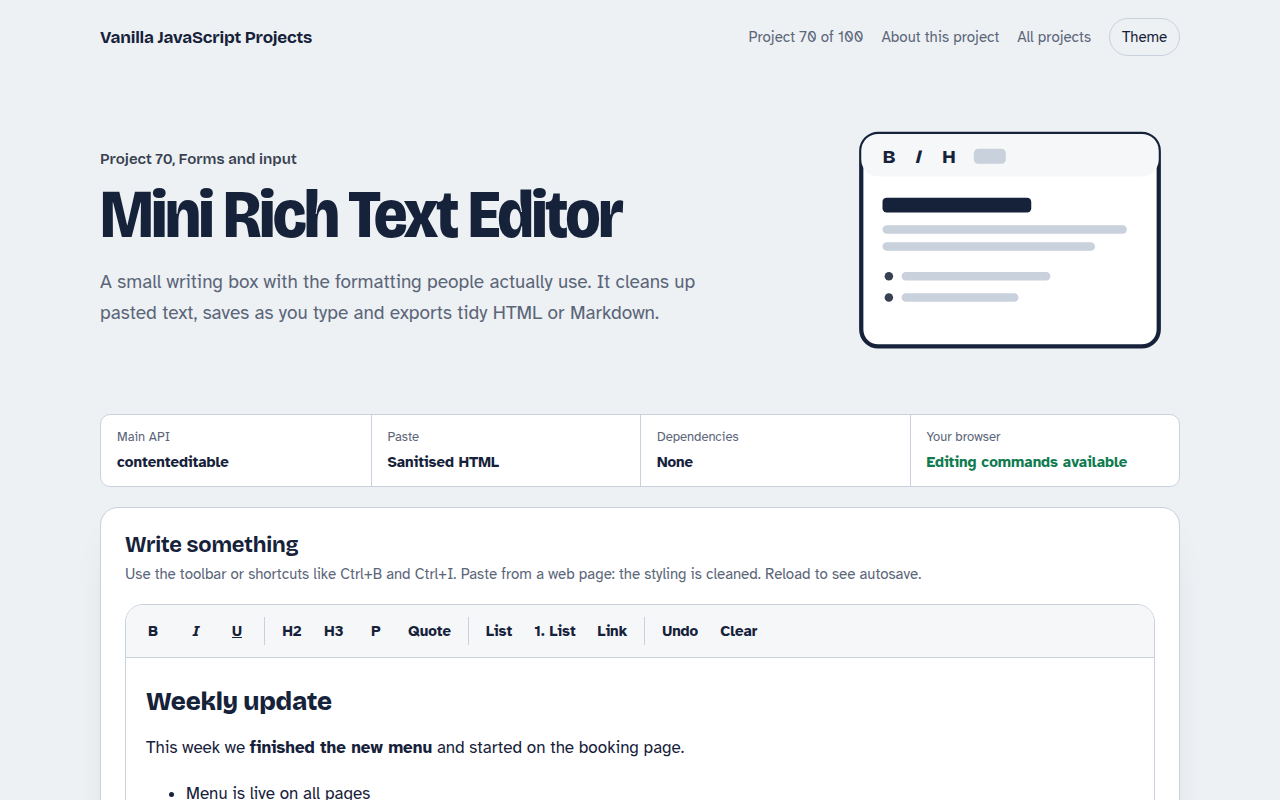
Free mini rich text editor in plain JavaScript. Bold, italic, headings, lists, quotes and links, keyboard shortcuts, clean paste, word count, autosave and HTML or Markdown export.
Runs on: contenteditable and Selection API. Works in all modern browsers. execCommand is marked as old in the specs but is still supported everywhere.
What is the Mini Rich Text Editor?
A small rich text editor with a toolbar for bold, italic, underline, headings, quotes, lists and links, plus the usual keyboard shortcuts.
Text pasted from web pages or Word is cleaned to simple HTML. The editor saves as you type, counts words and exports clean HTML or Markdown.
Good for
- Comment and message boxes
- Simple blog or news admin
- Product descriptions in a shop admin
- Notes and knowledge base tools
What this project does
- Toolbar with active state
- Headings, quotes, lists and safe links
- Clean paste that strips styles and scripts
- Word count, reading time and autosave
- HTML and Markdown export
How it works
- A div you can type incontenteditable turns a normal div into an editor. The toolbar runs editing commands like bold and formatBlock on the current selection.
- Clean every pastePasted HTML is parsed with DOMParser, and only safe tags like p, b, a and lists are kept. Styles, classes and scripts are removed.
- Export two waysThe cleaned HTML is shown as is, and a small walker turns the same tree into Markdown.
The key JavaScript
This is the heart of the project. The full file has the rest, including the screen layout and error handling.
editor.addEventListener("paste", (e) => {
  e.preventDefault();
  const html = e.clipboardData.getData("text/html");
  const doc = new DOMParser().parseFromString(html, "text/html");
  doc.querySelectorAll("*").forEach((el) => {
    if (!ALLOWED.has(el.tagName)) el.replaceWith(...el.childNodes);
    else [...el.attributes].forEach((a) => a.name !== "href" && el.removeAttribute(a.name));
  });
  document.execCommand("insertHTML", false, doc.body.innerHTML);
});
How to use it
- Click Download HTML file above.
- Open the file in a code editor, like VS Code.
- Run it from a local server with
npx serve .so the camera, microphone and AI features are allowed. - Change the text and colors, then upload it to GitHub Pages, Netlify or your own site. It is one file with no build step.
Questions people ask
Is execCommand safe to use?
It is still supported in every browser. For a very large editor you may want a dedicated library, but for simple formatting it works well.
Can people paste harmful code?
Pasted content is cleaned to a short list of safe tags, and link addresses must start with http, https or mailto. Clean it again on your server.
Where is the text saved?
In localStorage in your browser, half a second after you stop typing.
More Forms and Input projects
061. Multi-step Form Wizard
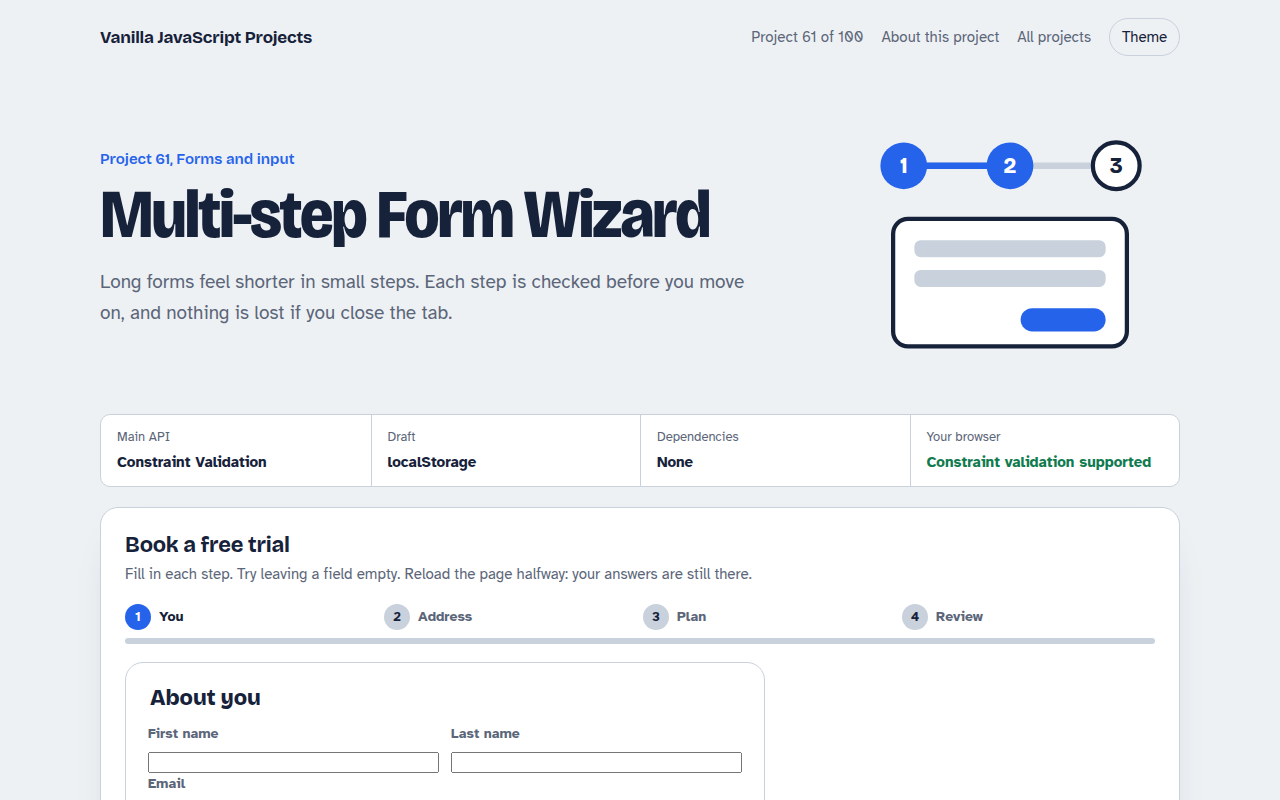
A sign up form split into steps with checks, a progress bar and a saved draft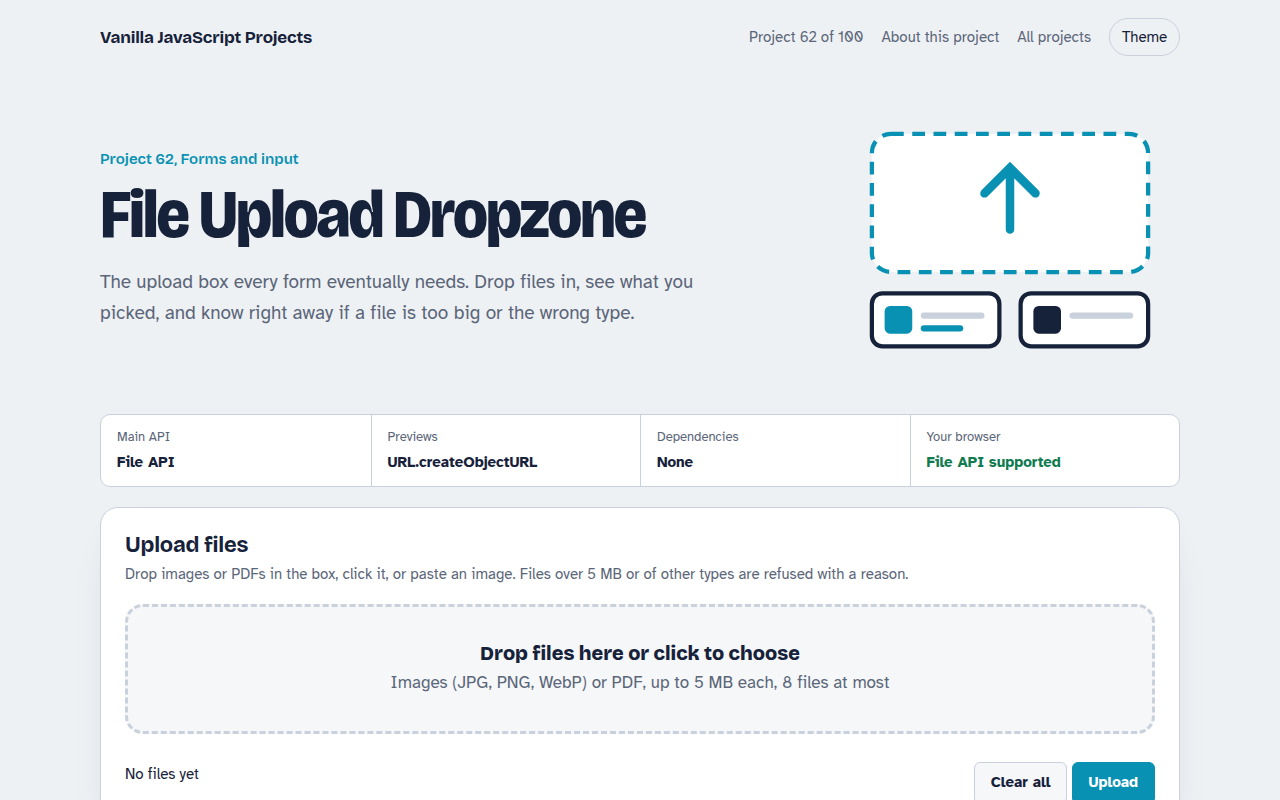
062. File Upload Dropzone
A drag and drop uploader with previews, size limits and progress bars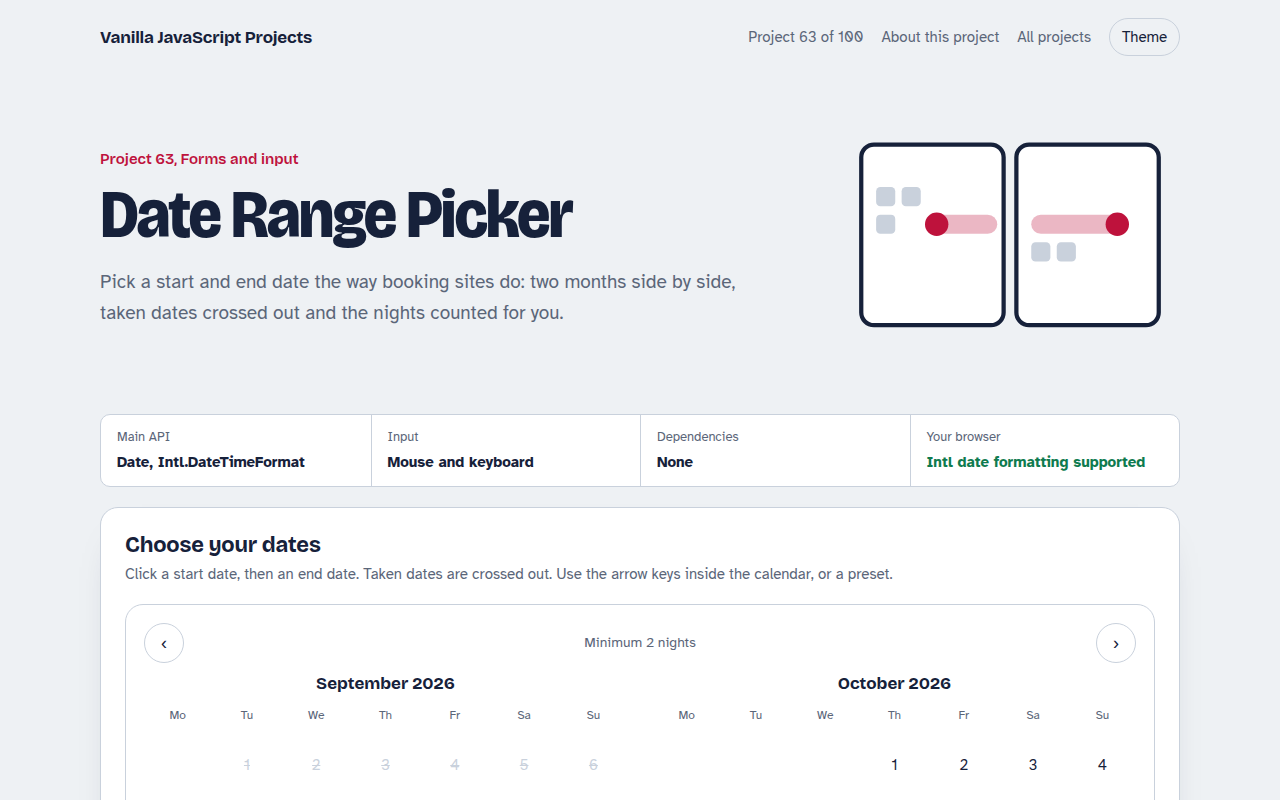
063. Date Range Picker
A two month calendar for picking check in and check out dates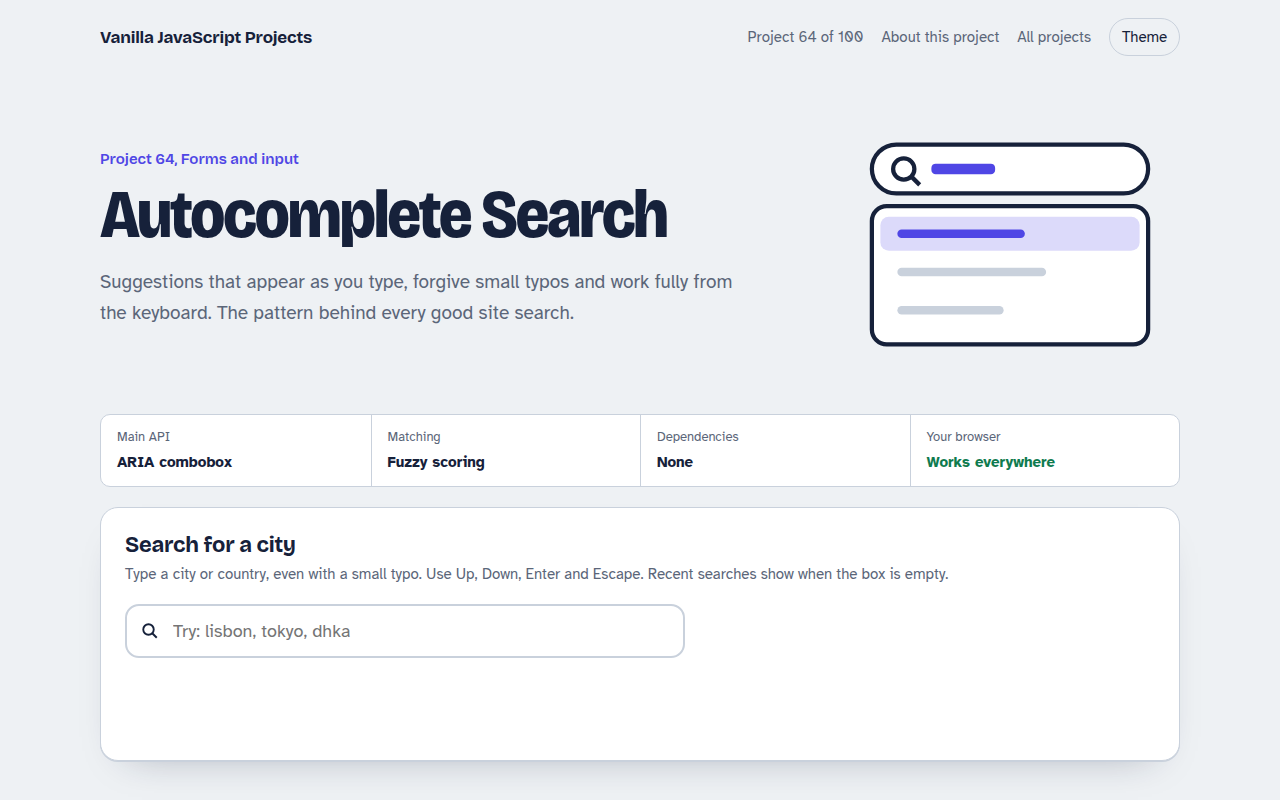
064. Autocomplete Search
A search box that suggests results as you type, with keyboard control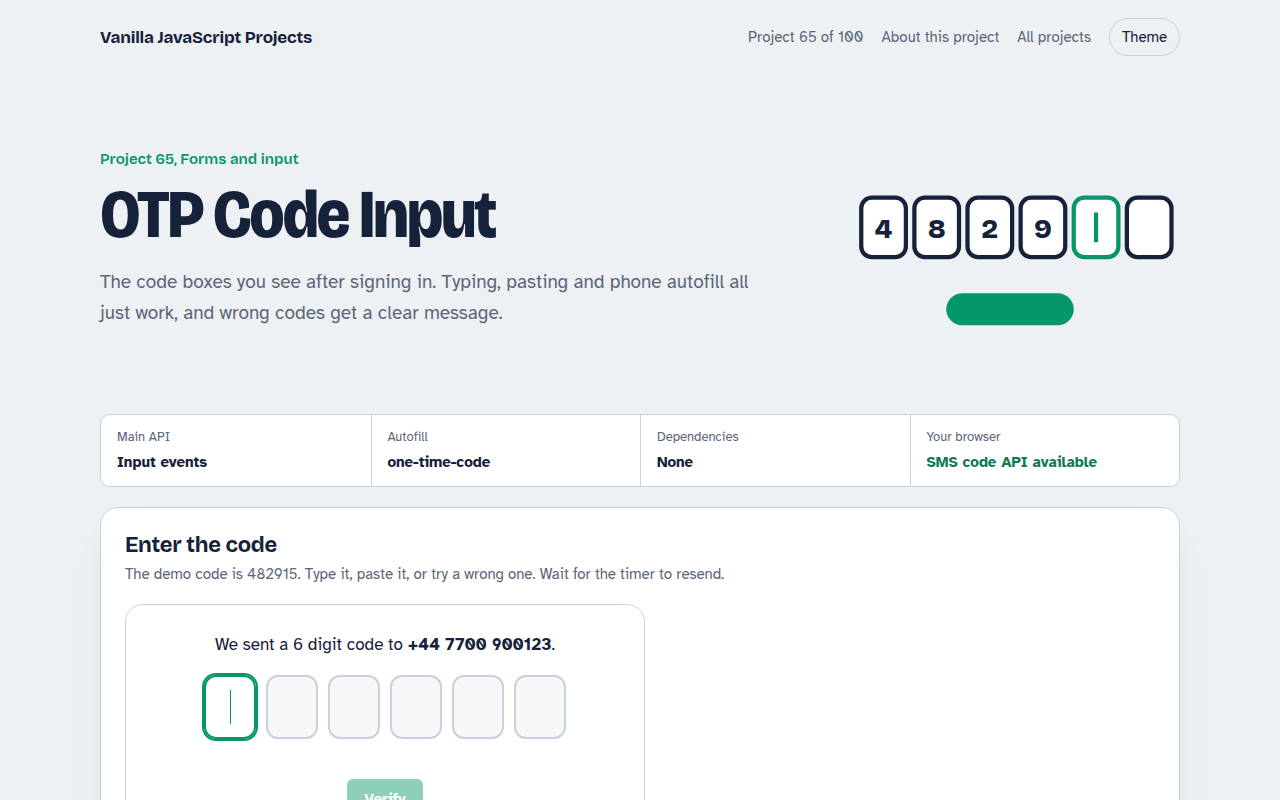
065. OTP Code Input
A six box verification code input with paste, auto advance and a resend timer