Home / Forms and Input / Signature Pad
Signature Pad in JavaScript, Free with Live Demo
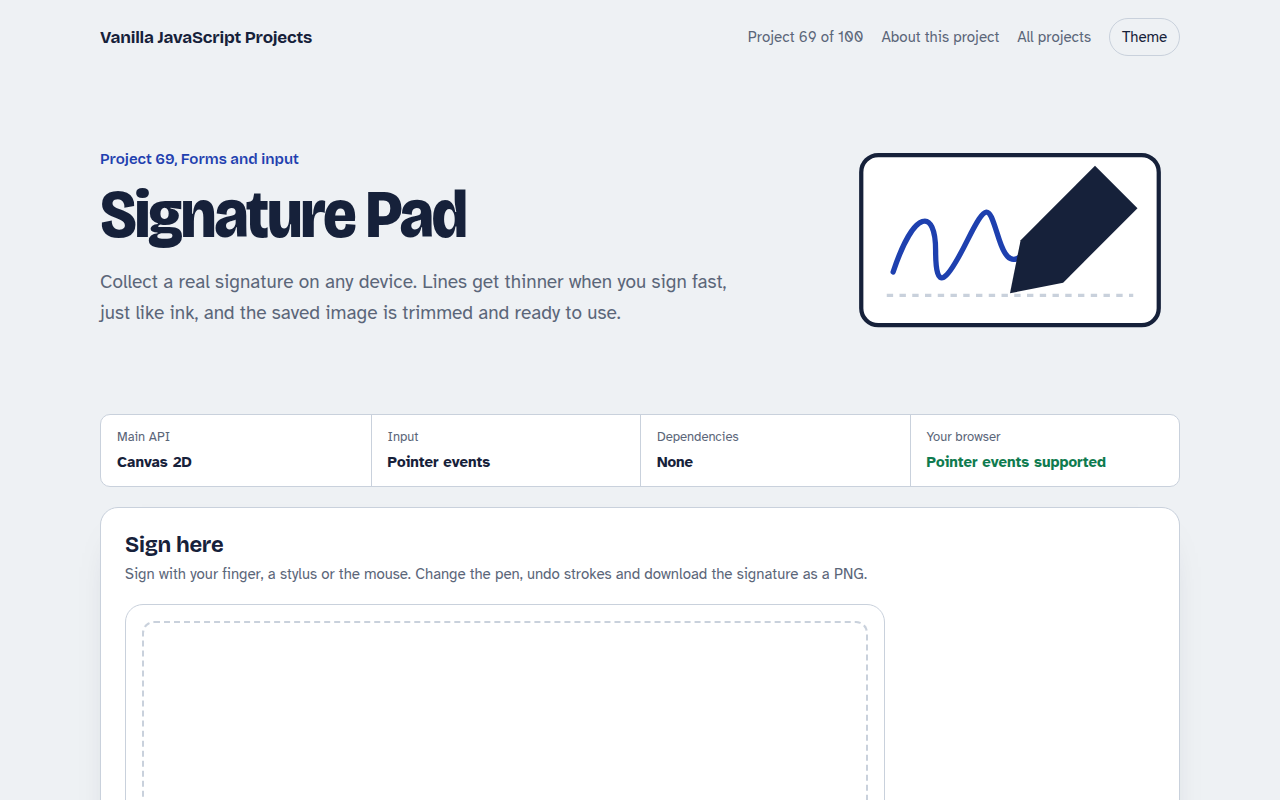
Free signature pad in plain JavaScript. Sign with a finger, pen or mouse, smooth lines that respond to speed, undo, clear, trimmed PNG download and sharp on high resolution screens.
Runs on: Canvas 2D and pointer events. Works in all modern browsers. Pressure works with pens that report it, such as Apple Pencil and Surface Pen.
What is the Signature Pad?
A signature box that works with a finger, a stylus or a mouse. Lines are smooth and change thickness with speed and pen pressure, so signatures look natural.
You can pick an ink colour and pen size, undo strokes or clear. Saving trims the empty space and gives you a transparent PNG to download or send to your server.
Good for
- Delivery and service sign off
- Contracts and consent forms
- Visitor and staff check in
- Waivers and permission slips
What this project does
- Finger, stylus and mouse input
- Speed and pressure sensitive lines
- Ink colours and pen sizes
- Undo and clear
- Trimmed transparent PNG download
How it works
- Sharp on every screenThe canvas is sized in real device pixels and scaled back, so lines stay crisp on phones and high resolution laptops.
- Smooth, ink-like linesPoints are joined with quadratic curves through their midpoints. Fast movement makes the line thinner, and pen pressure is used when available.
- Trim before savingThe script scans the pixels for the signature's edges and copies just that area, with a little padding, into a new PNG.
The key JavaScript
This is the heart of the project. The full file has the rest, including the screen layout and error handling.
canvas.addEventListener("pointermove", (e) => {
  if (!drawing) return;
  const p = point(e), last = pts.at(-1);
  const speed = Math.hypot(p.x - last.x, p.y - last.y) / (p.t - last.t);
  p.w = last.w * 0.6 + base * Math.max(0.45, 1.5 - speed * 0.6) * 0.4; // faster = thinner
  const mid = { x: (last.x + p.x) / 2, y: (last.y + p.y) / 2 };
  ctx.lineWidth = p.w;
  ctx.quadraticCurveTo(last.x, last.y, mid.x, mid.y);
  ctx.stroke();
  pts.push(p);
});
How to use it
- Click Download HTML file above.
- Open the file in a code editor, like VS Code.
- Run it from a local server with
npx serve .so the camera, microphone and AI features are allowed. - Change the text and colors, then upload it to GitHub Pages, Netlify or your own site. It is one file with no build step.
Questions people ask
Is a drawn signature legally valid?
In many countries a drawn signature is accepted for everyday agreements. Check the rules for your country and use case.
How do I send the signature to my server?
Use canvas.toBlob() and add the blob to a FormData object, then post it with fetch.
Why does the page not scroll when I sign?
touch-action: none on the signing area stops the page from scrolling while you draw.
More Forms and Input projects
061. Multi-step Form Wizard
A sign up form split into steps with checks, a progress bar and a saved draft
062. File Upload Dropzone
A drag and drop uploader with previews, size limits and progress bars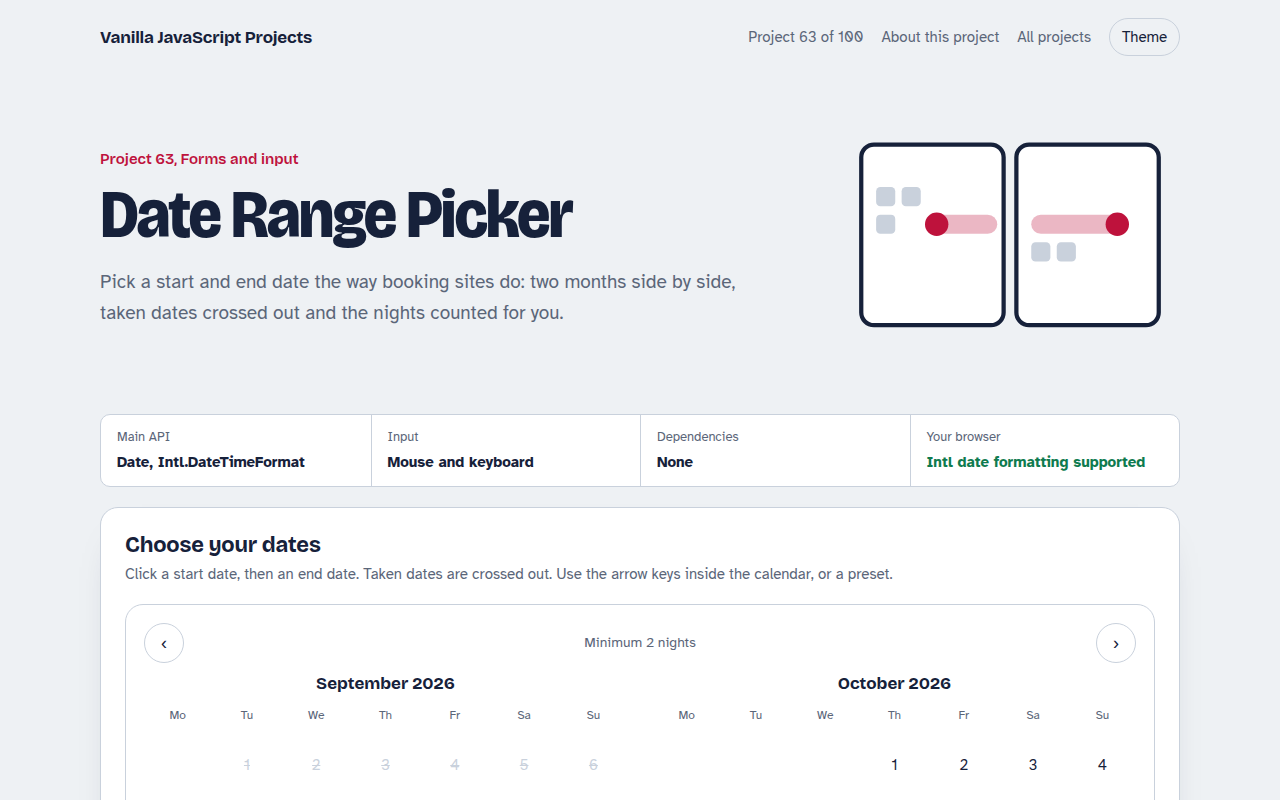
063. Date Range Picker
A two month calendar for picking check in and check out dates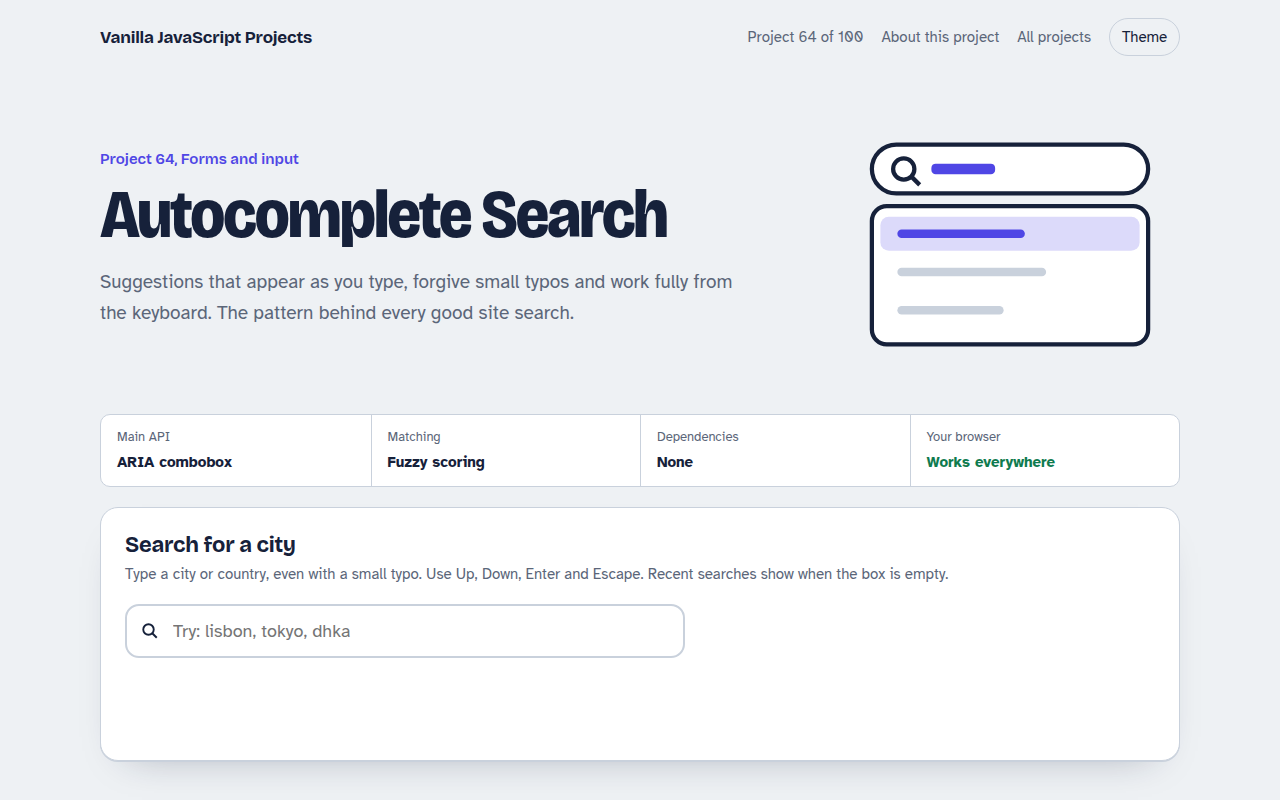
064. Autocomplete Search
A search box that suggests results as you type, with keyboard control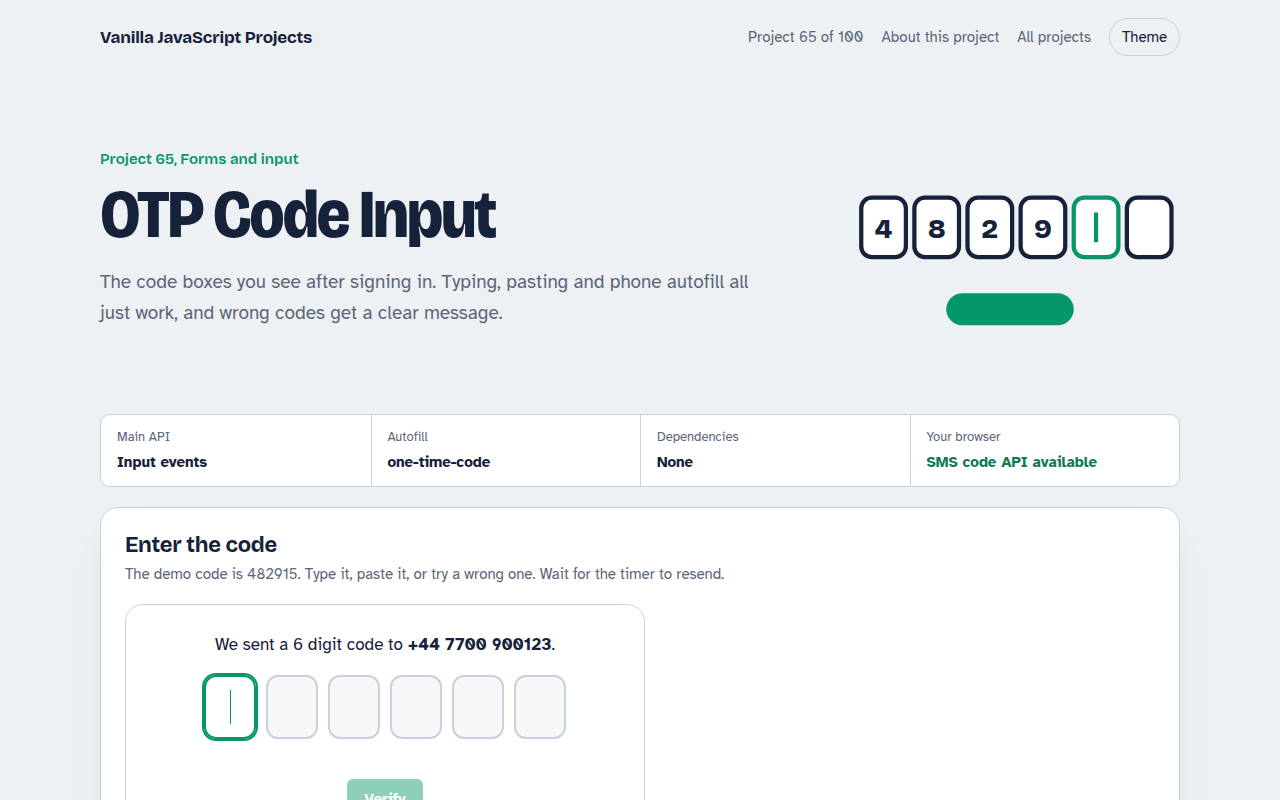
065. OTP Code Input
A six box verification code input with paste, auto advance and a resend timer