Home / E-commerce and Business / Shopping Cart with Coupons
Shopping Cart with Coupons in JavaScript, Free with Live Demo
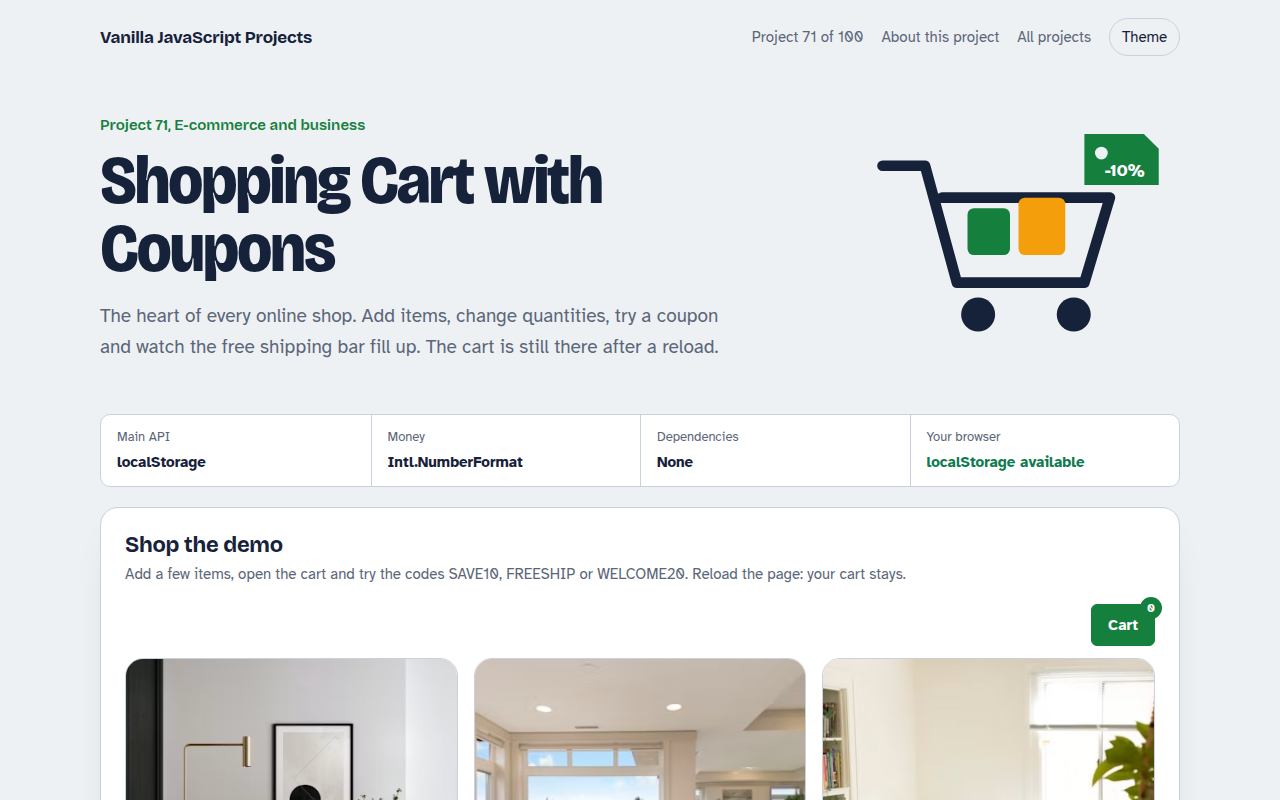
Free shopping cart in plain JavaScript. Add products, change quantities in a cart drawer, apply coupon codes, see free shipping progress, tax and totals, and keep the cart after reload.
Runs on: localStorage and Intl.NumberFormat. Works in all modern browsers.
What is the Shopping Cart with Coupons?
A small furniture shop with a slide-out cart. Add products, change quantities, remove items and see the subtotal, discount, shipping, tax and total update.
Try three coupon codes, one with a minimum order. A progress bar shows how much more you need for free shipping, and the cart is saved in the browser.
Good for
- Small online shops
- Restaurant and takeaway ordering
- Event and ticket sales
- Any site selling a few products
What this project does
- Cart drawer built on the dialog element
- Quantity buttons and remove
- Coupon codes with minimum order rules
- Free shipping progress bar
- Tax and totals, saved in localStorage
How it works
- Cart is one small objectItems are stored as product id and quantity. Prices are always read from the product list, so they cannot be edited in the cart.
- Recalculate everythingSubtotal, discount, shipping, tax and total are worked out again on every change, in that order.
- Save after each changeThe cart object is saved to localStorage, so it survives a reload or coming back tomorrow.
The key JavaScript
This is the heart of the project. The full file has the rest, including the screen layout and error handling.
const cart = JSON.parse(localStorage.getItem("cart") || "{}"); // { productId: qty }
function totals() {
  const sub = Object.entries(cart).reduce((a, [id, q]) => a + products[id].price * q, 0);
  const discount = code === "SAVE10" ? sub * 0.1 : 0;
  const shipping = sub >= 500 || code === "FREESHIP" ? 0 : 25;
  const tax = (sub - discount) * 0.2;
  return { sub, discount, shipping, tax, total: sub - discount + shipping + tax };
}
localStorage.setItem("cart", JSON.stringify(cart));
How to use it
- Click Download HTML file above.
- Open the file in a code editor, like VS Code.
- Run it from a local server with
npx serve .so the camera, microphone and AI features are allowed. - Change the text and colors, then upload it to GitHub Pages, Netlify or your own site. It is one file with no build step.
Questions people ask
Is a JavaScript cart safe?
For showing the cart, yes. Always calculate the final price again on your server before taking payment.
How do I connect a payment provider?
Send the cart items to your server, create a checkout session with your provider and redirect to it.
How long is the cart kept?
Until the visitor clears their browser data. You can add a date and empty old carts after a few weeks.
More E-commerce and Business projects
072. Product Variant Picker
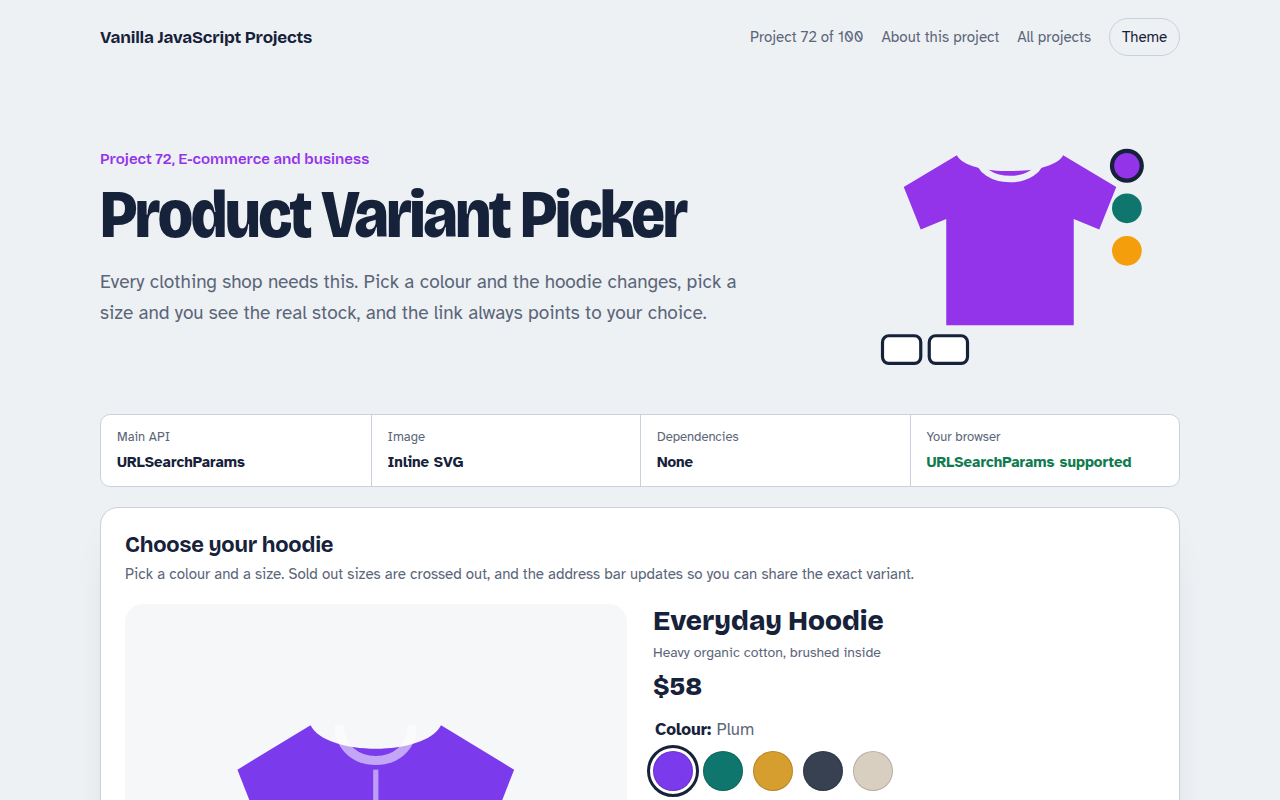
A product page where colour and size change the picture, price and stock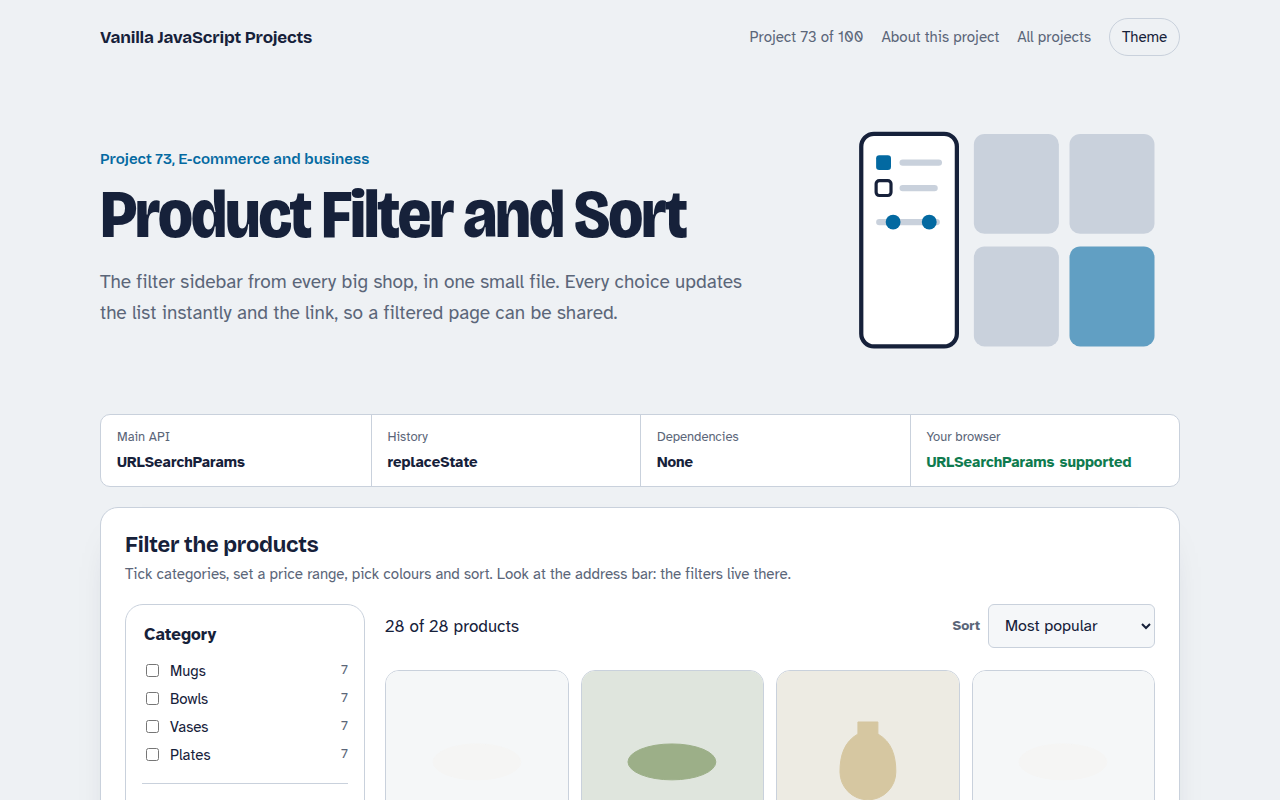
073. Product Filter and Sort
A product listing with category, price, colour and rating filters saved in the URL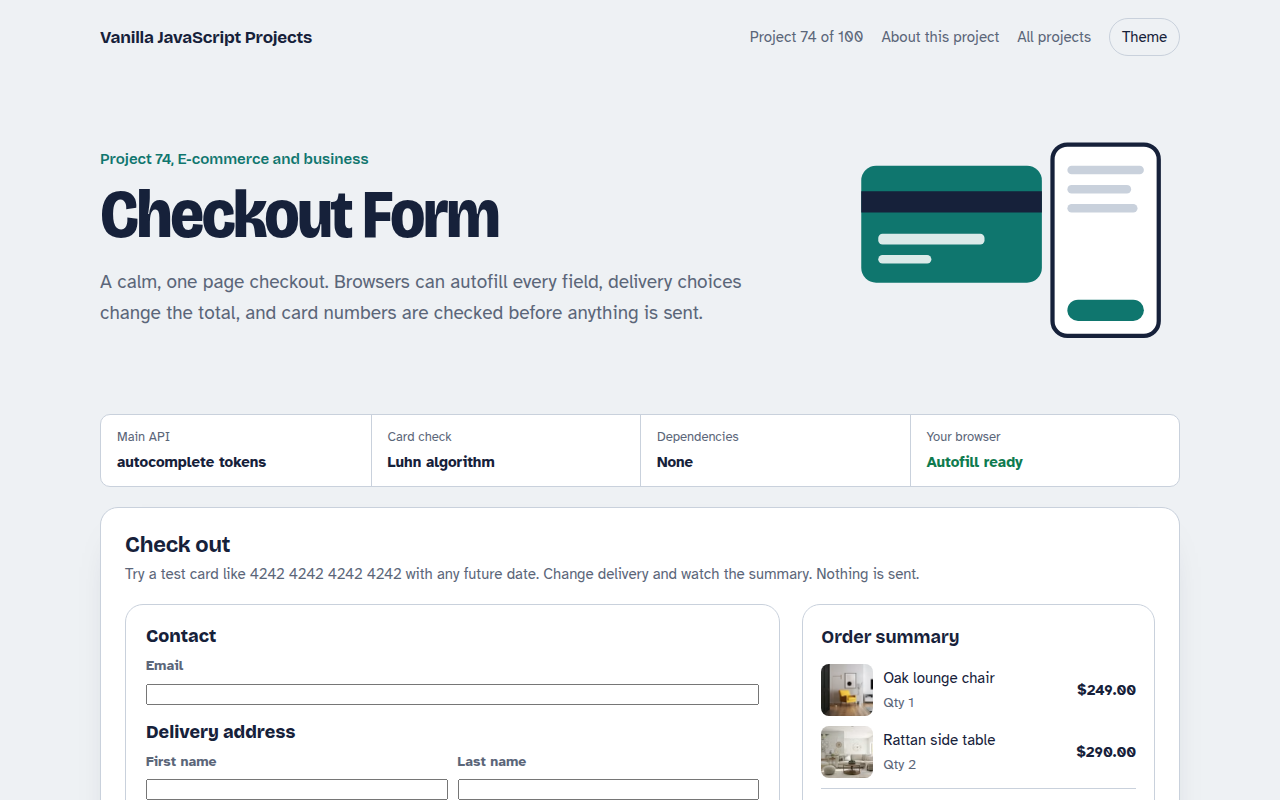
074. Checkout Form
A one page checkout with address, delivery options, card checks and an order summary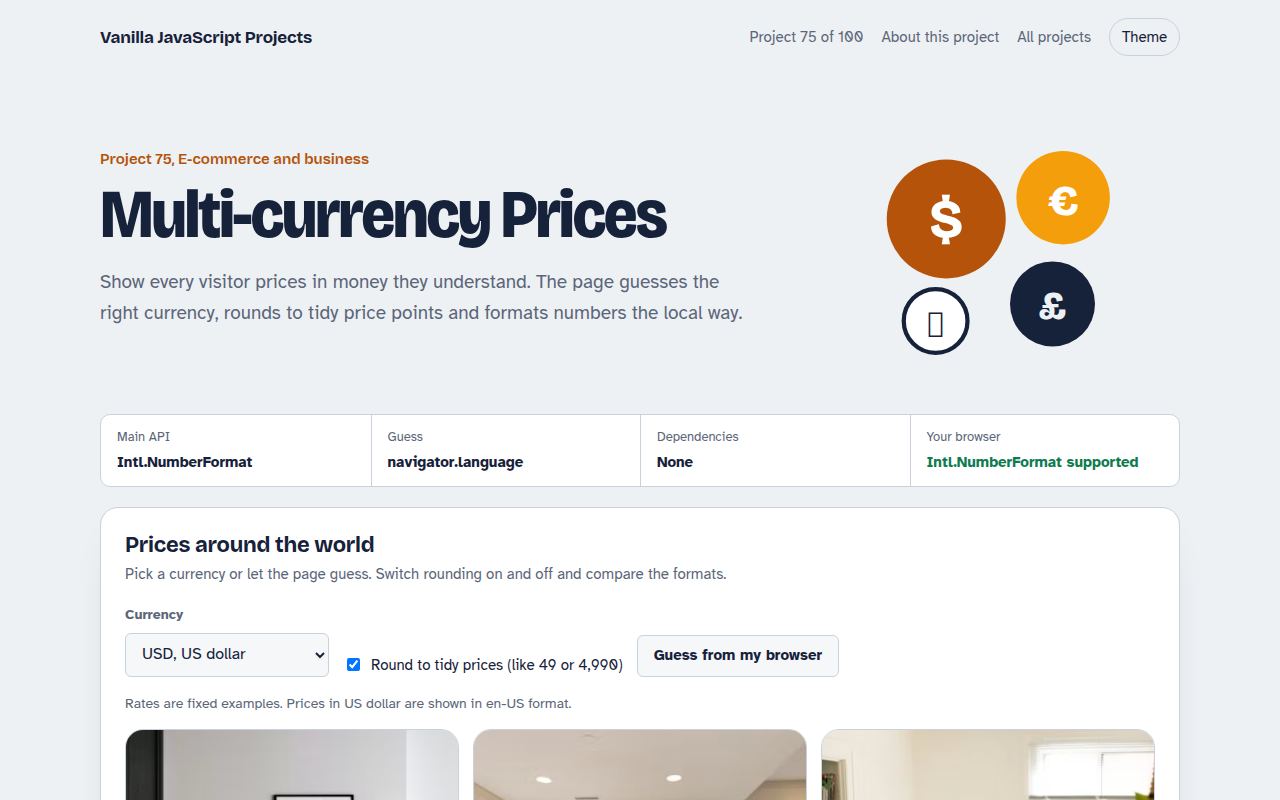
075. Multi-currency Prices
Prices that switch to the visitor's currency with local formatting and neat rounding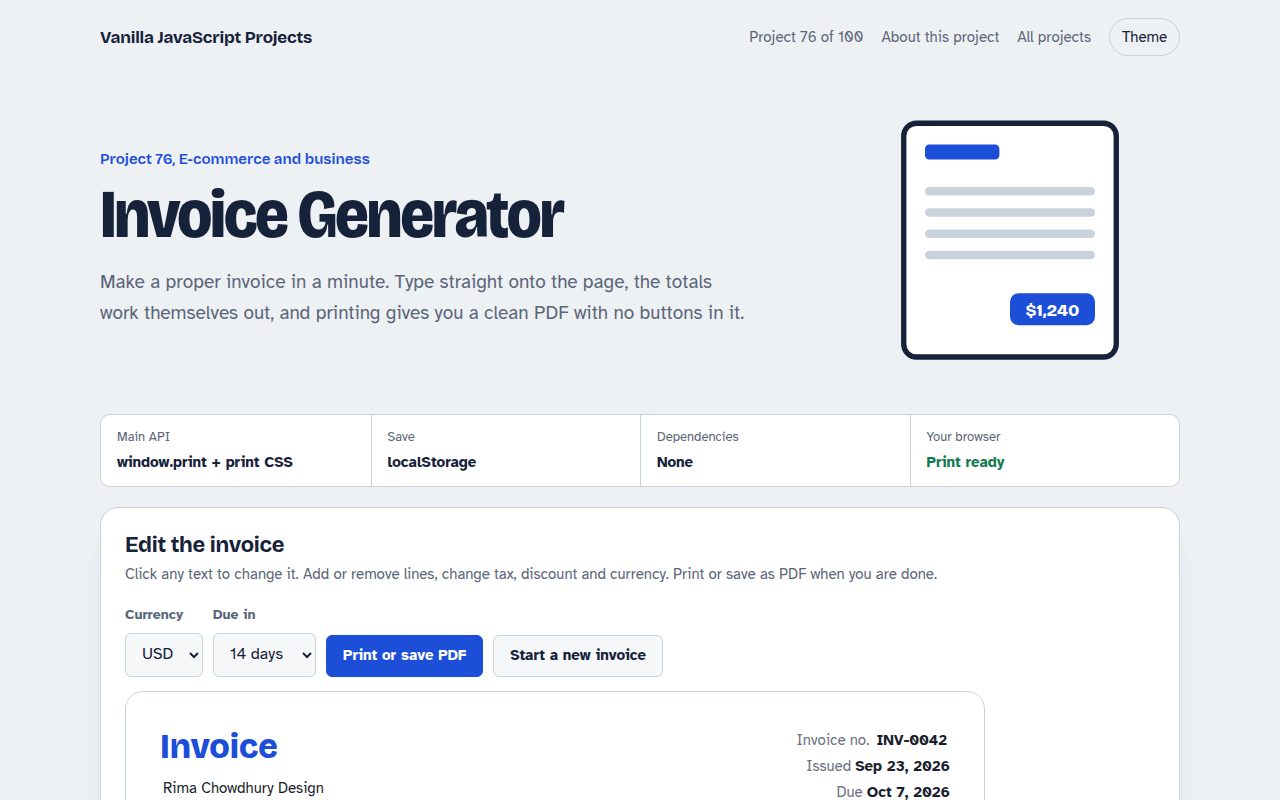
076. Invoice Generator
An editable invoice that does the maths and prints to a clean PDF