Home / E-commerce and Business / Checkout Form
Checkout Form in JavaScript, Free with Live Demo
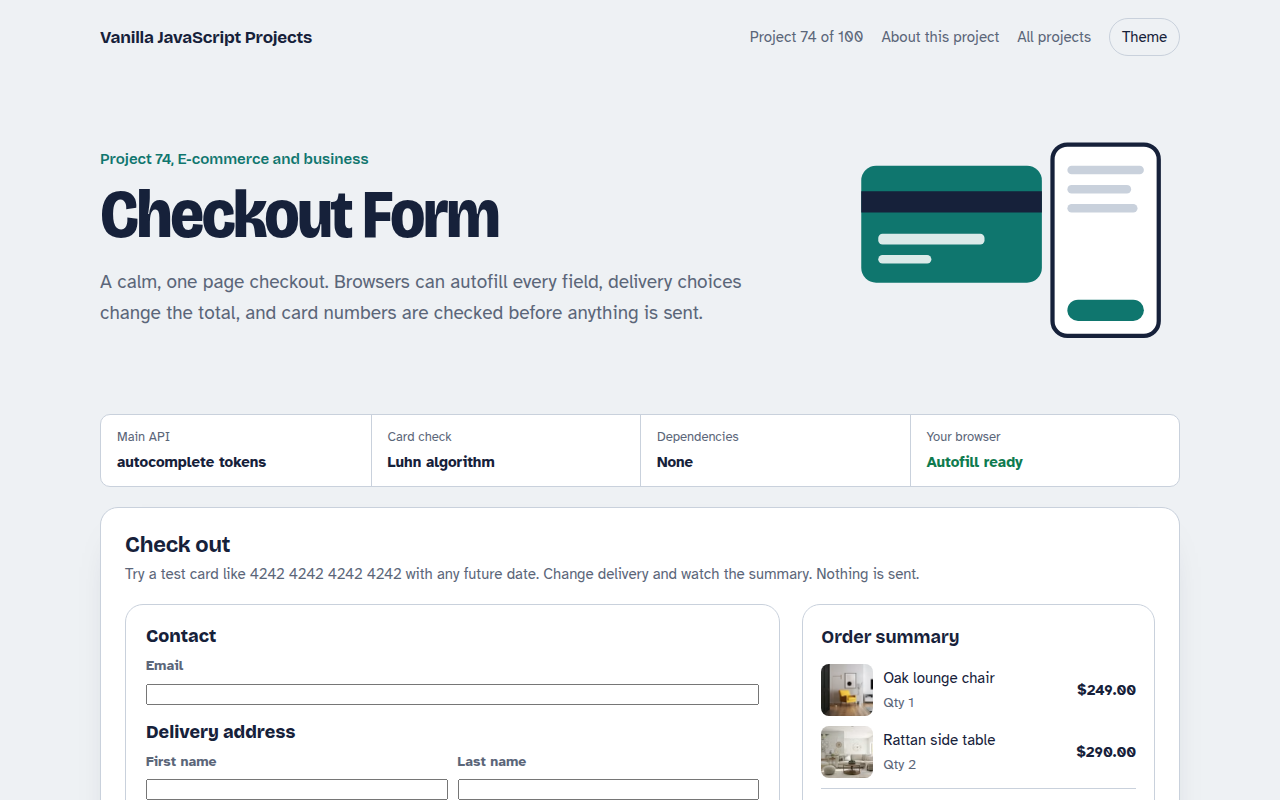
Free checkout form in plain JavaScript. Contact and address with autofill, delivery options that change the total, card number formatting with a Luhn check, expiry and CVC checks and an order summary.
Runs on: Autofill tokens and the Luhn check. Works in all modern browsers.
What is the Checkout Form?
A one page checkout with contact details, delivery address, three delivery options and a card payment section, next to an order summary with photos.
Delivery choice updates the total, the card number is formatted and checked with the Luhn algorithm, and expiry and security code are checked before the order is placed.
Good for
- Small shop checkouts
- Donation and booking payments
- Subscription sign ups
- Learning how card checks work
What this project does
- Correct autocomplete tokens for fast autofill
- Delivery options that change the total
- Card number formatting and Luhn check
- Expiry and security code checks
- Sticky order summary with VAT
How it works
- Let the browser fill it inEvery field has the right autocomplete token, like given-name, postal-code and cc-number, so one tap can fill the whole form.
- Format as they typeCard numbers get a space every four digits and expiry dates get a slash, which makes mistakes easy to spot.
- Check with LuhnThe Luhn algorithm catches most typos in card numbers before the form is sent. Expiry must be in the future.
The key JavaScript
This is the heart of the project. The full file has the rest, including the screen layout and error handling.
function luhn(num) {
  let sum = 0, alt = false;
  for (let i = num.length - 1; i >= 0; i--) {
    let d = +num[i];
    if (alt) { d *= 2; if (d > 9) d -= 9; }
    sum += d; alt = !alt;
  }
  return sum % 10 === 0;
}
luhn("4242424242424242"); // true
// <input autocomplete="cc-number" inputmode="numeric">
How to use it
- Click Download HTML file above.
- Open the file in a code editor, like VS Code.
- Run it from a local server with
npx serve .so the camera, microphone and AI features are allowed. - Change the text and colors, then upload it to GitHub Pages, Netlify or your own site. It is one file with no build step.
Questions people ask
Can I take real card payments with this form?
No. Real card details should be typed into your payment provider's secure fields, never sent to your own server.
What is the Luhn check?
A simple checksum built into card numbers. It catches most single digit typos and swapped digits.
Why do autocomplete tokens matter?
They let browsers and password managers fill the form in one step, which makes more people finish checkout.
More E-commerce and Business projects
071. Shopping Cart with Coupons
A cart drawer with quantities, coupon codes, free shipping progress and saved items
072. Product Variant Picker
A product page where colour and size change the picture, price and stock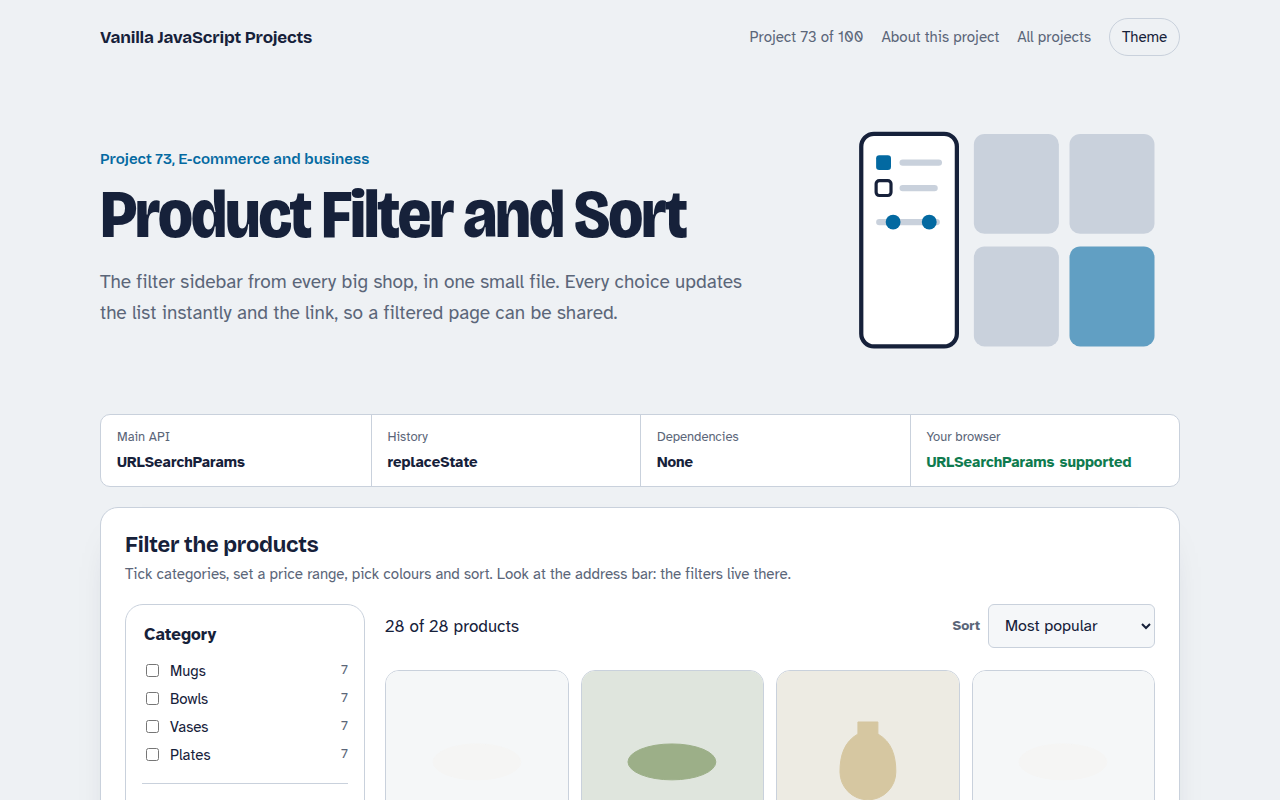
073. Product Filter and Sort
A product listing with category, price, colour and rating filters saved in the URL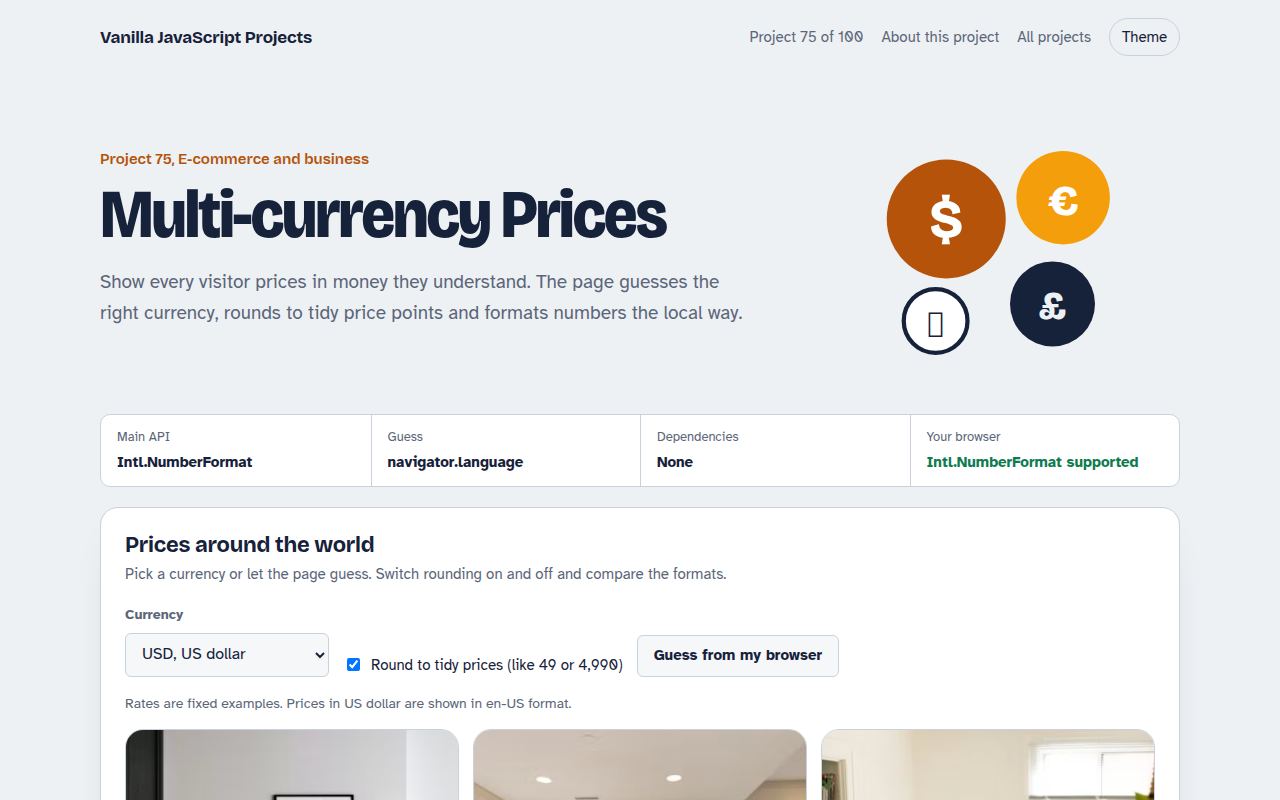
075. Multi-currency Prices
Prices that switch to the visitor's currency with local formatting and neat rounding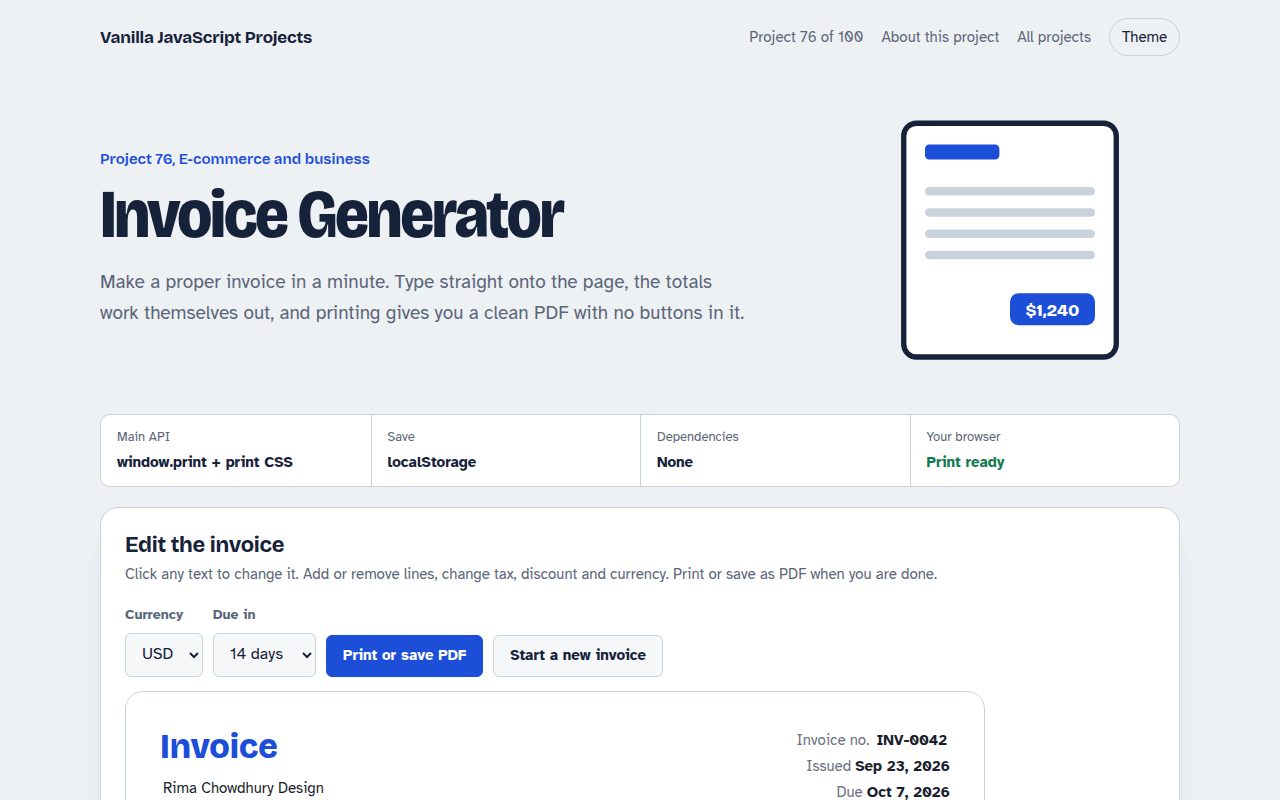
076. Invoice Generator
An editable invoice that does the maths and prints to a clean PDF