Home / E-commerce and Business / Product Filter and Sort
Product Filter and Sort in JavaScript, Free with Live Demo
Free product filter and sort in plain JavaScript. Filter by category, price, colour, rating and stock, sort by price or rating, see active filter chips and share the URL.
Runs on: URLSearchParams and the History API. Works in all modern browsers.
What is the Product Filter and Sort?
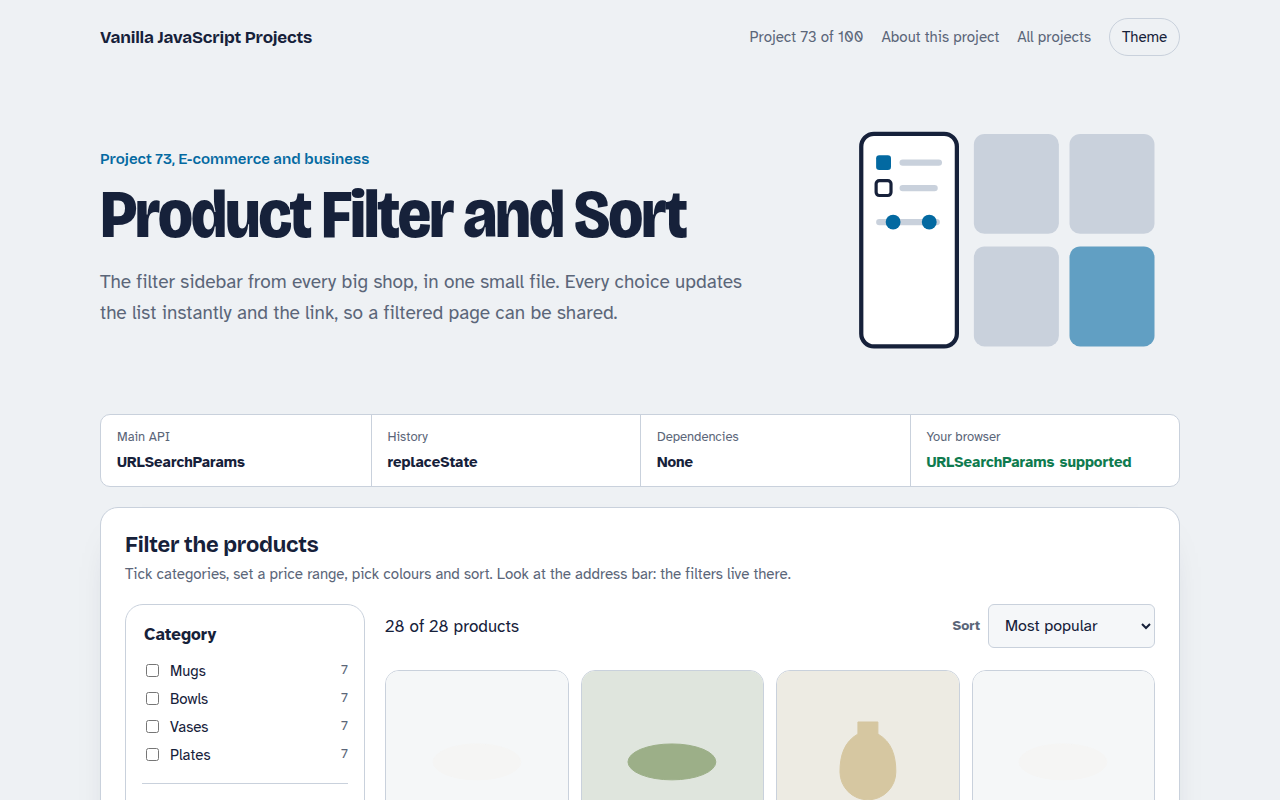
A ceramics shop listing with a filter sidebar: categories with counts, a price range, colour swatches, minimum rating and in stock only, plus five ways to sort.
Active filters appear as chips you can remove one by one. Everything is written to the URL, so a filtered view can be bookmarked or shared.
Good for
- Online shop category pages
- Property and car listings
- Job boards and directories
- Course and event catalogues
What this project does
- Category, price, colour, rating and stock filters
- Five sort orders
- Result count and removable filter chips
- Filters saved in the URL and restored on load
- Works with back and forward buttons
How it works
- Filter, then sortEach product must pass every active filter. The survivors are sorted with one of five compare functions.
- The URL is the stateEvery change writes the filters to the address bar with URLSearchParams. Opening that link restores the same view.
- Chips for active filtersEach active filter becomes a small button above the results, and clicking it removes just that filter.
The key JavaScript
This is the heart of the project. The full file has the rest, including the screen layout and error handling.
function run() {
  const s = readFilters();
  const list = products
    .filter((p) => (!s.cats.length || s.cats.includes(p.cat)) && p.price <= s.max && p.rating >= s.rating)
    .sort(sorters[s.sort]);
  const q = new URLSearchParams();
  s.cats.forEach((c) => q.append("cat", c));
  if (s.max !== Infinity) q.set("max", s.max);
  history.replaceState(null, "", "?" + q);
  render(list);
}
How to use it
- Click Download HTML file above.
- Open the file in a code editor, like VS Code.
- Run it from a local server with
npx serve .so the camera, microphone and AI features are allowed. - Change the text and colors, then upload it to GitHub Pages, Netlify or your own site. It is one file with no build step.
Questions people ask
Should filtering happen in the browser or on the server?
In the browser is great for up to a few thousand products. For bigger catalogues, send the same URL parameters to your server.
Why store filters in the URL?
Shared links and the back button then show the same results, and search engines can index popular filter pages.
How do the category counts work?
They count products per category from the list. You can update them to reflect the other active filters.
More E-commerce and Business projects
071. Shopping Cart with Coupons
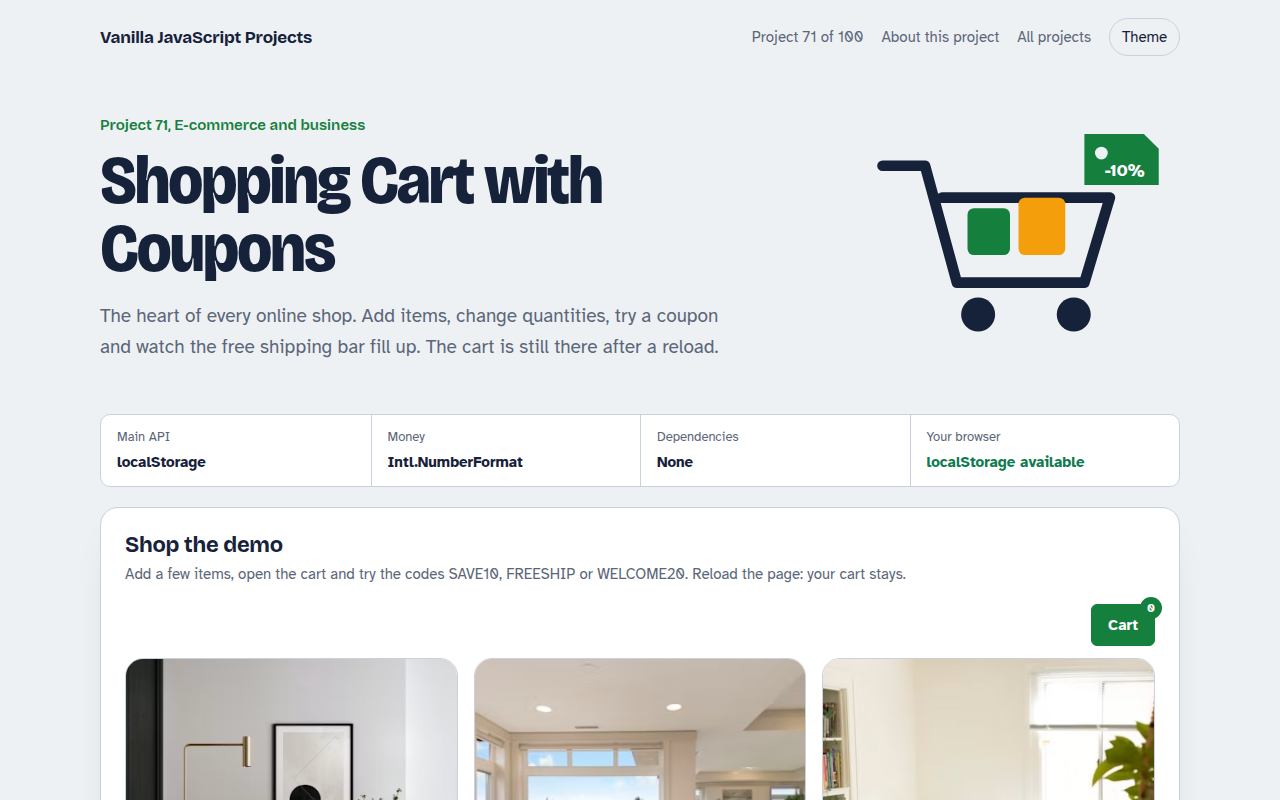
A cart drawer with quantities, coupon codes, free shipping progress and saved items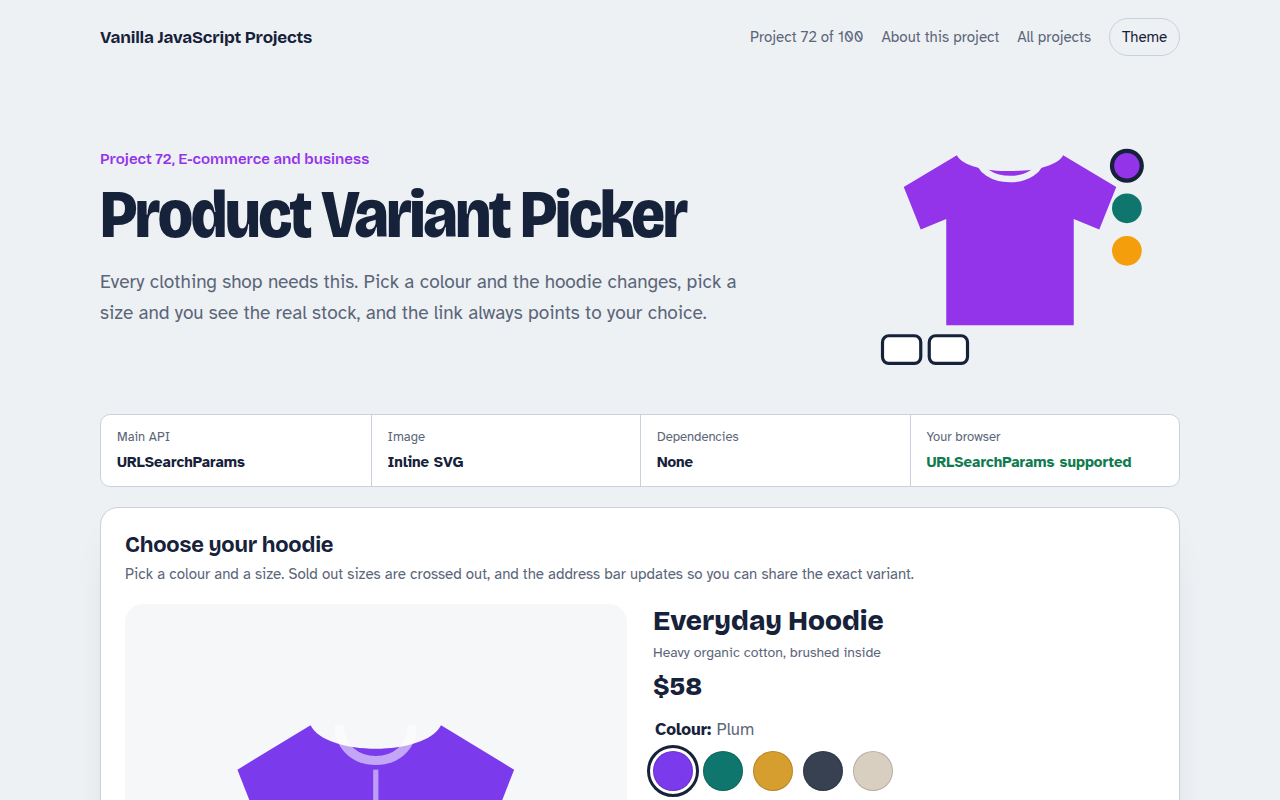
072. Product Variant Picker
A product page where colour and size change the picture, price and stock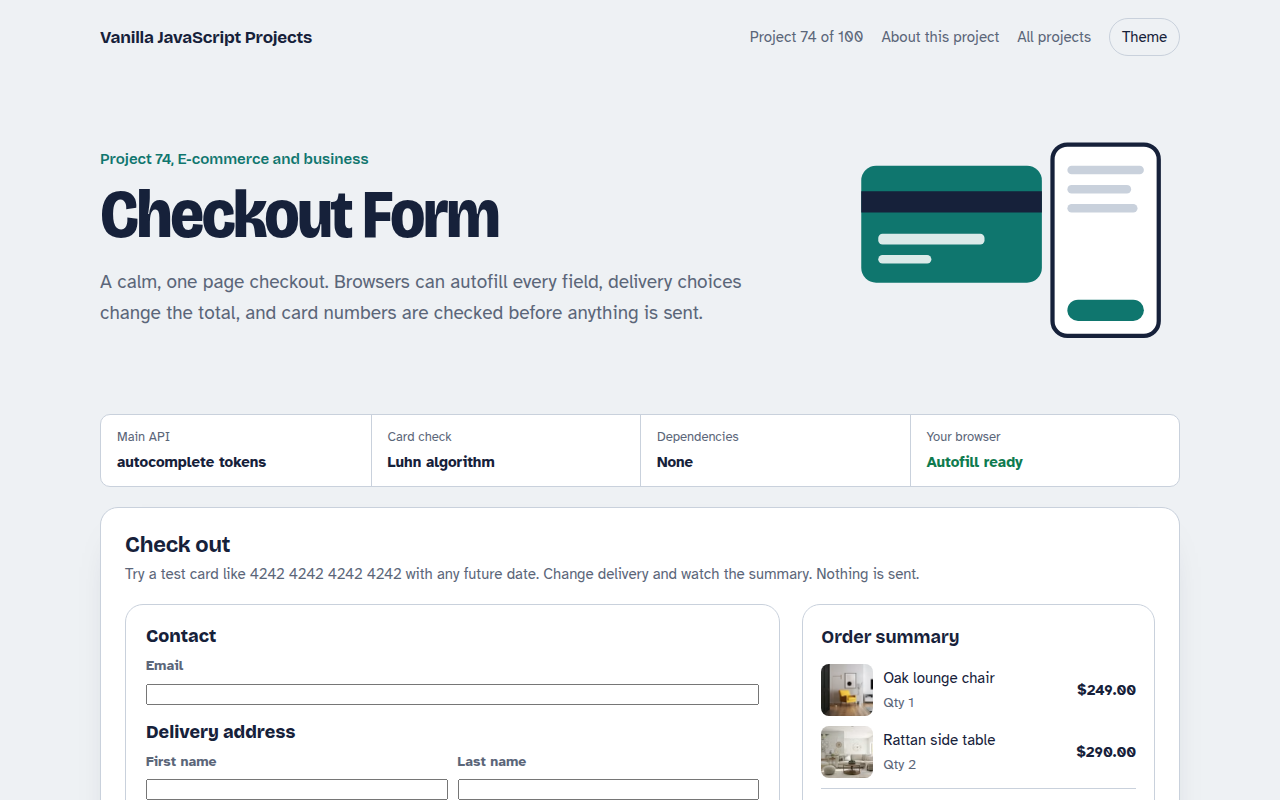
074. Checkout Form
A one page checkout with address, delivery options, card checks and an order summary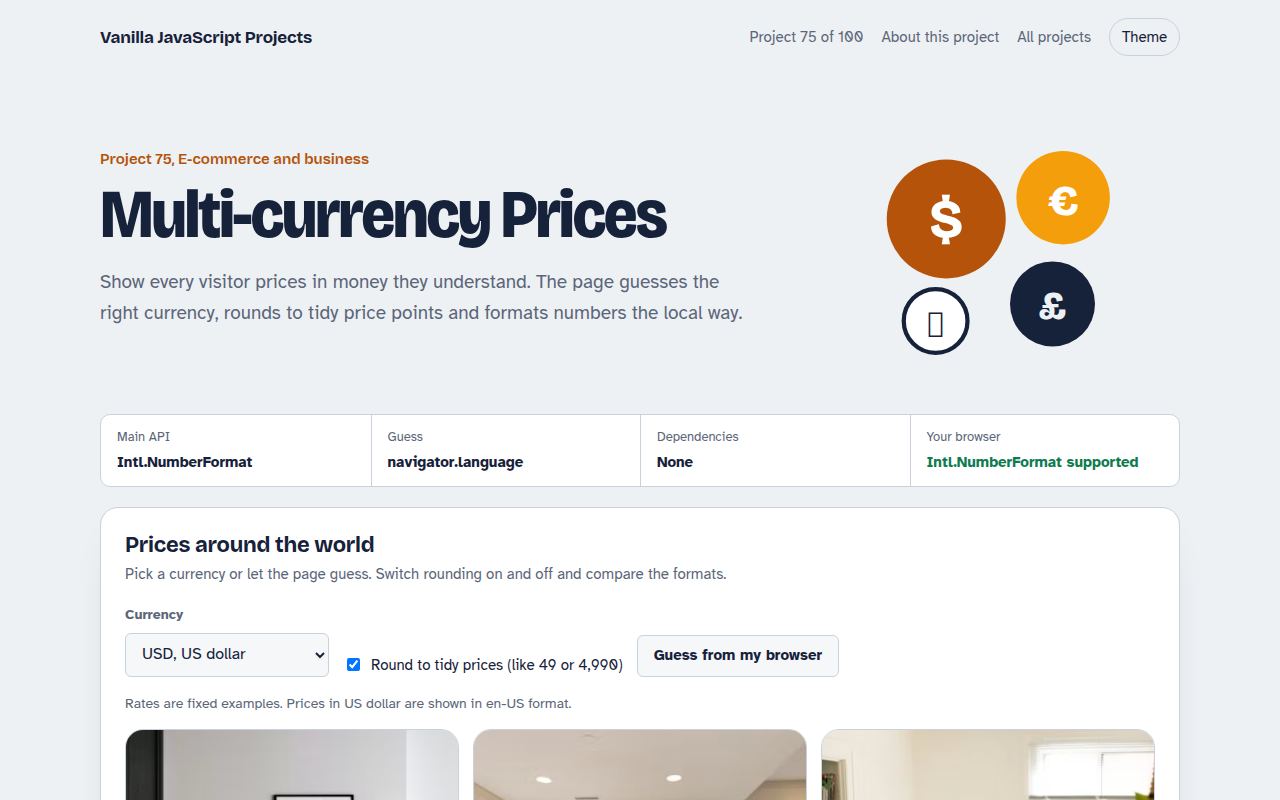
075. Multi-currency Prices
Prices that switch to the visitor's currency with local formatting and neat rounding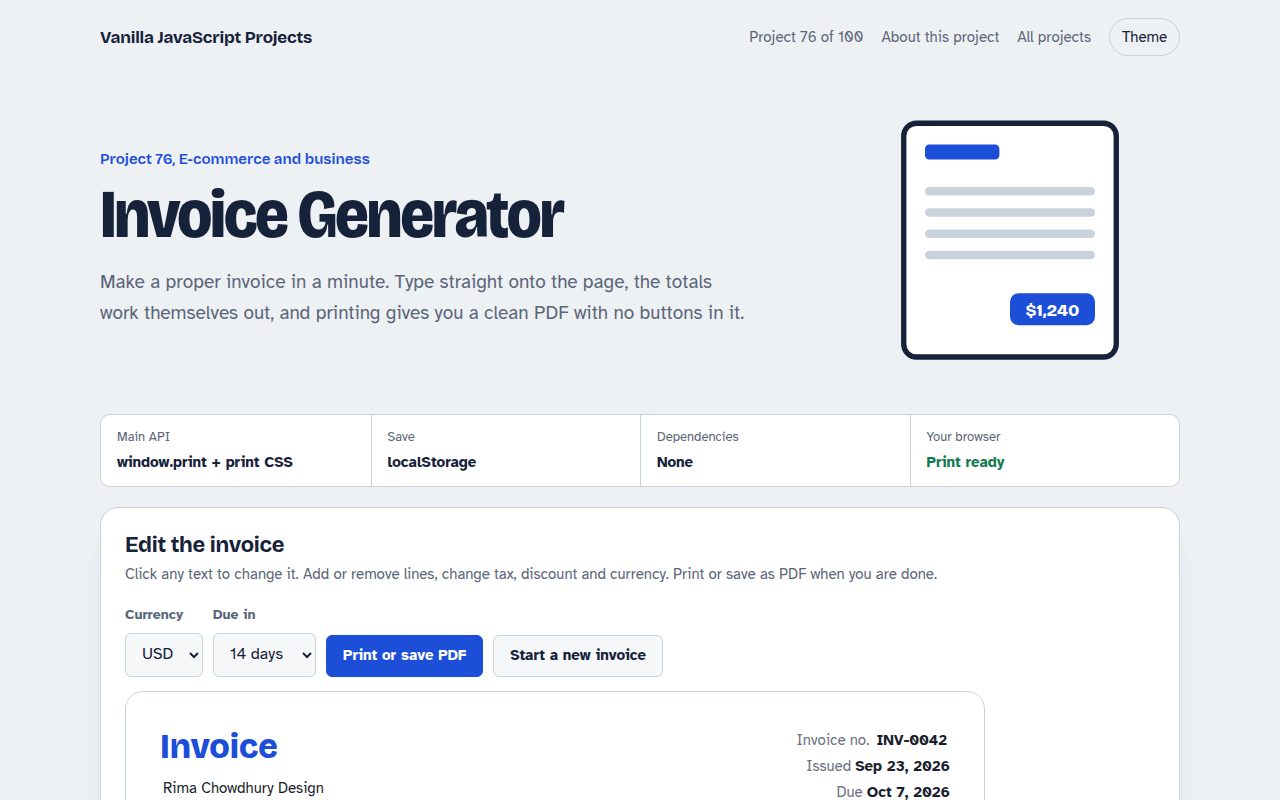
076. Invoice Generator
An editable invoice that does the maths and prints to a clean PDF